

The best email newsletter plugins for WordPress

Newsletters are a great way to keep customers and followers informed, even in times of Facebook, Twitter, and other social media. As an important part of a comprehensive online marketing campaign, newsletter or email marketing primarily serves to engage existing customers and boost loyalty. Find out more about the best WordPress newsletter plugins in this article.
- Create professional newsletters, no experience needed
- Drive clicks and conversions with smart templates
- Optimize every campaign with real-time analytics
How to find a suitable WP newsletter plugin
WordPress is a very popular content management system, mainly because of the huge number of available plugins. The official plugin directory offers almost 1,000 different WordPress newsletter extensions. So how do you decide which one is the right one for you? Here are some criteria to look out for:
- GDPR compliance: Unless you are certain that your audience is solely US-based, you must ensure that newsletters comply with the GDPR. Some plugins integrate support for GDPR compliance, for example, by including a double-opt-in procedure. GDPR compliancy is a good idea in an increasingly connected world.
- Language: Depending on the primary language you use on your website, you may want to select a WordPress newsletter plugin that includes a language extension.
- Scope: Some plugins only integrate the newsletter sign-up form which means you’ll need to combine them with additional plugins. Other extensions offer more complete solutions.
- Presentation: Plan in advance how you wish to integrate the newsletter registration form. If your newsletter is optional, for example, an eye-catching pop-up window may not be as effective.
- Compatibility: Whichever plugin you choose, ensure that it is compatible with the WordPress version you are using and, if applicable, with the newsletter service of your choice.
- Costs: Plugins vary widely when it comes to pricing. Many extensions are designed in such a way that you can access basic functions free of charge but need to pay for extended features of the respective WordPress newsletter plugin.
Overview of the best WordPress newsletter plugins
Below is an overview of some of the top WordPress newsletter plugins. Here, you’ll find standalone extensions and those that connect to an external newsletter service.
To find out why good content is paramount when creating a newsletter check out our Digital Guide or catch up on the latest trends in email marketing.
| Developer | GDPR-compliant | Standalone plugin | WordPress version | |
| MC4WP | ibericode | Yes | No | 4.6+ |
| MailPoet | MailPoet | Yes | Yes | 5.3+ |
| CleverReach WP | CleverReach | Yes | No | 4.9+ |
| The Newsletter Plugin | Stefano Lissa | Yes | Yes | 3.4+ |
| Mailster | EverPress | Yes | Yes | 4.7+ |
Mailchimp for WordPress (MC4WP)
Mailchimp for WordPress links WordPress with the Mailchimp email marketing system. This is a great option for beginners, as it allows up to 10,000 newsletter emails per month to be sent to 2,000 subscribers free of charge. Those who need a larger volume can purchase it on a monthly subscription basis. The same applies to the WordPress newsletter plugin which is basically free – but for an annual subscription fee you get access to premium features like additional forms or email notifications.
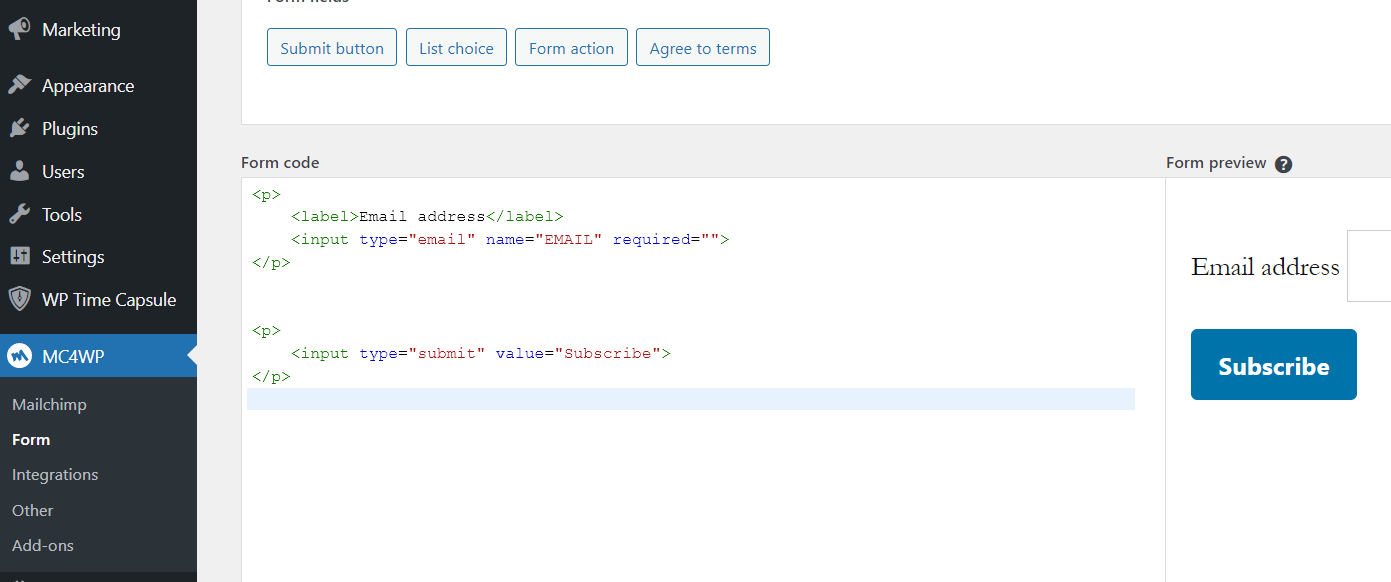
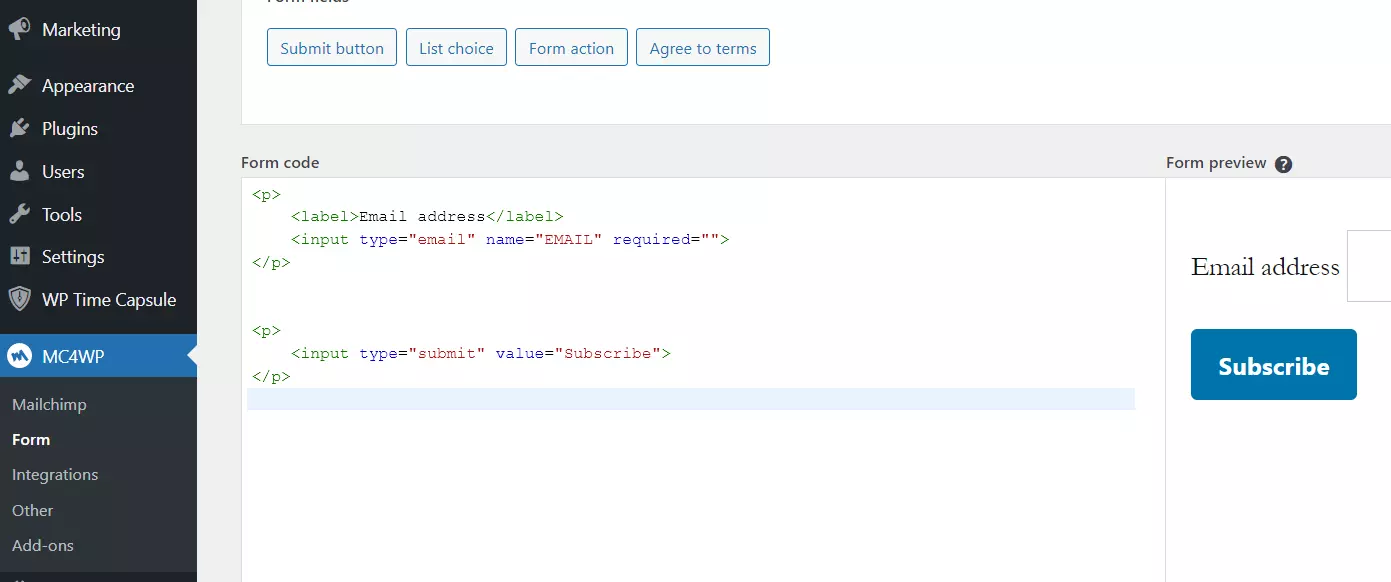
Before you can use the WP newsletter plugin, you need to link your WordPress using your Mailchimp API key. Once entered, the plugin confirms the integration. After that, you can create as many registration forms as you wish, adjust settings and positions. MC4WP displays the HTML code for these directly in the backend.
The newsletter subscription forms are:
- User-friendly
- Optimized for mobile devices
- GDPR-compliant (double opt-in can be (de)activated)
- Suitable for setting up automatic forwarding
- Suitable for embedding in posts or pages via WordPress shortcode
| Advantages | Disadvantages |
| ✓ Decent editor in the free edition, excellent editor in the paid edition | ✗ Customization options are limited |
| ✓ 10,000 newsletters to up to 2,000 users per month free of charge | |
| ✓ All forms are automatically responsive |
Whichever WordPress newsletter plugin you go for, it’s best to always link your email marketing campaign to your personalized email domain. This shows subscribers that you’re professional and are serious about your web presence. Don’t have one? Get your personalized email address from IONOS!
MailPoet
MailPoet is an all-in-one solution for designing and integrating your WordPress newsletters and notification emails. Similar to Mailchimp, the extension can be used for free, up to a certain quota. As long as you target fewer than 1,000 subscribers with your newsletter, you don't need a paid premium plan (monthly or annual payment). Apart from a higher newsletter volume, paying customers get additional features such as premium support, detailed analyses, and the option to send emails via their provider of choice or the MailPoet service.
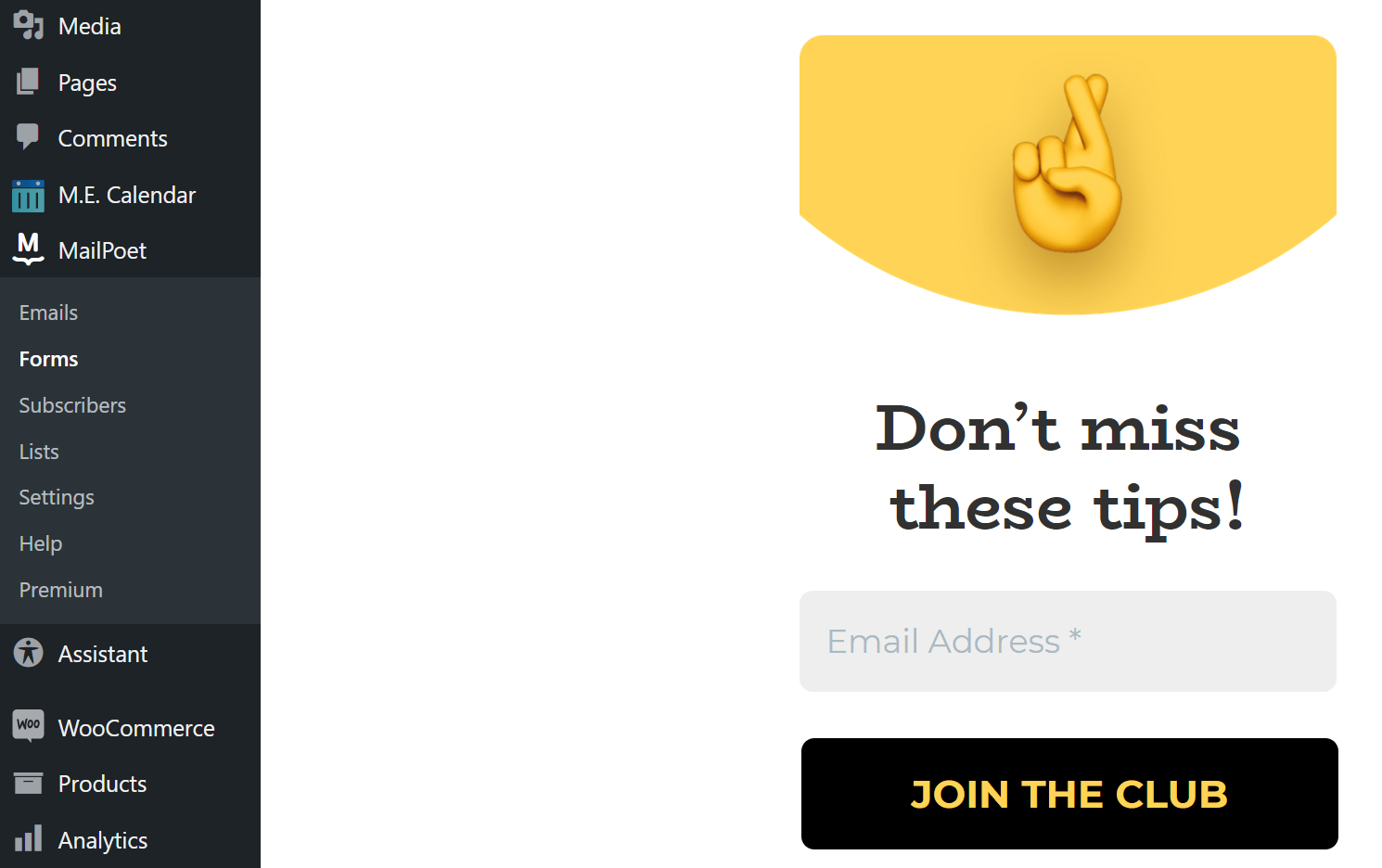
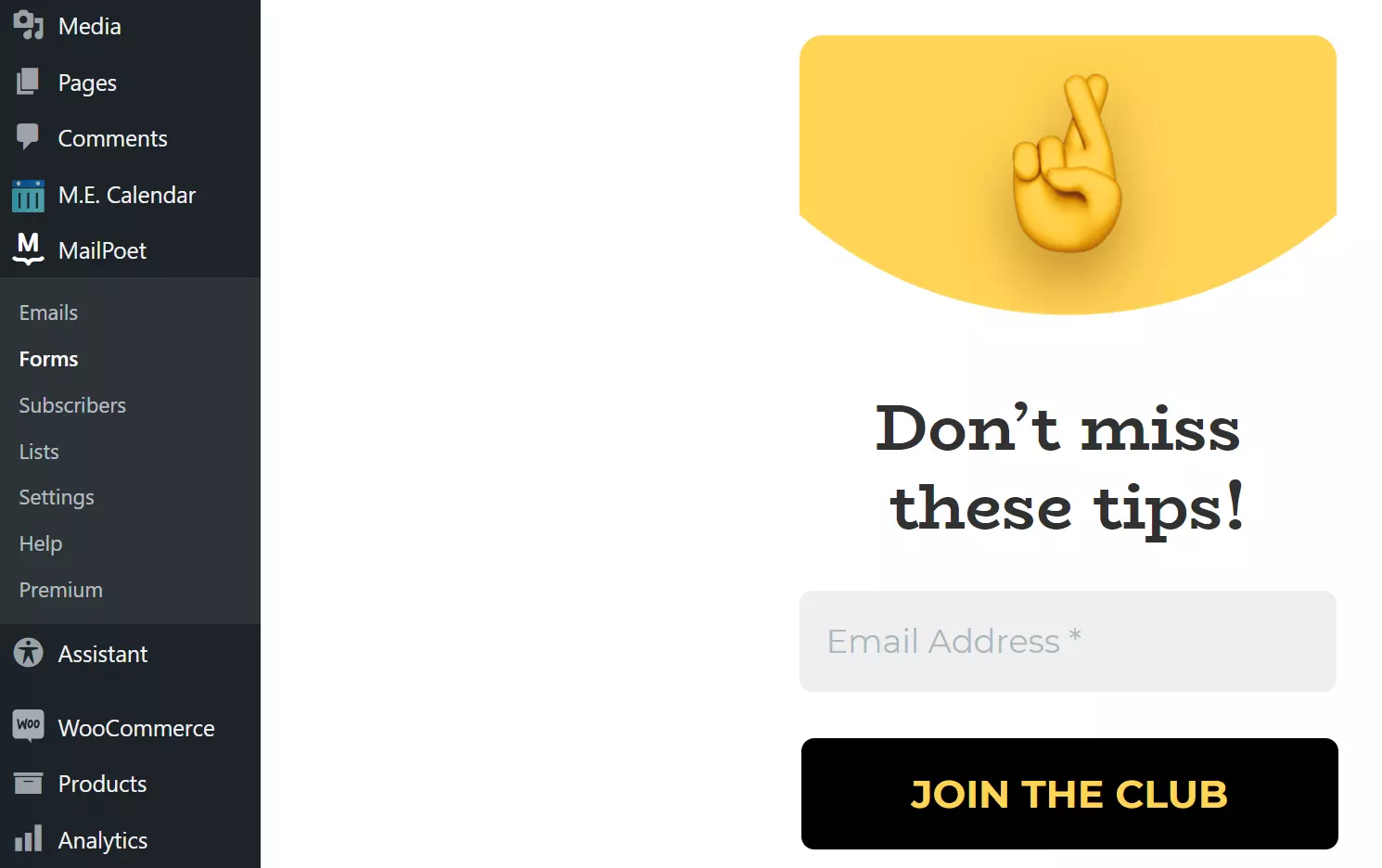
To design your newsletter, MailPoet provides a user-friendly editor in the backend and a handful of templates. Drag and drop fields, headers, images, etc. to the desired location. Alternatively, you can redesign your newsletter registration form from scratch.
The forms you can create with the WP newsletter plugin have the following features:
- Optionally presented as pop-up, slide-in, fixed bar or box at end/edge of page
- GDPR-compliant (double opt-in can be (de)activated)
- Individual color design of background, font, and frame
- Programming in CSS possible
- Integration in posts or pages via shortcode possible
| Advantages | Disadvantages |
| ✓ Excellent drag-and-drop editor | ✗ Supports only basic email marketing automation |
| ✓ Fully integrated into WordPress backend | |
| ✓ Free of charge for up to 1,000 subscribers |
CleverReach WP
The CleverReach WP WordPress newsletter plugin connects your WordPress page to the CleverReach newsletter tool developed in Germany. Once you’ve installed the extension, simply log in with your CleverReach information in the backend. Alternatively, you can create an account if you have not used the tool before. Afterwards, you can immediately use the limited Lite version of the software and send newsletters (up to 1,000) to up to 250 recipients with WordPress for free. Paid monthly tariffs are available to send higher volumes.
 To display this video, third-party cookies are required. You can access and change your cookie settings here.
You create newsletters, emails, and recipient lists from the browser using the separate CleverReach web application. Use the THEA automation tool to plan and automate your newsletter distribution.
Other features of CleverReach WP are:
- Tagging system for recipients
- Multi-level bounce management to improve the delivery rate
- Simple data export and import of recipient lists
- GDPR compatibility
- SSL/TLS encryption for all forms
| Advantages | Disadvantages |
| ✓ Provider from Germany that places the highest value on data security and data protection | ✗ Free basic version is not ad-free and only allows WordPress newsletters with captcha |
| ✓ Separate SSL/TLS certificate not required | |
| ✓ Own automation tool THEA |
Still searching for the perfect domain for your WordPress project? Check whether your desired address is available and register your domain with IONOS today!
Newsletter (The Newsletter Plugin)
Newsletter (aka: The Newsletter Plugin) gives you all the features you need to create and manage your own WordPress newsletter from the backend. The basic version of the WordPress newsletter plugin is free and allows unlimited readership including unlimited emailing. Paid versions are available for bloggers and agencies and feature prioritized support and access to insights like detailed statistics about recipients' reactions.
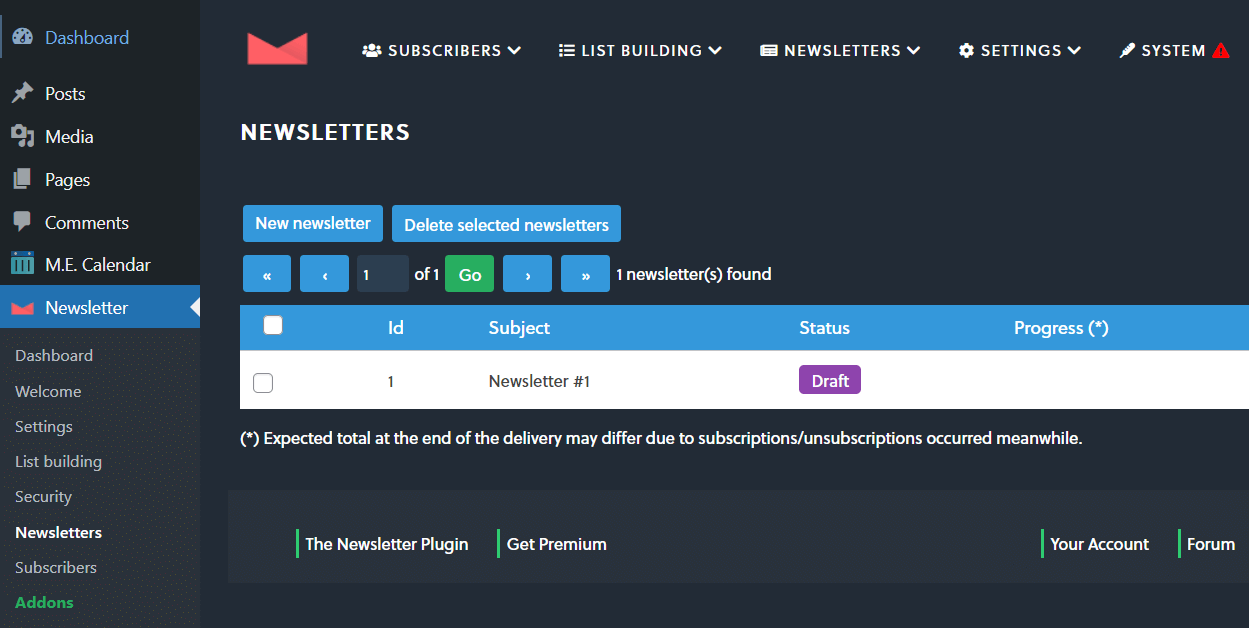
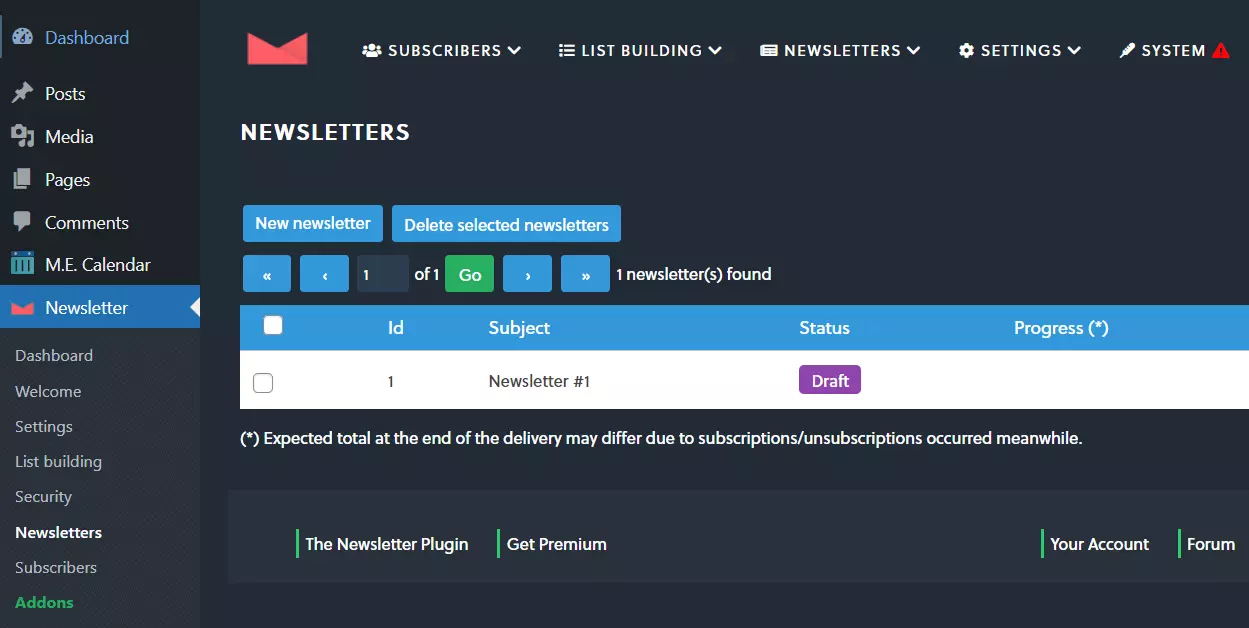
The user-friendly editor of the WP Newsletter plugin not only provides various ready-to-use templates (appointment announcements, blog summaries, product presentations, etc.), but also offers numerous ready-made modules you can use to freely design your digital newsletters. You can easily drag and drop the individual elements to the desired position.
Other features include:
- GDPR compliance (double-opt-in including checkbox to confirm data privacy)
- Automatic spam check for all newsletter registrations
- Detailed planning options for subscriber groups
- Compatible with all common SMTP plugins
- Subscriber import from a file possible
| Advantages | Disadvantages |
| ✓ Free basic edition without restrictions in terms of send volume and number of users | ✗ Complicated user interface |
| ✓ Feature-rich newsletter editor | |
| ✓ Fully integrated into the WordPress backend |
Mailster
Mailster is a paid WordPress newsletter extension that works without requiring an additional tool. Campaigns are created using ready-made and fully modifiable templates. Created campaigns are optimized for mobile devices and can be scheduled for automatic sending to recipients. For example, you can determine the exact time or link the dispatch to the appearance of a new blog entry.
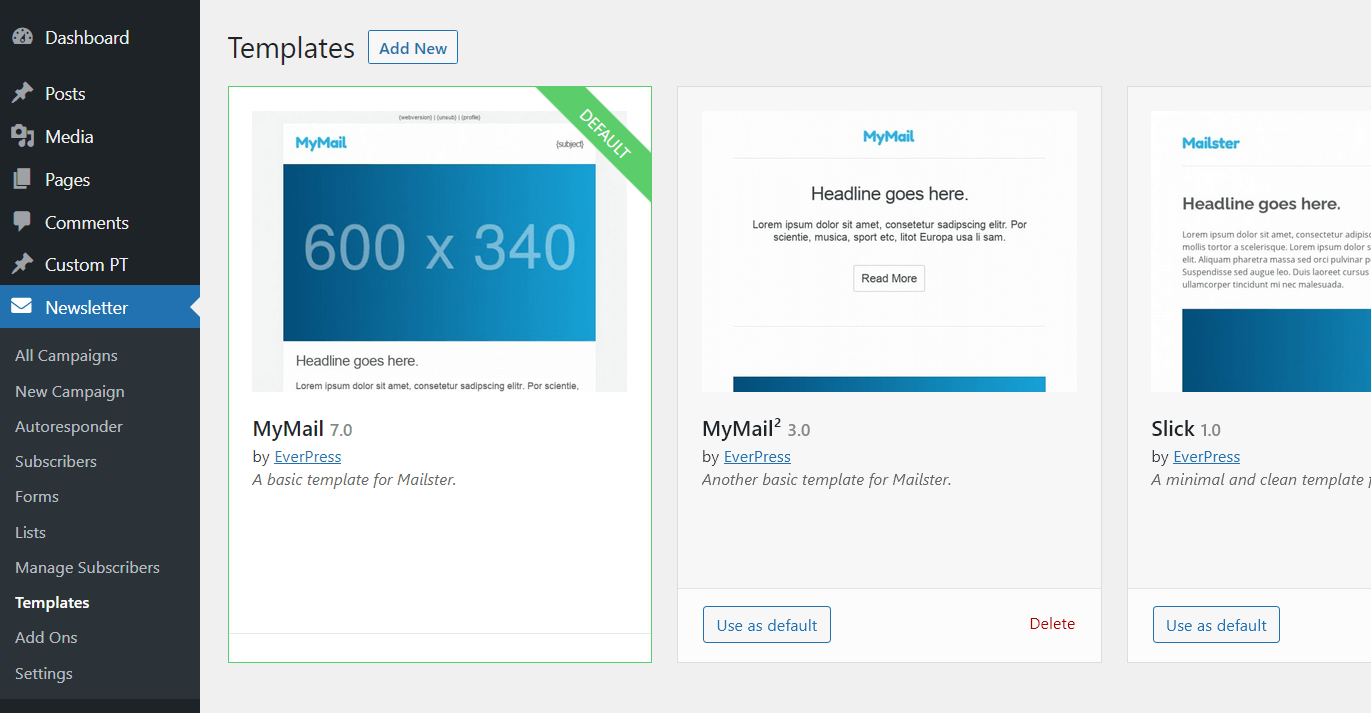
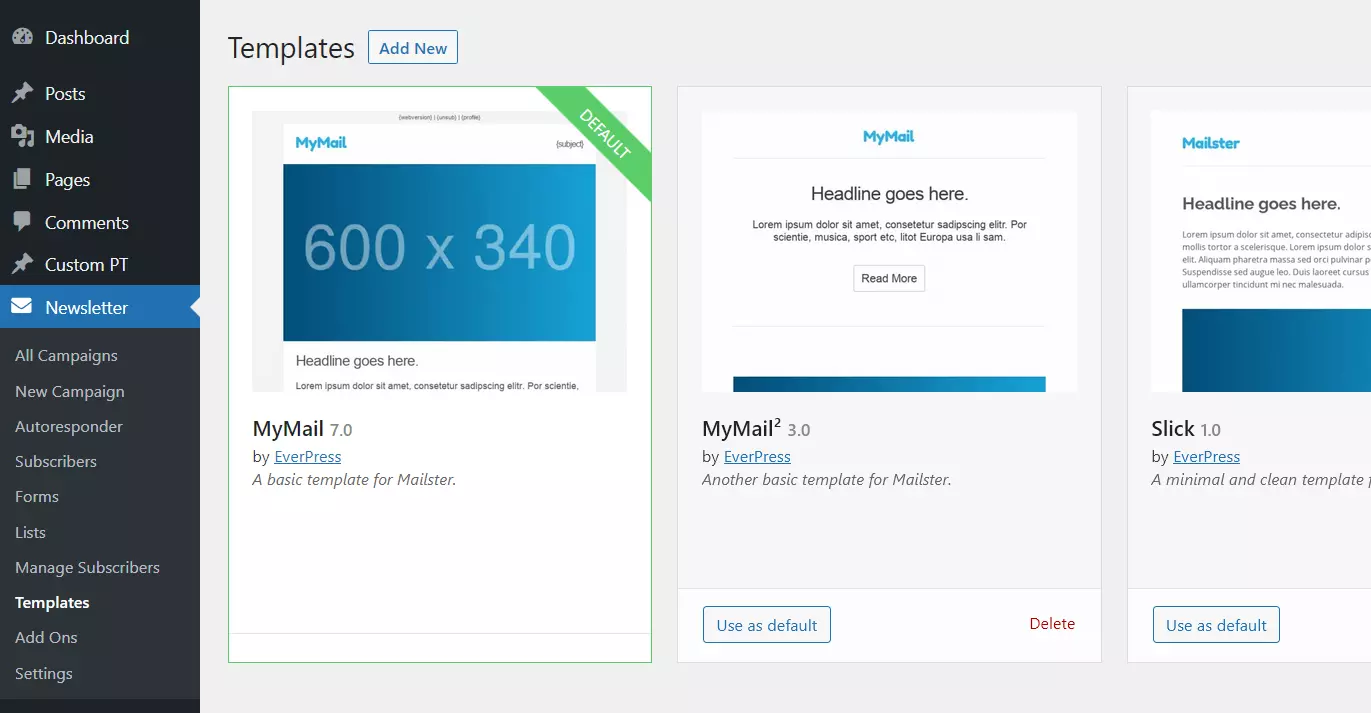
Mailster takes over your existing WordPress user entries; alternatively, you can import a CSV list of recipients. Once integrated or created, you can subdivide the subscribers into lists and define individual settings for the newsletters to be sent (for example, whether or not checkboxes should be used for a particular user).
Other highlights of the WordPress newsletter plugin at a glance:
- Automation of mailing process
- Real-time analysis of campaigns and subscribers
- SMTP support
- Bounce management
- For each campaign a web version is automatically created
| Advantages | Disadvantages |
| ✓ Simple segmentation of subscribers in lists | ✗ No free edition available |
| ✓ No restrictions on sending newsletters | ✗ Not many templates to choose from |
| ✓ Great automation features |
If you’re already familiar with WordPress, you know that newsletter plugins are just one category of available extensions. The content management system is well-known for its high-level extensibility. Find out what else you can do by taking a look at our plugin articles:
WordPress newsletter: why GDPR compliance and double opt-in are important
The web is accessible from anywhere in the world. This means that your subscribers and page viewers may be based in the European Union. As of May 2018, the General Data Protection Regulation (GDPR) applies across all EU member states. This means that the following now applies when sending newsletters: The recipient has to consent to the processing of their personal data and the processing needs to be legally compliant. In addition, you must be able to provide information at any time about how a subscriber’s personal data such as an email address is stored and used.
However, the GDPR doesn’t stipulate that consent must take the form of a double opt-in procedure. If you don’t issue a confirmation email to consent to a newsletter subscription, you’re technically not in violation of the GDPR. However, since the regulations stipulate that you must be able prove at any time that a user has agreed to receive your newsletter, you can use double opt-in as a proof of this requirement.
Looking for a suitable provider for your WordPress or WooCommerce project? With Hosting for WordPress or WooCommerce Hosting IONOS offers customized hosting packages for your website or store – including an SSL/TLS certificate, domain, and professional support!
- Stress-free, no matter your skill level with easy AI tools
- Fully customizable with themes and plugins
- Hassle-free updating and less admin
Reviewer

Julia Hertler
With over 18 years of experience in content marketing, Julia Hertler has deep expertise in digital communications. For the past 10 years, she has specialized in the areas of domains and hosting at the IONOS Digital Guide, making complex technical topics easy to understand.