

How to use WhatsApp without saving a contact number

You can send a message on WhatsApp without saving the contact. To do this, simply enter a special link in your web browser. Alternatively, you can use an additional app or the text selection menu on Android to use WhatsApp without adding a contact.
How to send messages on WhatsApp without saving number quick guide
- Enter the following link in your web browser and enter the corresponding number:
https://wa.me/recipientphonenumber - Start the recipient’s number with the country code and omit the zero, spaces, and special characters (
wa.me/4912312345678). - You will now be able to use WhatsApp without saving the number.
When does it make sense to use WhatsApp without saving a number?
Traditionally, you need to save a recipient’s contact details to send messages, pictures, or videos. However, in some circumstances it makes sense to write a WhatsApp message without first saving the contact to your address book. This is useful for exchanges that are likely to be of limited duration. In case of a single interaction, e.g., a business conversation, contacting a customer service or a short exchange regarding a business deal, for example, it’s not necessary to save contact details. There are several options to use WhatsApp without a saved contact.
The HiDrive Cloud Storage from IONOS lets you back up all your WhatsApp messages, pictures, and videos and manage them online. With different plan options, you’ll be sure to find the one to suit your needs.
How to send WhatsApp messages without saving a number using a link
The easiest and most practical option is provided by WhatsApp itself. You can use WhatsApp without saving a contact by sending the message via your web browser. This works not only when using WhatsApp for PC or Mac, but also with your smartphone. However, instead of using the app like you normally would, you’ll use a link instead. Here’s a step-by-step guide on how it works:
Step 1: Open the browser on your smartphone.
Step 2: Now enter the corresponding link. It is structured as follows: https://wa.me/recipientphonenumber. Enter the recipient’s number without the zero, spaces, or special characters, but with the two-digit country code. For example, if it’s a German number like +4912312345678, the link would be: https://wa.me/4912312345678.
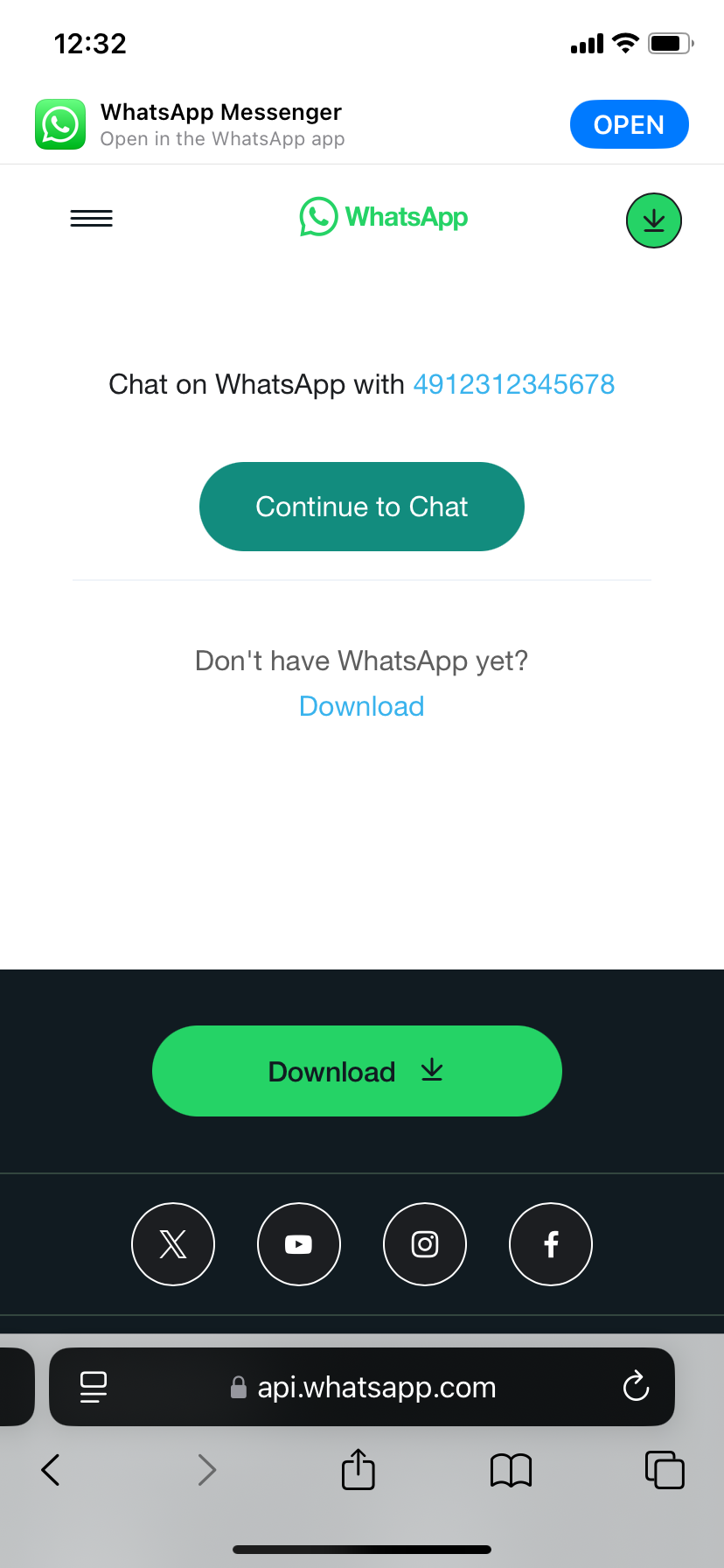
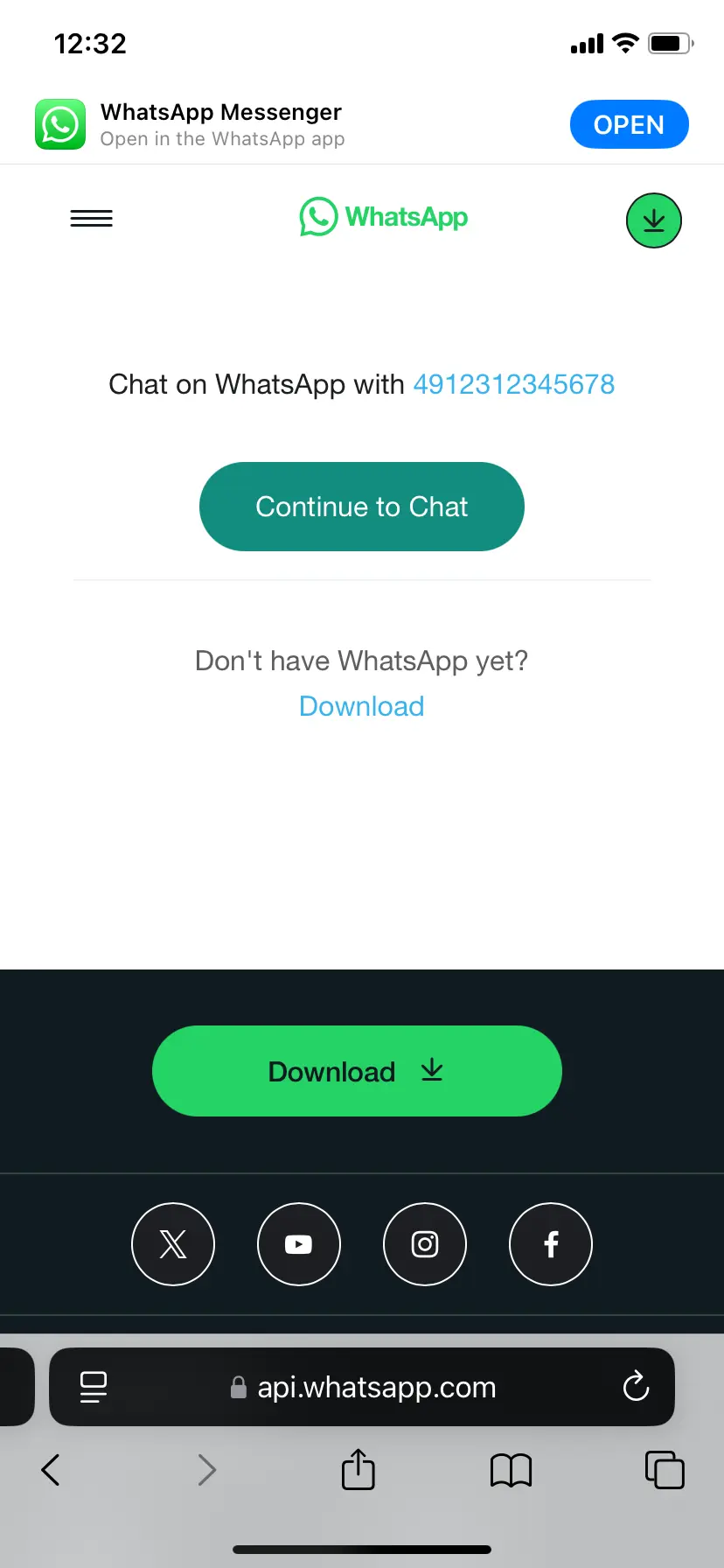
Step 3: The app will launch and take you to the chat with the number you entered. This step will only work if you have previously installed WhatsApp on your smartphone.
How to use WhatsApp without saving a number using another app quick guide
Alternatively, you can send a message on WhatsApp without saving the contact by installing an additional app. Apps like Click to Chat, Direct Message for WhatsApp, or Easy Message have proven effective for this purpose. These apps are free and available in the Google Play Store or the App Store. We’ll guide you step by step using Click to Chat as an example:
Step 1: Download and install the app.
Step 2: Launch the app and enter the country code without special characters in the “Area code” field.
Step 3: Enter the remainder of the number into the corresponding field. Again, do not use special characters or spaces. According to the example above, the input would be 12312345678.
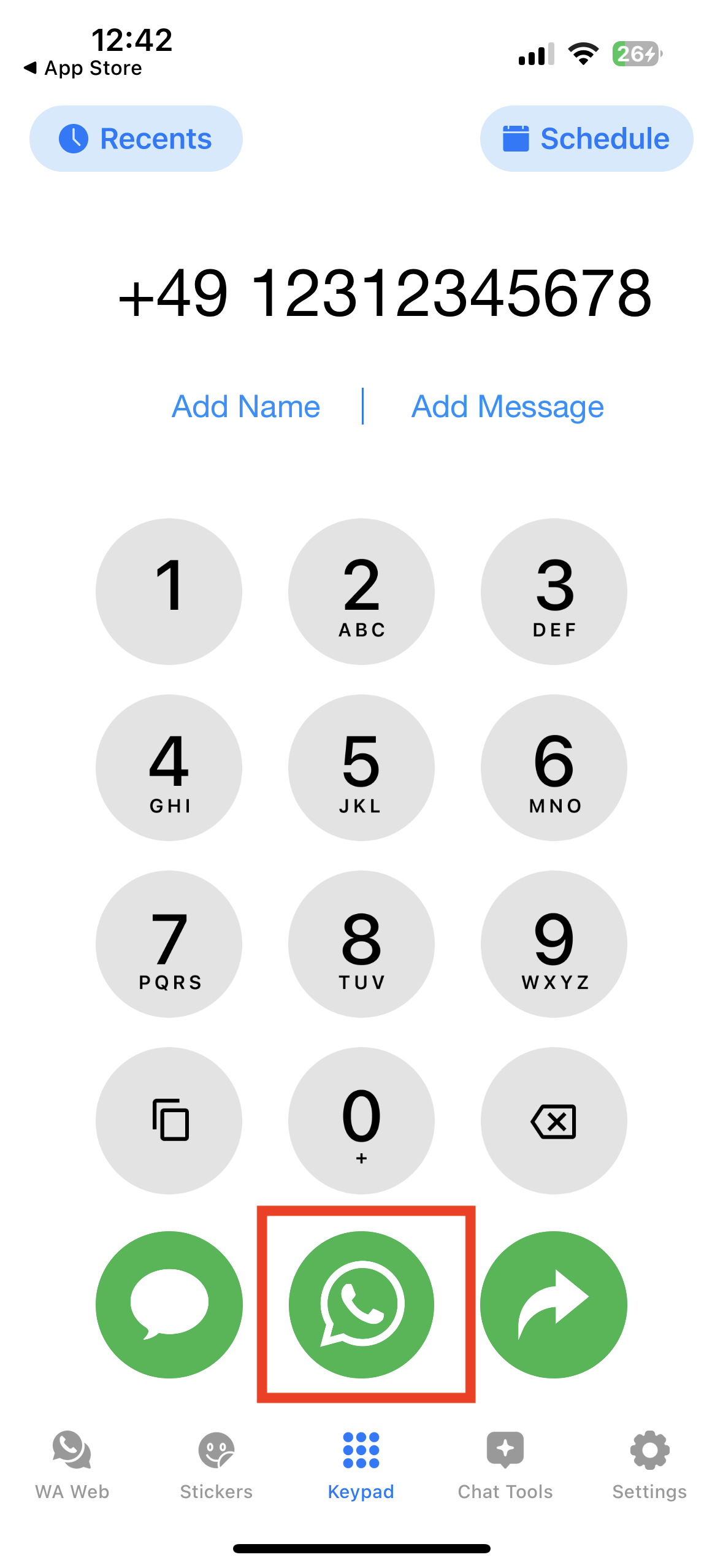
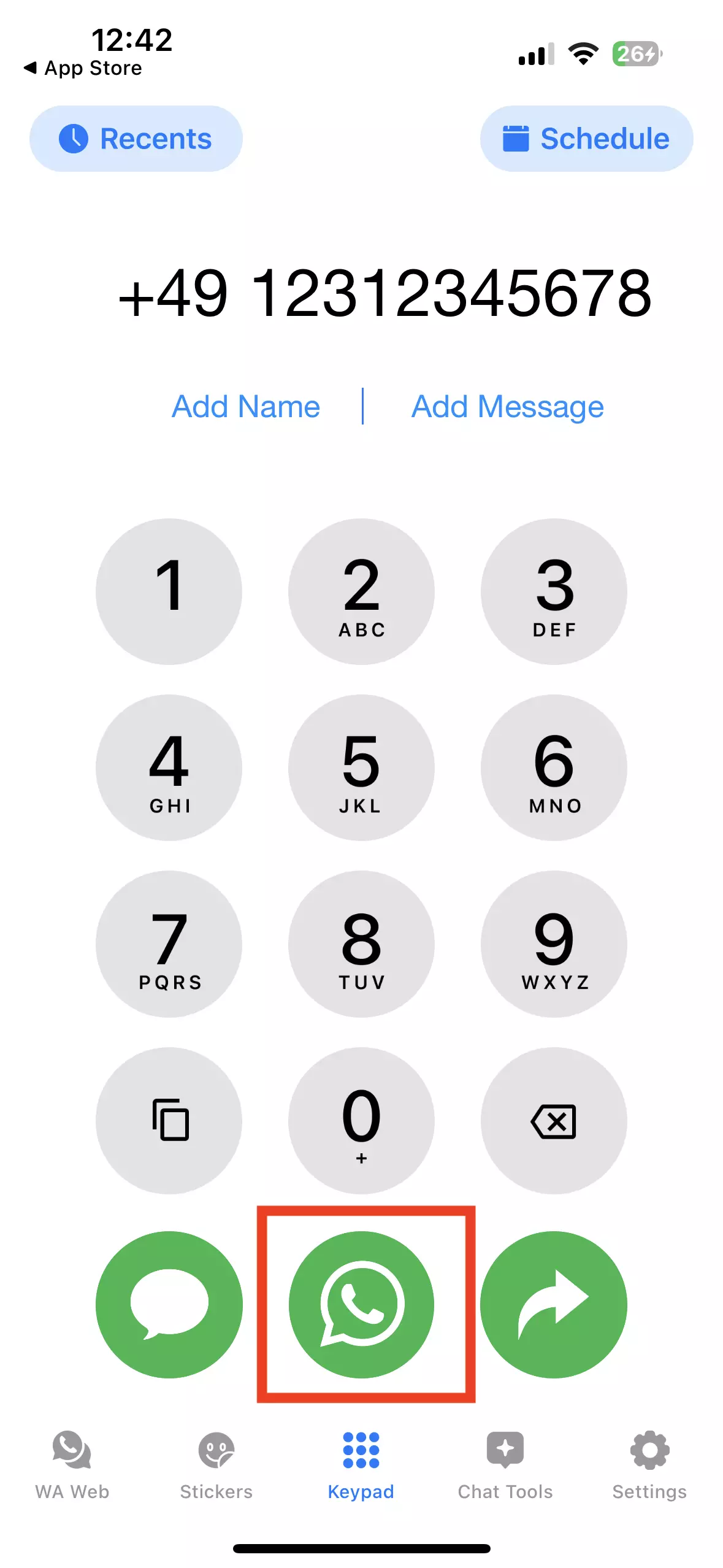
Step 4: Now click on the WhatsApp icon. A chat will open in WhatsApp, where you can enter a message and then send it to the desired number.
Check out our Digital Guide article on using WhatsApp without a SIM.
How to use WhatsApp without saving a number using the text selection menu
Android users have another option to use WhatsApp without saving a contact number. Some smartphones allow you to send messages via the text selection menu. This works as follows:
Step 1: You need the corresponding number in text form.
Step 2: Copy the full number.
Step 3: Click the three dots to view additional options from the menu.
Step 4: You should be able to view the WhatsApp logo (a white telephone receiver in a green speech bubble) and next to it the option “Message”. Tap on it.
Step 5: A chat window will launch and you can message the selected number in WhatsApp without saving the contact first.
- Build trust with email matching your domain (you@yourbrand.com)
- Free domain included to get your brand online instantly
- Work smarter with AI writing support
Reviewer

Jeanna Raffa
With over 18 years of experience in online marketing, Jeanna Raffa possesses extensive expertise in digital marketing. Since 2020, her focus has been on providing practical information regarding email, office, and cloud storage solutions.