

What is interactive content and how can you use it successfully?

Interactive content is a crucial way to not only inform website visitors, but also entertain them and actively engage them. Today more than ever, it’s important to focus on unique, high-quality content and elements to stand out from the crowd.
Key Takeaways
- Interactive content actively involves visitors and can increase time spent on your website.
- Formats range from quizzes and slideshows to configurators and interactive maps.
- Tools and costs depend on the format, features, and usage you need.
- Privacy requirements depend on the applicable law and call for transparency and appropriate safeguards.
Why is an interactive website important?
The reasoning is simple. Interactive content engages users on multiple levels. Visitors don’t just read a text or look at an image; they can actively influence an element, unlock access to additional information, or express their own thoughts. In this way, content becomes an experience and is more likely to stick in people’s minds. Interaction with the website—and by extension with the brands or services behind it—is significantly more engaging than simply consuming content passively. This higher level of engagement increases the chances of user satisfaction, encourages conversions, and leads to longer time spent on the site.
What formats of interactive content are there?
There are many different ways to implement an interactive website, all of which can be integrated into your own web project with varying levels of effort. Depending on the format, this may require a wide range of tools or programming skills. Ultimately, this means that the individual types of content also differ significantly in terms of the costs involved. The following table provides an overview of selected solutions for creating interactive website content.
| Type of interactive content | Description | Effort & costs | Example |
|---|---|---|---|
| Configurators | Web application that lets users interact with a product and see how different configurations affect the final result, often using AR or AI | very high | Nike By You shoe configurator |
| Calculators | Tool that allows users to calculate prices or values independently, often used for personalized finance, energy, or insurance estimates | high to very high | Financial Consumer Agency of Canada mortgage calculator |
| Quiz | Knowledge test presented in a question-and-answer format, sometimes enhanced with personalized or adaptive logic | low | New York Times daily quiz |
| Slideshows | Image-based formats with interactive navigation, commonly used for storytelling, galleries, or product showcases | very low | Photo galleries on CNN.com |
| Interactive charts, maps, and infographics | Graphics that present detailed data and additional information when the user clicks, often with real-time data integration | high | “Millennials” infographic from Goldman Sachs |
| Games | Web or mobile games that tie into the brand, service, or product and increasingly integrate AR and VR | very high | Magnum “Pleasure Hunt 2” |
| Interactive storytelling | Combining different interactive elements to tell a story, often with user-generated decisions | high | Sevenhills “Nature’s Combinations” |
Data privacy and interactive content
Interactive tools such as surveys, quizzes, forms, or embedded third-party services may involve the collection or processing of personal information. In Canada, PIPEDA (the Personal Information Protection and Electronic Documents Act) generally applies to private-sector commercial activities, subject to its scope and exemptions. Applicable provincial privacy laws must also be considered, including substantially similar private-sector laws in Alberta, British Columbia, and Quebec.
Website operators must explain the purposes for collecting, using, and disclosing personal information, obtain meaningful consent where required, and protect the information with appropriate safeguards. Consent requirements have statutory exceptions. Individuals generally have rights to access their personal information and challenge its accuracy so that it can be corrected. Retention and disposal must follow applicable requirements; PIPEDA does not provide a blanket right to deletion. Transparent data practices also help build trust and protect user privacy.
The best tools for creating interactive content
All of the content types discussed involve a considerably higher level of effort than traditional text or image-based content. They also come with increased costs, largely driven by the tools, technologies, and services required to build and maintain interactive elements. For instance, if in-house expertise in game development is lacking, integrating a game into a website will typically require working with an external agency.
The situation is similar with professional 360-degree videos, which involve far more work than is apparent at first glance. The need for high-quality equipment and the time required to post-process the raw footage can quickly lead to costs in the five-figure range—and that for just a few minutes of video.
However, certain types of interactive content—such as interactive graphics, quizzes, or slideshows—can often be created without relying on external service providers. All that’s needed is a well-thought-out concept and the right tool. For this reason, we present some of the most interesting tools below.
- Save hours every week
- Outsmart your competition
- Never miss a post
ThingLink
In 2011, the Finnish company ThingLink launched its Rich Media Tags software, enabling links to be embedded directly into images on websites and social media platforms. Since then, the development team has continuously refined the web application, now known simply as ThingLink. Today, it allows images and graphics to be enriched with additional elements such as text boxes, images, audio, videos, or links.
To do this, users can rely on an intuitive, AI-supported web editor that makes it easy to import original images or graphics via drag and drop. The added customizable buttons clearly indicate where interactive elements are embedded, guiding viewers to additional content.


The image editor is available as part of a free trial. The basic version includes standard buttons in various colours to highlight interactive elements. The number of permitted views depends on the selected plan and the provider’s current terms and conditions.
The current business plans are Team, starting at EUR 425 per month, and Business, starting at EUR 1,300 per month, both billed annually. Enterprise pricing is available on request. Features and usage limits depend on the selected plan.
| Advantages | Disadvantages |
|---|---|
| ✓ Simple and intuitive linking of external content | ✗ Usage limits depend on the selected plan |
| ✓ Content is automatically responsive | |
| ✓ Free trial that’s ideal for testing interactive content |
Infogram
If you want to present data in an engaging way while making use of interactive elements, Infogram is a strong choice. The web-based tool is now owned by Prezi, which also offers presentation software and other visual communication products.
Infogram provides a wide selection of layouts and modular building blocks for creating interactive infographics, maps, and charts. Content can be added manually using your own datasets or imported via built-in functions. The tool also integrates with services such as Google Drive, Google Sheets, Dropbox, and OneDrive. Finished visuals can be embedded into your web project using an embed code or downloaded as JPG or PNG files, which is only available with paid plans.
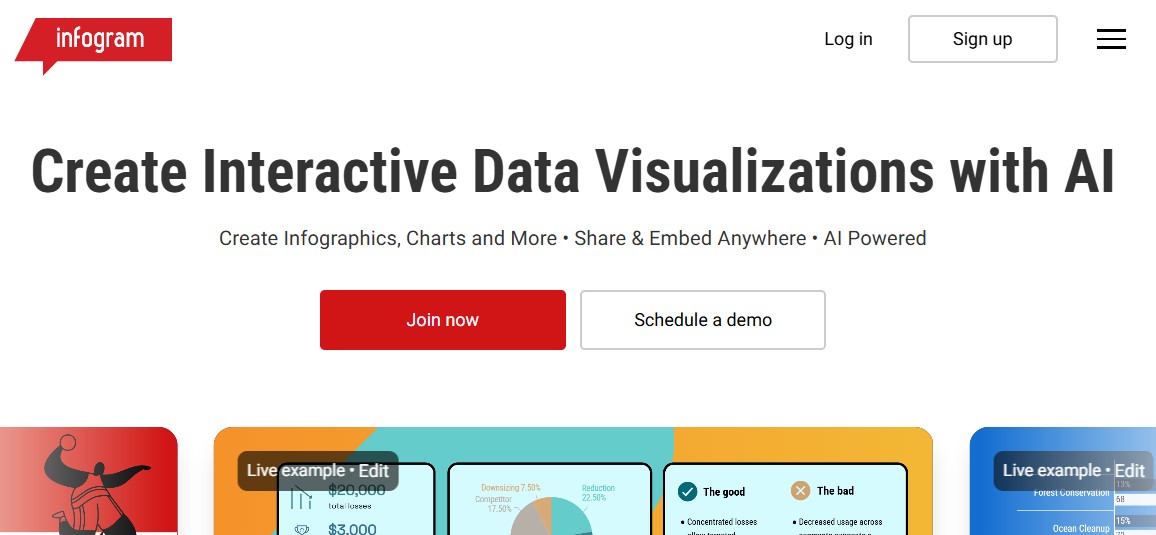
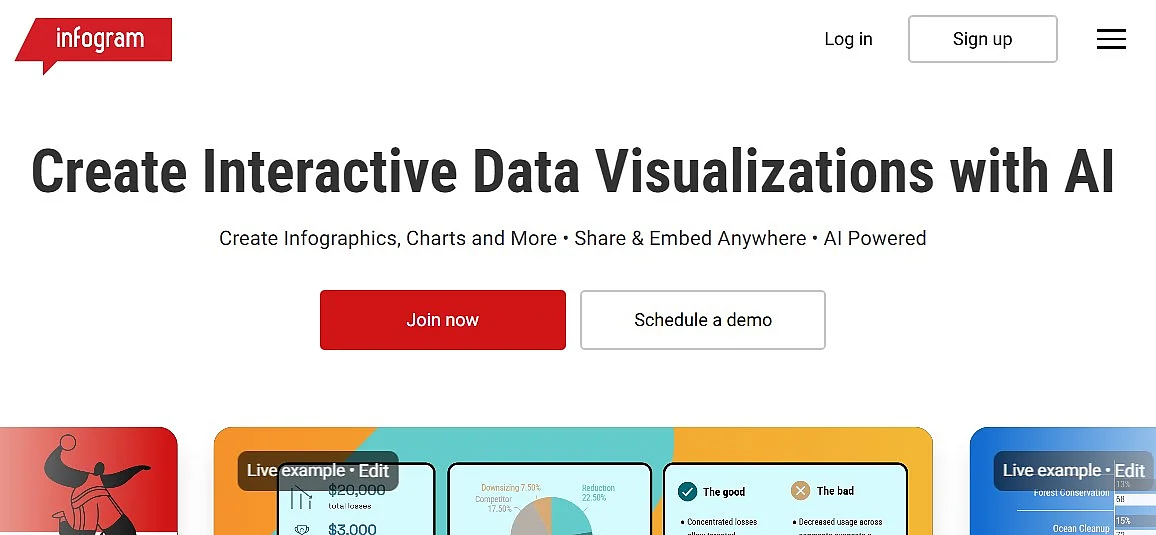
The Basic plan from Infogram is available free of charge for personal use. Businesses, organizations, and professionals need a paid plan. The Basic plan’s functionality is fairly limited. Only a small number of maps (including the USA, Europe, and Africa) and a restricted selection of icons and images are available. In addition, all projects must be saved as publicly accessible.
To create private projects and gain access to more than one million images and icons, a paid plan is required. Infogram offers Pro (up to 100 projects, from USD 19 per month), Business (up to 1,000 projects, from USD 67 per month), Team (from USD 149 per month), and Enterprise (10,000+ projects; pricing on request). The listed monthly prices are billed annually and exclude applicable taxes. Business, Team, and Enterprise also allow you to use your own logo instead of Infogram branding.
| Advantages | Disadvantages |
|---|---|
| ✓ More than 35 different chart templates available | ✗ Limited customization options |
| ✓ Created graphics can be easily integrated via embed code | ✗ In the free version, projects can only be saved as publicly accessible |
| ✓ Various interfaces available for importing your own datasets | ✗ Infogram branding can only be removed starting with the Business plan |
Qzzr
Qzzr is a powerful tool for creating customized quizzes, surveys, and top lists. With this solution, you can create questions, answer options, explanatory descriptions, and tips in no time—adding images, videos, or audio files further enhances the interactive content. Finished content can be linked, embedded directly into a web project via embed code, or alternatively shared with one click across various social networks. It is also always automatically optimized for mobile devices.


Qzzr not only enables the creation of interactive content but also provides detailed user activity analytics. For example, you can see how many users completed a quiz or took part in a survey, how long they spent on it on average, and whether they worked through the content from start to finish (completion rate). If a call to action is linked to the content, the conversion rate can also be tracked.
Qzzr includes 300 free completions with no time limit and access to all features from the start. After that, Qzzr Pro costs EUR 9 per month, including 1,000 completions per month. An additional 1,000 completions cost EUR 5.
| Advantages | Disadvantages |
|---|---|
| ✓ Even with the free version, you can create as many responsive quizzes as you like | ✗ Paid subscription needed after 300 free completions |
| ✓ Close integration with analytics and lead management features | |
| ✓ Easy integration of media elements such as images, videos, or GIFs |
Cincopa
The multimedia platform provider Cincopa, founded in 2006, offers solutions for integrating and managing media content in web projects. Users can use it to enhance their website with custom video portals, podcasts, or slideshows. For this purpose, Cincopa provides, on the one hand, dedicated web editors that let you create the desired interactive content. On the other hand, the company also provides the required hosting resources for the media files used (audio, video, images, etc.), which are mainly operated on servers outside the EU, especially in the US.
In addition, there are several ways to embed the finished content, such as via HTML code, a landing page, linking, or a CMS-specific plugin (including WordPress, Joomla, Blogger, Drupal, and Wix).
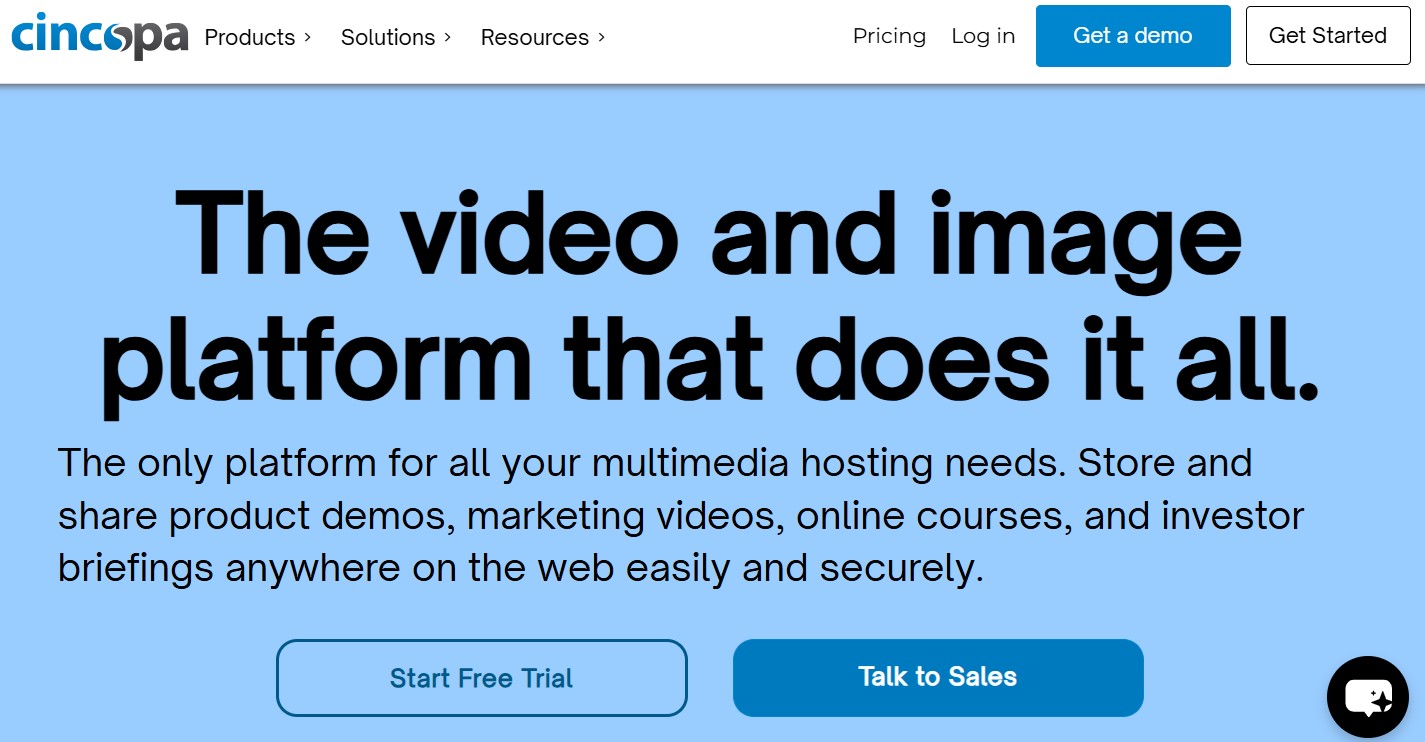
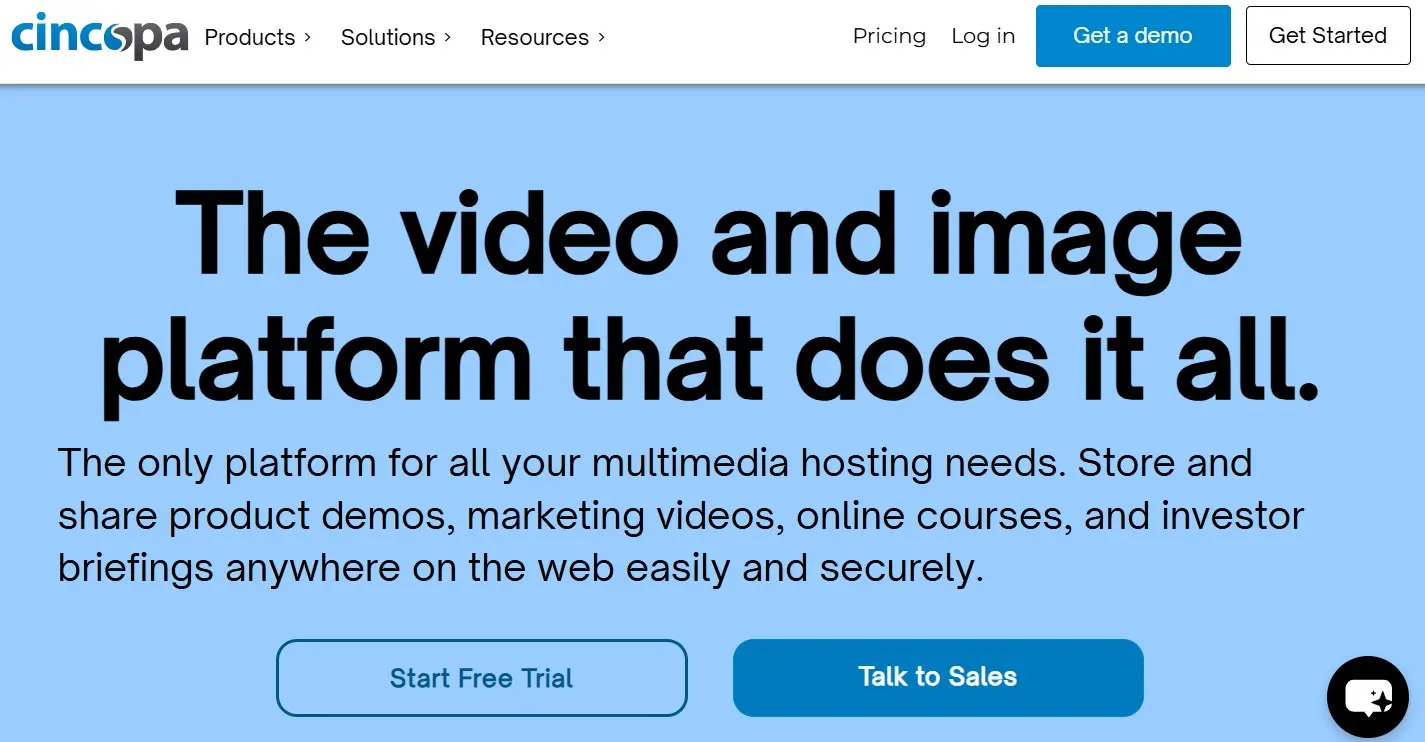
To design the interactive media content you want, you can choose from a wide range of templates, including options for collages, slideshows, video players, playlists, and timelines. Cincopa offers a 14-day free trial.
For ongoing use, Cincopa offers Starter at USD 99 per month and Growth at USD 350 per month. Enterprise pricing is available on request.
| Advantages | Disadvantages |
|---|---|
| ✓ Various templates for custom audio, video, and image content | ✗ Free trial limited to 14 days |
| ✓ Intuitive web editors | |
| ✓ You can upgrade or downgrade the paid plans at any time |
Adobe Express (formerly Adobe Spark)
Adobe is known, among other things, for its Creative Cloud (formerly Creative Suite). With Adobe Express, the software company also offers a powerful solution for visually crafted storytelling and web-based content creation. Whether you want to enhance a photo with text and design filters, create high-quality promotional or informational clips, or present content in an appealing, page-based format is entirely up to you. Adobe Express can also be seamlessly connected to the Creative Cloud and Adobe Stock.
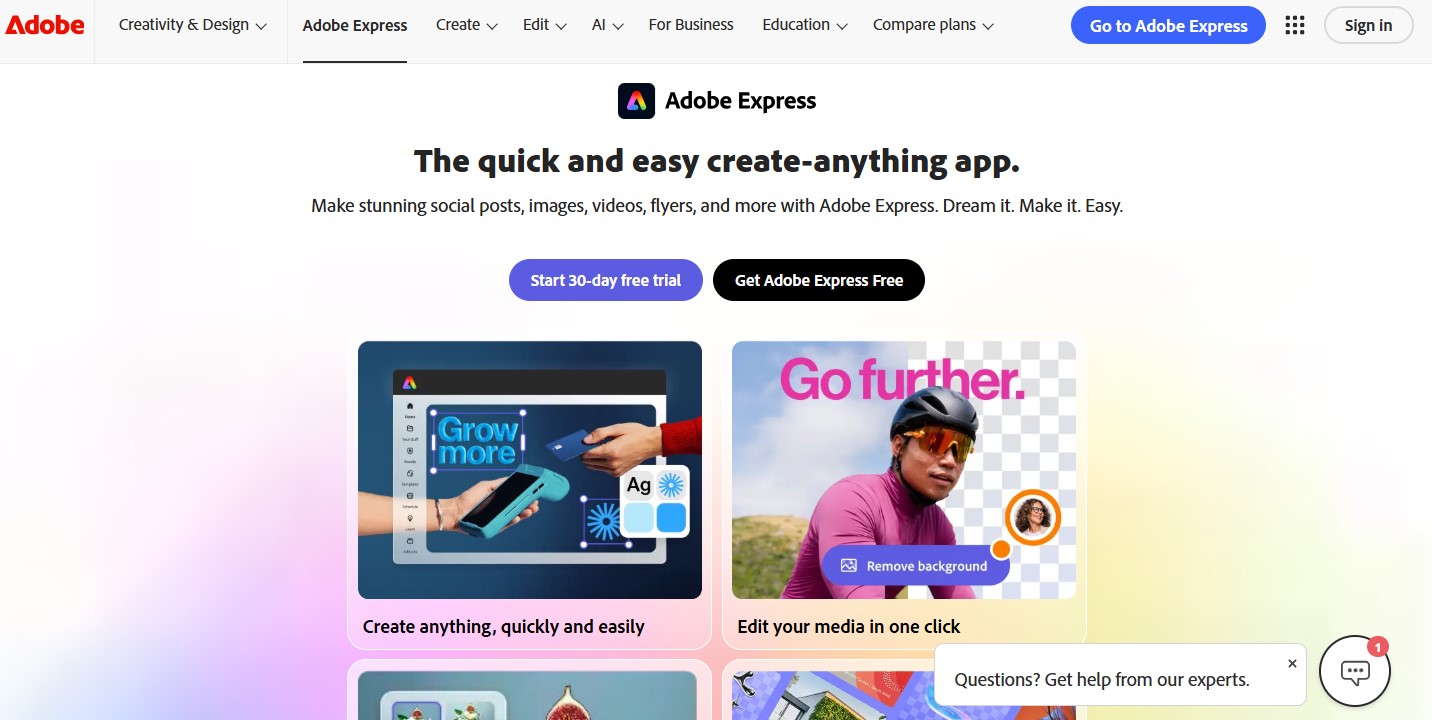
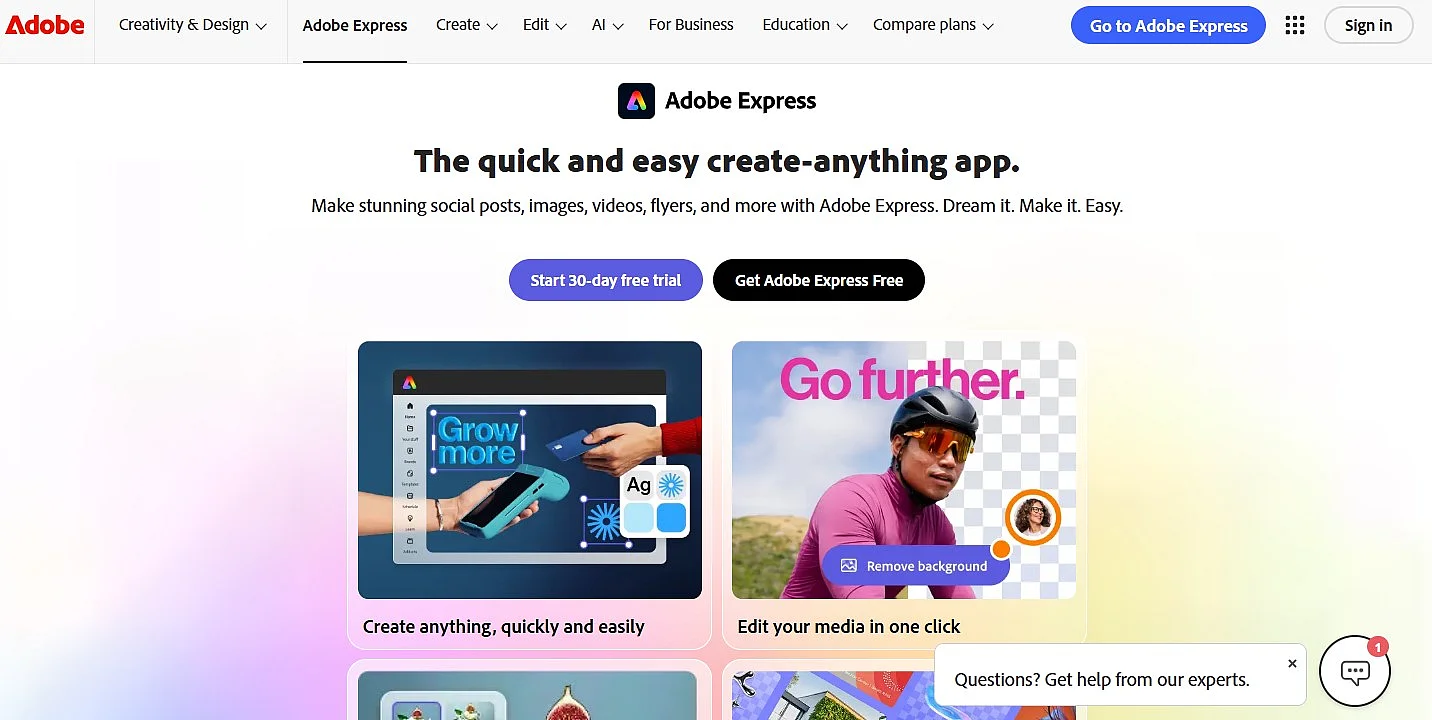
To fill your own projects with content, you can of course upload and use your own images. You can also create headlines, text blocks, and buttons and position them wherever you want. Choosing a theme also lets you influence the design. Clips can be imported by entering the respective URL. The content can be shared via the automatically generated link, sent by email, or embedded into your own website via code. Using Adobe Express is free, but subscribers can, for example, remove the branding.
| Advantages | Disadvantages |
|---|---|
| ✓ Very easy and intuitive to use | ✗ No bulk downloads possible |
| ✓ iOS apps available | Design controls differ between the general editor and the webpage editor; font size is adjustable in the general editor |
| ✓ Can be combined with Creative Cloud |
Typeform
The company Typeform, founded in Barcelona in 2012, provides a platform for creating interactive forms, surveys, quizzes, and polls. The tool is designed to make data collection feel conversational and user-friendly, replacing traditional static forms with a step-by-step, interactive experience. Typeform is commonly used for lead generation, customer feedback, onboarding flows, and market research.
Typeform offers a browser-based editor that allows users to build interactive content using predefined question types, logic jumps, and conditional flows. Responses are collected and processed in real time. US and EU data hosting options depend on the selected plan.
The finished forms and quizzes can be embedded in various ways, including via HTML embed code, pop-ups, landing pages, direct links, or CMS integrations such as WordPress, Webflow, and Wix.
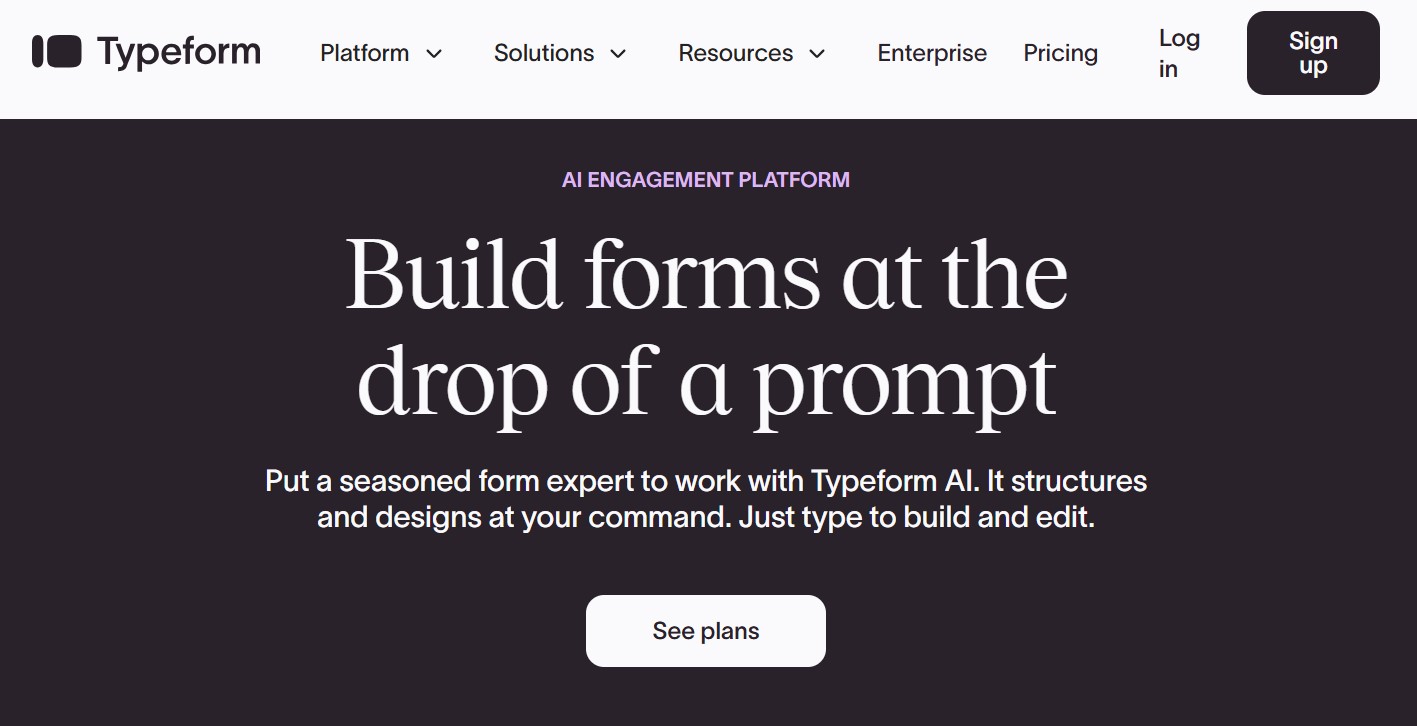
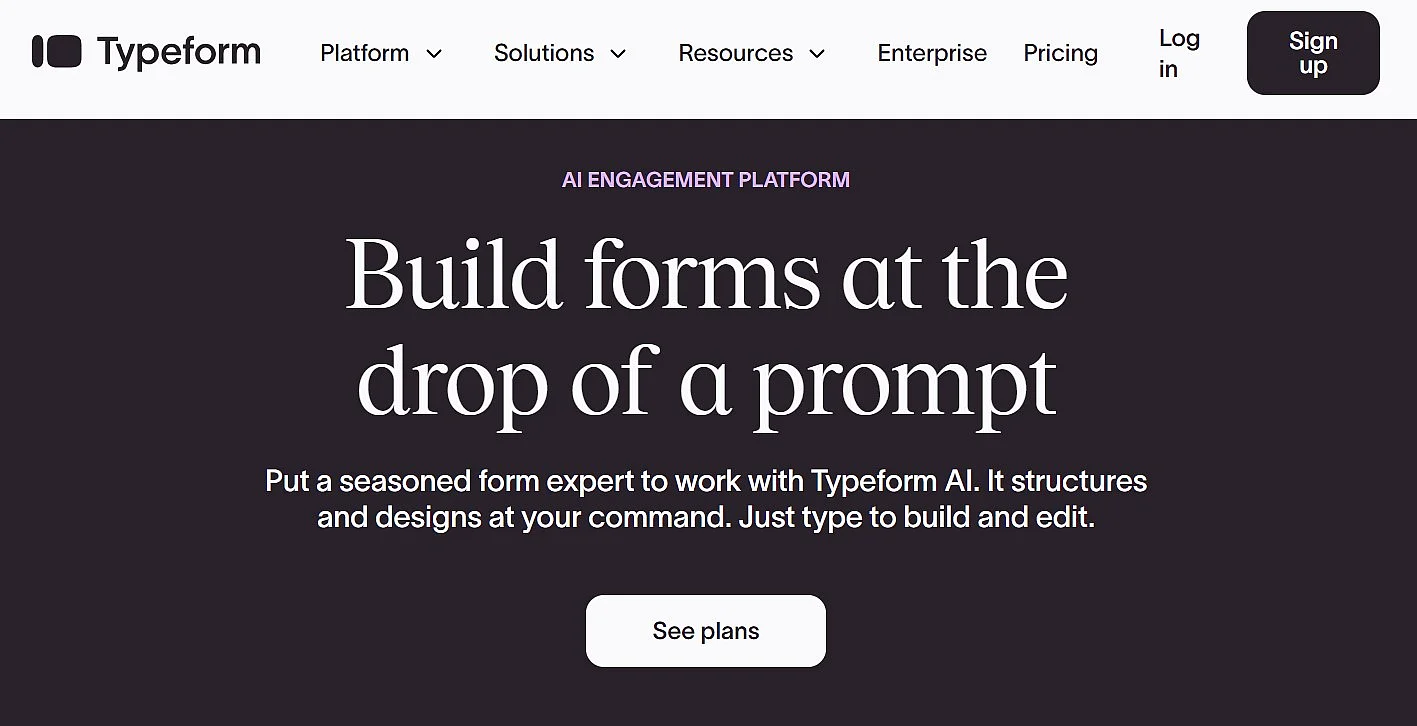
To create interactive content, users can choose from a wide range of templates for surveys, quizzes, lead forms, and feedback forms. The free plan includes 10 responses per month across all forms, logic, branching, calculations, and selected integrations. Typeform branding remains in place, and some integrations and other features require a paid plan.
For higher response limits or additional features, Typeform offers paid plans including Basic, Plus, and Business, with Enterprise options available on request. Branding options, integrations, and analytics vary by plan. Check the provider’s current terms and prices before subscribing.
| Advantages | Disadvantages |
|---|---|
| ✓ Very intuitive, user-friendly form and quiz creation | ✗ Limited functionality in the free plan |
| ✓ Strong focus on interactive, conversational user experience | ✗ Branding removal only available in paid plans |
| ✓ Wide range of integrations and embedding options | ✗ Costs increase quickly with higher response volumes |
Mapme
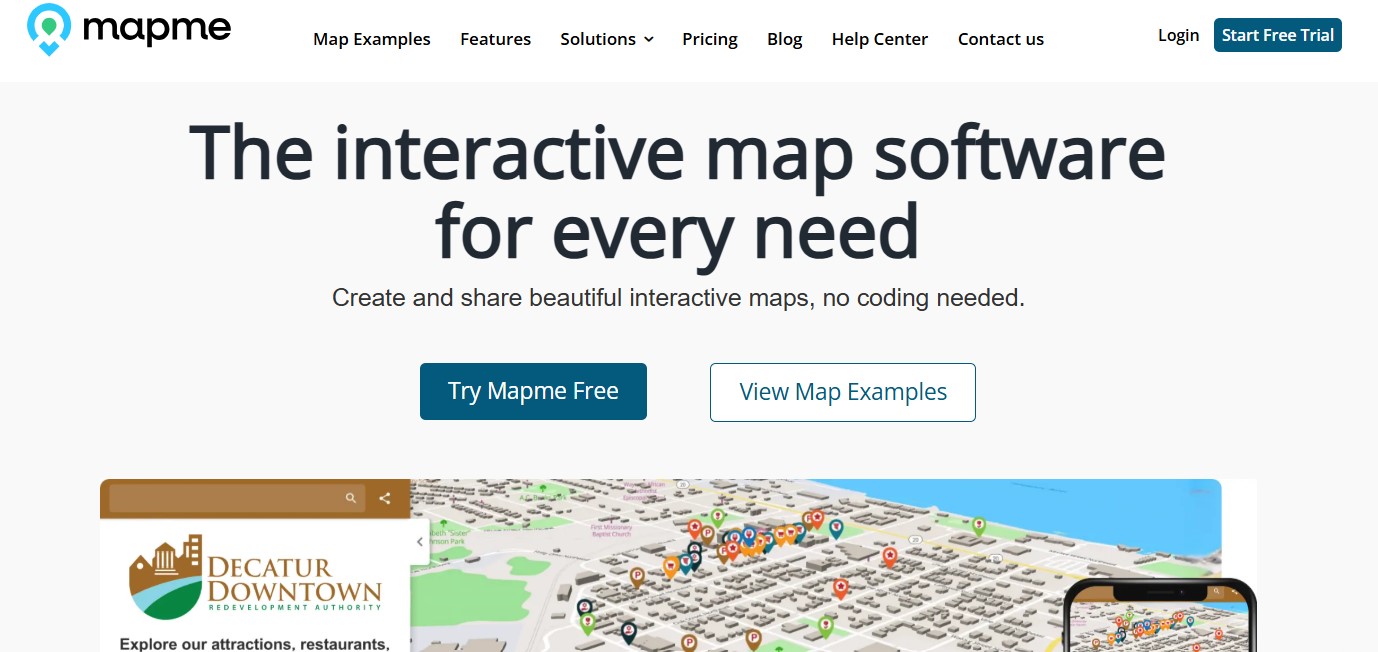
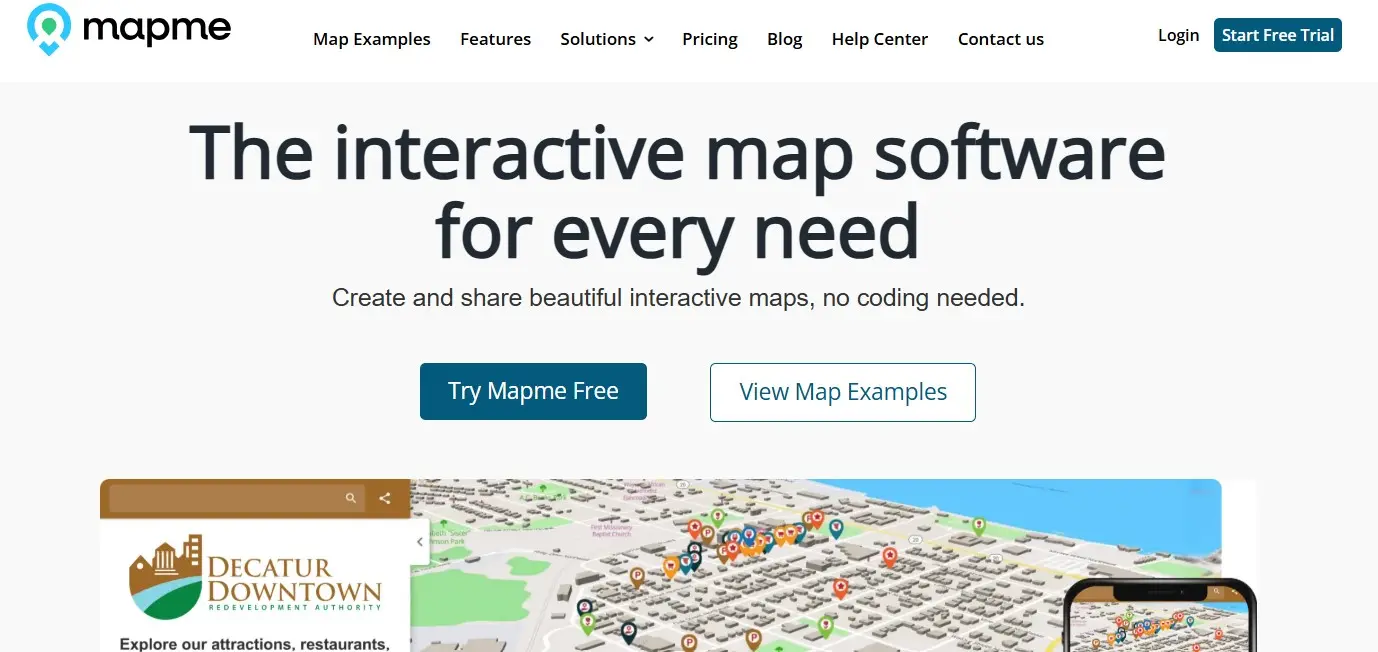
With the web editor Mapme, you can create high-quality, interactive maps even without programming skills. Users can choose from various map styles, such as satellite imagery, street maps, or nature. The number of locations depends on your subscription: Starter supports up to 30 locations per map, Professional up to 300, and Expert up to 500. Each pin marks a location and provides information about it.
It’s also possible to customize the look of the pin (premium plans also let you use your own icons) and add images, audio or video files, as well as social media buttons. Depending on the selected layout, the interactive pin content appears in a slider menu at the bottom of the map (Slider Style) or in a list on the left side of the map (List Style).
Mapme offers a 14-day free trial that lets you publish and embed a map with up to five locations and 100 map views. For ongoing use, Starter, Professional, and Expert start at USD 30, USD 55, and USD 110 per month when billed annually, respectively. With monthly billing, the prices are USD 50, USD 90, and USD 180 per month. Enterprise pricing is available on request.
The Expert plan adds expanded CSS and branding controls, team collaboration, and advanced filters. It supports up to 500 locations per map. API and CRM integrations and extended reporting and analytics are listed under Enterprise, not as standard Expert features.
| Advantages | Disadvantages |
|---|---|
| ✓ Location pins can be customized | ✗ Free trial limited to five locations and 100 map views |
| ✓ All maps are automatically optimized for mobile devices | |
| ✓ Integrated getting-started tutorial |
- Improve your Google ranking without paying an agency
- Reply to reviews and generate social media posts faster
- No SEO or online marketing skills needed
Best practices for interactive website content with examples
The tools presented above make it possible to add interactive elements to a website even with limited resources and a modest budget. Companies with larger budgets can, of course, also work with specialized agencies to design, implement, and maintain more complex interactive experiences. Regardless of the approach, interactive content can significantly enhance a website—provided it is used purposefully and does not distract users from the core product or service.
The key is to create the right context for each interactive element and to achieve a balanced mix of information and engagement. When done well, interactive content supports decision-making, improves usability, and keeps users involved. The following websites demonstrate how this balance can be achieved in practice:
- Airbnb: Airbnb frequently uses interactive maps, filters, and data-driven visualizations to help users explore listings and destinations. In addition to personalized recommendations, interactive elements such as map-based search results and dynamic pricing insights make complex information easier to understand and navigate. This approach shows how interactivity can directly support usability and conversion.
- Nike: The Nike website makes extensive use of interactive product experiences, particularly through its “Nike By You” configurator. Users can customize shoes by selecting colours, materials, and design details, previewing changes in real time before purchasing. This type of interactivity not only enhances engagement but also strengthens the emotional connection to the product.
- Starbucks: Starbucks demonstrates effective use of interactive content through its store locator and rewards tools. Interactive maps, filters, and personalized dashboards allow users to find nearby locations, track rewards, and explore menu options. These features combine practical information with a smooth, interactive user experience that supports both online and in-store engagement.
Reviewer

Melissa Senn
Melissa Senn has been with IONOS since 2016 and focuses on the areas of websites, e-commerce, social media, and AI in the Digital Guide. As a digital strategist, she draws on her extensive SEO and GEO experience to translate complex technological trends into practical content.