

8 best ecommerce platforms compared

There’s a large selection of professional store systems for online retail but what are the most popular store systems on the market and how do they differ from one another? In our comparison of the best platforms for ecommerce, you’ll discover the options available for executing professional online store designs.
The most popular ecommerce platforms
If you look at the market for ecommerce software, two solutions stand out in particular. According to the analysis company BuiltWith, around a quarter of all online retailers worldwide rely on Shopify. The WordPress plugin WooCommerce follows in second with around 15%. Here, we’ll take a closer look at the market for open-source and proprietary ecommerce software, exploring what low-cost store systems can do and who should possibly opt for a proprietary application instead of an open-source one. We’ll also go over when you might encounter additional costs with open-source software.
IONOS eCommerce Website Builder
With the eCommerce Website Builder, IONOS offers web-based ecommerce software that can be used to implement both small and large ecommerce projects. You have the choice between three different paid plans, which combine all necessary components of an ecommerce offer in one package. In addition to the shop platform, you also receive a domain, an SSL/TLS certificate and several email inboxes. IONOS also takes care of your store’s hosting and offers you 24/7 support.
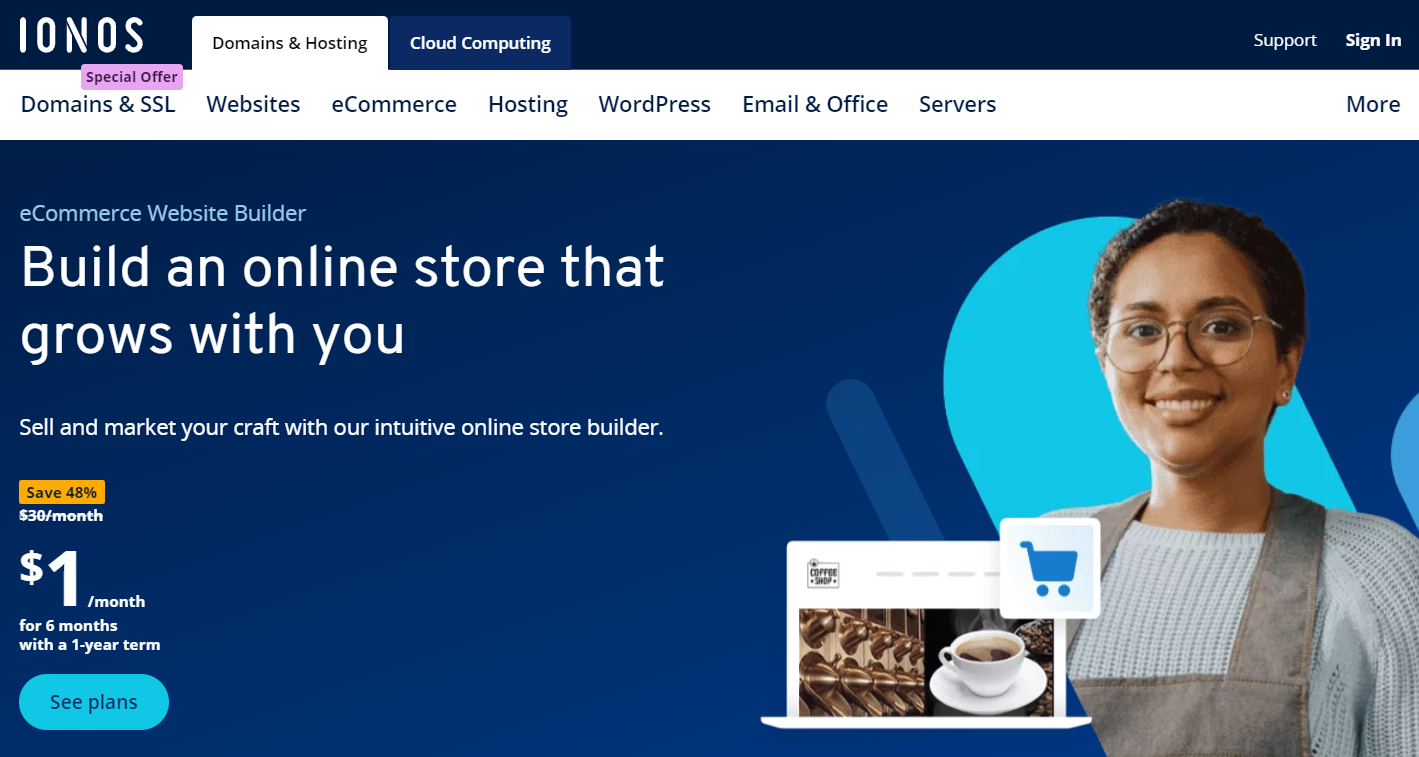
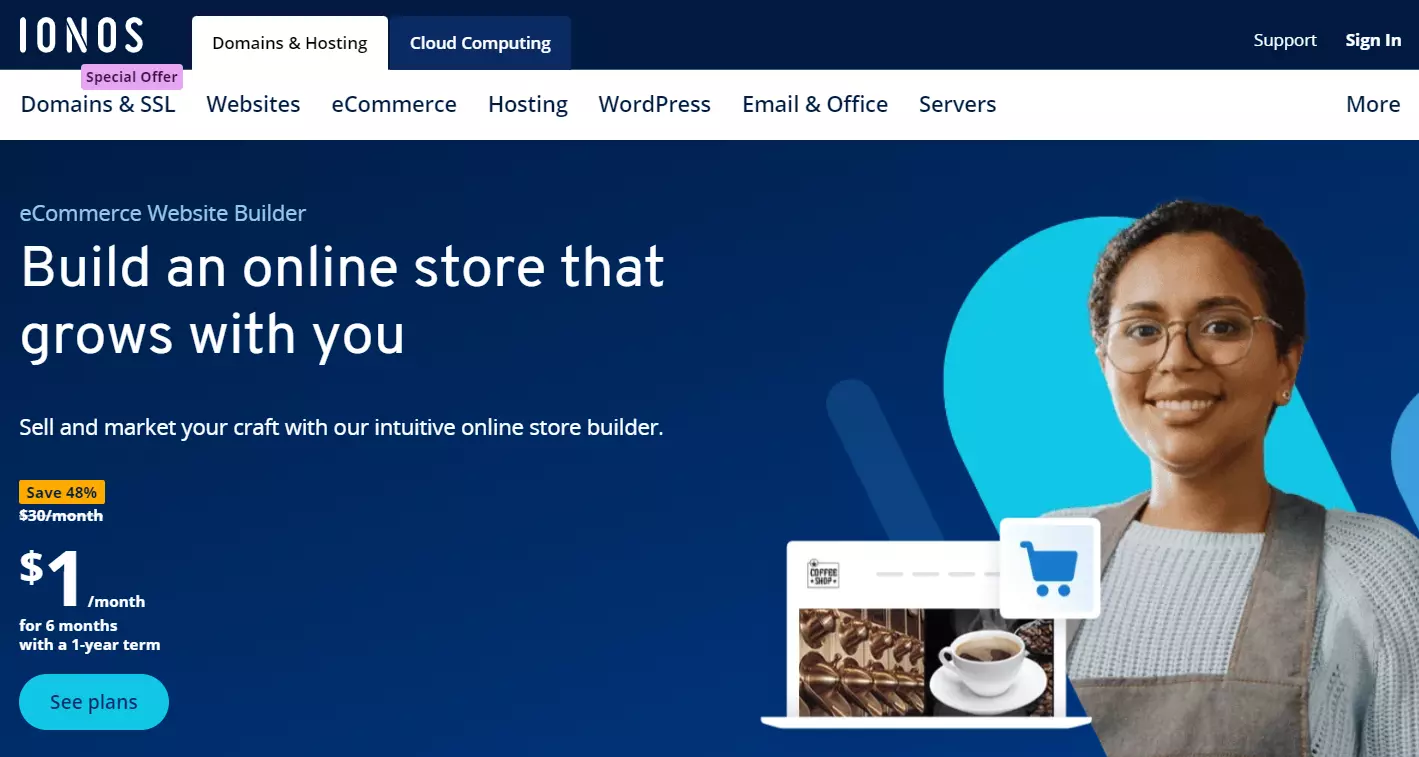
The eCommerce Website Builder is based on modular software that has been part of the IONOS portfolio for years and has established itself as an excellent solution for creating a wide variety of websites. When it comes to setting up and operating a web store, the store plans take the basic software to a new level. This is reflected, on the one hand, in unique, professional design templates that are optimally tailored to the needs of an ecommerce presence, and on the other hand, in sales and marketing-oriented features that extend far beyond simple shop operations, helping you to boost the success of your store.
The core features of the eCommerce Website Builder include the following:
- Product catalog with space for up to one million articles (Expert plan) including photo, article number, and detailed description
- Various traditional and modern payment methods such as PayPal, credit cards and direct debit
- Practical dispatch assistant (standard or express shipping)
- Integrated newsletter tool
- Personalized shopping cart
- Social media integration (Facebook, Instagram, TikTok)
With the IONOS store plugins, you can turn your existing site into a store (store integration), sell your products on social media (social buy button), process online payments easily and professionally (ipayment) and much much more!
With the eCommerce Website Builder, you can do more than just get your online store ready for B2C business. If you opt for one of the corresponding plans, you can also offer your buyers first-class B2B offers by defining customer groups and bulk discounts and setting up an easy-to-use customer area with log-in function where they can easily make orders.
To increase the reach of your store, you can integrate and synchronize your website with established marketplace giants such as Amazon and eBay, or price comparison portals such as Google Shopping thanks to the appropriate interfaces. You can also use the integrated marketing tools to create tailor-made ads on Google (Google Ads) and TikTok to promote your web shop on the world’s leading search engine or in well-known social networks.
From the Plus plan onwards, you can manage your shop not only on your desktop PC at home or in your company, but also conveniently on the go. With the mobile app, you can use the online shop software on your smartphone or tablet. This enables you to always keep an eye on how your web store’s doing or expand your product range, no matter where you are at the moment.
| Advantages | Disadvantages |
|---|---|
| ✓ Integrated newsletter tool | ✗ Scope of features in the Starter plan severely limited |
| ✓ Mobile app allows you to add new products and manage your store on the go | ✗ B2B features are only available in Expert plan |
| ✓ SSL/TLS encryption of the entire shop | |
| ✓ Extensive range of apps and themes |
Magento
Magento was acquired by the Adobe software group in 2018. Since then, the ecommerce software has been distributed under a dual license system.
In addition to the free open-source version, Magento Commerce is also available commercially in an extended enterprise edition. As part of the Adobe Experience Cloud, the store software can also be used with various useful tools for marketing, analysis, content and more.
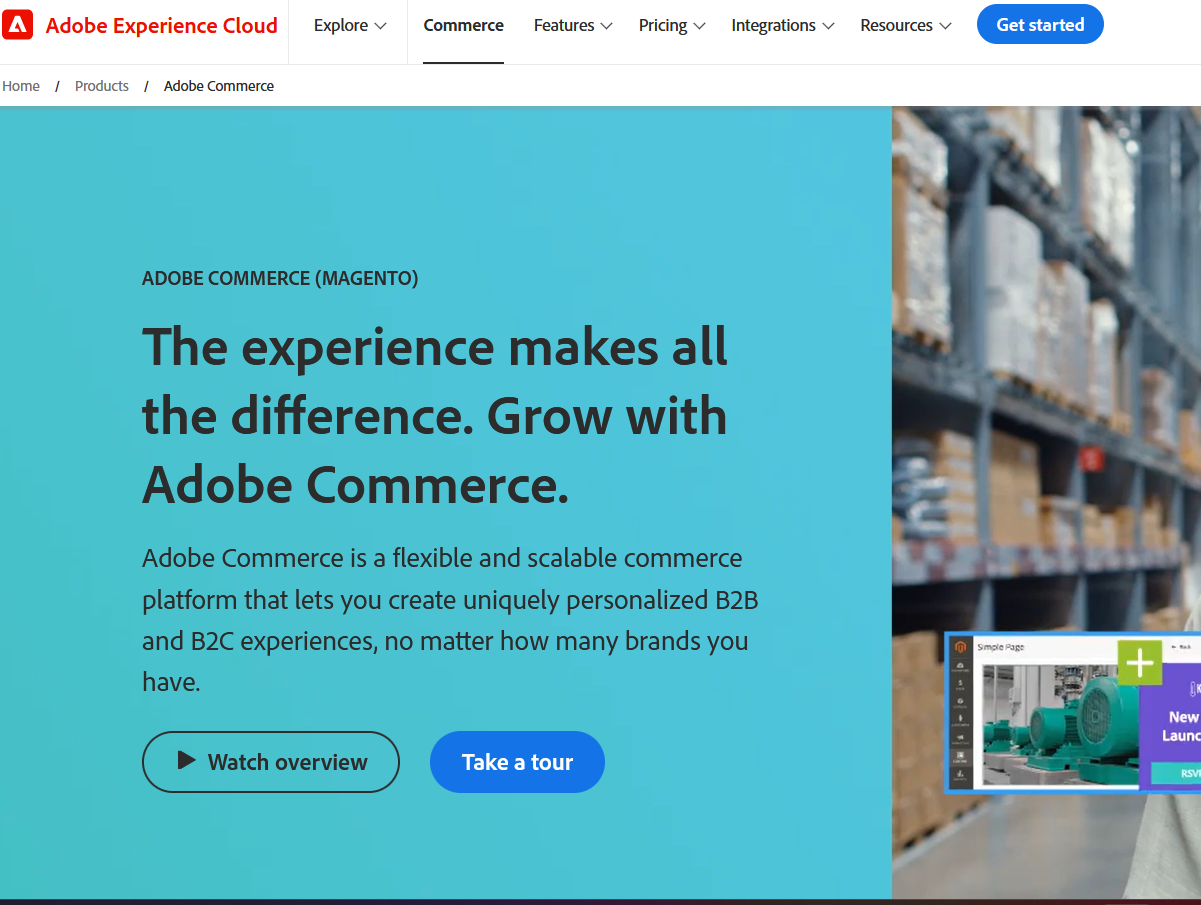
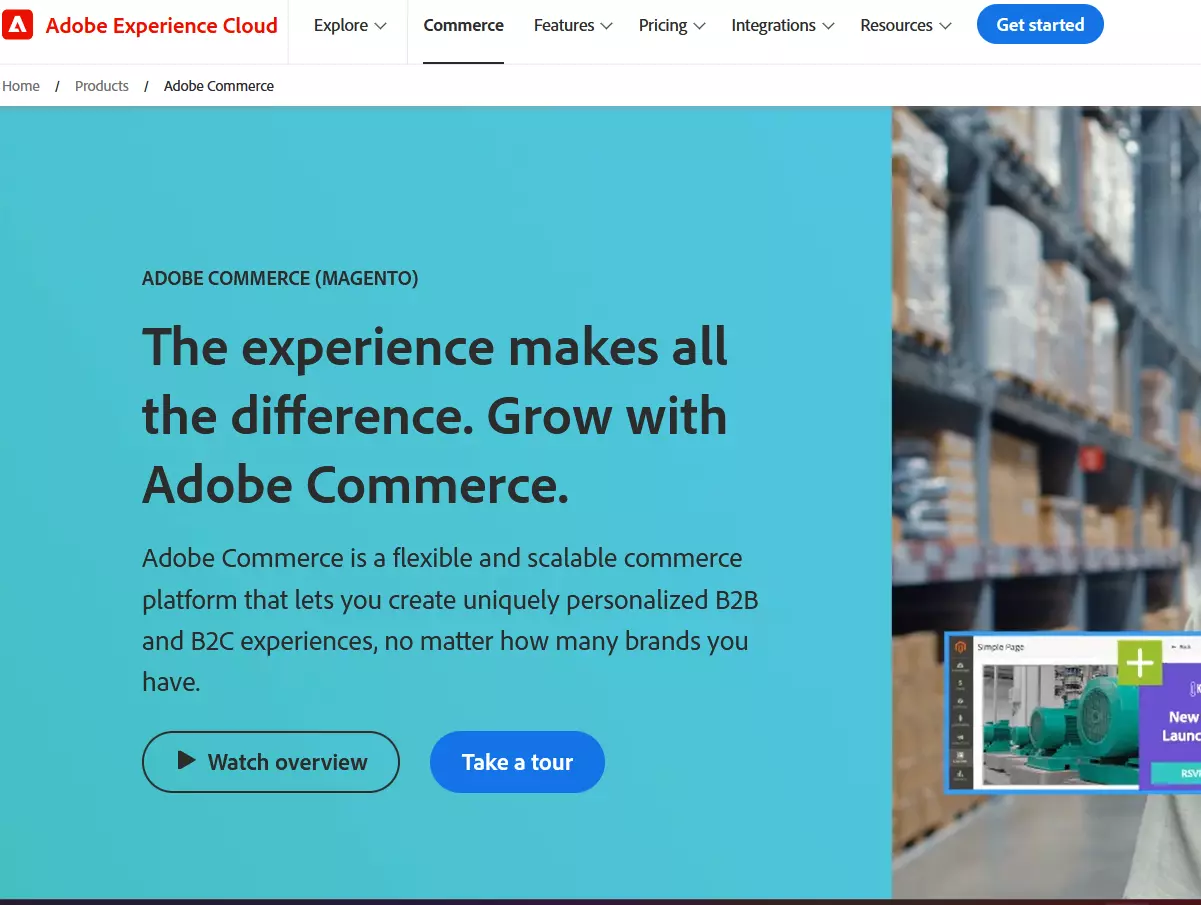
Magento has an extensive spectrum of features and a wide range of extensions. The main features include:
- Central control of multiple websites via an administration panel
- RSS feeds for new orders and low stocks
- URL rewriting and search engine friendly URLS
- An integrated content management system for information pages and landing pages
- An automatically generated Google sitemap
- Optional social media integration
- A comprehensive range of marketing, promotion and conversion tools
Ecommerce software written in PHP is based on the Zend framework and relies on a relational database management system. Even if the modular platform is scalable, users should have a powerful server. With a solid hosting foundation, major web projects can successfully be implemented.
Thanks to widespread use of the software and an active user community, Magento is one of the fastest growing ecommerce platforms on the market. Beginners can easily find help, tips and extensions in user forums and on various knowledge-sharing platforms. Installation, configuration and use of the high-performance ecommerce platform requires know-how, though. Users can get professional support by using the paid Cloud Edition or through business partners and agents who offer a wide range of services to Magento users.
The ecommerce software was originally designed for the U.S. market, so the basic installation of Magento doesn’t always meet the legal requirements for certain countries. Luckily, you can use modules to solve this issue.
| Advantages | Disadvantages |
|---|---|
| ✓ Modular, fully scalable ecommerce platform | ✗ Significant amount of onboarding due to the complexity of the platform |
| ✓ Enormous range of functions | ✗ High hardware requirements |
| ✓ Capable of handling multiple shops and clients | ✗ High hosting costs |
| ✓ Suitable for multilingual online stores | |
| ✓ Large selection of extension modules, templates and professional service partners |
Shopware
Shopware provides a dual licensing system. Alongside the Rise, Evolve and Beyond versions, a free Community edition is also available. With over 20 years of market experience and more than 100,000 customers, this self-financed company has become a key player in the ecommerce scene.
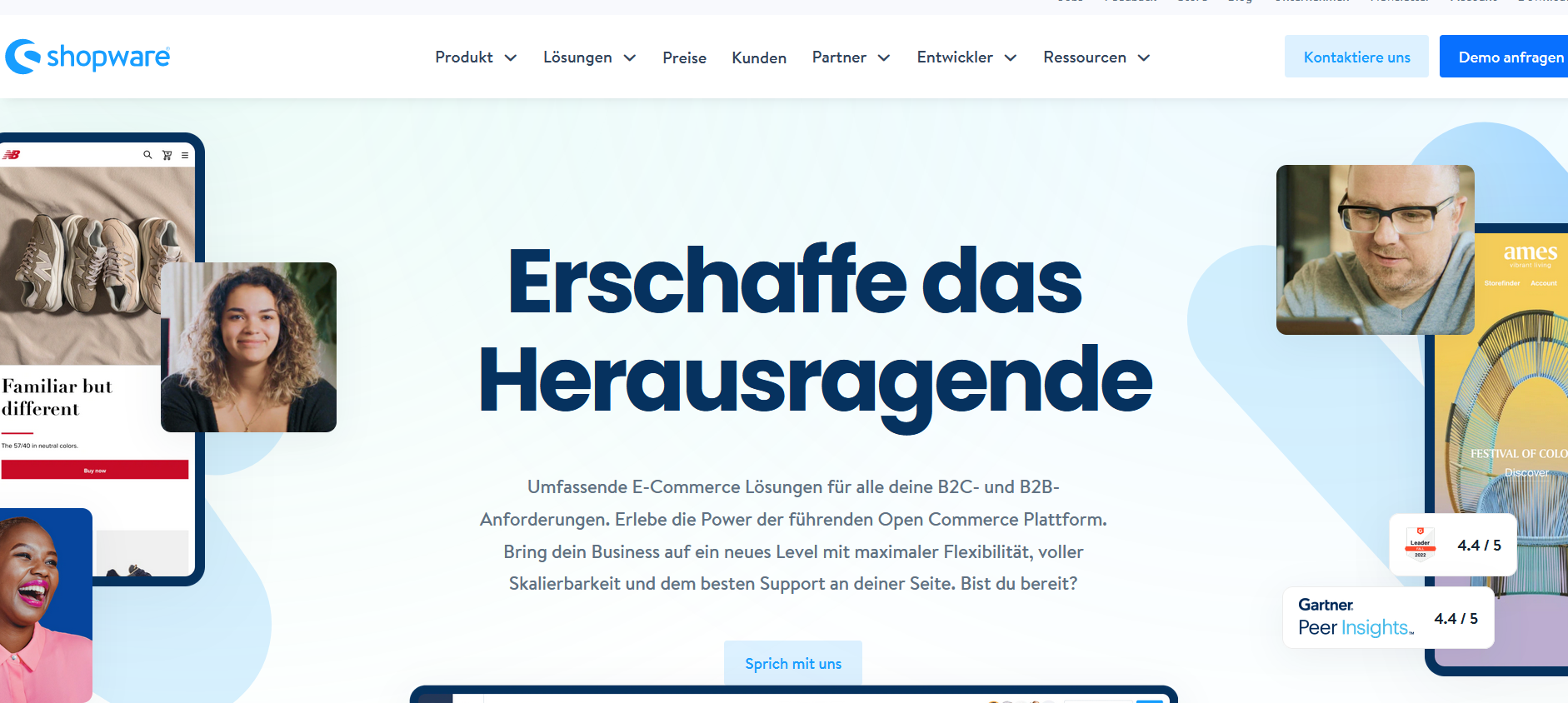
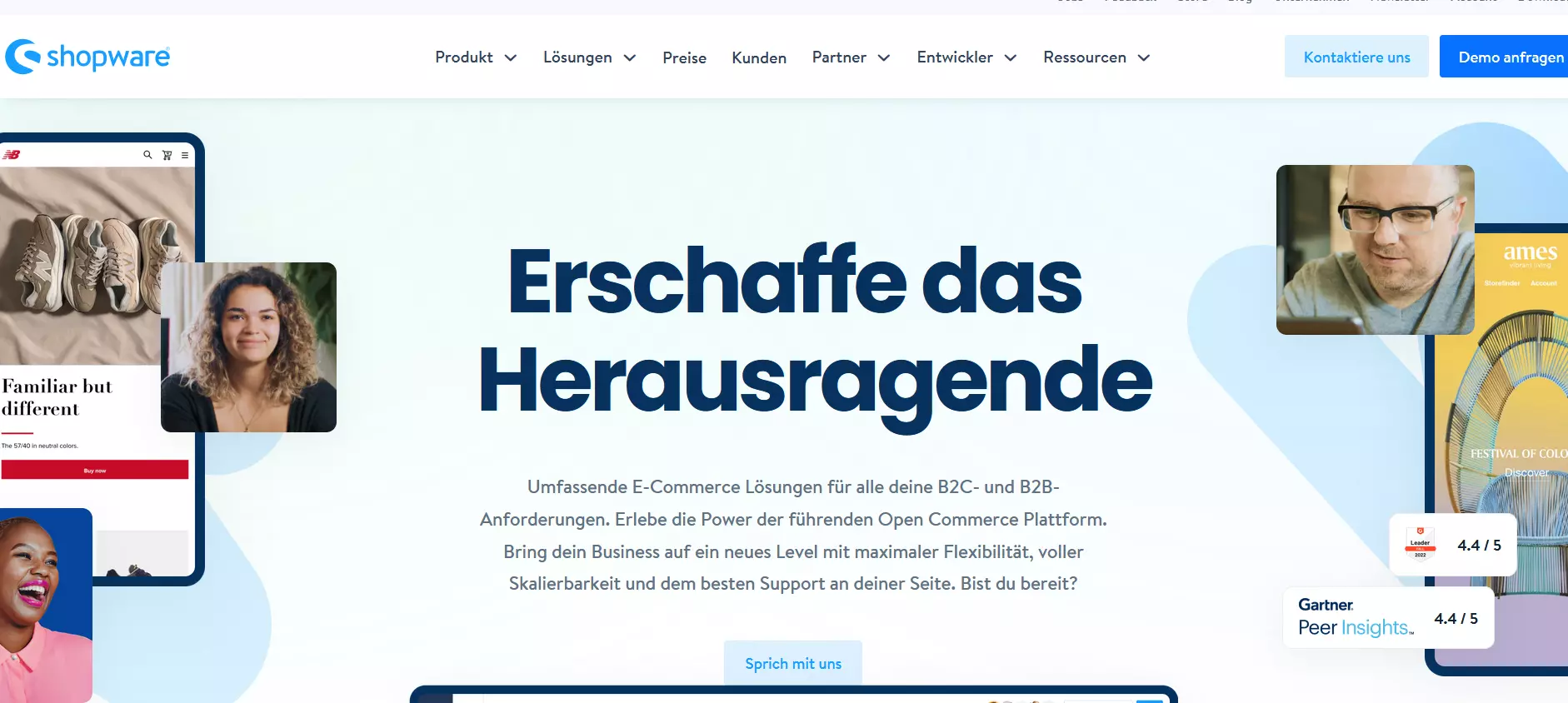
The different Shopware versions provide different sets of feature sets. The pricing is determined by gross merchandise value (GMV) as well as other factors. With its open-source commerce platform, users also have access to the source code. Users opting to use the Community Edition will have to manage with a considerably limited feature set or use paid extensions. Additionally, Shopware does not offer manufacturer warranties, setup or maintenance for the free version. There is, however, a public online forum on the company’s website.
The shop system, written in PHP, features a user-friendly backend and comprehensive extension possibilities. The main features of the community version are:
- Intuitive store design without the need for programming skills
- Consistent flat design
- Responsive images
- Off-canvas menus and controls optimized for touch gestures
- Integrated SEO optimization
- Multi-shop capabilities
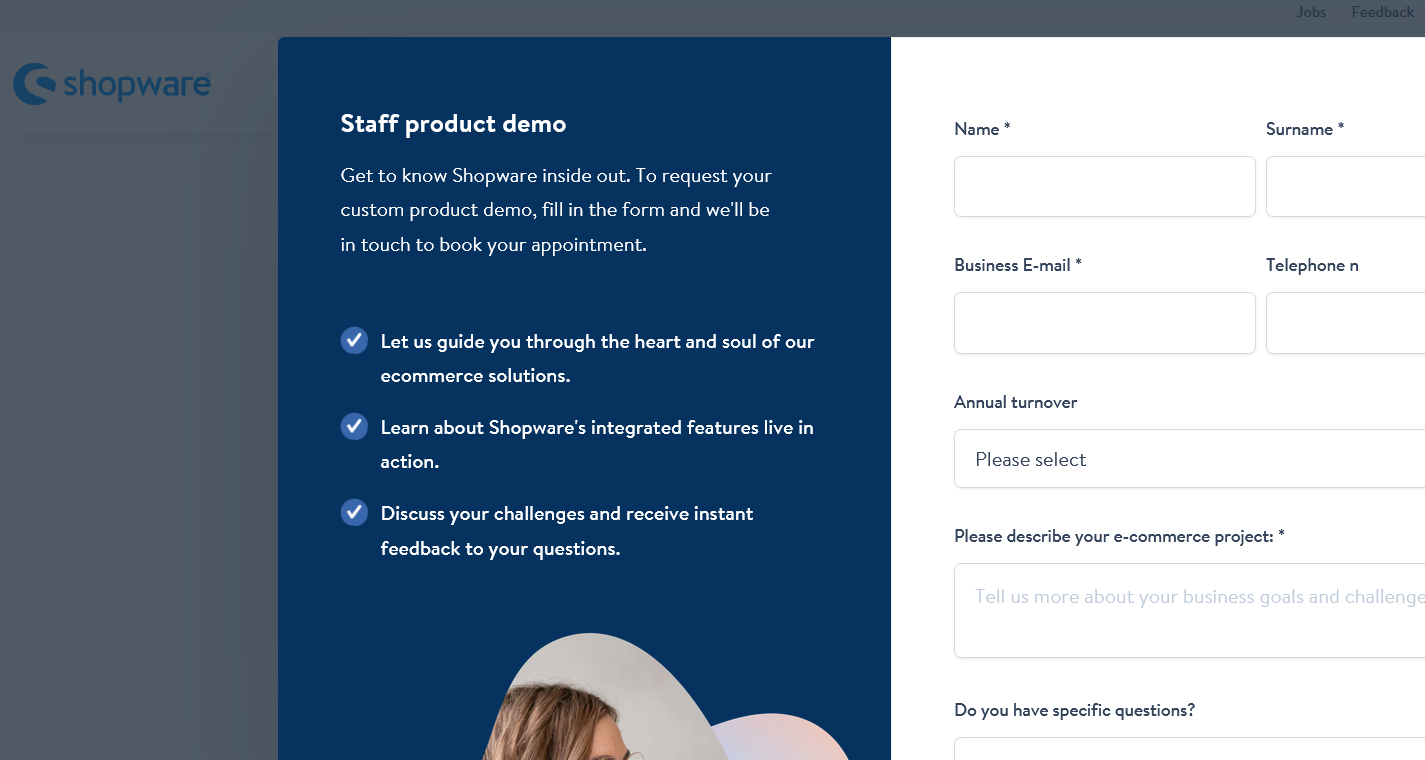
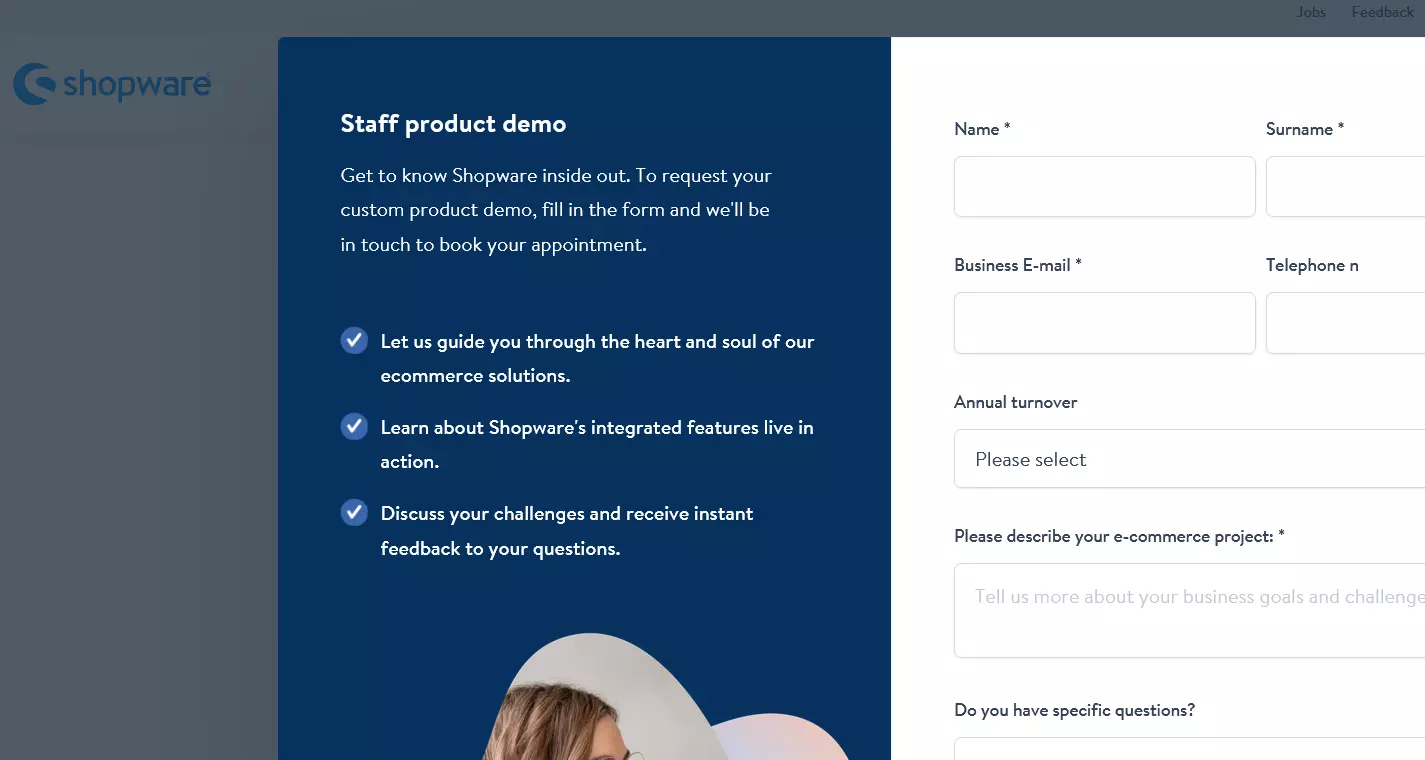
You can request a live demo of the ecommerce platform on the official website of Shopware, allowing you a glimpse into the backend of the ecommerce software. Alternatively, you can simply download the open-source Community edition to try out the software on your computer or on a web server.
Shopware offers over 3,500 plugins for implementing creative shop concepts, most of which you can purchase directly from Shopware or from certified partners. Many premium plugins, however, require a commercial Shopware license. The company also provides a wide range of professional, largely responsive themes, along with training programs for operations, sales and software development.
Up until version 5.1x premium plugins were encrypted using ionCube. However, starting with version 5.2, Shopware discontinued ionCube encryption, allowing developers and partners to make custom modifications. In the same update, the multishop feature was extended to the Community edition. Subshop licenses, which were previously paid, have been part of the Shopware core since version 5.2 and are included free of charge in all editions.
When a commercial license is purchased, the ecommerce platform’s backend comes with essential inventory management functionality (Shopware ERP) like stock control, automated order processing and tools for business analytics.
| Advantages | Disadvantages |
|---|---|
| ✓ Clear backend | ✗ Core functions replaced by paid premium plugins |
| ✓ Templates can be customized intuitively via drag and drop | ✗ Commercial licences needed for advanced features such as Shopware Storytelling, Digital Publishing and Shopware ERP |
| ✓ Multishop functionality enabled in Community edition from version 5.2 onwards |
OXID eShop
OXID eShop is an ecommerce platform for OXID eSales EG, a popular Germany company. The software is available to users in an open-source community version as well as for the commercial sector in a professional edition and enterprise edition. Primary target groups of the ecommerce software are small and medium-sized B2C businesses. Since 2015, the product range includes an enterprise B2B edition.


With a large selection of extensions and countless APIs for third-party systems, OXID eShops has established a flexible alternative to Shopware and Magento that scales. The PHP-based ecommerce platform works with a modular architecture, which allows the lean software core to be adapted to different applications. Users can rely on a large number of existing modules or integrate new functionalities using self-developed extensions via the OXID API. Software modules are available through the international marketplace OXID eXchange and the module catalog, oxmod. Prices vary, ranging from free models to extensions that can cost up to several thousand dollars.
OXID eShop offers the same range of functionality in its free, open-source Community version as it does in its Professional edition. Users who opt for the Community version only miss out on the ERP/SOAP interface and professional manufacturer support. In the Enterprise edition, users have access to the full range of functionality, including multi-client capability, cache management, B2B features, and rights and role management.
Highlights of the Community version include:
- Integrated content management system (CMS)
- Web 2.0 package including tagging, rating and Facebook integration
- SAP connectivity
- SEO features for articles
- SAP connection
Multilingual online stores can be created with the Community version by using centralized language management. To ensure the best possible user experience for your customers on various devices, OXID eShop offers a responsive template in all of its editions. The integrated template engine, Smarty, enables unique web shop design.
While the software has a well-structured frontend, the backend is less intuitive when compared to other ecommerce platforms. You can get an impression of how the software works by requesting a personal demo via the ecommerce software’s official website.
| Advantages | Disadvantages |
|---|---|
| ✓ Modular, easily scalable ecommerce software | ✗ Multi-shop and multi-client capability is only supported starting with the Enterprise edition |
| ✓ Multilingual store concepts can already be implemented with the Community edition | ✗ Confusing backend |
| ✓ Integrated CMS | ✗ Many extensions require a commercial license |
WooCommerce
WooCommerce functions via a WordPress plugin, which allows the most popular content management system to benefit from a wide range of extended ecommerce functionalities. Originally developed by WooThemes, the project is now sponsored by Automattic. The open-source software seamlessly integrates with WordPress websites and can be customized with more than 400 extensions.
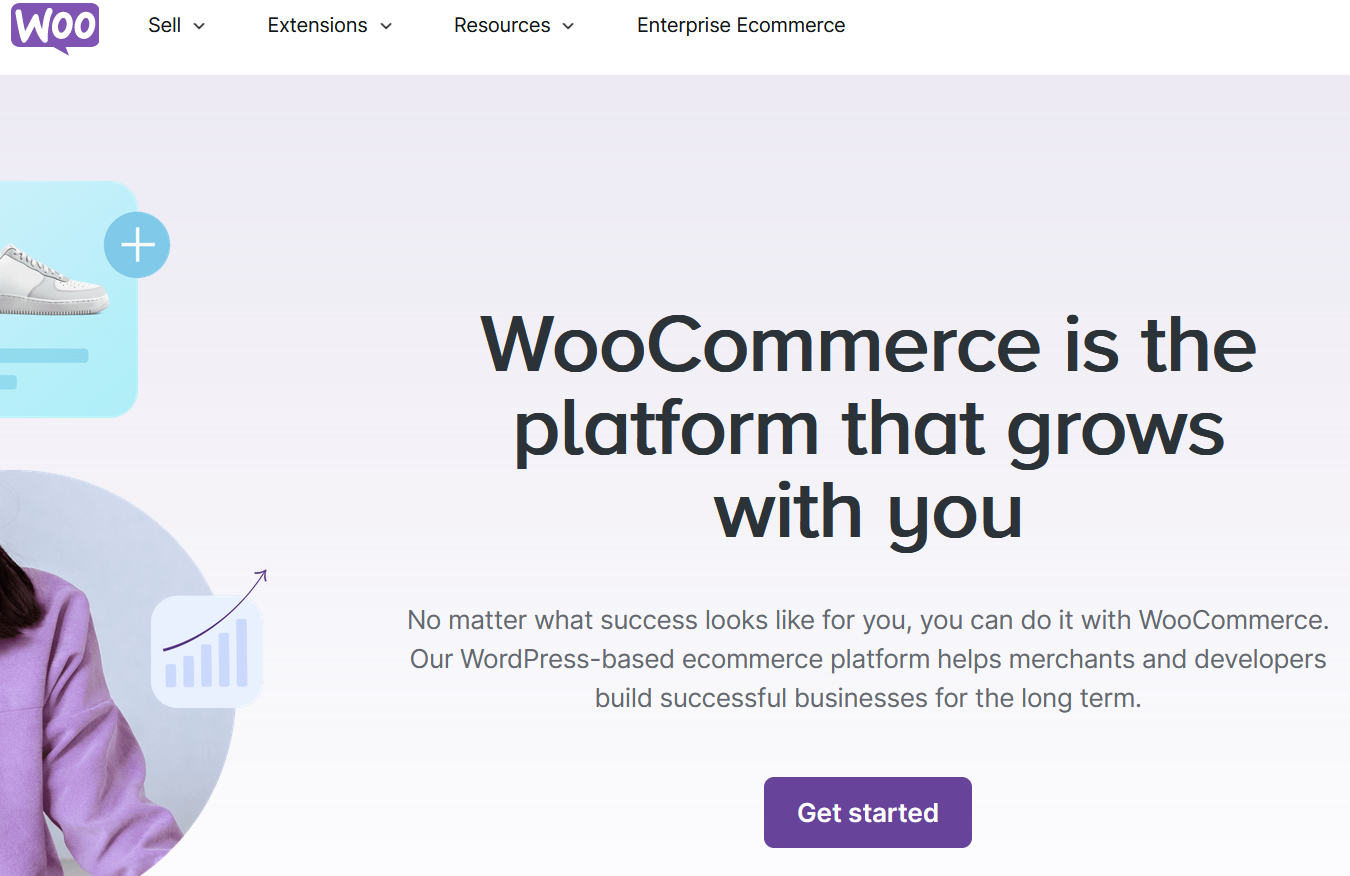

The WooCommerce plugin is free. However, many functions are only available with paid premium plugins. WooCommerce’s central features include:
- Various pre-installed payment options
- Geolocalization features
- Flexible shipping options
- Integrated features for calculating taxes
- Coupon system
- Support for downloadable products (e.g. e-books)
- Tools for customer relationship management (CRM)
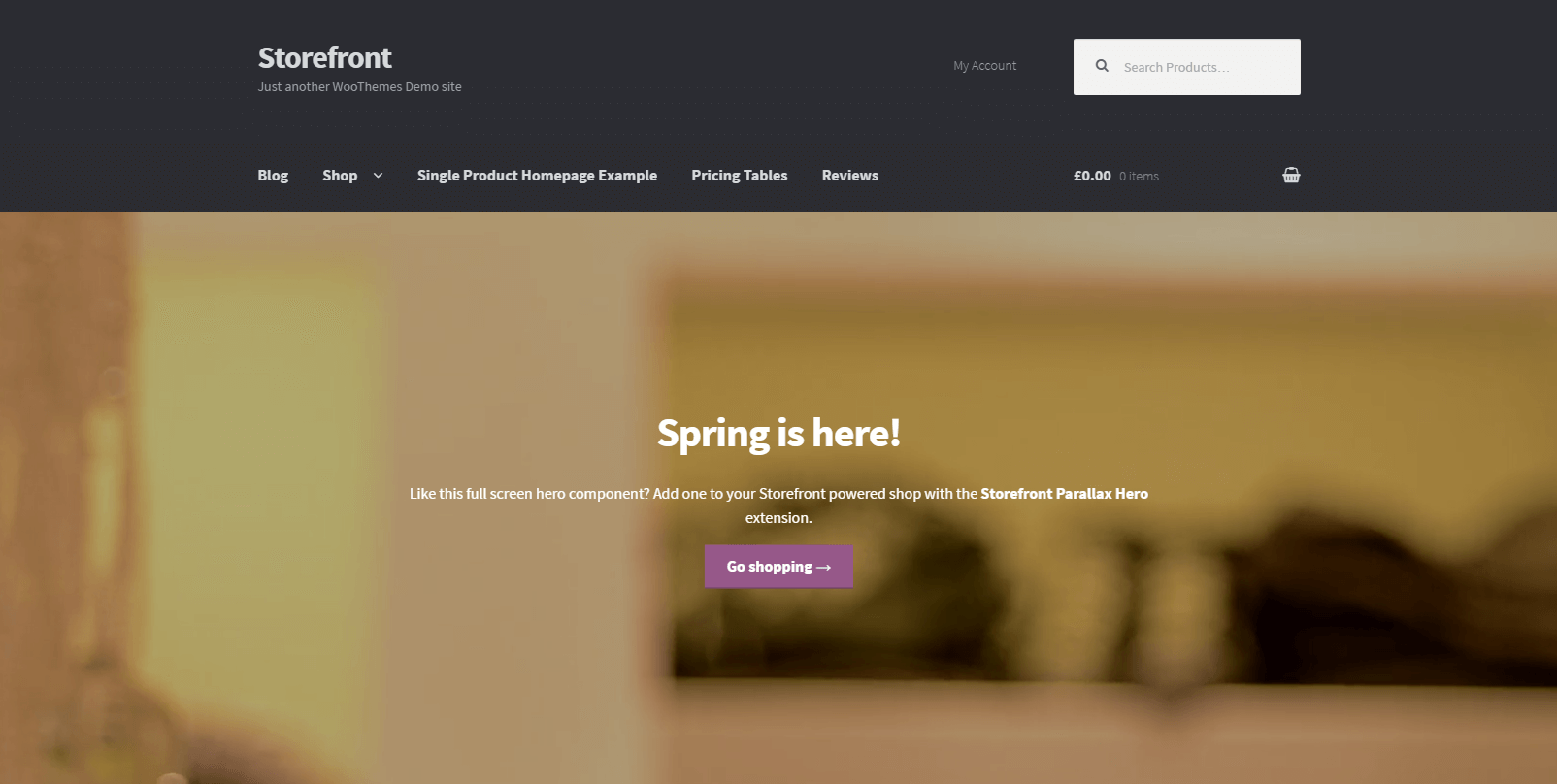
WooCommerce comes with a basic template for all the design elements of your online store, allowing it to be combined with any WordPress theme. You can also purchase special WooCommerce themes to tailor the design and layout of your store to your ideas and preferences. Check out the live preview of the official WooCommerce standard theme Storefront to get a better idea of how a WooCommerce store can be designed.

When it comes to search engines, the WooCommerce plugin is served well by its CMS foundation. WordPress is already search-engine friendly in its standard installation and can be modified using various SEO extensions to specifically fit the needs of Google, Bing and other search engines. However, when it comes to enterprise resource planning (ERP), the online store plugin can’t compete with professional ecommerce platforms as there are only a few integrations available for professional ERP solutions.
The core of WooCommerce is designed to be mobile friendly. How well a shop is displayed on mobile devices depends primarily on the choice of template. In order to adapt WooCommerce to international markets, specialized plugins need to be installed. These are generally available for free on the different language versions of the WordPress website. You can also opt to use commercial products or other options that are available.
You can find out how to set up an online store with WordPress in our dedicated article on the topic. You can also get professional WooCommerce hosting from IONOS.
| Advantages | Disadvantages |
|---|---|
| ✓ Inexpensive alternative to professional store systems | ✗ Dependent on WordPress |
| ✓ Quick setup and easy to use for WordPress users (Plugin extends WP backend with online store functionalities) | ✗ Hardly any integrations with professional ERP solutions |
| ✓ Widespread use and large community | ✗ Focus on U.S. market, use in other countries requires additional plugins |
Shopify
The ecommerce solution Shopify was founded in 2006 and has quickly grown into a major player, both for small companies and large franchises alike. Shopify offers a large range of functionality as well as a wide range of free and paid extensions. From the basic version to Shopify Advanced, the four Shopify plans provide users with different levels of functionality and support. All users have access to a 24/7 dedicated help service though. Users who want to test the platform before purchasing a monthly plan can also make use of the 14-day free trial.


According to Shopify, more than half a million online retailers of all sizes have used the ecommerce software for designing and setting up their online store. The wide range of features that they offer allows users to design their online store in whatever way they want without sacrificing usability for beginners. By keeping the basic installation simple, Shopify lends itself to basic users while also allowing more advanced users to fully customize their store through extensions and plugins. While many of the extensions in Shopify’s app store are free, there are also premium paid options as well.
Shopify offers an expansive selection of themes, with most of the new ones fully functional right from the start. Responsive themes are available for all of the plans, and SEO features are built directly into the ecommerce platform. Additionally, users can access merchandise management and analysis tools in the backend.
Users are also allowed unlimited products and storage and can customize discount codes on the backend. Checkout is fast and secure, and payments can be processed through the software’s own program, Shopify Payments.
The platform’s main features include:
- Storefront themes and customization
- Abandoned cart recovery
- Product and inventory management
- 24/7 customer support
- Over 70 payment gateways integrated
Though Shopify is easy enough for beginners to use, extensive customization requires users to learn Shopify’s own programming language, Liquid. While basic changes can generally be carried out using HTML or CSS, programmers need to learn Liquid if they want more freedom and flexibility.
| Advantages | Disadvantages |
|---|---|
| ✓ Affordable range of pricing options | ✗ Free themes and extensions not as customizable as premium paid options |
| ✓ Large selection of available extensions | ✗ Requires some programming knowledge; Uses specialized template language (Liquid) |
| ✓ Suitable for beginners | ✗ Transaction fee charged for every sale |
| ✓ Space for unlimited products and storage |
Gambio
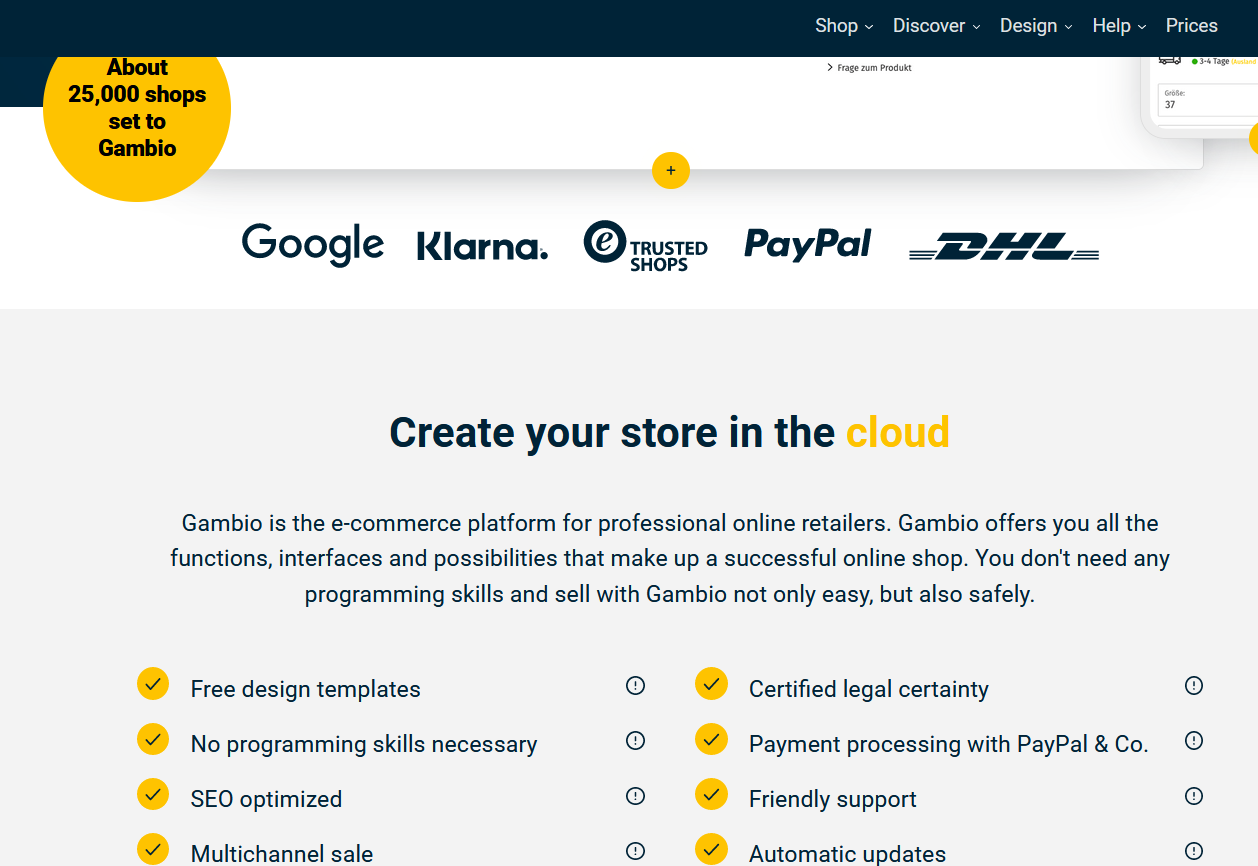
The ecommerce software Gambio started as an offshoot of the popular German software solution xt:Commerce, and was further developed by the Bremen-based company Gambio GmbH as an independent open-source project. The software is distributed under the GPL/GNU license (2.0) but is only offered by the developer team in combination with a paid support package. In addition to a 12-month guarantee, the paid download also includes a proprietary stylesheet editor as well as a PDF module.
With the release of Gambio GX3, the shop system provider has successfully separated from xt:Commerce and extended its reach to major online retailers. To capture the interest of professional agencies, Gambio now offers a well-documented REST API, providing a standardized interface for development for the first time. The responsive standard template Honeygrid is built on established standards like the CSS framework Bootstrap, HTML 5, SASS, and jQuery. It can be customized according to individual needs with the built-in stylesheet editor, StyleEdit, which is suitable for people without IT expertise as well.
The software’s range of functions includes:
- Extensive SEO features such as search engine-friendly URLs, caching and sitemaps
- Integrations with relevant payment providers, merchandise management systems and price comparison portals
- Integrated warehouse management
- An internal store rating system
- Support for downloadable products
- Invoices and delivery bills in PDF format
- Pre-certification for Trusted Shops
| Advantages | Disadvantages |
|---|---|
| ✓ Diverse integrations for merchandise management systems, financial accounting, ERP, search engine pricing, comparison portals and online marketplaces | ✗ Only available through the manufacturer, no option to opt out of paid support |
| ✓ All features are included, no additional costs for Gambio modules | ✗ No multishop option |
PrestaShop
Developed in France, the ecommerce platform PrestaShop is used by more than 300,000 online retailers in more than 200 countries. The open-source ecommerce software is published under the Open Software License (OSL) 3.0. Available in over 60 languages, the software has been designed to cater to an international audience.
The current version of the open-source software is available as a free download on the manufacturer’s website. You can also get professional PrestaShop hosting from IONOS.
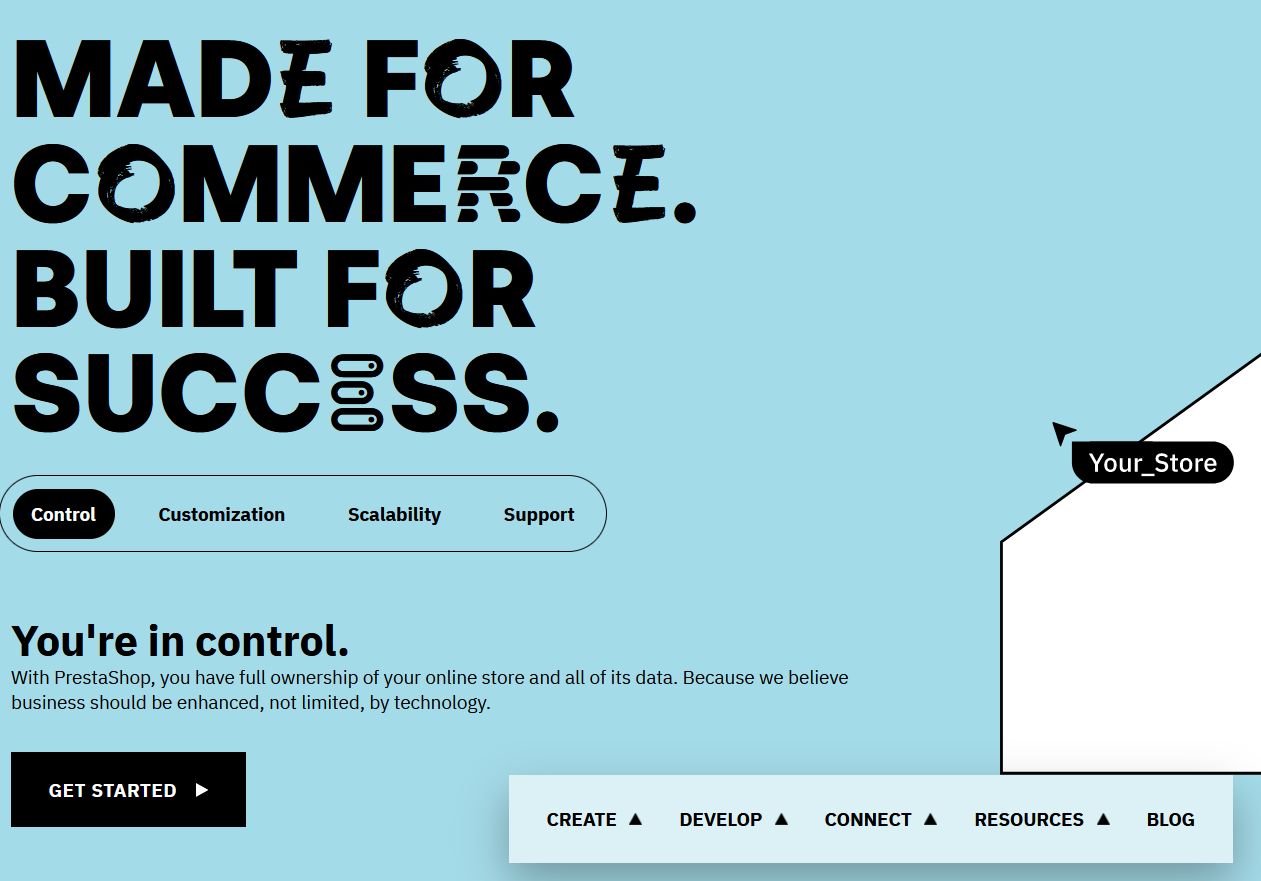
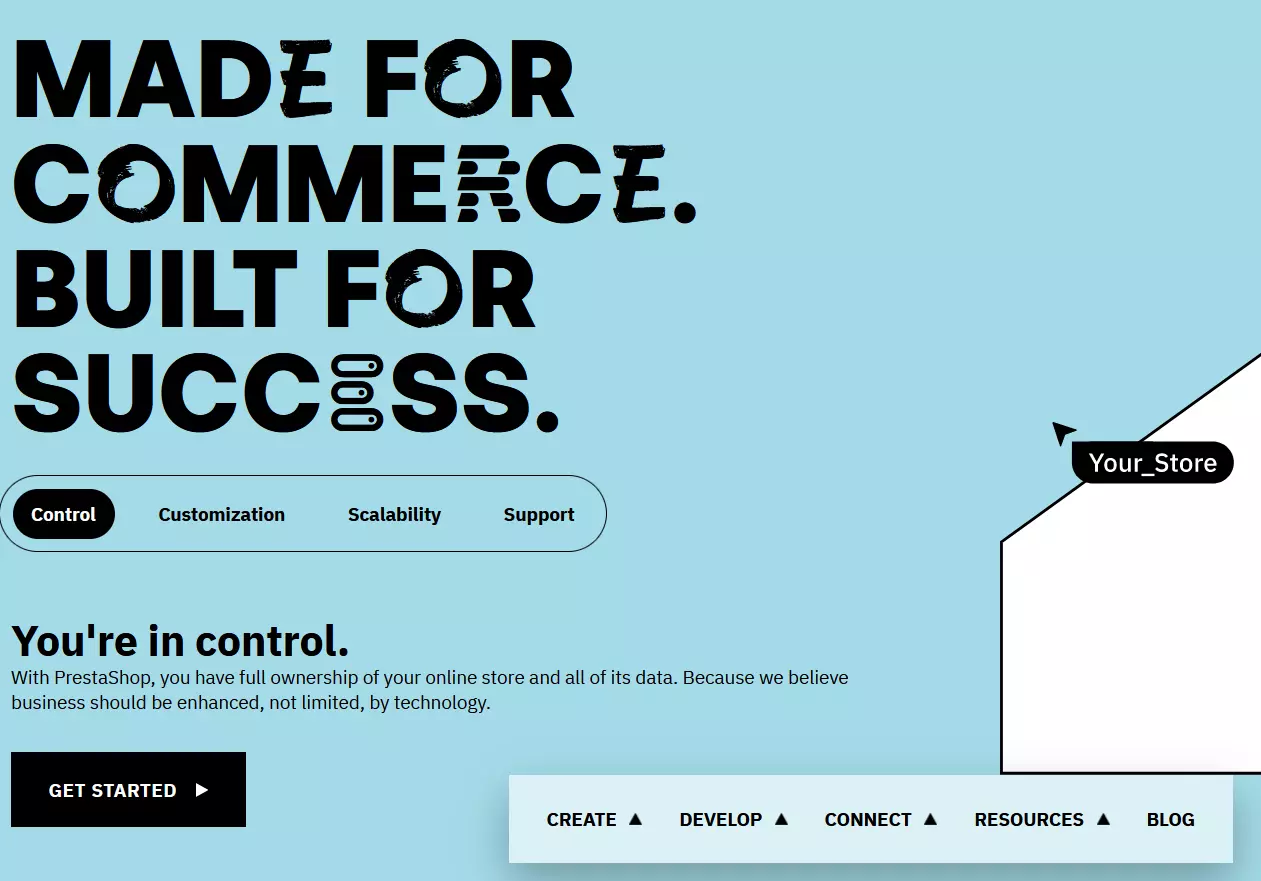
With a focus on small and medium-sized companies, PrestaShop is intended for beginners who want to get online quickly and easily using a low-cost ecommerce solution. The software combines an impressive range of features with a clear, well-structured user interface. Like the other store systems presented here, PrestaShop can also be conveniently accessed through a web browser. Highlights of the more than 300 standard integrated features are:
- Responsive frontend
- Customer evaluation feature and product recommendations via social media
- Customer service tool for managing customer inquiries
- Integrated tool for processing returns
- Multishop and multilingual capabilities
- Integrated CMS for standard pages (e.g., About Us page or Terms and Conditions page)
- Merchandise management (including warehouse management)
The PrestaShop add-ons marketplace has more than 3,000 modules and over 5,000 professional templates available—many of them with responsive design. PrestaShop modules from the core development team and official partners are relatively pricey, so users who want to expand the free software core with add-ons will have to shoulder additional costs.
PrestaShop also offers a demo shop that shows potential customers how the software looks in the backend as well as from the perspective of shop customers, all without having to log in.
Read our articles Shopify vs. Prestashop or Shopify vs. WooCommerce to find out how the store systems differ from other applications on the market!
| Advantages | Disadvantages |
|---|---|
| ✓ Free open-source software with more than 300 features | ✗ Extended module for PrestaShop is relatively expensive |
| ✓ Built-in multishop capability | |
| ✓ Suitable for multilingual shops |
The top ecommerce platforms compared
Below, we’ve created a table that clearly highlights the similarities and differences between the ecommerce solutions presented in this article. We’ve specifically focused on the factors that are most important when choosing an ecommerce software solution.
| Features | Free version available? | Price for fee-based version(s) | Suitable for | Programming knowledge required? | Multishop |
|---|---|---|---|---|---|
| IONOS eCommerce Website Builder | 30-day money-back guarantee | Low starting at $30/month |
Small to large projects | ✗ | ✓ |
| Magento | ✓ | Very high Price available on request |
Average-sized to very large projects | ✓ | ✓ |
| Shopware | ✓ | High starting at $600/month |
Small to average-sized projects | ✗ | ✓ |
| OXID eShop | ✓ | High Price available on request |
Average-sized to very large projects | ✓ | ✓ |
| WooCommerce | ✓ | No fee-based version | Small to average sized projects | ✗ | Possible with plugin |
| Shopify | ✓ | Low-medium Starter: $5/month Basic: $29/month Shopify: $79/month Advanced: $299/month |
Any size project | ✗ | ✓ |
| Gambio | ✓ | Low Starting at €24.95 (around $27) per month |
Small projects | ✗ | ✗ |
| Prestashop | ✓ | No fee-based version | Small to average-sized projects | ✗ | ✓ |
Which ecommerce software is right for you?
Getting started in the world of online commerce requires an investment and should be approached with a focus on the long term. Thorough planning and extensive preparation is needed when choosing ecommerce software for your online shop. Switching platforms later typically involves substantial costs and a significant amount of time. To ensure you find a suitable shop system, it’s important to follow these steps:

Examine your business model and pinpoint critical areas for action. Using this information, you’ll be able to develop a detailed business plan for your online shop and a requirements profile for your ecommerce solution. Key questions you should ask yourself are:
- What knowledge do you have regarding the setup and maintenance of an online shop?
- Do you plan to run your online shop full-time or part-time?
- Will the online shop be the only sales platform or will you have other sales channels as well?
- How many products do you want to offer through your online shop?
- Which markets do you want to serve? Which languages do you want to support?
- How many orders do you think you will receive each month?
In addition, you should also clarify the financial requirements needed to successfully launch and run your web shop. This means considering both the seed money as well as future running costs. If you want your shop to experience continuous growth, it’s essential to incorporate this into your planning.
Reviewer

Melissa Senn
Melissa Senn has been with IONOS since 2016 and focuses on the areas of websites, e-commerce, social media, and AI in the Digital Guide. As a digital strategist, she draws on her extensive SEO and GEO experience to translate complex technological trends into practical content.