

What are the best WordPress plugins 2025? Free and premium

The open-source software WordPress is considered one of the best content management solutions worldwide. With it, you can start your own blog or build a compellingly designed website even with little prior knowledge and relatively little time investment. The popularity of the former blog software—now known for its impressive array of built-in features—can largely be attributed to its extensive selection of plugins.
With Deploy Now, you can host your first 3 GitHub projects for free on IONOS’s high-performance infrastructure. Try IONOS’s free hosting now.
| Description | WordPress Version | (Active) Installations | Price |
|---|---|---|---|
| Akismet | Protection from spam comments | 5.8+ | 6 million+ |
| All In One Security | Comprehensive security suite | 5.0+ | 1 million+ |
| Antispam Bee | Protection from spam comments | 4.6+ | 700,000+ |
| bbPress | Forum integration | 6.0+ | 100,000+ |
| Broken Link Checker | Checks internal and external links | 5.2+ | 600,000+ |
| Contact Form 7 | Contact forms | 6.6+ | 10 million+ |
| Gravity Forms | Contact forms and data management | 6.5+ | Unknown |
| Solid Security Pro | Security suite | 6.5+ | 800,000+ |
| Loginizer | Brute-force protection | 3.0+ | 1 million+ |
| LuckyWP Table Of Contents | Table of contents | 4.7+ | 100,000+ |
| MemberPress | Membership area | 6.0+ | 300,000+ |
| MonsterInsights | Analytics | 5.6.0+ | 3 million+ |
| Ninja Forms | Contact forms | 6.5+ | 700,000+ |
| OptinMonster | Marketing toolkit | 4.7+ | 1 million+ |
| Rank Math SEO | Search engine optimization | 6.3+ | 5 million+ |
| Really Simple Security | SSL/TLS protection | 5.9+ | 5 million+ |
| Restrict Content Pro | Paywall | 6.0+ | 10,000+ |
| SearchWP | WordPress search enhancement | 4.8+ | 50,000+ |
| Slider, Gallery, and Carousel by MetaSlider | Galleries and sliders for images | 5.0+ | 600,000+ |
| Squirrly SEO Pro | SEO suite | 5.3+ | 100,000+ |
| TablePress | Table creation and management | 6.2+ | 700,000+ |
| Taqyeem | Review function | 5.2+ | 2,000+ (purchases) |
| The Events Calendar | Calendar | 6.5+ | 700,000+ |
| The SEO Framework | SEO suite | 6.0+ | 200,000+ |
| Ultimate Member | Membership area | 5.5+ | 200,000+ |
| WooCommerce | Shopping platform | 6.6+ | 8 million+ |
| Wordfence Pro | Security suite | 4.7+ | 5 million+ |
| WP Fastest Cache Premium | 3.3+ | 1.5 million+ | from $49/lifetime |
| WP Meta SEO | Meta-information and linking | 4.7+ | 70,000+ |
| WPML | Multilingualism | 4.7+ | 1 million+ |
| WP Rocket | Caching and lazy loading | 5.8+ | 320,000+ |
| WPtouch Pro | WPtouch Pro | 4.2+ | 500,000+ |
| W3 Total Cache | Caching | 5.3+ | 1 million+ |
| YARPP | Article or page suggestions | 3.7+ | 100,000+ |
| Yoast SEO Free | SEO suite | 6.5+ | 13 million+ |
The useful WordPress extensions are quickly installed and expand the platform with numerous features: The selection ranges from extensions for search engine optimization and enhanced security to e-commerce tools and social media plugins.
What is a WordPress plugin?
WordPress already offers the essential functions in its basic version to create new pages, link them together, and start creating new pages right away. However, the content management system truly showcases its full strength with plugins, which significantly enhance its functionality. Whether it’s extensions for shops, security, search engine optimization, or social media integration, WordPress plugins make it possible to expand the open-source platform so that it is perfectly tailored to the needs of the individual webmaster.
A WordPress plugin is an add-on program. It extends the code of the web application, thereby incorporating a new function. Technically, each extension or adjustment of the WordPress code is a plugin. Experienced users with programming knowledge also have the opportunity to change the code on their own and write new functions into the functions.php file of a theme or create their own WordPress plugin. When downloading WordPress extensions, you should always ensure that the source is trustworthy and safe (such as the WordPress repository or the IONOS App Center).
 To display this video, third-party cookies are required. You can access and change your cookie settings here.
The best free WordPress plugins
WordPress extensions are created by a vast community of developers. Whether an extension is offered for free download or requires payment is at the discretion of the developer. Often, there are two versions of a plugin, with the free variant having limited functionality, allowing the user to access the full features only upon purchasing the extension. Below, we first present our top selection of free WordPress plugins.
Start your blog now with Managed Hosting for WordPress from IONOS. In this special hosting plan, the most important and successful WordPress plugins are already pre-installed, and you don’t have to worry about optimizing, maintaining, and securing the server—IONOS takes care of that for you.
The best free WordPress plugins for search engine optimization
Yoast SEO Free
A SEO plugin should be part of every WordPress project. Even hobby bloggers are aware that websites are only read if they can be quickly found on Google. Yoast SEO is one of the best WordPress plugins to improve your Google search engine ranking.


With the free edition of the extension, it is easy to prepare your WordPress project for Google and automatically assess the readability of your copy. Although you are limited to one basic main keyword in the free edition, you can plan more extensive keyword strategies with Yoast SEO Premium.
| Advantages | Disadvantages |
|---|---|
| ✓ Readability analysis | ✗ Free version limited to one keyword |
| ✓ Many automatic SEO optimizations like canonical URLs or meta tags | ✗ Support only available in the premium edition |
WP Meta SEO
WP Meta SEO also helps you make your WordPress website more search engine friendly. Influence the most important factors of on-page optimization directly from the WordPress backend by not only editing titles and meta descriptions but also managing internal links and permalinks or creating an XML sitemap.
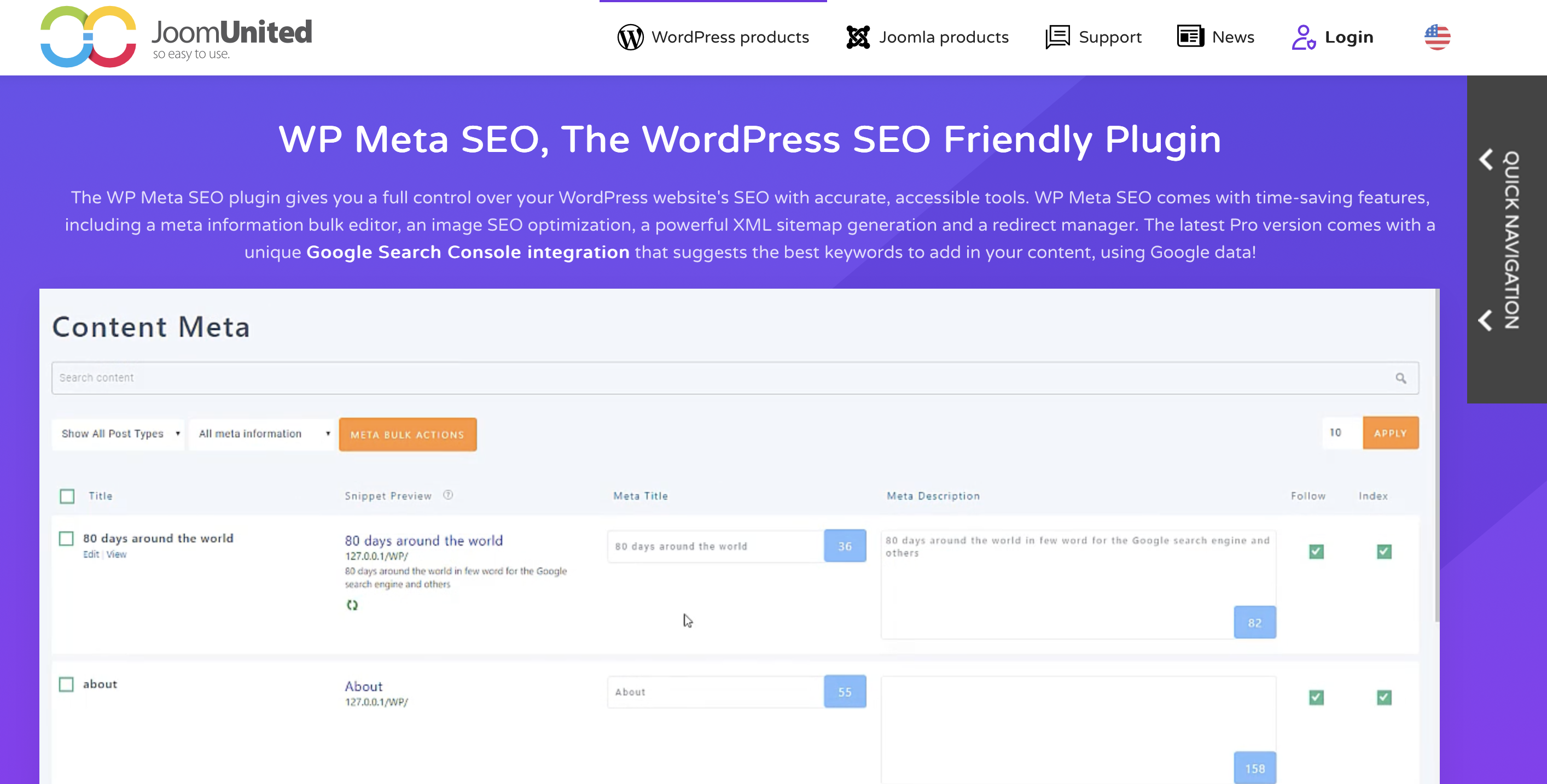
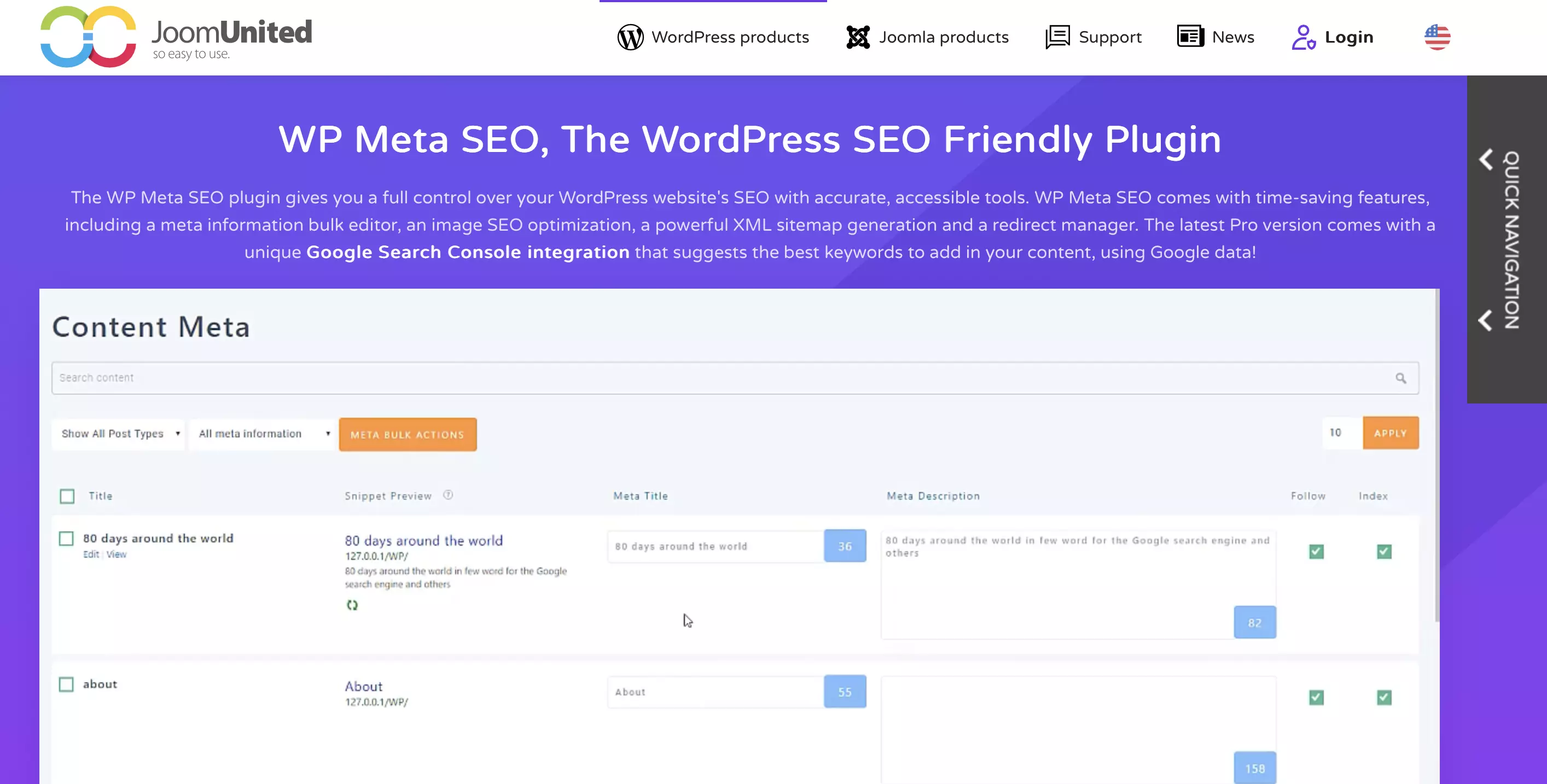
In the free version, WP Meta SEO also supports you in embedding your images: The WordPress extension not only ensures that the images are displayed in the appropriate size but also provides important image SEO-features for the best possible placement in image search rankings.
| Advantages | Disadvantages |
|---|---|
| ✓ Extensive image SEO functions | ✗ Support and updates only in the paid version |
| ✓ HTML and XML sitemaps can be created | ✗ Sitemaps only automatable in the paid version |
You can find various useful tips for search engine-friendly design of your WordPress project in our guide “WordPress SEO for Beginners.”
W3 Total Cache
Caching is an optimal solution to keep the load times of your WordPress project as low as possible—thus impressing your visitors and Google. Once loaded, pages are stored in cache, so no new database query is needed upon revisiting. The WordPress extension W3 Total Cache assists with this implementation. It generates static HTML pages, ensuring shorter load times. This way, you improve the performance of your pages, keeping website visitors satisfied.


| Advantages | Disadvantages |
|---|---|
| ✓ Supports object caching | ✗ No lazy load option (only lazy load for Google Maps in the paid Pro edition) |
| ✓ Full functionality in the free edition | ✗ Configuring the WordPress plugin via the backend could be easier |
You can find alternatives to W3 Total Cache in our detailed article on the best WordPress caching plugins. Elsewhere in the Digital Guide, you can also learn how to make WordPress faster!
Broken Link Checker
Non-functioning links are frustrating and can lead to significant issues: they frustrate your readers and send a negative signal to search engines. Manually checking all links is no longer feasible once your web project reaches a certain size. This is where the Broken Link Checker helps.
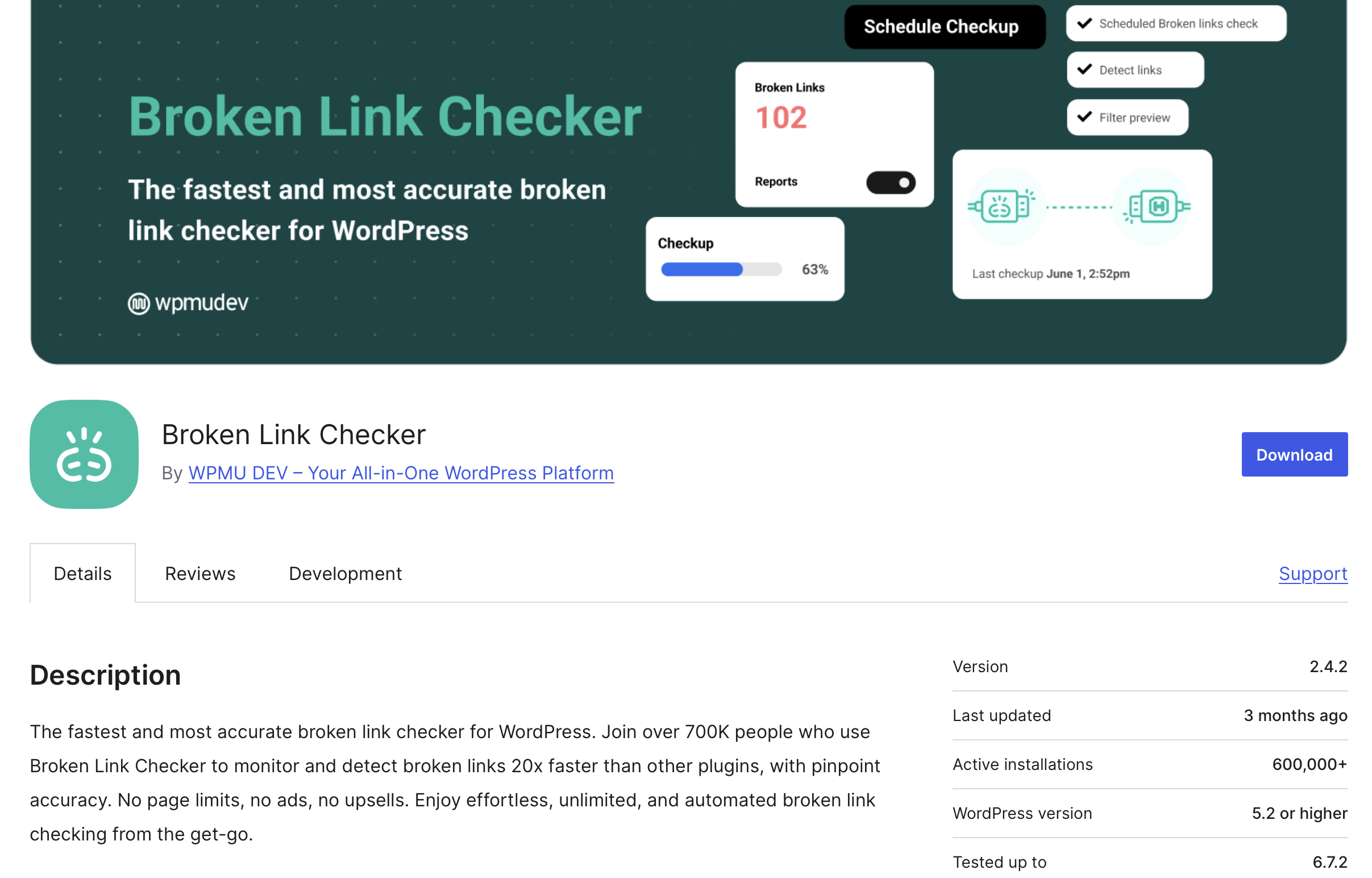
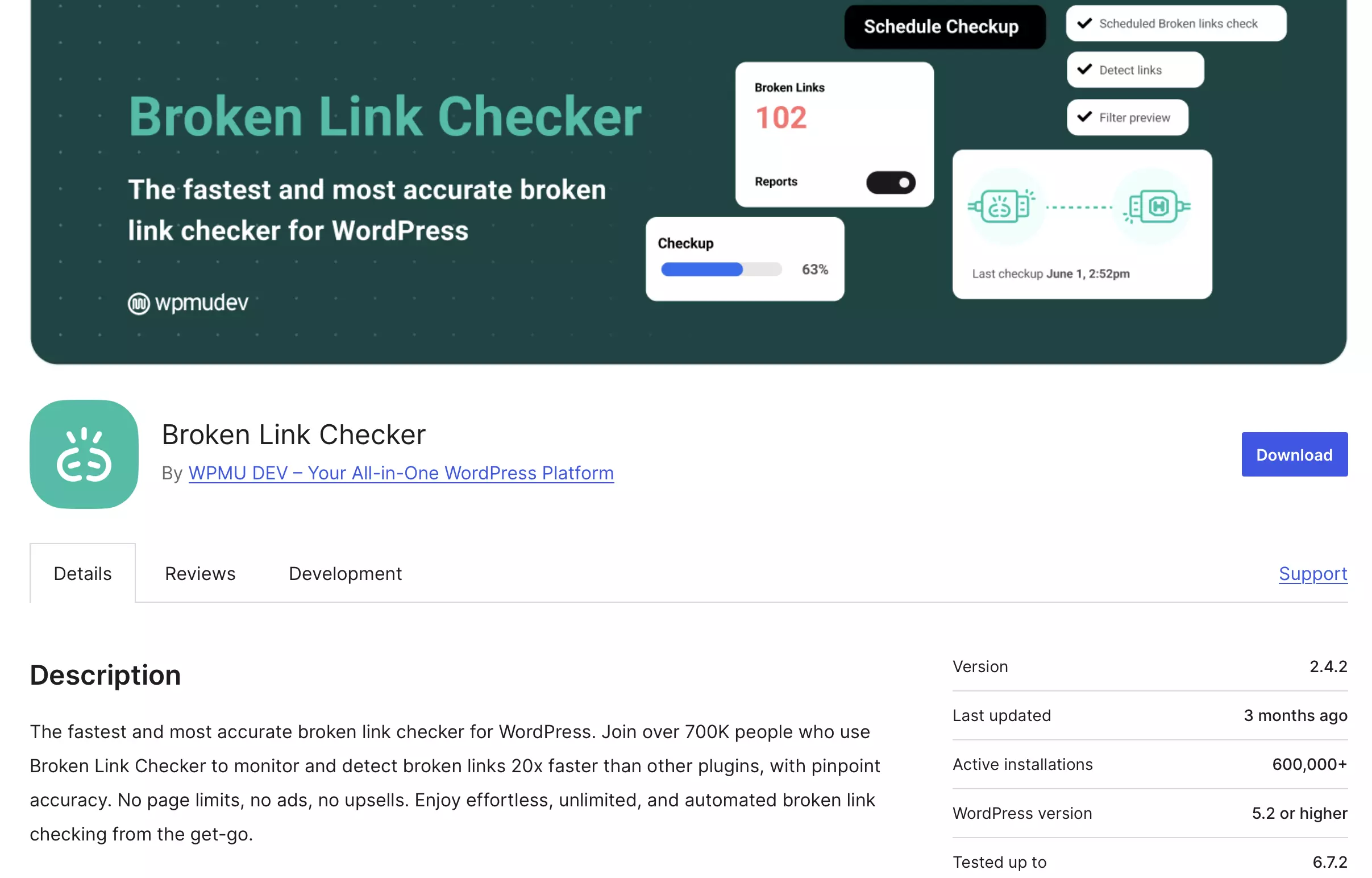
The WordPress extension automatically and regularly checks all internal and external links on the website (including in the comment section) and reports faulty links. It can also detect missing images or redirects. As an operator, you receive notifications either in the dashboard or by email, allowing you to directly replace or disable faulty links, images, and redirects.
| Advantages | Disadvantages |
|---|---|
| ✓ Easy to configure | ✗ Few customization options |
| ✓ Replace or disable links directly in the plugin menu possible |
Antispam Bee
Annoying spam in comment sections is a daily occurrence for bloggers and is neither beneficial for search engine ranking nor user experience. Use tools like Antispam Bee to put an end to the troublesome spam. The WordPress plugin blocks spam bots before they can access forms or comment fields. Optionally, the extension can also check already archived pages of a blog for spam.

In the dashboard, the daily updated spam statistics show values for the detection rate and the total number of blocked comments. Another advantage of Antispam Bee is its explicit compliance with European data protection regulations, making it suitable for websites accessed by users from the EU.
| Advantages | Disadvantages |
|---|---|
| ✓ 100% GDPR-compliant | |
| ✓ Very effective spam protection |
The best free WordPress extensions for content creation
LuckyWP Table of Contents
Tables of contents are a proven way to structure a blog or the pages of a website. They help readers quickly grasp the layout of texts and also serve as classification aids for search engine crawlers. A WordPress extension that automatically generates a table of contents on the desired page is LuckyWP Table of Contents.

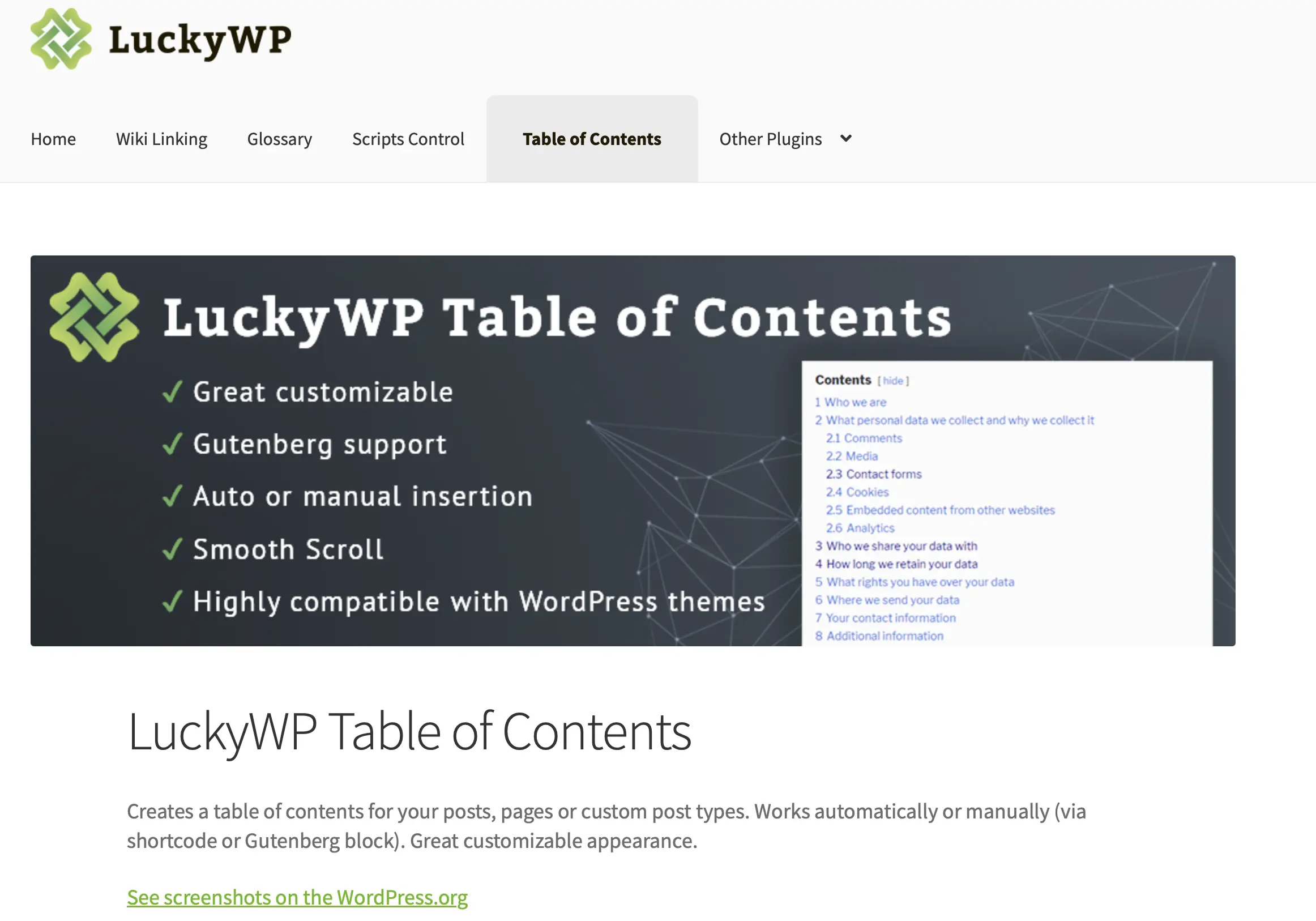
For this purpose, the plugin uses the defined headings (H1, H2, H3, etc.). In the settings, the user can also determine the design and positioning of the contents or specify the minimum number of headings needed for the plugin to create a table of contents.
| Advantages | Disadvantages |
|---|---|
| ✓ Easy to use | |
| ✓ Table of contents can be inserted via shortcode, Gutenberg block, or widget |
Yet Another Related Posts Plugin (YARPP)
Yet Another Related Posts Plugin (YARPP)—sounds complicated. However, the WordPress plugin essentially offers a very simple but practical function to list topic-relevant articles or pages under posts. This is a simple trick to increase visitor engagement by offering them additional relevant content.


To best visually adapt YARPP’s recommendations to your own site, CSS basic knowledge is recommended.
| Advantages | Disadvantages |
|---|---|
| ✓ Easy to use | ✗ Very resource-intensive in large projects |
| ✓ Powerful algorithm for automatically finding related posts or pages |
Slider, Gallery, and Carousel by MetaSlider
If you want to showcase a series of images or photos, gallery plugins like Slider, Gallery, and Carousel by MetaSlider are the perfect solution. This practical WordPress extension helps you publish your images in galleries, sliders, or carousels on your website.


Using drag-and-drop, you select images and photos from your WordPress media library and then drop them into the desired MetaSlider template, which you can place anywhere in your project. You can also define appropriate metadata and links with the plugin.
| Advantages | Disadvantages |
|---|---|
| ✓ Good support | ✗ Integration of YouTube and Vimeo clips in slides, galleries, and carousels not available in the free edition |
| ✓ SEO support included |
TablePress
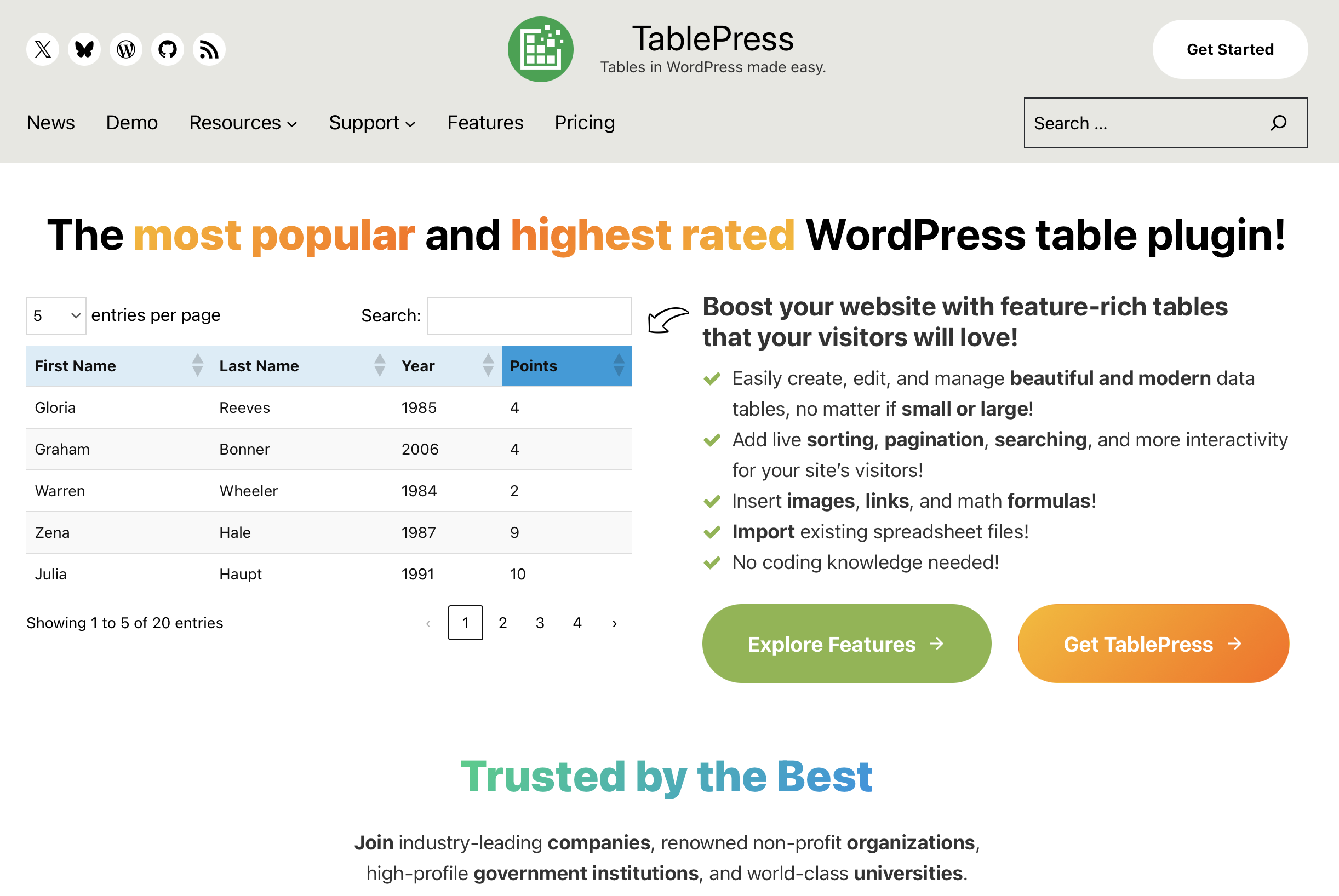
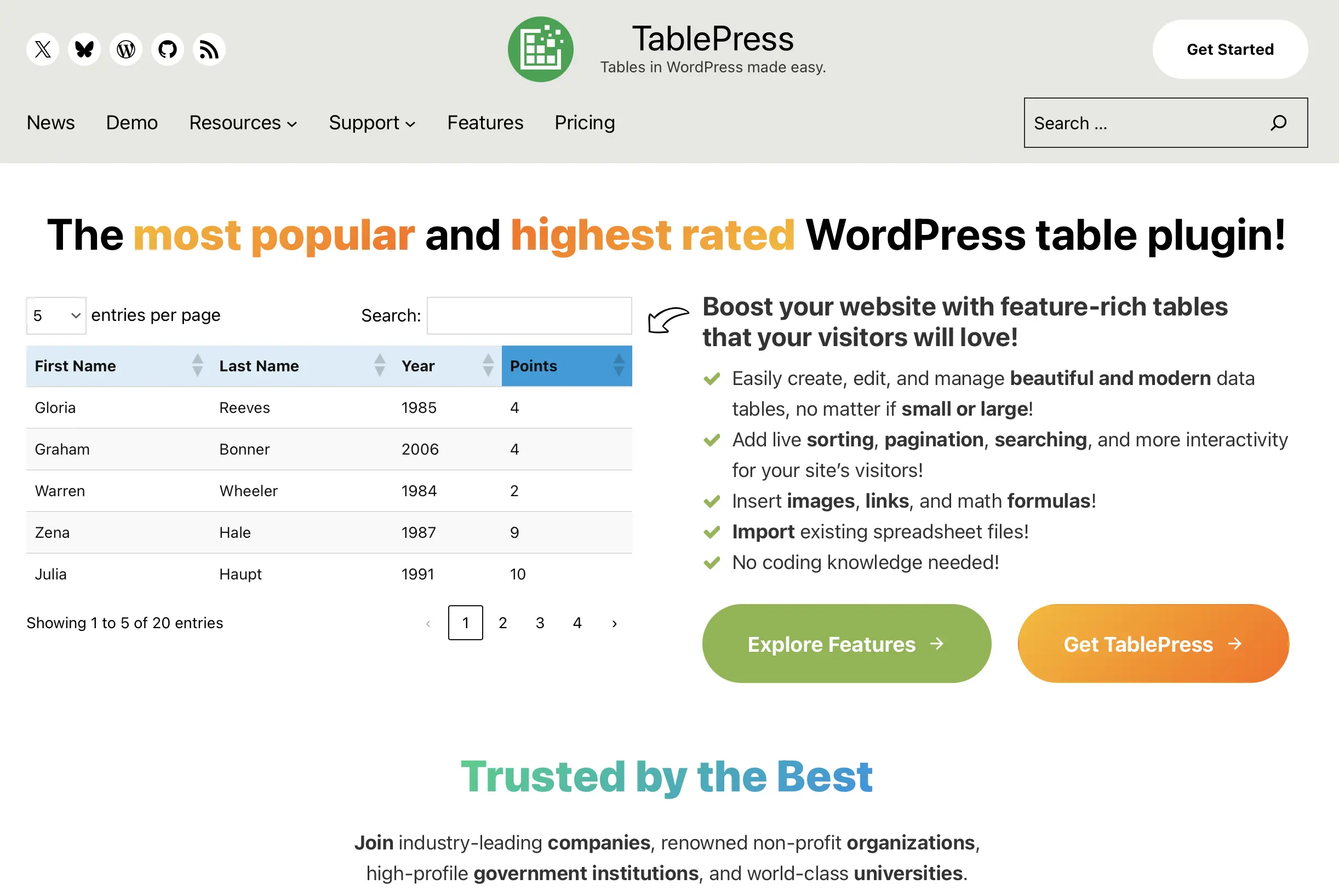
The free plugin TablePress is perfect if you plan to create tables on your WordPress website. These can be filled with text and images as well as links and scripting languages like JavaScript. Importing and styling tables using CSS is also possible.
| Advantages | Disadvantages |
|---|---|
| ✓ Easy table creation and management | |
| ✓ Bulk import and export possible |
The best free WordPress plugins to integrate forums and online stores
bbPress
bbPress turns your project into a customizable forum or adds one to your existing website. The operator can decide whether the forum should be accessible to all visitors or if registration is required to read or write posts. The WordPress forum plugin also allows certain topics to be marked as “Sticky” or “Closed.”
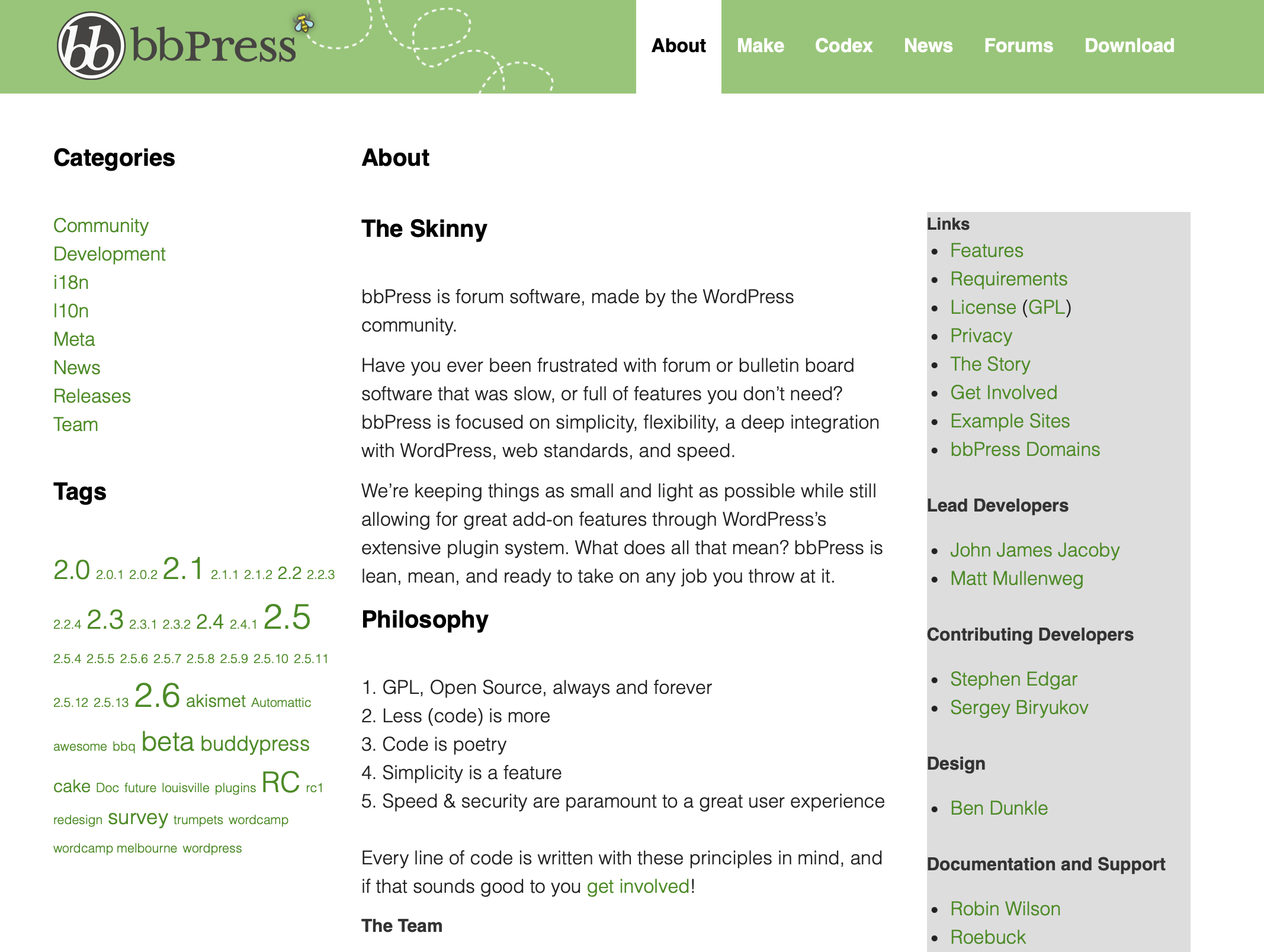
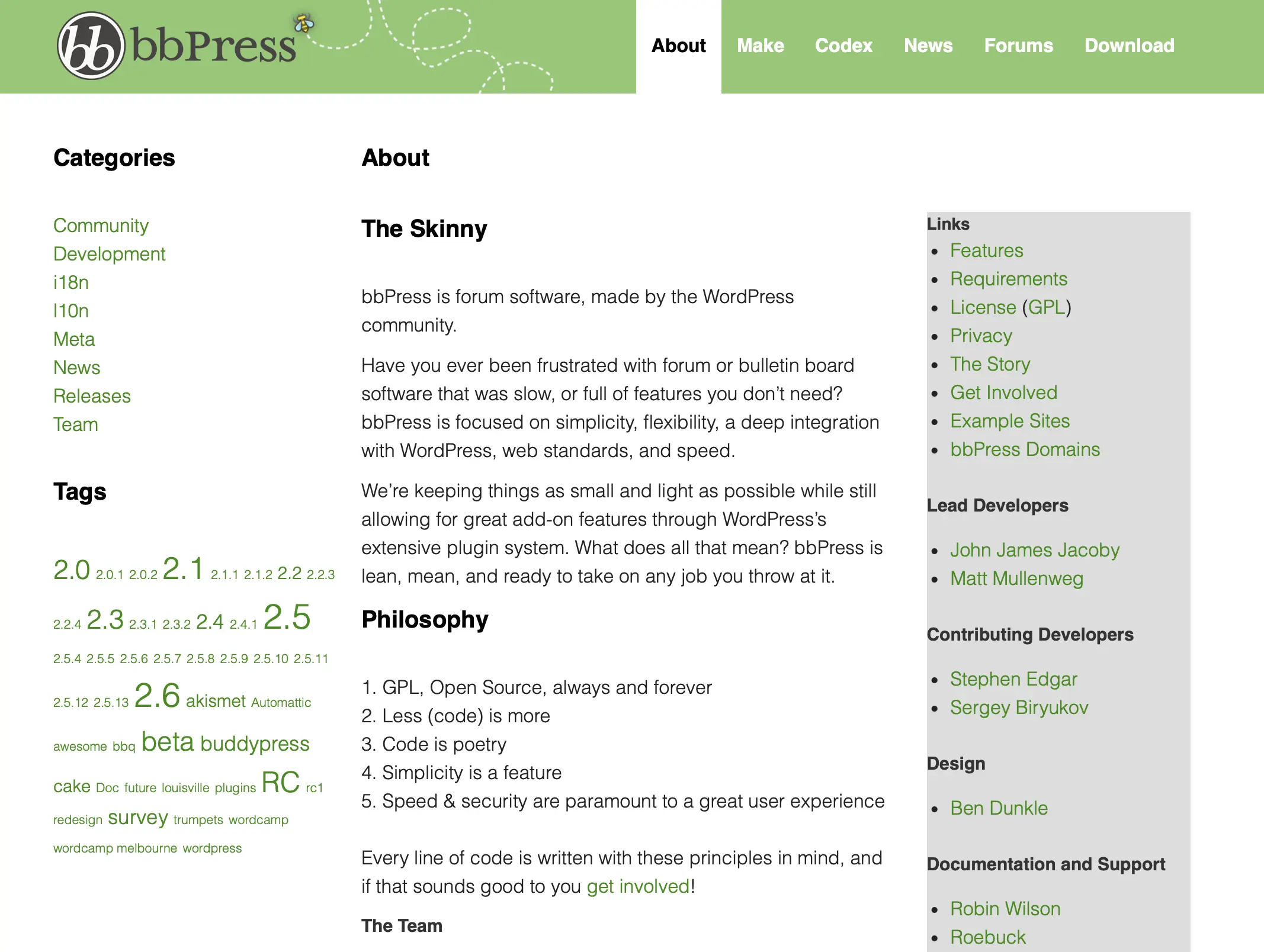
Setting up a forum with bbPress is straightforward through a central admin account—with just a few clicks, the desired community area is installed and customized to fit your needs.
| Advantages | Disadvantages |
|---|---|
| ✓ Multi-site support | ✗ Appearance of the default layout is very outdated |
| ✓ More than 100 extensions available for customizing a bbPress forum | ✗ Last update eight months ago |
WooCommerce
With the help of the WordPress shop plugin WooCommerce, a complete online store can be created. Especially beginners with a manageable product range benefit from the ability to manage all essential e-commerce processes—such as product offerings, shipping, or purchase processing—through the familiar WordPress interface.


Navigation and design of your own WooCommerce WordPress webshop can be customized—the setup wizard only generates a main navigation with the four menu items “Shop,” “Cart,” “Checkout,” and “My Account.” To meet the demands of larger, professional online shops, the developer Automattic offers (paid) premium features for the WordPress shop plugin. Learn more about setting up a WordPress shop with WooCommerce in our article “Creating an Online Shop with WordPress.”
With WooCommerce Hosting from IONOS, you can easily choose the right plan and start right away with WordPress and WooCommerce. Launch your secure online store now, including an SSL certificate, DDoS protection, and the fastest load times!
| Advantages | Disadvantages |
|---|---|
| ✓ Fast, easy setup of your own store | |
| ✓ Huge community |
Ultimate Member
Whether it’s a forum or online shop: A web project that involves user registration as a central element relies on excellent user management. The WordPress extension Ultimate Member replaces the standard user management of the CMS, making user or customer sign-ups on your site a breeze.


With Ultimate Member, you can quickly and effortlessly create registration and login areas as well as customizable user profiles—directly in the frontend. You can also set up your own directories for registered users if needed.
| Advantages | Disadvantages |
|---|---|
| ✓ All-in-one package for sustainable user management | ✗ Historically vulnerable to cyberattacks |
| ✓ High user-friendliness thanks to its own drag-and-drop tool with predefined fields | ✗ Support for the free basic version could be improvedf |
Contact Form 7
For the success of your online business project, it is essential to be accessible to your users when they have questions or issues. Since WordPress doesn’t provide forms by default, using a WordPress contact form plugin like Contact Form 7 is highly recommended.


The extension can be quickly and easily integrated and comes with all the important features. Basic CSS knowledge is required to visually adjust the contact form to match your preferences.
| Advantages | Disadvantages |
|---|---|
| ✓ Respects users’ privacy (in the default configuration) | ✗ Visual customization requires CSS know-how |
| ✓ Expandable (e.g., additional protection against spam bots |
Ninja Forms
There’s another form plugin that not only has a cute name but is also extremely practical. With Ninja Forms, you can add (contact) forms to your WordPress website where users can enter their information, such as name, email address, and phone number. These forms can also be complemented with payment options. This way, your website visitors have the opportunity to make payments to you easily via PayPal, credit card, and more.


| Advantages | Disadvantages |
|---|---|
| ✓ Easy to use even for beginners | |
| ✓ Versatile (contact) form design |
The best free WordPress extensions for added security
Really Simple Security
For security reasons and an optimal rating on Google, it is urgently necessary to encrypt data transmission on your WordPress website with SSL/TLS or HTTPS. The plugin Really Simple Security (formerly Really Simple SSL) supports you in this endeavor—you just need a valid certificate.
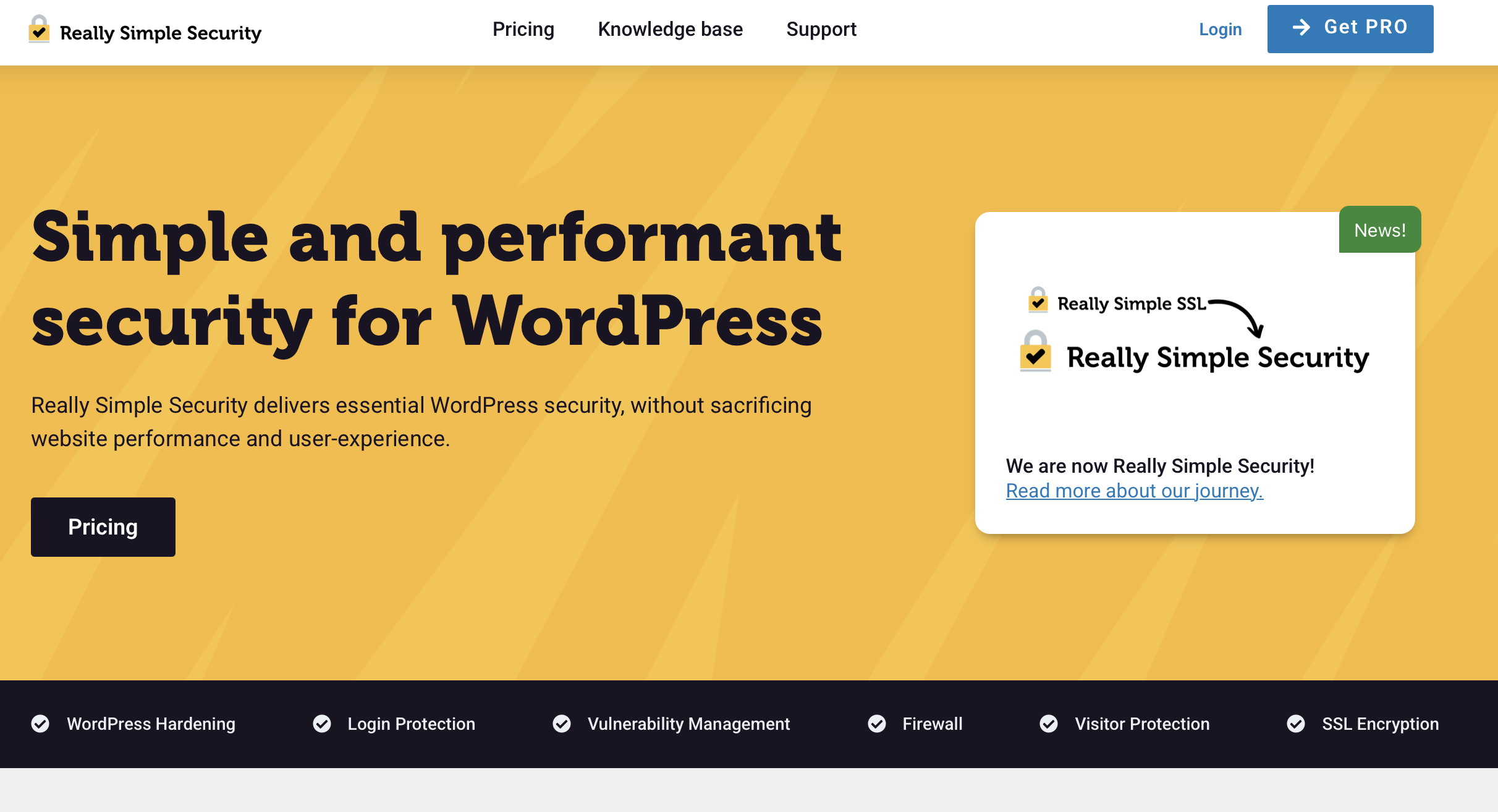
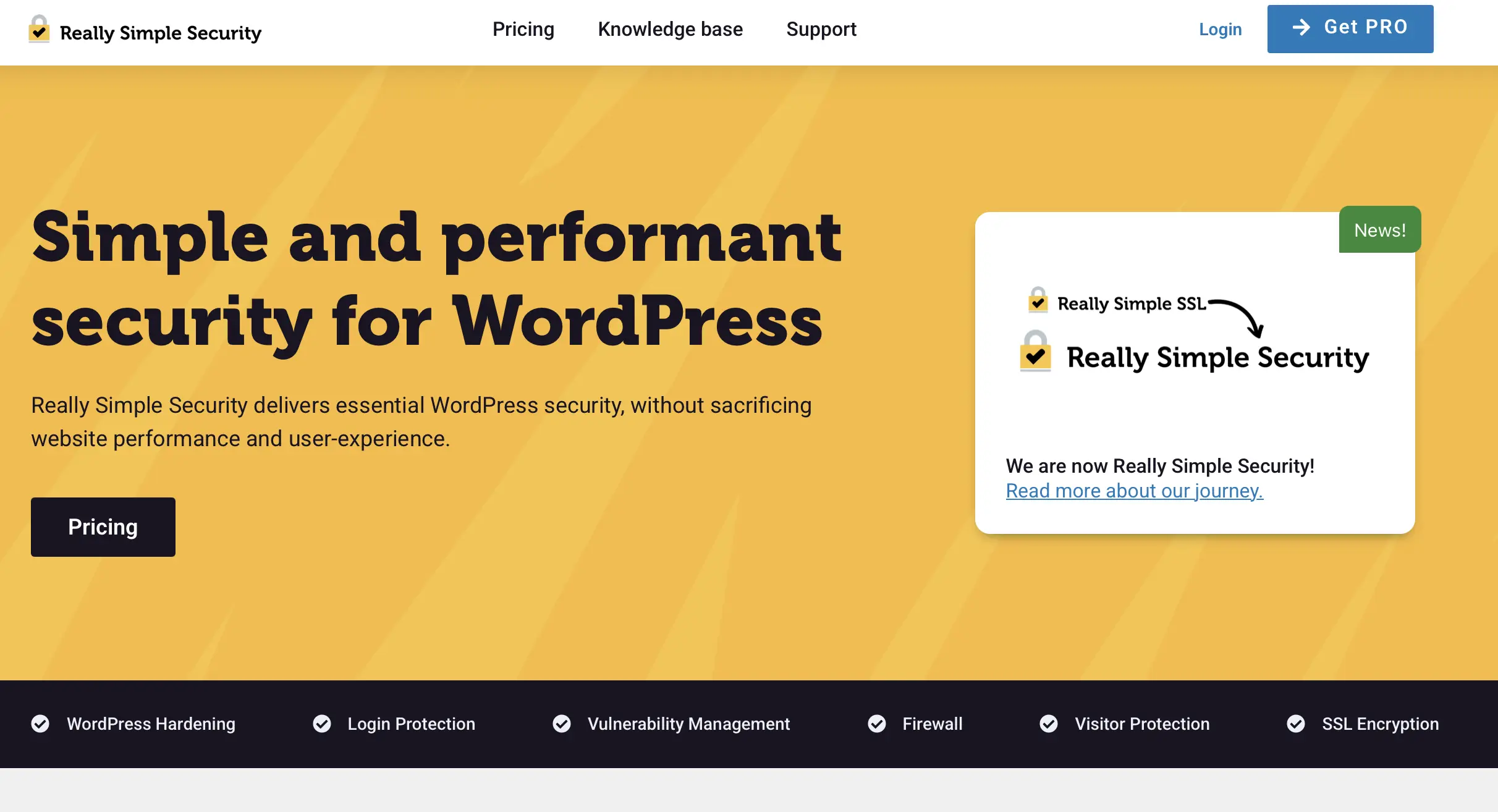
Once you have a certificate ready and Really Simple Security installed, you can activate SSL/TLS with just one click. If you want to set up additional security mechanisms like HTTP Strict Transport Security, login protection, or a firewall, you’ll need to opt for the paid Pro edition.
| Advantages | Disadvantages |
|---|---|
| ✓ Automatic verification of current security status | ✗ Plugin must be permanently activated |
| ✓ Works with all certificates |
Loginizer
Brute-force attacks have been among the most popular methods used by cybercriminals for years due to their simplicity. With the free basic version of the WordPress extension Loginizer, you can effectively protect your web project against this type of attack.


When you activate Loginizer in your WordPress project, the plugin automatically blocks all IP addresses that have made more than three failed login attempts for 15 minutes. If multiple blocks occur, the lockout period extends to 24 hours. You can, of course, manually remove IP addresses from the blacklist at any time.
| Advantages | Disadvantages |
|---|---|
| ✓ Effective protection against brute force | ✗ Sometimes disproportionately resource-intensive |
| ✓ Clear log file with failed login attempts |
All In One WP Security
Over the years, WordPress has become increasingly secure, but due to its growing popularity, it has also become a focus for cybercriminals. With the free WordPress extension All In One Security, you can elevate your project’s security level to a new height—thanks to features like its own firewall, brute-force protection, security scanner, and spam protection.


For particularly critical security elements like the admin username or file sharing, the premium plugin shows a concrete overview with toggle switches in the panel. In the extension’s own dashboard, you can also see a specific security score for your pages, which allows you to read the current status of your project.
| Advantages | Disadvantages |
|---|---|
| ✓ Huge selection of security features | |
| ✓ Beginner-friendly thanks to easy-to-understand explanations |
The best (paid) premium WordPress plugins
Building on our recommendation of the best free WordPress plugins, we now turn to the top paid extensions of 2025. Often called premium plugins, these paid products typically offer a broad range of features and are frequently accompanied by exclusive support from the manufacturer.
The best premium WordPress plugins for search engine optimization
WPtouch Pro
With the paid WordPress plugin WPtouch Pro, the layout and functionality of your website on mobile devices are fundamentally optimized. The use of this extension ensures that a mobile-friendly version of the desktop version is offered under the same URL—the original version remains unchanged. You can either transfer the entire content one-to-one or customize it individually. For example, it is possible to generate alternative menus or landing pages that are better suited for various mobile devices.


WPtouch Pro is a mobile solution supported by Google, ensuring that your website is automatically marked as “mobile-friendly”. Depending on the selected package, the plugin can be used for 1, 5, 20, or 50 WordPress projects.
| Advantages | Disadvantages |
|---|---|
| ✓ Mobile solution favored by Google | ✗ Subscription for one project does not include all themes |
| ✓ Usable without programming knowledge |
WP Rocket
WP Rocket is the first choice for many experts when it comes to improving performance for an optimal Google ranking. The WordPress premium plugin ensures, among other things, that all pages of a project are loaded into the cache, allowing them to be delivered faster. For this purpose, a “preload” bot simulates a visit to the website at regular intervals.


Furthermore, WP Rocket reduces loading time by automatically compressing all static files like HTML, JavaScript, and CSS documents. Thanks to the LazyLoad feature, the browser of the website visitors loads all embedded images only when they enter the user’s viewport.
| Advantages | Disadvantages |
|---|---|
| ✓ Database optimization | ✗ No free trial version available |
| ✓ Lazy-loading feature |
Squirrly SEO Pro
Squirrly SEO Pro makes the search engine optimization of your WordPress project effortless. To achieve this, the WordPress premium plugin offers a variety of useful and powerful AI-supported SEO features like regular keyword suggestions, a blogging assistant, content marketing analytics, or the “Focus Pages” feature, which automatically highlights the most promising pages of your website or store for optimization.


With the “Pro,” “Webdev Kit,” and “Business” plans, you can use the Squirrly features on 5, 10, or 7 WordPress sites, respectively.
| Advantages | Disadvantages |
|---|---|
| ✓ Powerful features for keyword research | ✗ Deeper keyword research is only available in the “Webdev Kit” and “Business” editions |
| ✓ Real-time SEO recommendations |
WP Fastest Cache Premium
In the premium segment, few plugins can compete with WP Fastest Cache when it comes to caching. Using Mod_Rewrite, the plugin generates static HTML content to optimize the loading time of your web project. When you publish new content, the existing cache of the relevant pages is automatically cleared. Additionally, you can exclude any pages from caching as needed.


WP Fastest Cache Premium also provides various features that go beyond caching. This WordPress premium plugin assists with your SEO efforts through functions such as merging and minimizing CSS and JavaScript code and converting images to WebP.
| Advantages | Disadvantages |
|---|---|
| ✓ Features for image optimization included | ✗ No official documentation available |
| ✓ Desired pages can be excluded from caching |
The SEO Framework
The premium plugin The SEO Framework specializes in Google-compliant white-hat SEO. The extension optimizes WordPress for search engines with the goal of speeding up SEO meaning that the plugin is up to 12 times faster than the competition. Furthermore, The SEO Framework offers features like protection against SEO attacks and a high degree of automation.


The SEO Framework is available in three versions: “Pro” (2 sites), “Business” (20 sites), and “Agency” (200 sites). There is also a free version for testing the plugin at no cost.
| Advantages | Disadvantages |
|---|---|
| ✓ Extendable with extensions | ✗ Limited API requests per month |
| ✓ Excellent performance |
Rank Math SEO
With the WordPress plugin Rank Math SEO, you gain access to numerous features that assist you in the search engine optimization of your website: from a rank tracker that reveals how your pages are performing in search engine rankings to a content AI that offers keyword suggestions, and more. The plugin has three paid upgrades overall—Pro, Business, and Agency. There is also a free version, but it lacks almost all useful features.


| Advantages | Disadvantages |
|---|---|
| ✓ Many practical SEO features | ✗ Free version has few features |
| ✓ Clear layout |
The best premium WordPress plugins for marketing and analytics
OptinMonster
Without returning visitors, achieving long-term success for your web project is difficult. Well-functioning lead management, therefore, plays a very important role in managing a website. Especially online shop and blog operators rely on optimal tools in the fight for loyal customers or readers. One of the best solutions in this regard is the WordPress premium plugin OptinMonster.


The integrated drag-and-drop editor allows you to create attractive forms in just minutes, such as collecting the user’s email address for initial contact. With simple A/B testing and detailed statistics, you can also measure and analyze the effectiveness of different variants.
| Advantages | Disadvantages |
|---|---|
| ✓ Uncomplicated campaign creation in minutes | ✗ Few third-party tool integrations |
| ✓ Excellent support |
Taqyeem
A review function on the website or under various posts offers a great way to measure the satisfaction of website visitors. In e-commerce, reviews also serve as recommendations for potential buyers. Additionally, ratings that can be displayed in Google and other search engine results provide added value for search engine users. The Egypt-based company TieLabs has launched Taqyeem, one of the most successful and best WordPress plugins for integrating a user review system and presenting product reviews (e.g., in test reports).
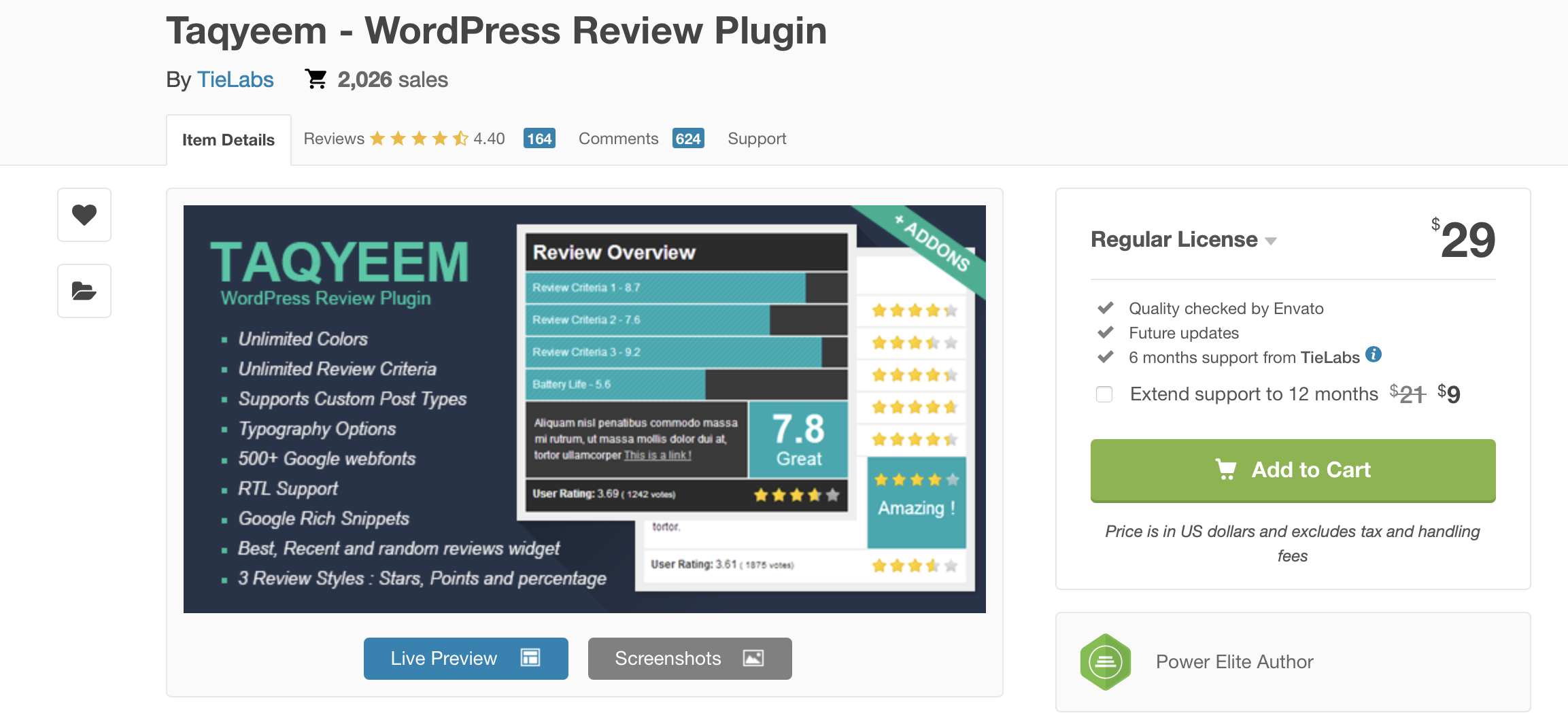
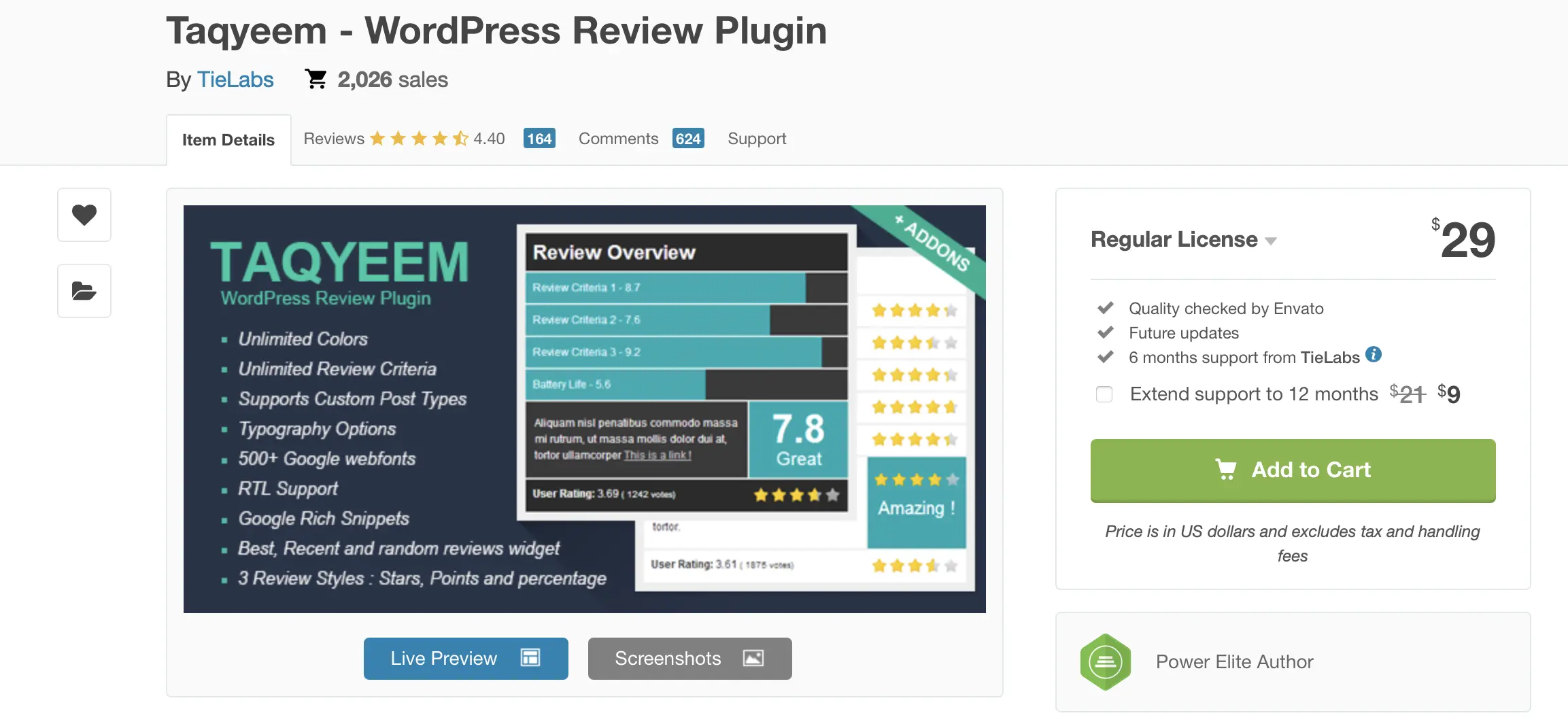
The presented reviews can be individually customized with the premium plugin, with more than 500 Google Web Fonts, various typography options, and three rating schemes (stars, points, and percentages) available.
| Advantages | Disadvantages |
|---|---|
| ✓ High-quality reviews including buttons | ✗ Not available in the WordPress plugin directory |
| ✓ Three different rating schemes available | ✗ Last update nearly two years ago |
MonsterInsights
If you want to measure the success of your web project in numbers, the WordPress premium plugin MonsterInsights provides the right foundation. In combination with Google Analytics, the extension presents you with all relevant numbers in real-time—whether page views, bounce rate, average session duration, or user devices—in a clear dashboard. eCommerce tracking for WooCommerce, Easy Digital Downloads, LifterLMS, and MemberPress is also possible.


Various other areas of your WordPress project can also be tracked with MonsterInsights. These include, for example, file downloads, contact forms, links and tags, as well as the development of SEO score and focus keyword. For each tracking category, the WordPress extension regularly provides clear reports. Caseproof also offers a free plugin version called MonsterInsights Lite, which has fewer features but is good for testing before you decide on a paid upgrade, if applicable.
| Advantages | Disadvantages |
|---|---|
| ✓ Comprehensive tracking options for every type of web project | ✗ Relatively expensive |
| ✓ No registration with third-party services required |
SearchWP
Since the search function on WordPress is not optimal and makes finding older website content challenging, the plugin SearchWP was created. However, it’s not just the search on your website that gets improved. With a Pro upgrade, you gain access to features like Metrics, which shows you what users are searching for. With this information, you can change and optimize your website’s content accordingly. This is particularly interesting for online shop owners who want to discover which products generate the most interest.


| Advantages | Disadvantages |
|---|---|
| ✓ Improved search function | |
| ✓ Insight into user search behavior |
The best premium WordPress plugins for content creation
WPML
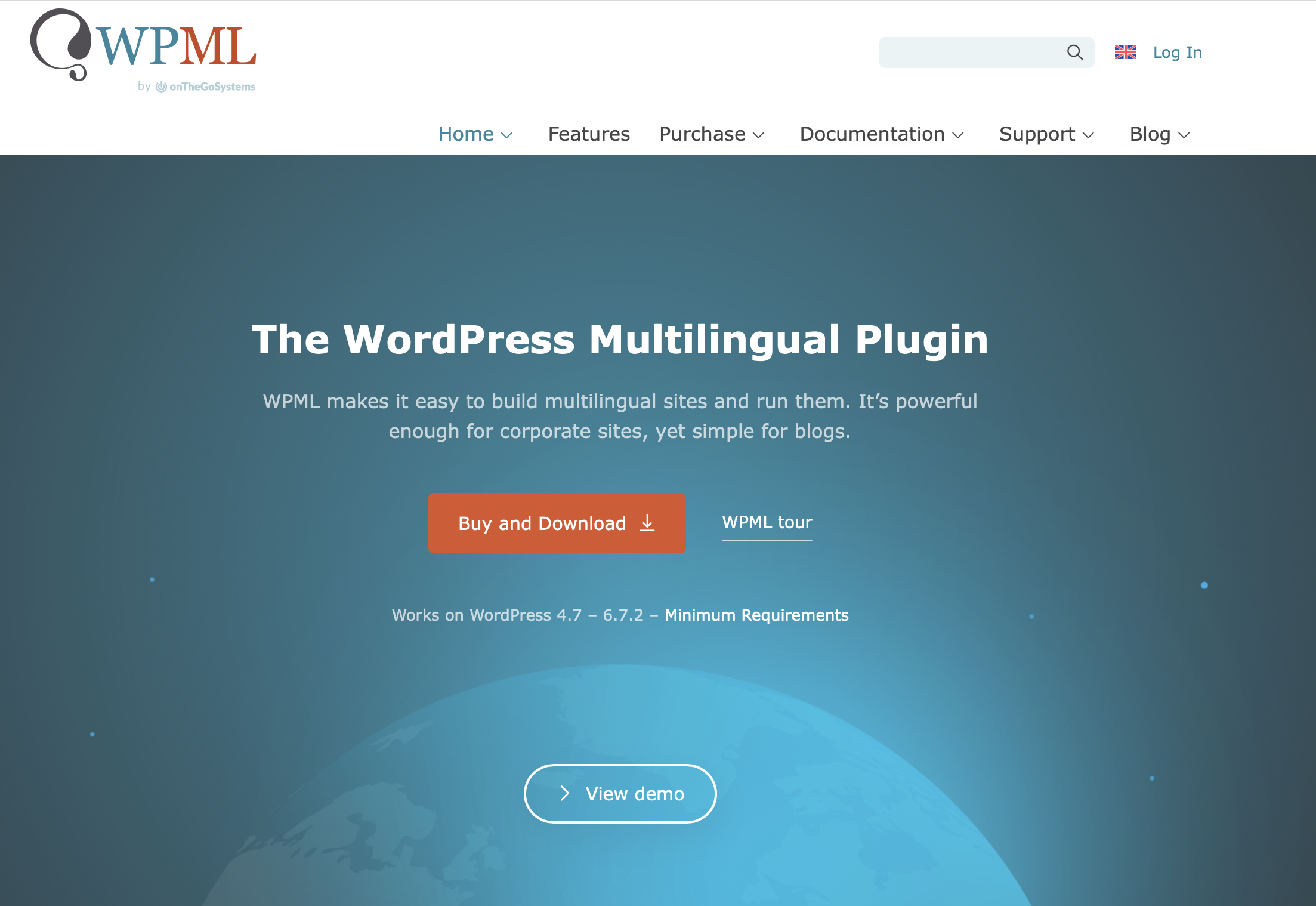
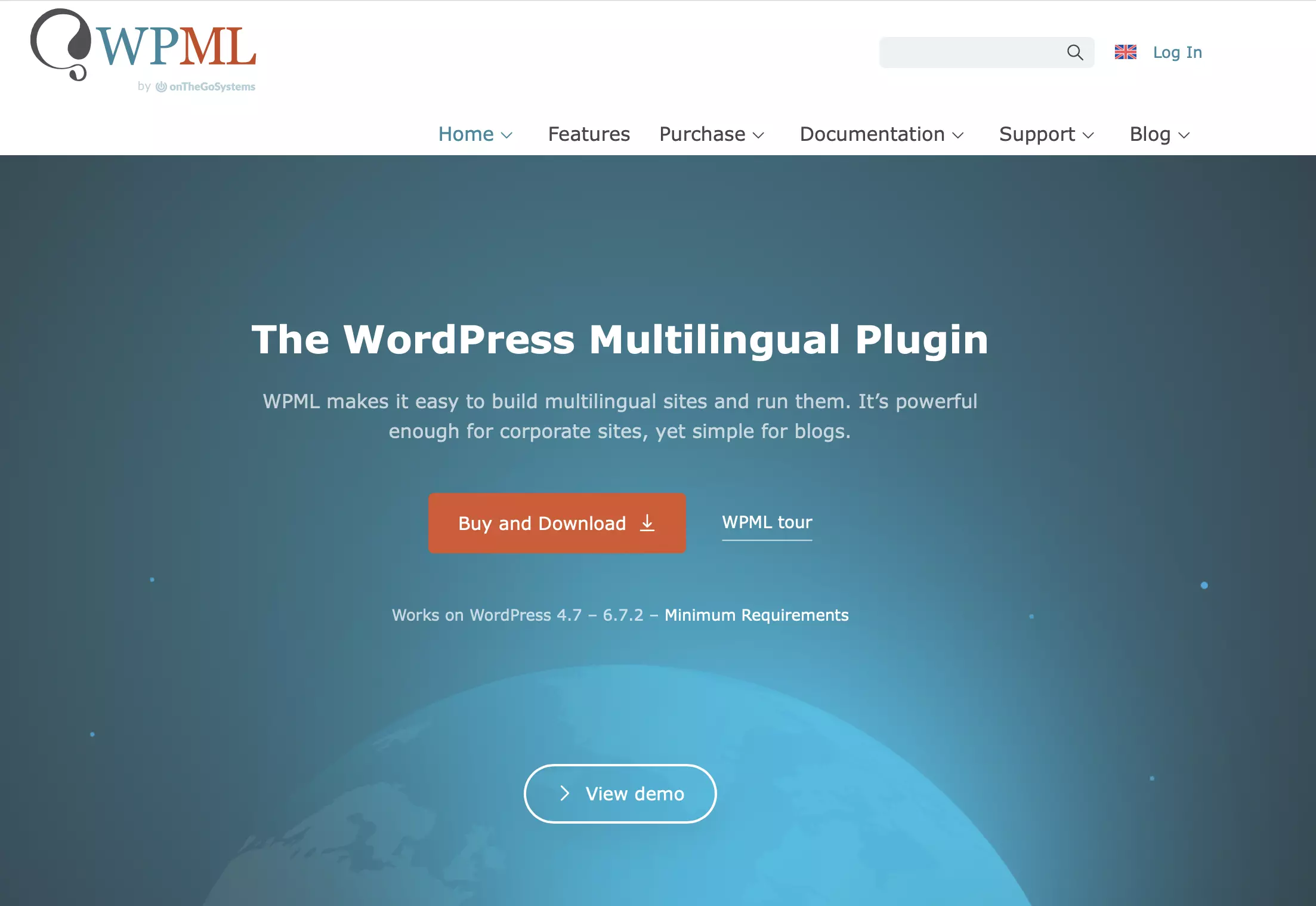
If you want to offer your web content in multiple countries, you generally need different language versions to provide all visitors with an optimal user experience. The WordPress premium plugin WPML from OnTheGoSystems provides the right functions for this. With translation aids for posts, pages, taxonomy, and menus, as well as automatic browser language detection, the basic plan offers all the features for a multilingual blog.
The more expensive “Multilingual CMS” plan gives users access to additional translation options, allowing them to translate widgets or texts from themes, plugins, and other WordPress extensions. To coordinate work on multilingual projects, WPML in this version also allows for translation management with multiple users.
| Advantages | Disadvantages |
|---|---|
| ✓ Easy management of 65 languages | ✗ Does not work with all WordPress themes |
| ✓ Own translation editor (requires “Multilingual CMS” plan) |
The Events Calendar
If you want to present a calendar on your WordPress website, you can do this with the premium plugin The Events Calendar. You can choose to create calendars with new events using the extension or incorporate existing data from Meetup, Eventbrite, Google Calendar, iCalendar, or other sites and apps.


To optimally adapt the calendar to your own preferences, the code of The Events Calendar has been designed to be particularly developer-friendly. In addition, various views are available to present the entered events, for example, by day, week, or month, or in a list. There is also a free plugin version, but it lacks essential features such as premium support and the events manager.
| Advantages | Disadvantages |
|---|---|
| ✓ Shortcode integration possible | |
| ✓ Automatic adjustment of event times to the respective time zone |
Restrict Content Pro
A well-structured membership management system is indispensable for offering premium content. The WordPress extension Restrict Content Pro supports users in implementing such a paywall and also offers functions for membership organization. With the tool, you can create an unlimited number of membership packages, which can easily be equipped with various access rights.


Restrict Content Pro has interfaces to payment services like 2Checkout, Stripe, and PayPal.
| Advantages | Disadvantages |
|---|---|
| ✓ WooCommerce integration | ✗ Many features require additional extensions |
| ✓ Interfaces to payment services like PayPal |
MemberPress
MemberPress is another WordPress premium plugin for managing exclusive website content. You can define in detail the properties for the different membership plans, such as the price, available content, or the duration of the subscription or trial period. MemberPress then automatically generates the registration page through which visitors can purchase the respective offer—inclusive of a button for the desired payment option.
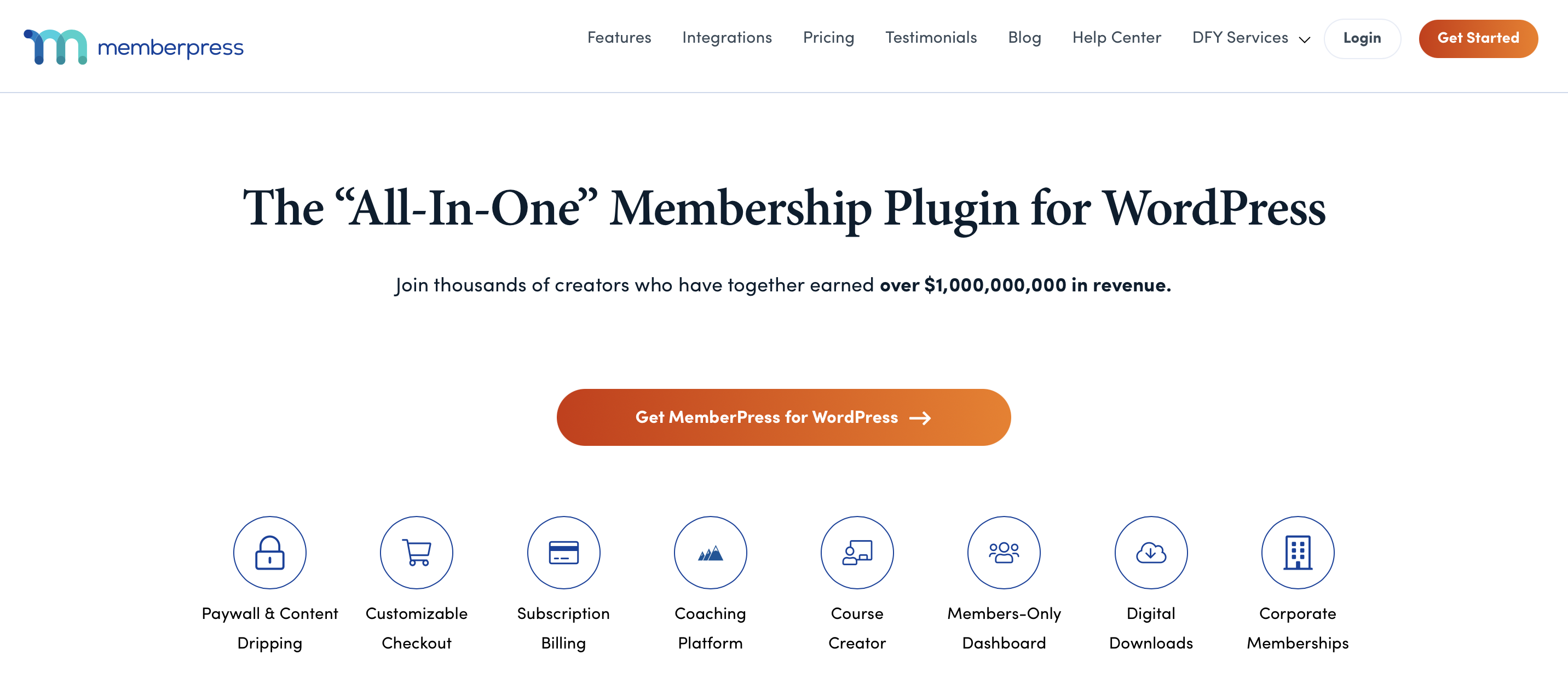
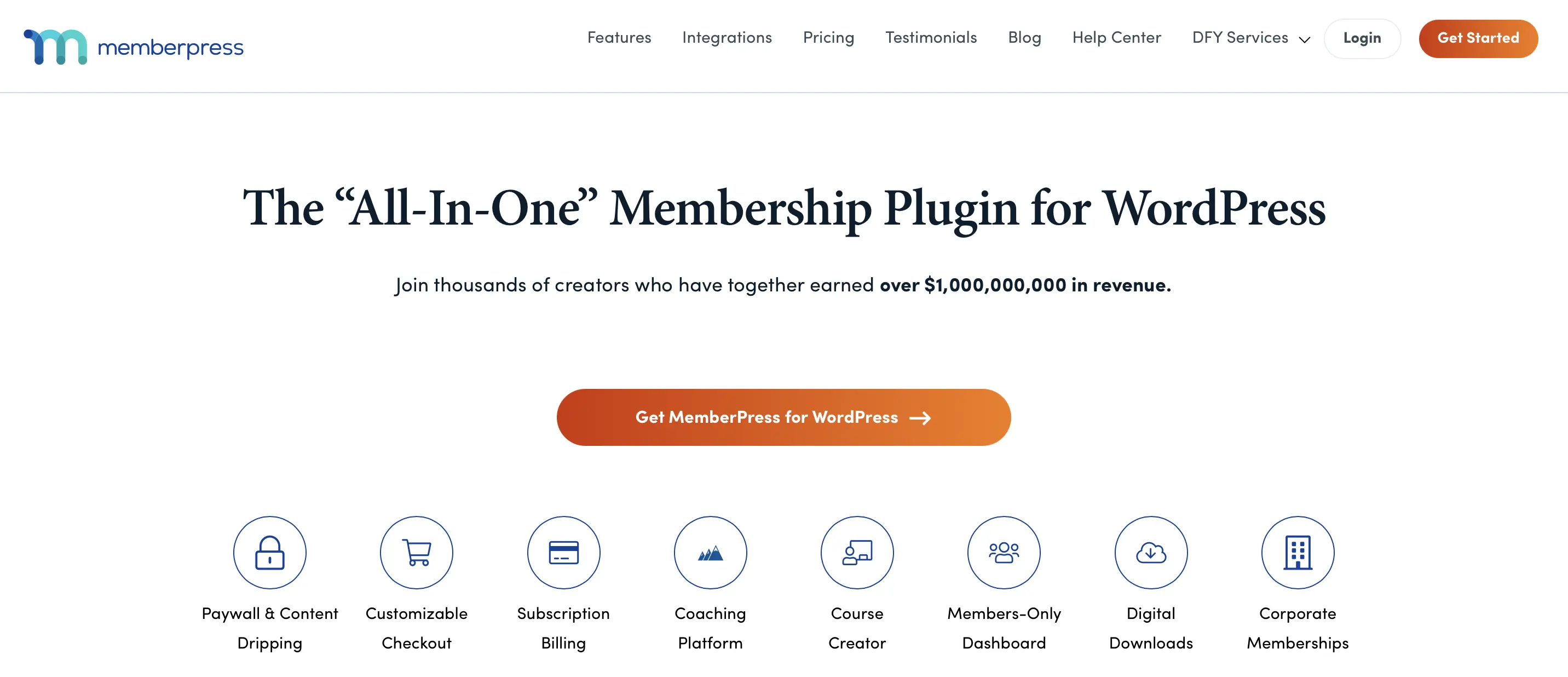
The extension—if desired—sends notifications via email when, for example, a new membership is initiated, a membership is terminated, a transaction fails, or a user changes their plan. Under the “Reports” section, the WordPress membership plugin provides detailed statistics about all active and former subscriptions and payments.
| Advantages | Disadvantages |
|---|---|
| ✓ Integrations for third-party services like PayPal, Mailchimp, ConvertKit, or Help Scout | ✗ Difficult to understand operation |
| ✓ Includes feature for coupon creation | ✗ Lacks member directory |
Gravity Forms
With the plugin Gravity Forms, you have access to a WordPress tool that allows you to quickly create forms and embed them on your website using a drag-and-drop function. Additionally, you can easily collect and manage the data provided by users in this way. Gravity Forms offers three license plans—Basic, Pro, and Elite—from which you can choose. When you upgrade the basic version, you receive Pro and/or Elite add-ons that allow additional extensions to be added. These include, for example, Capsule CRM—a software component that provides you with a customer relationship management system.


| Advantages | Disadvantages |
|---|---|
| ✓ Versatile form creation | ✗ Embedding forms is more difficult than with other plugins of this kind |
| ✓ Numerous add-ons available |
The best premium WordPress plugins for added security
Akismet
Akismet from Automattic is the premium solution for combating website spam. The filtering service has been around since 2005 and is available by default to all users hosting their project on WordPress.com in the basic version.


To use the features of the WordPress premium plugin for commercial sites, you must subscribe to a monthly plan. The two paid plans offered for this, “Plus” and “Enterprise” (or “Enterprise Plus”), are characterized by extended statistics and prioritized support from the manufacturer. The extension is regularly updated to promptly respond to current spam trends.
| Advantages | Disadvantages |
|---|---|
| ✓ Spam check is performed on an external server (resource-efficient) | ✗ API key required for use |
| ✓ Extensive spam database | ✗ Transmission of IP addresses to external server poses privacy issues |
Wordfence Pro
With Wordfence, you get a WordPress security plan that protects your project around the clock from malware and other cybercriminal attacks. The core of this package is the WordPress firewall, which receives regular updates to immediately recognize known harmful malware signatures and promptly remove the appropriate malicious software from the server.


For additional protection, an integrated malware scanner, regular checks of WordPress core files, and vulnerability checks are carried out. If needed, with Wordfence Pro, you can also limit login attempts on the server to set up a basic brute-force protection.
| Advantages | Disadvantages |
|---|---|
| ✓ Regular updates for firewall and malware scanner | ✗ For smooth use of the plugin, you must promptly switch to new WordPress versions |
| ✓ Detects changes to WordPress core files |
Solid Security Pro
Solid Security Pro is another WordPress premium plugin dedicated to protecting WordPress projects. Once you have installed the extension, you can overview and configure the various security features via the “Security Dashboard” in the backend to your liking. Among other things, Solid Security Pro offers a malware scanner, 404 error detection for combating bots, and the ability to replace the default URL for user and admin logins.
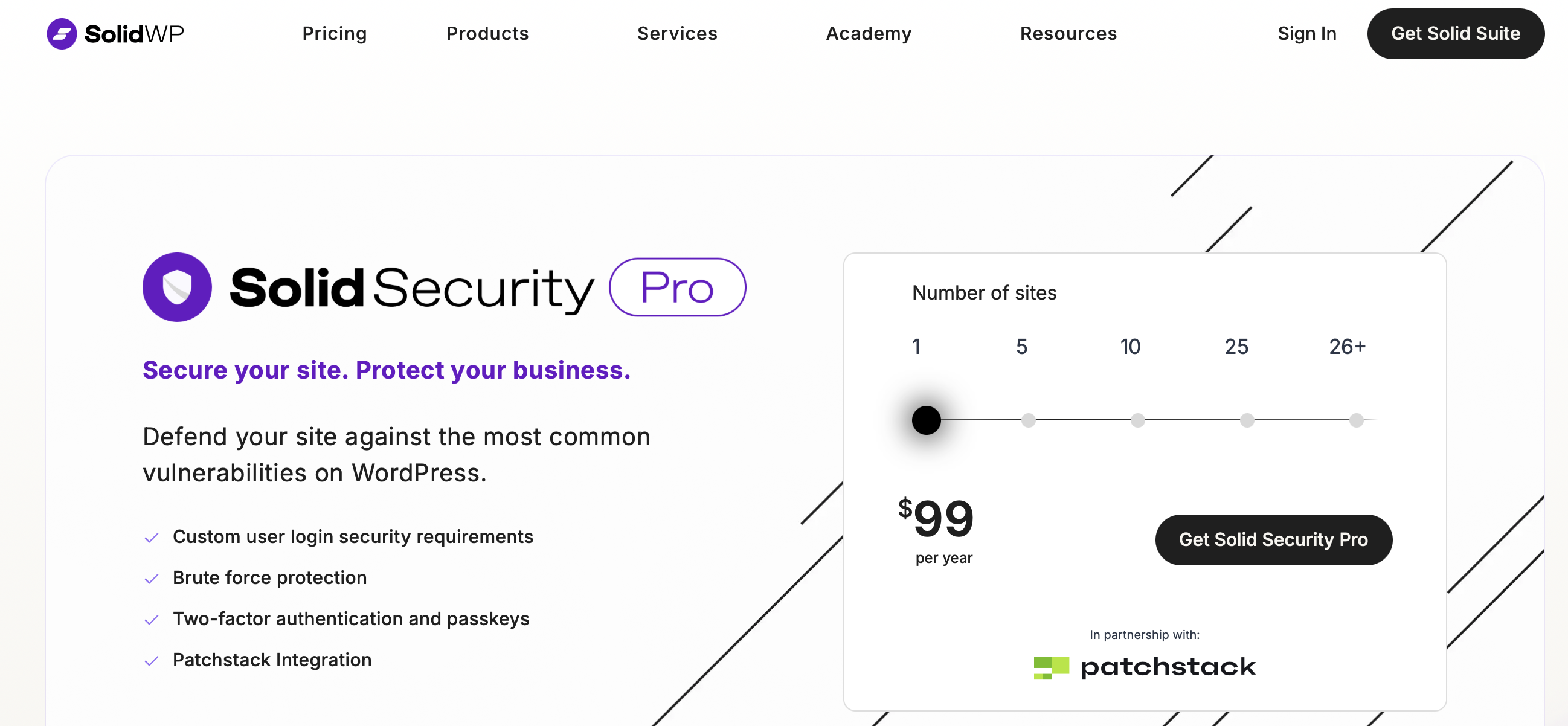

Solid Security Pro also offers various features to make logging into your WordPress project as secure as possible for all parties. For instance, you can use the plugin to ensure that users must set strong passwords during registration. The login itself can be secured with two-factor authentication (mobile app, email, or backup code).
| Advantages | Disadvantages |
|---|---|
| ✓ Ability to set up two-factor authentication | ✗ Some features, like the check for altered files (disable-able), slow down performance |
| ✓ Option to make strong passwords mandatory for all or specific users |
The best sources for WordPress extensions
Talking about the best WordPress plugins of 2025 is, strictly speaking, a bit challenging: Since the interests and needs of operators can vary greatly, probably only some of the presented plugins are relevant in most cases. For this reason, independently searching for suitable extensions is definitely recommended. The previously mentioned official WordPress repository, which can also be accessed directly through the content management system, is undoubtedly the most important source for WordPress plugins. Like the IONOS App Center, every new extension there is checked for functionality and trustworthiness, ensuring that downloading WordPress plugins is considered very safe.
However, there are also other sources for extensions—especially for WordPress premium plugins that are paid from the start and not listed in the official directory:
- CodeCanyon: When it comes to feature-rich, paid extensions, CodeCanyon is a leading source. The online platform’s directory contains over 5,300 WordPress plugins and also sells extensions for other content management systems like Joomla or Drupal. Results can be filtered by price, category, sales figures, or rating.
- accessPress: accessPress offers a mix of over 100 free and paid WordPress plugins for download or purchase. For all listed extensions, you can access detailed information (description, release date, price, license, last update time, etc.), documentation, and a live preview.
- GitHub: New WordPress extensions are regularly released on GitHub as well. However, the search can be relatively complicated since you can only search the entire developer platform. Nevertheless, those who put in the effort to search through the over 199,000 available repositories with WordPress extensions will find a lot of useful plugins.
How many WordPress plugins can you install?
There is no limit to the number of additional extensions you can install on WordPress. The number of plugins doesn’t necessarily impact the performance of a website, and it’s entirely possible for a project to remain just as fast, even with many extensions. What matters more than the quantity is the quality of each individual plugin. In some cases, a single poorly coded extension can significantly affect performance or lead to other issues.
To avoid such technical problems, plugins should always be chosen consciously and regularly checked for their necessity. Otherwise, it’s easy to lose track of the installed extensions—a problem that can be entirely avoided with Managed Hosting for WordPress. With these hosting plans, you only have access to a curated selection of high-quality, functional plugins.
Where does WordPress store plugins?
The fact that the installation of new plugins is carried out directly within WordPress greatly simplifies the expansion of the content management system. Whether the package is found and downloaded via the integrated search or added via the import function, users only need to follow the assistant’s instructions to add and activate the desired function. The practical listing of all implemented WordPress extensions also aids in managing them. Meanwhile, the CMS automatically organizes the installed plugins into folder structures by placing all extensions in the folder wp-content/plugins. Language files and translations for the extensions, however, are placed in the folder wp-content/languages.
The files of a WordPress plugin can also be manually copied into the listed folders to install them.
Install WordPress plugins carefully
There are numerous free WordPress plugins, with new ones being added daily. However, too many plugins can lead to a cluttered backend. Additionally, there’s the danger of unpredictable “interactions.” Incompatibility between different programs and components can quickly create security vulnerabilities. Therefore, you should only install plugins that you actually use regularly. Many administrative plugins can be uninstalled after just one use.
Reviewer

Julia Hertler
With over 18 years of experience in content marketing, Julia Hertler has deep expertise in digital communications. For the past 10 years, she has specialized in the areas of domains and hosting at the IONOS Digital Guide, making complex technical topics easy to understand.