Bookkeeping software for small business

Accounting is a complex but essential part of running a business. Without proper financial oversight, businesses risk serious issues, including compliance problems with the Canada Revenue Agency (CRA) and, in Quebec, Revenu Québec. Errors in recording transactions can lead to financial instability and potential penalties. Accounting software simplifies bookkeeping, reduces mistakes, and helps you keep track of GST/HST, payroll and year-end reporting. The right tools help businesses manage invoicing, expenses, and tax filing efficiently.
An overview of bookkeeping software
Which accounting software is right for you? Our overview table compares all featured programs and their key features side by side. All information is up to date as of October 2026.
| Software | Price | Payroll (Canada) | Cloud-Based | Mobile App |
|---|---|---|---|---|
| FreshBooks | $ | check provider | ✓ | ✓ |
| QuickBooks Online | $ | (✓) | ✓ | (✓) |
| Xero | $ | (✓) | ✓ | check provider |
| Sage Accounting | $ | (✓) | ✓ | ✓ |
| Sage 50 | $$$ (annual subscription) | (✓) | (✓) | check provider |
| Zoho Books | Free plan / $ | check provider | ✓ | ✓ |
| Wave | Free plan / $ | (✓) | ✓ | ✓ |
| Kashoo | $$ | (✓) | ✓ | check provider |
| Odoo | free plan (one app); paid plans per user | check provider | ✓ | check provider |
✓ = available, (✓) = only as a paid add-on, via a partner app or in certain plans, “check provider” = could not be confirmed for this overview, please check the provider’s website. Price scale: the figures refer to the cheapest paid plan per month, excluding tax, at list price (no promotions); annual-only prices are converted to a monthly equivalent. $ = up to CAD 30 per month, $$ = CAD 30–70, $$$ = over CAD 70. Kashoo’s list price is stated in US dollars (USD 30), which already falls in the $$ range when read as CAD. Odoo’s paid plans are priced in euros only, so no tier is given. Some providers also offer a free plan or a free trial. The price tiers are only a rough guide: they are based on list prices at the time of writing and may differ depending on billing period, number of users, currency or tax, so please check the provider’s current offer.
Bookkeeping in Canada: what you should know
Canadian small businesses deal with several tax authorities and rule sets at once. Your accounting software should be able to handle them.
- Tax authorities: The CRA is the federal tax authority and handles GST/HST, payroll and information returns. Revenu Québec administers the QST and, in Quebec, also the GST/HST.
- Sales taxes: The federal GST is 5%. In Ontario the HST is 13%, in Nova Scotia 14% (reduced from 15% on 1 April 2025), and in New Brunswick, Newfoundland and Labrador and Prince Edward Island 15%. British Columbia (7%), Saskatchewan (6%) and Manitoba (7%) charge a provincial sales tax (PST) in addition to the GST, and Quebec charges the QST (9.975%). Alberta, the Northwest Territories, Nunavut and Yukon only charge the 5% GST.
- Small supplier rule: You are a small supplier, and do not have to register for GST/HST, as long as your worldwide taxable revenues stay at or below $30,000 in a single calendar quarter and over four consecutive calendar quarters. Once you exceed $30,000 in a single quarter, you must charge GST/HST on the supply that put you over the limit; if you exceed it over four quarters, you stop being a small supplier at the end of the month after that quarter. You then have 29 days from your effective date of registration to register.
- GST/HST returns: Monthly and quarterly filers file one month after the end of the reporting period, annual filers generally three months after the end of their fiscal year (individuals with a 31 December year-end have until 15 June to file). If the due date falls on a weekend or public holiday, the next business day counts.
- T4 and T4A returns: Information returns must be filed by the last day of February after the calendar year they relate to (the next business day if that falls on a weekend or holiday).
- Record keeping: As a general rule, keep your required records and supporting documents for six years from the end of the last tax year they relate to. Records on long-term acquisitions and disposals of property and the share registry must be kept indefinitely.
- Accounting standards: Private enterprises can choose between the Accounting Standards for Private Enterprises (ASPE, CPA Canada Handbook Part II) and IFRS (Part I, which covers publicly accountable enterprises).
This is general information, not tax advice. Rules differ by province and business type, so confirm your situation with an accountant or the CRA.
What to consider when choosing bookkeeping software
There are different types of accounting software. Some are available as downloads and installed locally, while others run as online accounting solutions in the cloud. Cloud-based software allows access from anywhere with just a browser and an internet connection.
To effectively support your business, accounting software should include these essential features:
- Expense & receipt management: The software should allow you to easily upload, scan, and categorize receipts for accurate expense tracking.
- Bank integration: To efficiently manage finances, the software should connect with your business bank account and support automatic bank feeds.
- Invoicing & payments: A good accounting tool lets you create professional invoices, send payment reminders, and accept online payments.
- GST/HST and provincial taxes: Since sales tax differs by province (GST, HST, PST or QST), the software should track the taxes you charge and pay and produce reports for your GST/HST return.
- Inventory management: If you sell physical products, look for software with inventory tracking. Some platforms include it only in higher plans, while others require add-ons.
- Payroll: If you have employees, check whether payroll is available for your province, whether it handles CRA remittances and T4/T4A slips, and what it costs on top of the software.
- Order & expense tracking: Many businesses use separate tools for order and expense tracking, but some accounting solutions include built-in features to streamline financial reporting.
If your accounting software includes these functions, it will help you efficiently manage your business finances and keep your books ready for tax time.
Here are eight of the best bookkeeping software options for Canadian businesses
With so many different offers available, it can be quite daunting trying to choose the right bookkeeping software for your company. We have narrowed it down to eight options to make your decision a little easier. Prices and plan contents change, so check them on the provider’s website before you decide.
FreshBooks
FreshBooks is an accounting software designed for freelancers, self-employed professionals, agencies, and small to medium-sized businesses. It offers features such as invoicing, expense management, time tracking, project management, payments, estimates, and reporting. According to the provider, all plans include automated bank imports and tax reporting. Users can try the software free for 30 days before choosing a paid plan. The plans are called Lite, Plus and Premium, with a custom Select plan available on request, and the lower plans include a limited number of billable clients. Additional team members cost extra. FreshBooks has apps for iPhone and Android. Check the provider’s website for payroll options.


| Advantages | Disadvantages |
|---|---|
| ✓ 30-day free trial available | ✗ Additional cost per extra team member |
| ✓ Detailed client tracking | ✗ Number of billable clients limited in lower plans |
| ✓ Optimized project management | |
| ✓ Sophisticated time tracking | |
| ✓ Tax reporting and automated bank imports in all plans | |
| ✓ Mobile app for iPhone and Android |
QuickBooks
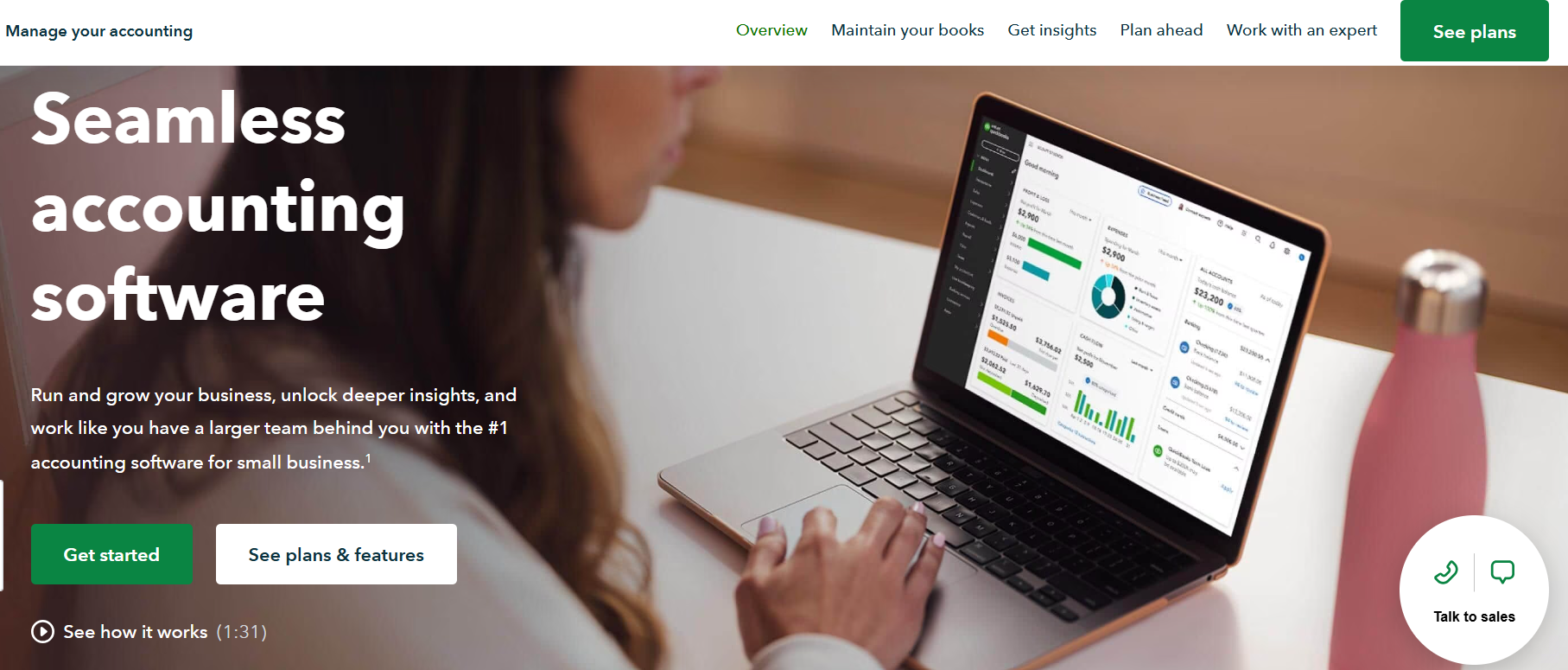
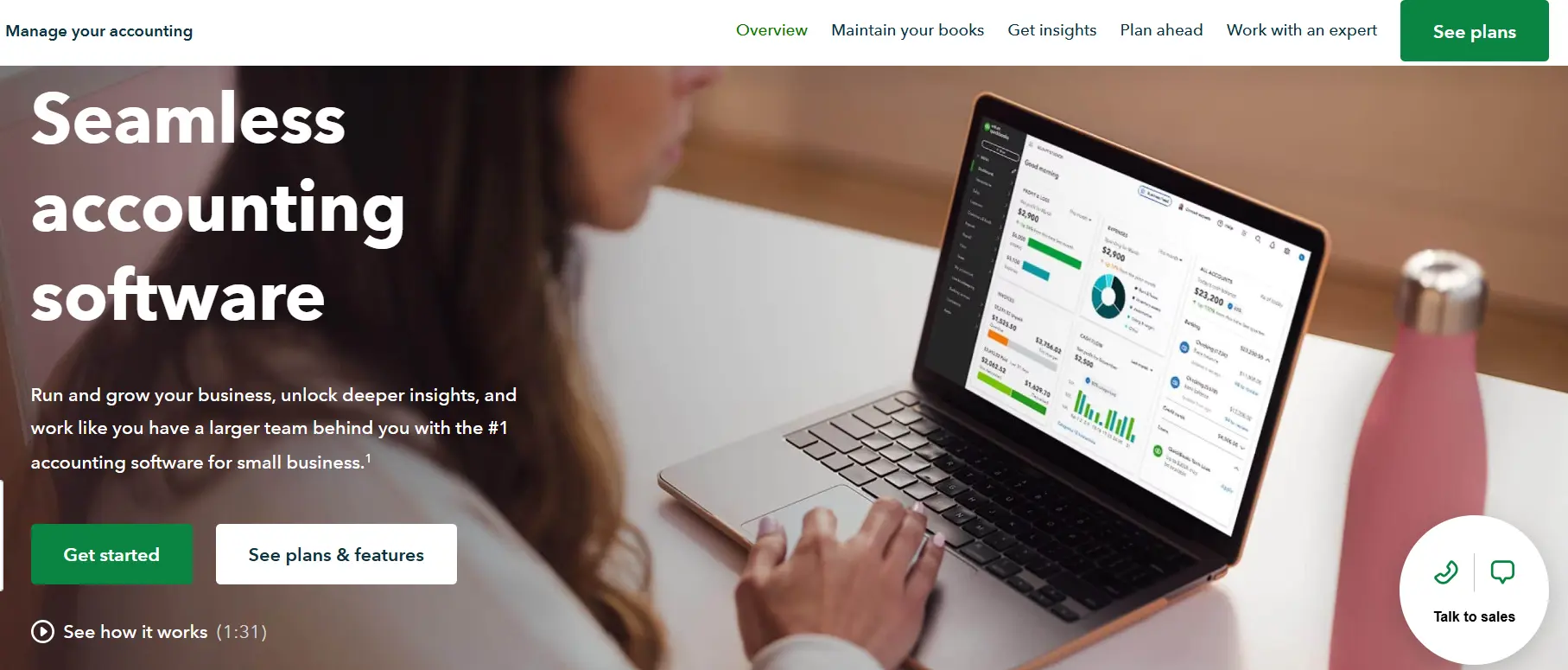
QuickBooks Online is a cloud-based accounting software from Intuit with a Canadian version. According to its Canadian website, the plans include EasyStart, Essentials, Plus and Advanced (and an entry-level Lite plan), and all of them can be tried free for 30 days. QuickBooks Online syncs bank transactions, supports sales tax tracking and offers a mobile app, according to the provider. Inventory tracking is available in the Plus and Advanced plans. Payroll is available as a monthly add-on. Intuit often runs promotions, so compare the regular prices with the promotional ones. The number of users per plan is limited (one in EasyStart, up to three in Essentials, up to five in Plus and up to 25 in Advanced).
| Advantages | Disadvantages |
|---|---|
| ✓ Inventory tracking in higher plans | ✗ Inventory not available in lower plans |
| ✓ Automatic bank transaction sync | ✗ Payroll costs extra |
| ✓ Free 30-day trial | ✗ Limited number of users per plan |
| ✓ Sales tax tracking | ✗ Promotional prices differ from regular prices |
| ✓ Mobile app |
Xero
Xero offers cloud-based accounting software for small to medium-sized businesses. It offers three plans, Starter, Standard and Premium, and a free trial of 30 days. There are no per-user license fees, according to the provider, and features include bank reconciliation.
Xero does not offer built-in payroll in Canada, according to the provider. Payroll is available through integrated partner apps such as Wagepoint, which, according to Xero, files and remits source deductions to the CRA and generates T4s and T4As. Partner payroll is charged separately. New customers in Canada can get a discount for the first three months, so compare the regular list price.


| Advantages | Disadvantages |
|---|---|
| ✓ Three plans to suit various business needs | ✗ Payroll only through partner apps, charged separately |
| ✓ Free 30-day trial for new users | ✗ Higher-tier plans can be relatively expensive |
| ✓ No per-user license fees | ✗ Introductory discounts end after the first three months |
| ✓ Integration with various third-party apps |
Sage
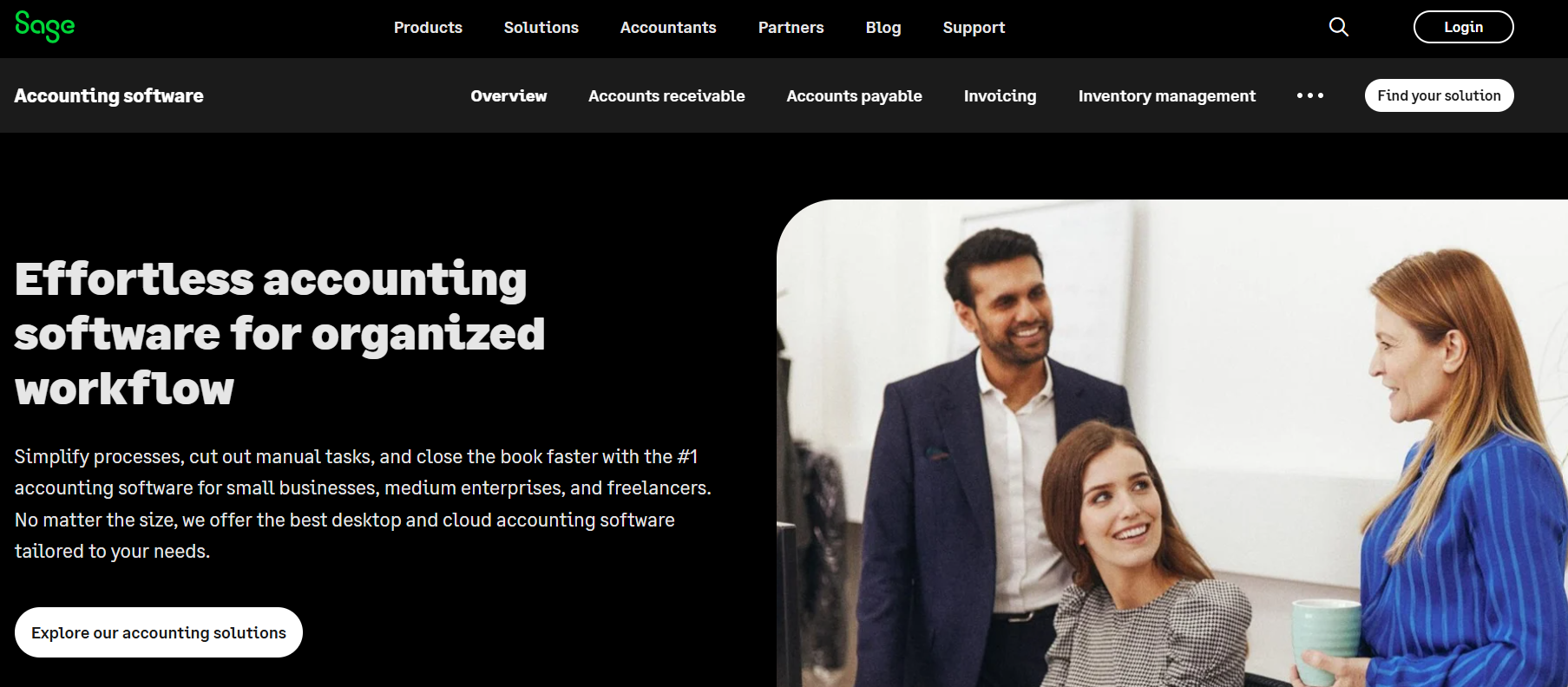
Sage offers accounting software for Canadian businesses on its Canadian website. Its products include the cloud-based Sage Accounting and Sage 50, desktop accounting software with cloud connectivity. According to Sage, Sage Accounting comes in three plans (Start, Standard and Plus), supports GST/HST/PST/QST compliance, offers support in English and French, and has a mobile app (not all features are available in it); inventory management and multi-currency banking are included in Plus, and payroll can be connected through Sage Payroll. In the table, the Sage Accounting tier is based on the regular monthly price of the Start plan, not the introductory offer. According to Sage, Sage 50 comes in three subscription plans (Pro, Premium and Quantum), offers a free trial and supports inventory tracking; payroll and HR are optional add-ons. Sage 50 is billed as an annual or monthly subscription; in the table its tier is based on the annual price converted to a monthly amount. Plans, prices and features differ by product and change regularly, so check them on the provider’s website.
| Advantages | Disadvantages |
|---|---|
| ✓ Several products to choose from | ✗ Several products can be confusing to choose between |
| ✓ Dedicated Canadian website | ✗ Prices and plans differ by product |
| ✗ Check feature details on the provider’s website |
Zoho Books
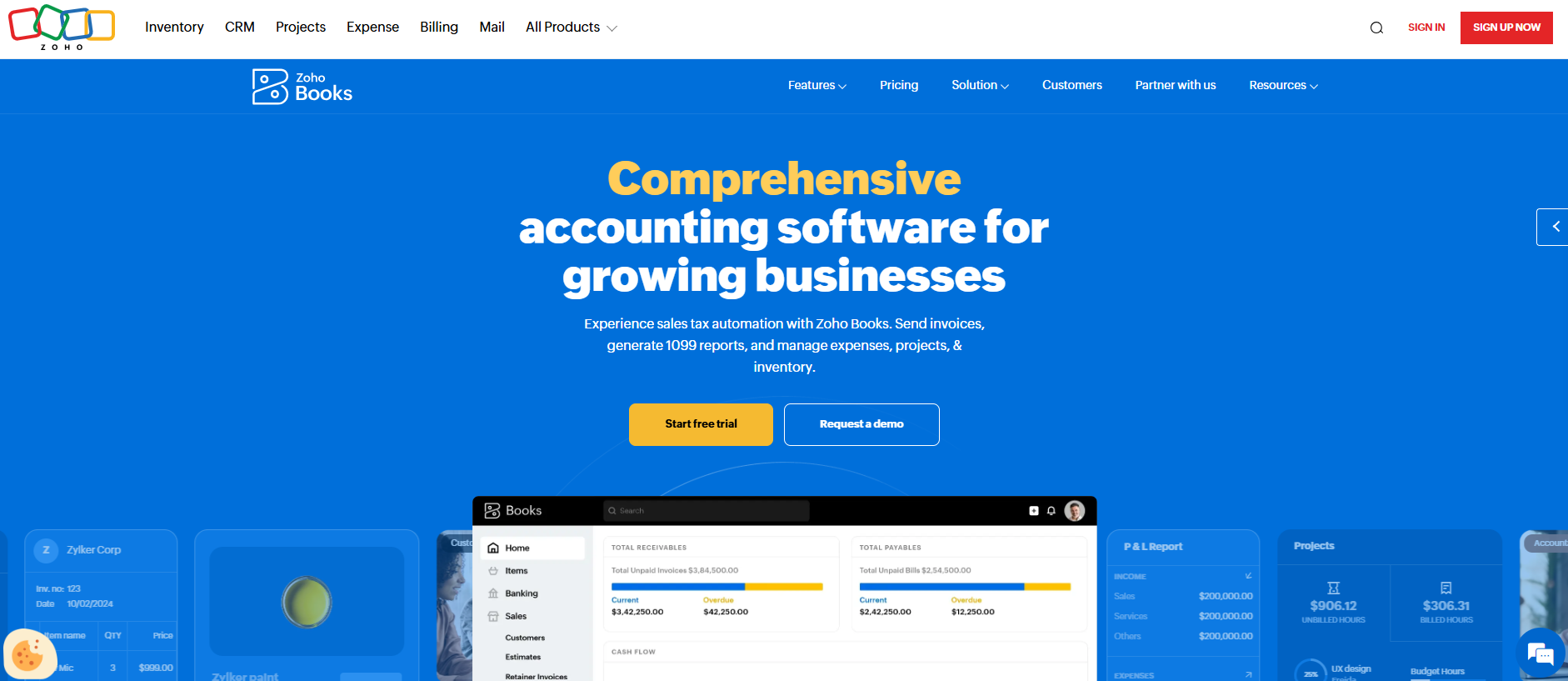
Zoho Books offers cloud-based accounting software designed for small to medium-sized businesses. The provider offers a free plan (limited, according to the provider, to one user plus one accountant, 1,000 invoices and 1,000 expenses per year) and a 14-day free trial for the paid plans. The paid plans are called Standard, Professional, Premium, Elite and Ultimate; annual billing is cheaper than monthly billing. According to the provider, Zoho Books generates provincial and federal tax returns, tracks inventory and has apps for iOS and Android.
| Advantages | Disadvantages |
|---|---|
| ✓ Free plan available | ✗ Free plan limited in users and volume |
| ✓ Low entry price | ✗ Payroll not listed on the pricing page |
| ✓ 14-day free trial | |
| ✓ Provincial and federal tax returns | |
| ✓ Inventory tracking | |
| ✓ Mobile apps for iOS and Android |
Wave
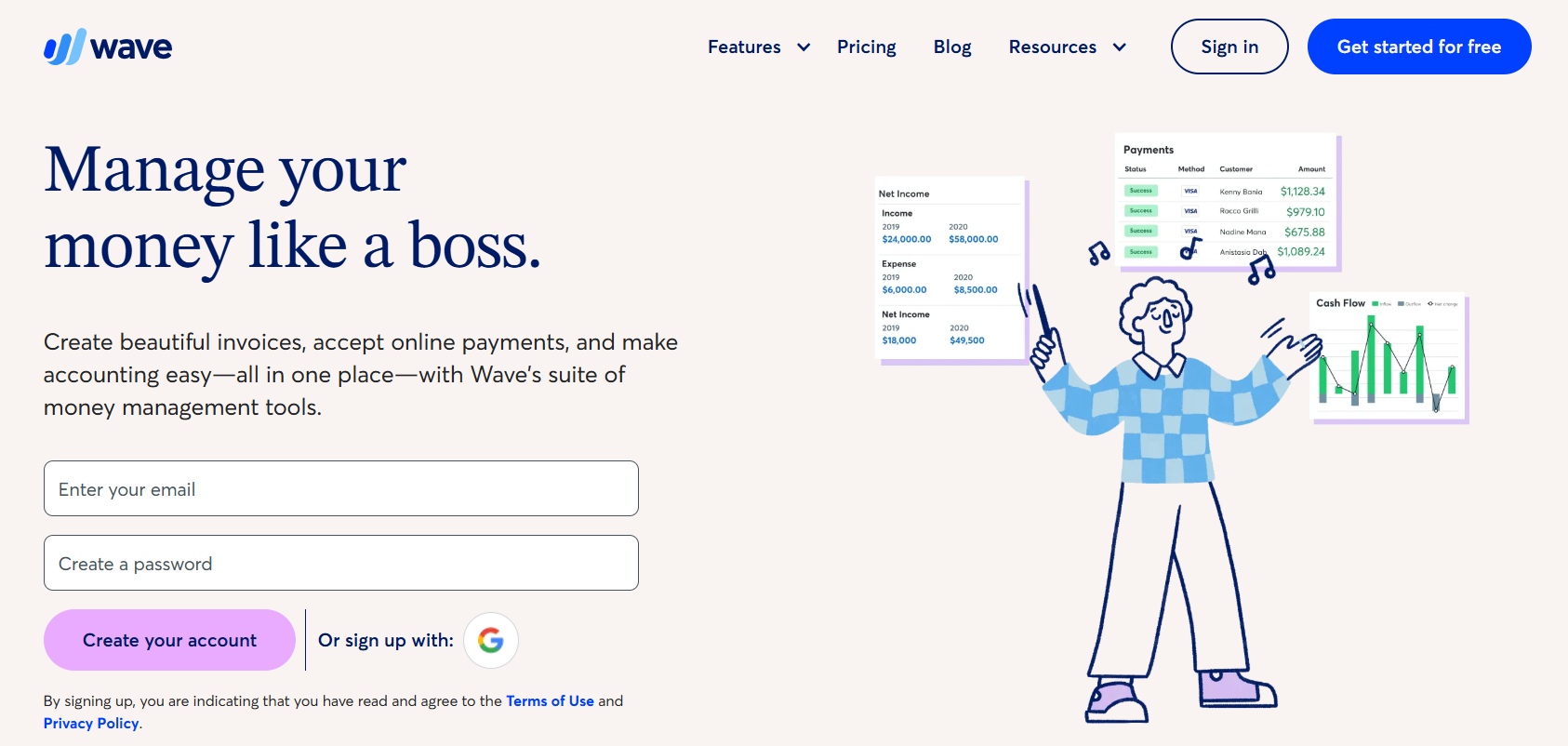
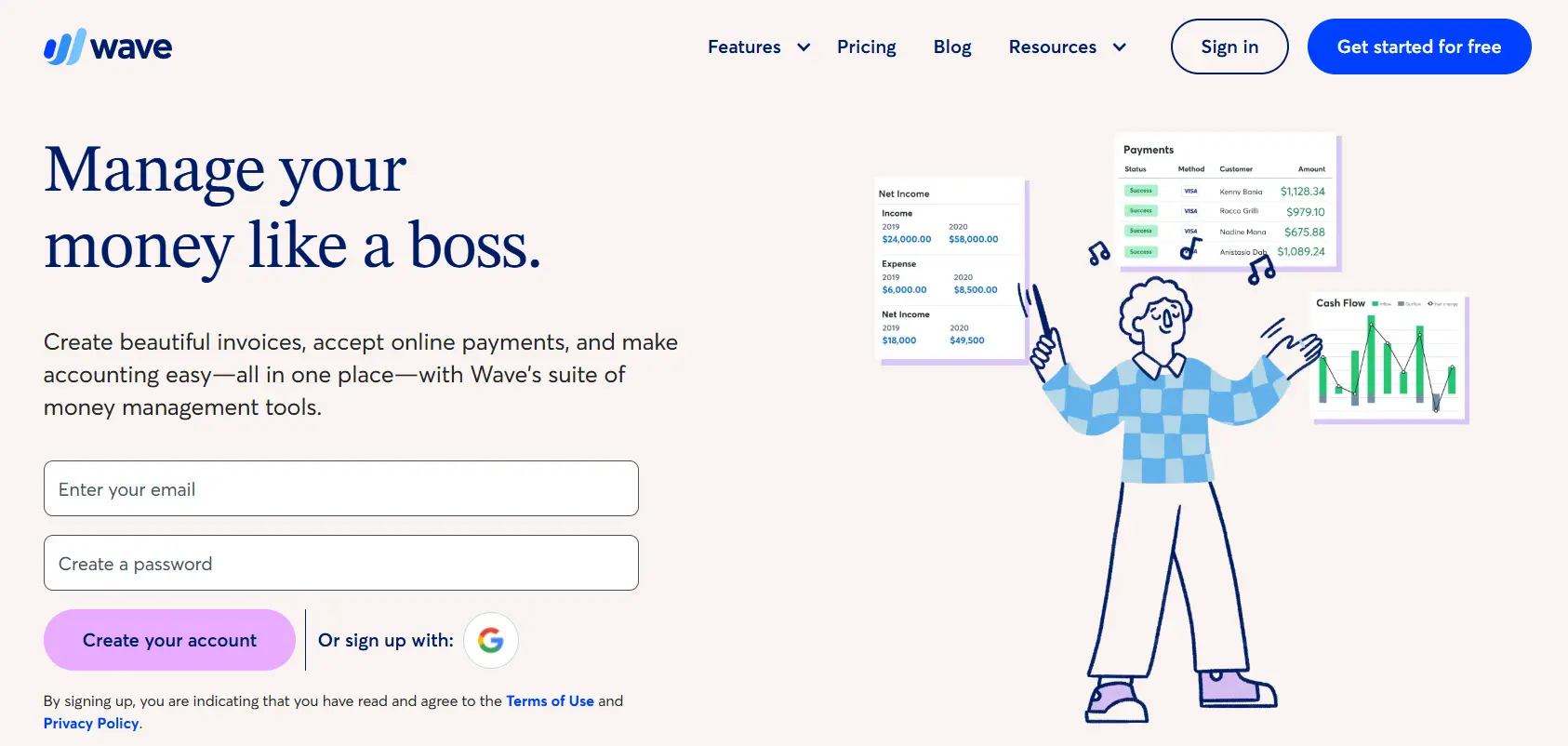
Wave offers cloud-based accounting software designed for small businesses, freelancers, and entrepreneurs. The Starter plan is free and includes unlimited invoices, estimates, bills and bookkeeping records, a basic dashboard and mobile app access. The paid Pro plan ($) adds, among other things, automatic bank transaction import, receipt capture and discounted payment processing. Card payments carry per-transaction fees (see provider). Payroll is a paid add-on. According to Wave, it is available in all provinces and territories except Quebec and handles CRA remittances and T4/T4A slips on your behalf. Wave may not suit larger businesses or those that need advanced functions such as inventory management.
| Advantages | Disadvantages |
|---|---|
| ✓ Free Starter plan with unlimited invoices | ✗ Payroll not available in Quebec |
| ✓ User-friendly interface | ✗ Payroll and payment processing cost extra |
| ✓ Mobile app | ✗ No inventory management listed |
| ✓ Payroll with CRA remittances and T4/T4A (outside Quebec) | ✗ May not suit larger businesses |
Kashoo
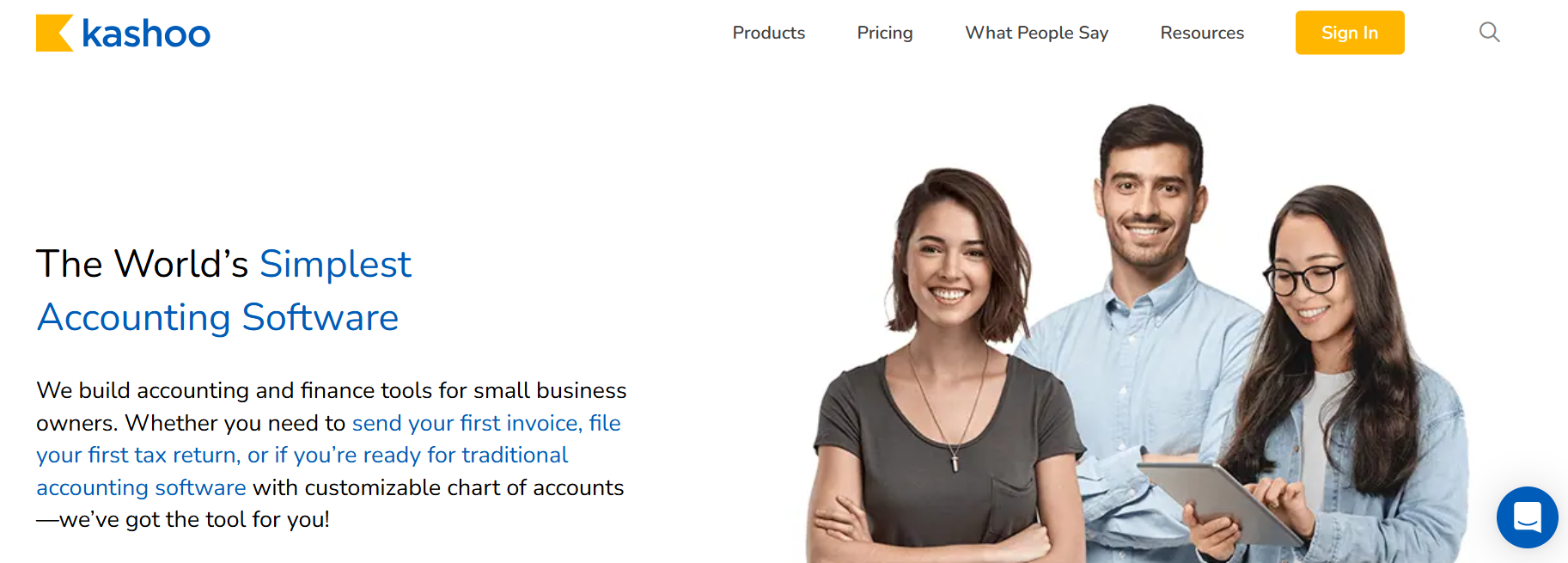
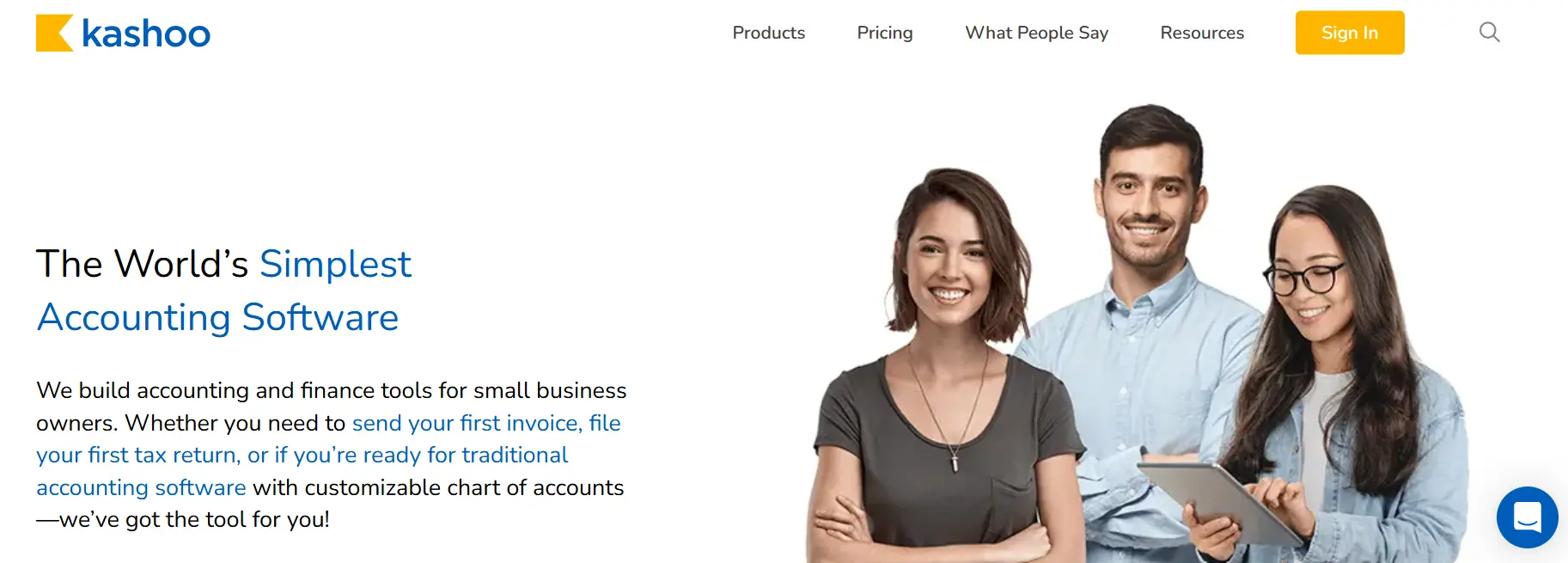
Kashoo is a small-business accounting software. According to the provider, it offers unlimited invoices and users, bank feeds with more than 5,000 institutions, expense and bill tracking, sales tax tracking, online payments, project and inventory tracking and multi-currency support. Payroll is available through a PaymentEvolution integration, according to the provider. The site shows a single paid plan with a 14-day free trial. The provider states its price in US dollars, so the price scale in this article is based on that list price; check the provider’s website for the Canadian-dollar amount.
| Advantages | Disadvantages |
|---|---|
| ✓ 14-day free trial | ✗ Price stated in US dollars only |
| ✓ Unlimited users and invoices | ✗ Mobile app availability not confirmed |
| ✓ Bank feeds with 5,000+ institutions | |
| ✓ Payroll via PaymentEvolution integration |
Odoo
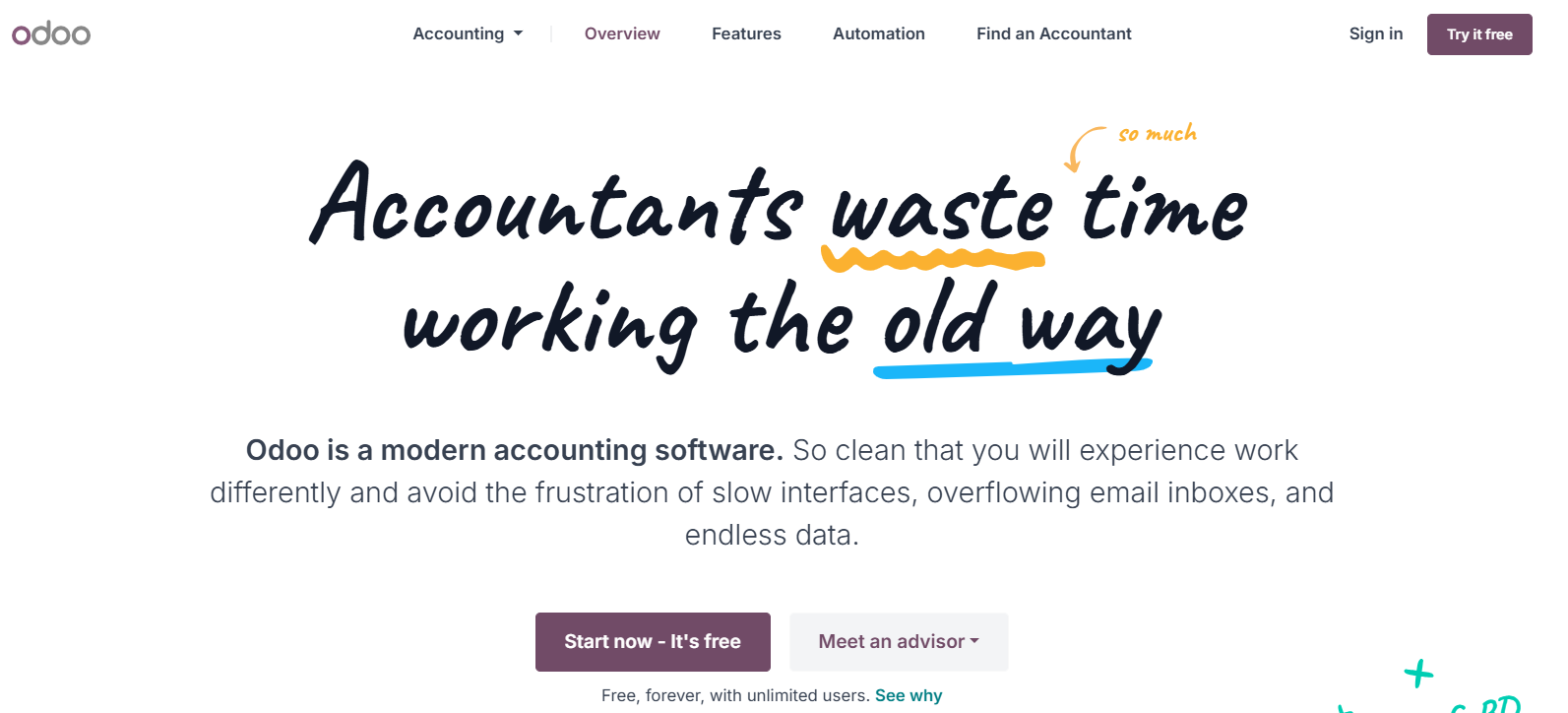
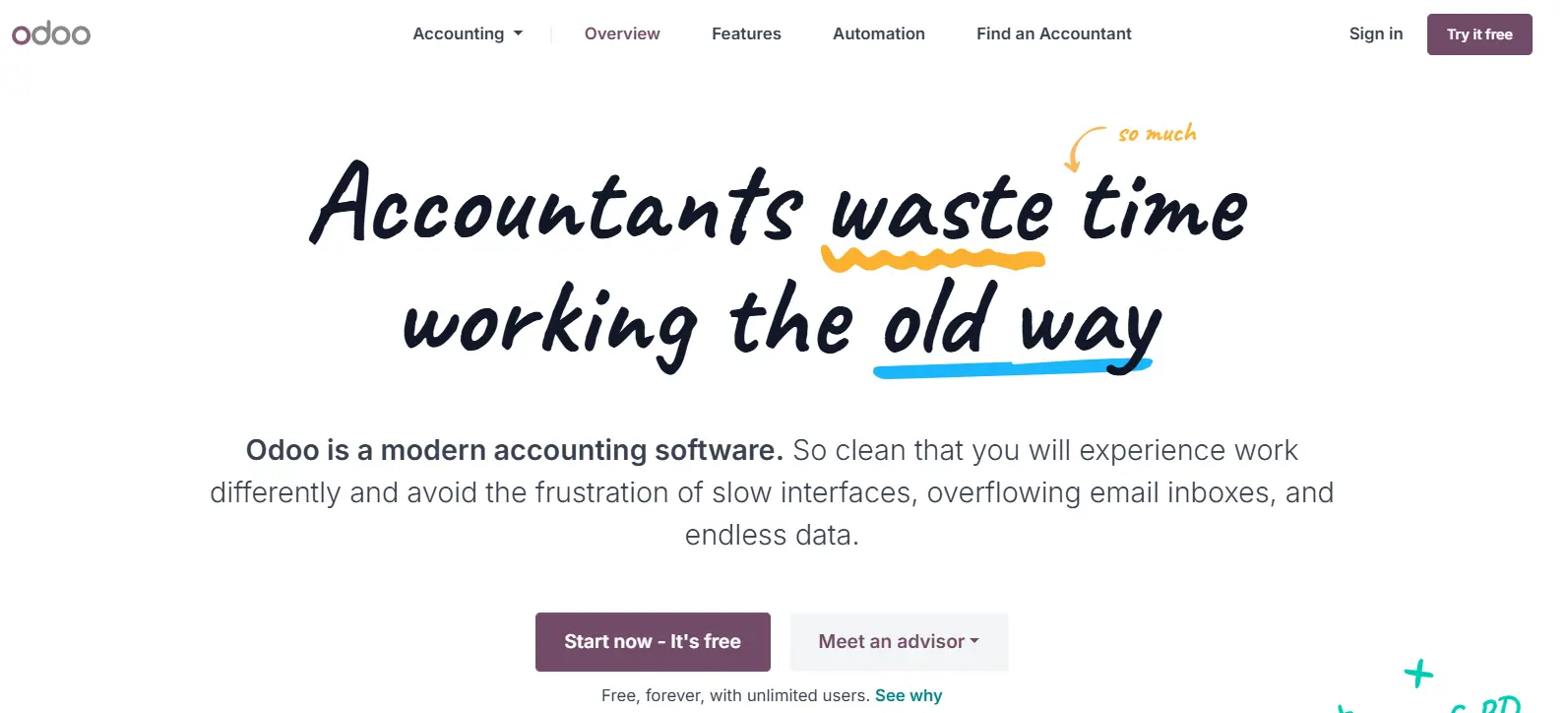
Odoo is a management software suite with an accounting app. A free One App plan with unlimited users is available for a single app; paid Standard and Custom plans include all apps, are charged per user and are shown in euros on the provider’s pricing page, with no separate Canadian price. Hosting on Odoo Online is included in the paid plans, according to the provider.
| Advantages | Disadvantages |
|---|---|
| ✓ Free One App plan with unlimited users | ✗ Paid plans charged per user |
| ✓ Hosting included in paid plans | ✗ Pricing shown in euros |
Our article comparing accounting apps might also be of interest to you.
FAQ
Do I need to charge GST/HST?
It depends on your revenue. As long as your worldwide taxable revenues do not exceed $30,000 in a single calendar quarter or over four consecutive calendar quarters, you are a small supplier and do not have to register. Once you are no longer a small supplier, you have 29 days from your effective date of registration to register. Rates depend on your province (GST 5%, HST 13–15%, plus PST or QST in some provinces).
How long do I have to keep my business records?
As a general rule, six years from the end of the last tax year they relate to. Records on long-term acquisitions and disposals of property and the share registry must be kept indefinitely. Confirm the details with the CRA or your accountant.
Can accounting software handle payroll in Canada?
Some can, often as a paid add-on or through a partner app. Check whether payroll is available in your province (for example, Wave Payroll is not available in Quebec), whether it handles CRA remittances and whether it produces T4 and T4A slips.
What do the price symbols mean?
They refer to the cheapest paid plan per month, excluding tax, at list price: $ = up to CAD 30, $$ = CAD 30–70, $$$ = over CAD 70. Prices and plan contents change regularly, so check them on the provider’s website.
Please note the legal disclaimer for this article.
Reviewers

Anne-Laure Wolber
Anne-Laure has been part of the IONOS Digital Guide since its inception in 2016. As an expert in the startup category, she focuses primarily on the strategic integration of SEO, GEO, and conversion rate optimization. Over the years, she has also gained extensive experience in related performance disciplines such as lead generation and native advertising. As a polyglot, she leverages her multilingual background to develop content strategies with precision and impact for international audiences.

Christian Heldmaier
Christian Heldmaier is an experienced online marketing and SEO specialist from Karlsruhe. He has been working as an SEO Manager at IONOS since July 2020.