

What are the best iCloud alternatives? 5 solutions at a glance

Finding an alternative to iCloud is straightforward. We explain what to look for when choosing a reliable iCloud backup alternative.
What are the alternatives to iCloud?
A powerful iCloud alternative should offer secure cloud storage, reliable encryption and flexible access. To use cloud services securely, you should consider several factors, including sufficient storage space, reliable encryption during transfer and storage, good performance and clear data protection policies. Modern cloud services mainly differ in whether they offer file syncing or a true backup solution.
Below, we present five providers offering attractive and secure services.
Overview of the best iCloud alternatives
| Provider | Backup & sync | Data protection | Server location | Special feature | Price category |
|---|---|---|---|---|---|
| Microsoft OneDrive | ✓ | High | Worldwide | Integrated into Microsoft 365 | ++ |
| HiDrive | ✓ | Very good (GDPR) | Germany | Strong data protection standards | ++ |
| Google Drive | ✓ | High | Worldwide | Strong collaboration features | ++ |
| pCloud | ✓ | Very good | USA (Texas), EU (Luxembourg) | Lifetime storage possible | + |
| IDrive | ✓ | Very high | USA | True backup solution with versioning | +++ |
Legend for price category:
+ = Low // ++ = Medium // +++ = High
Information correct as of May 2026
- Store, share, and edit data easily
- Backed up and highly secure
- Sync with all devices
What should an iCloud alternative offer?
Backup and synchronization features
- Access to cloud storage across multiple devices with automatic synchronization
- File versioning, recovery options and automated backups
Security and data protection
- TLS/SSL encryption during data transfer
- AES 256-bit encryption for stored data
- Zero-knowledge encryption for enhanced data protection
- Compliance with data protection regulations
Performance and usability
- Upload and download speeds
- Support for large files
- Apps for iOS, Android, Windows and macOS
- Integration with tools such as Microsoft Office and Google Workspace
Microsoft OneDrive
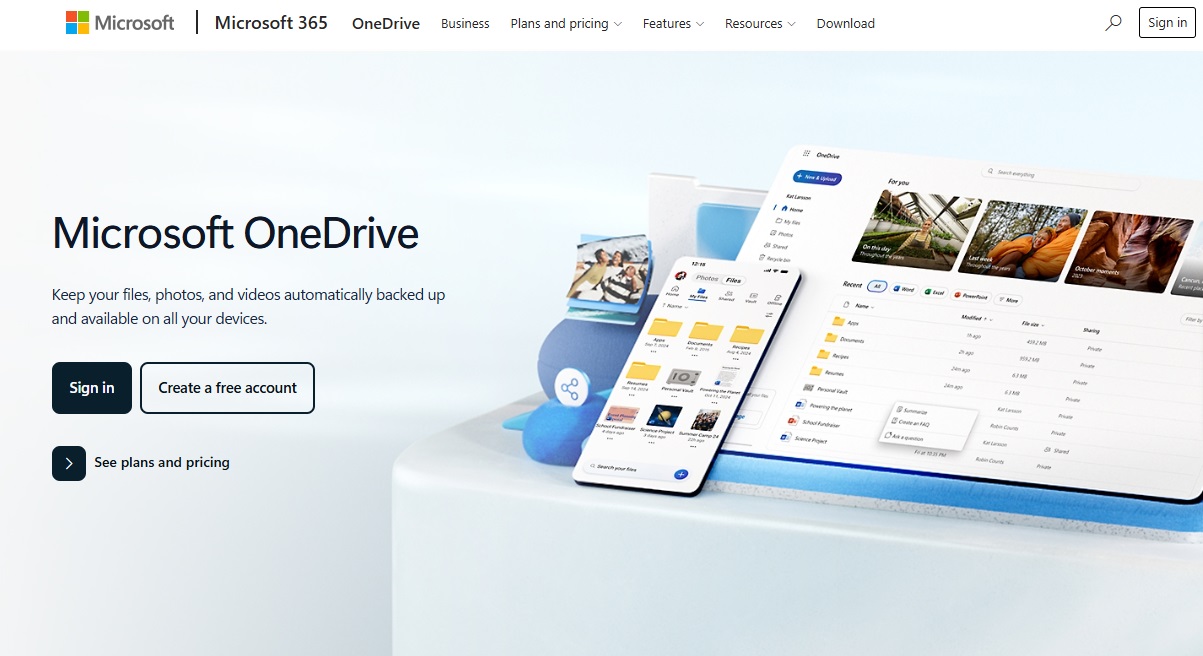
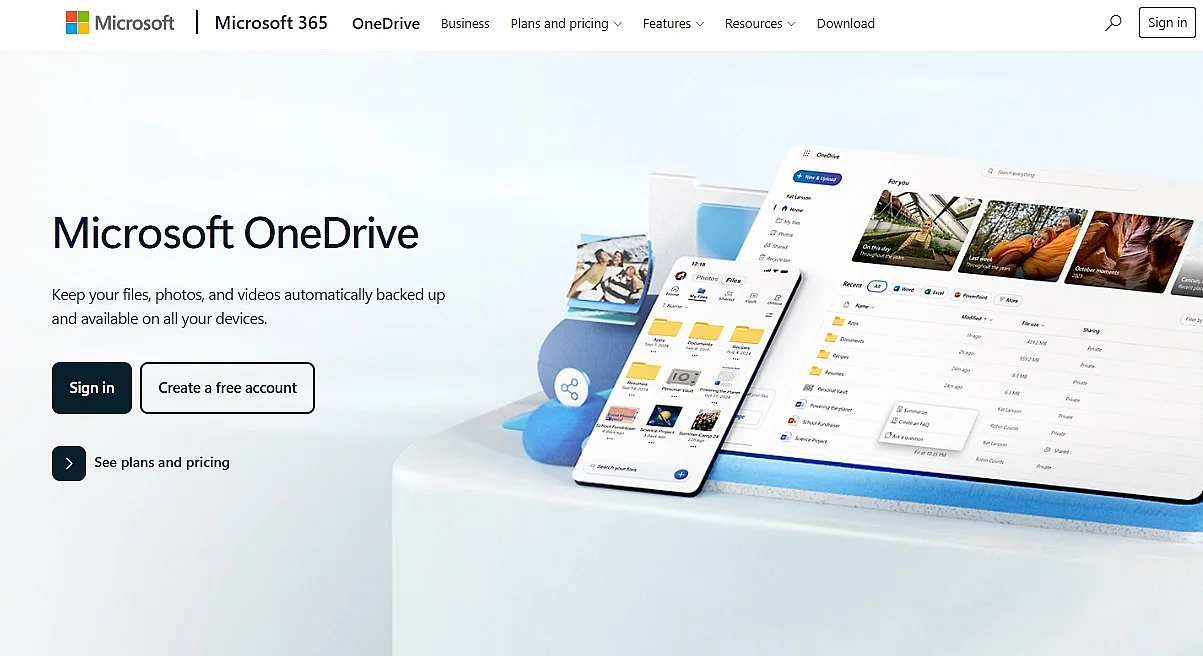
As an alternative to iCloud, Microsoft’s cloud storage service OneDrive combines cloud storage, synchronization and collaboration in a single service. Files are automatically synced across iOS, Android, Windows and macOS, so they are available regardless of location or device. Your data transfer is secured with TLS/SSL encryption and data at rest is typically protected on servers using strong algorithms such as AES 256-bit, ensuring a high security standard.
OneDrive is a strong choice for users who collaborate on Office documents or already work with Microsoft 365. Its close integration with Microsoft services makes teamwork easier through features such as real-time co-authoring and automatic version history. Personal Vault offers added protection for sensitive files, although Microsoft retains control of the encryption keys. Intelligent document recognition and search also extend OneDrive beyond basic cloud storage.
- Advantages: Automatic synchronization across devices and seamless integration with Microsoft 365
- Ideal for: Users who work in cloud-based Microsoft environments
- Price category: ++
HiDrive
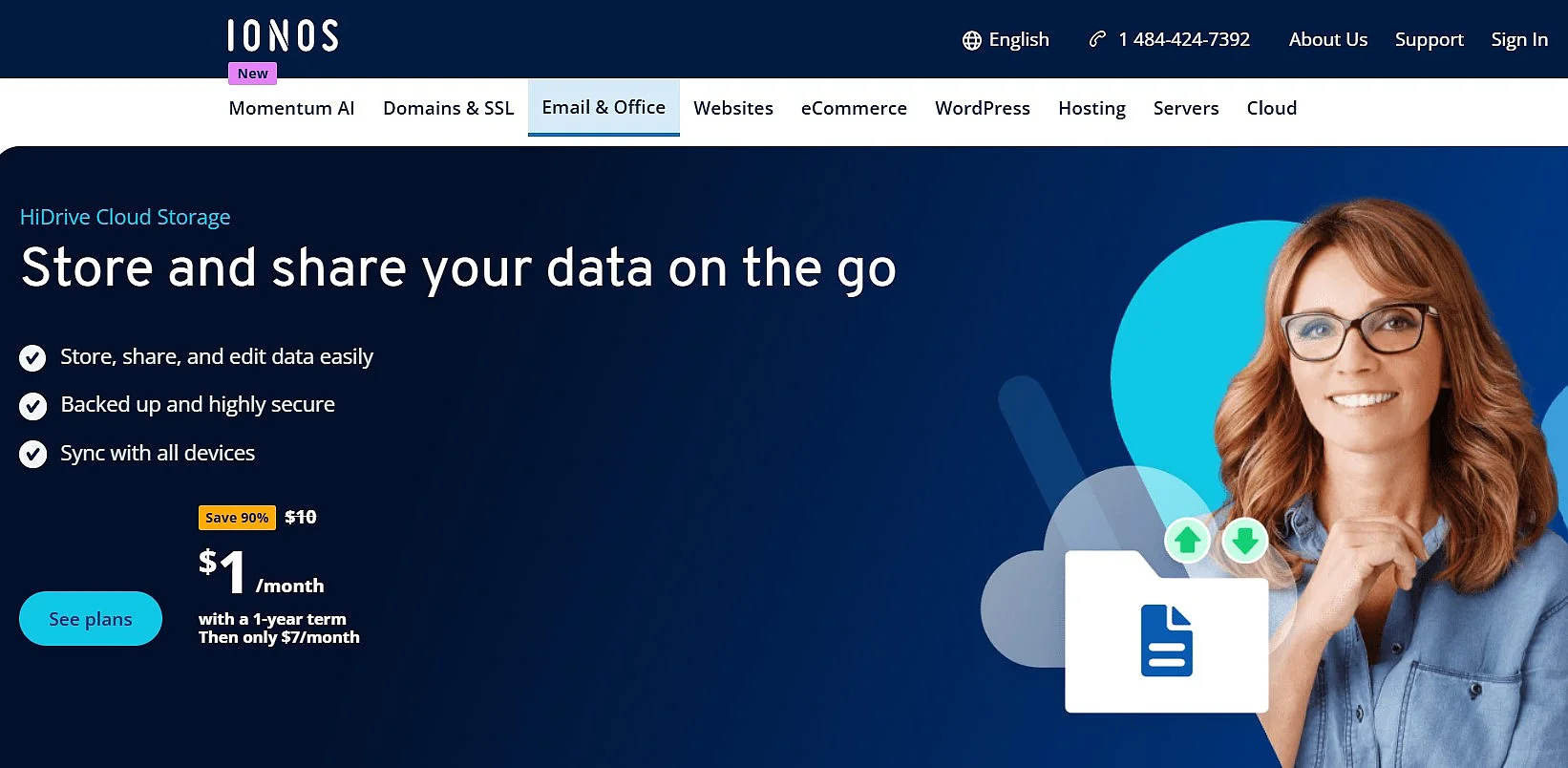
As a provider of domains and hosting, IONOS offers HiDrive, a cloud storage service that lets you store data centrally and securely on European servers. HiDrive is particularly strong in terms of data protection and data processing. The highly secure servers are ISO-certified and the data centers meet strict data protection requirements. HiDrive not only provides automatic backups and synchronization, but also team sharing, versioning and central file management, which comparison tests highlight as a benefit for team collaboration.
In the Pro plan, end-to-end encryption is also included, which encrypts all data locally on your device before it is uploaded to the cloud. In the other plans, this option can be added at any time for an additional fee.
- Strengths: Strong data protection, team features and versioning
- Ideal for: Privacy-focused individuals and teams
- Price category: ++
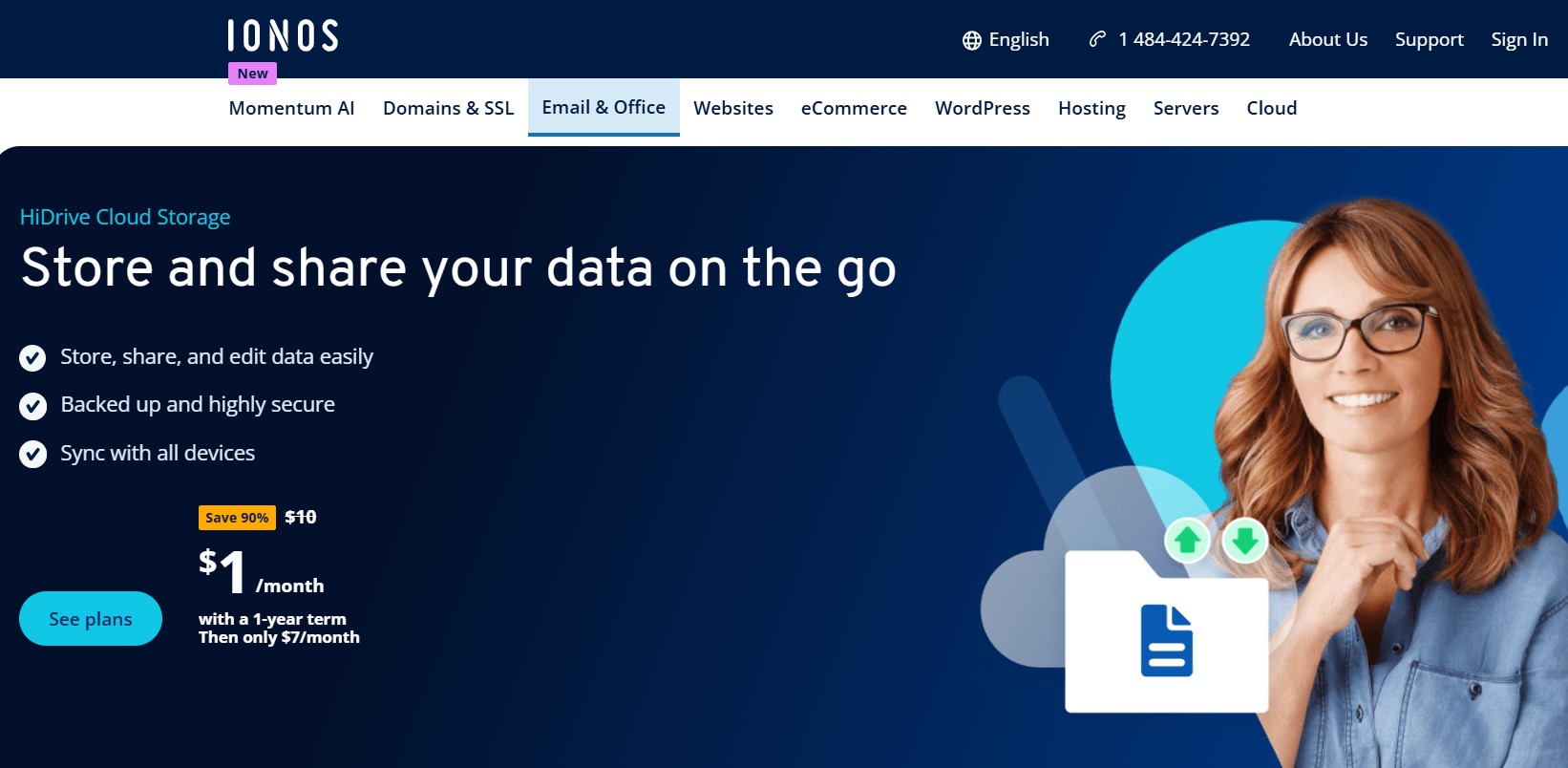
- Store, share, and edit data easily
- Backed up and highly secure
- Sync with all devices
Google Drive
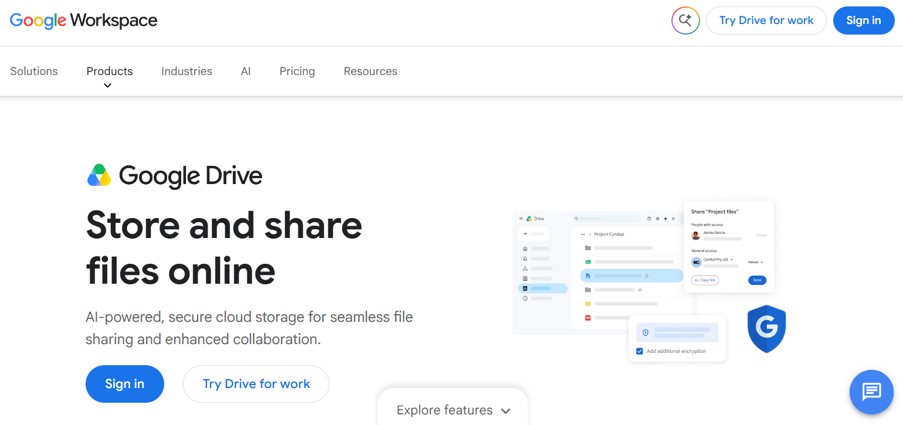
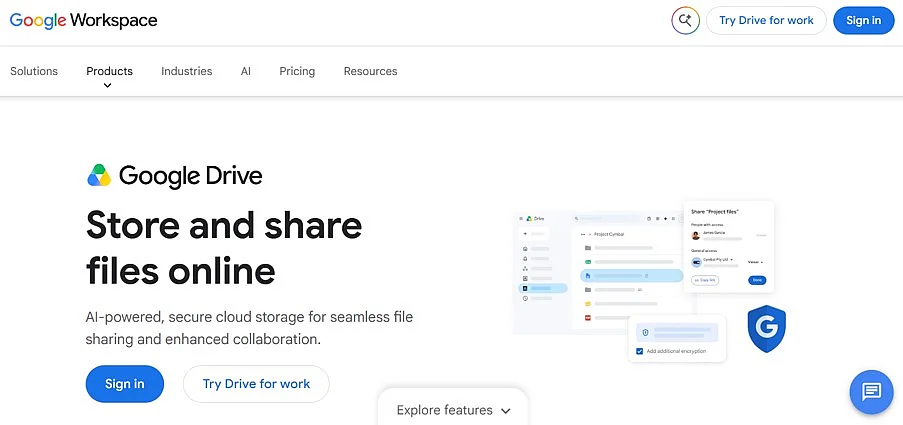
Alongside OneDrive, Google Drive is one of the most widely used cloud services worldwide and is a popular iCloud backup alternative. Many personal users who are weighing the pros and cons of Dropbox and Google Drive opt for Google Drive – not least because it is deeply integrated into the Google ecosystem with Workspace services such as Docs, Sheets and Slides. All data is also secured in transit and at rest with AES‑256 encryption. Client-side encryption is available in Frontline Plus, Enterprise Plus, Education Standard and Education Plus plans. For other plans, Google manages the keys itself.
To use Google Drive, you only need a Google account. A Google account gives you access to Drive and other connected Google services. Files can be uploaded, synchronized and shared across supported devices. In addition, many third-party apps can be easily integrated, data can be shared centrally, synchronized and downloaded or uploaded regardless of the device.
- Advantages: Strong integration with Google services, extensive platform support, real-time editing
- Ideal for: Individuals and teams who collaboratively edit documents and already use Google services
- Price category: ++
pCloud
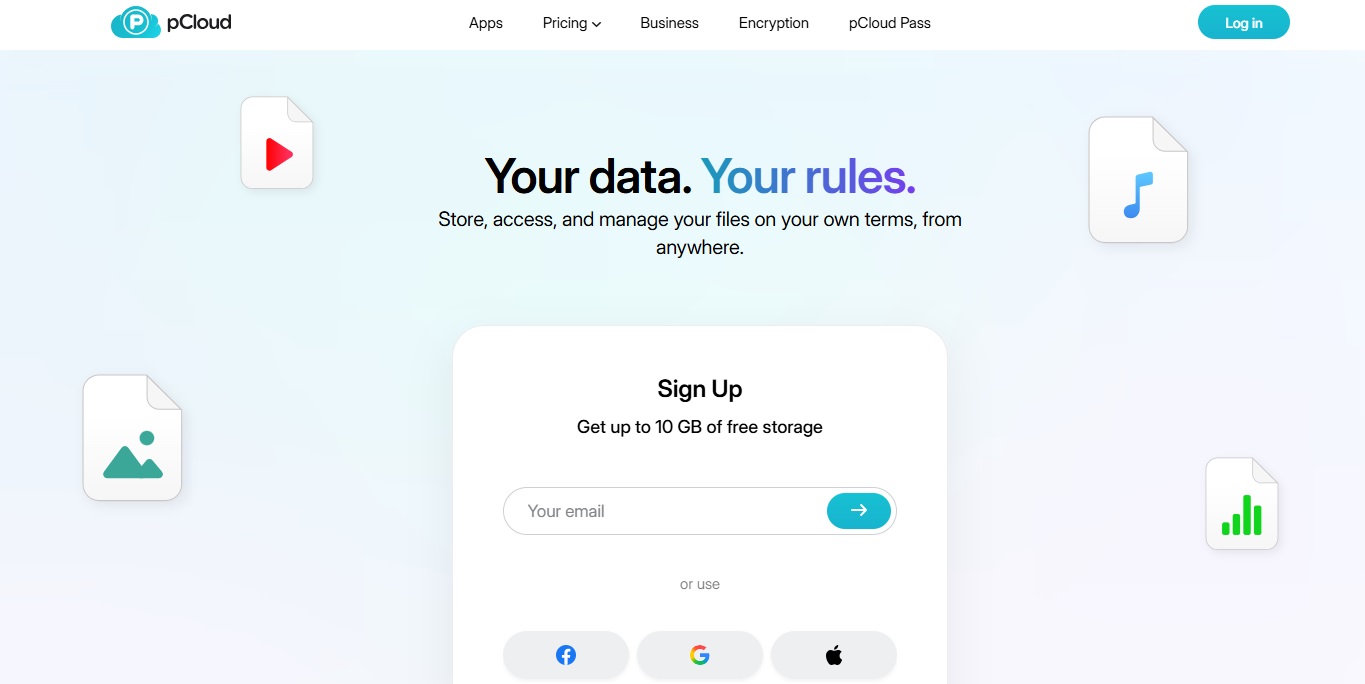
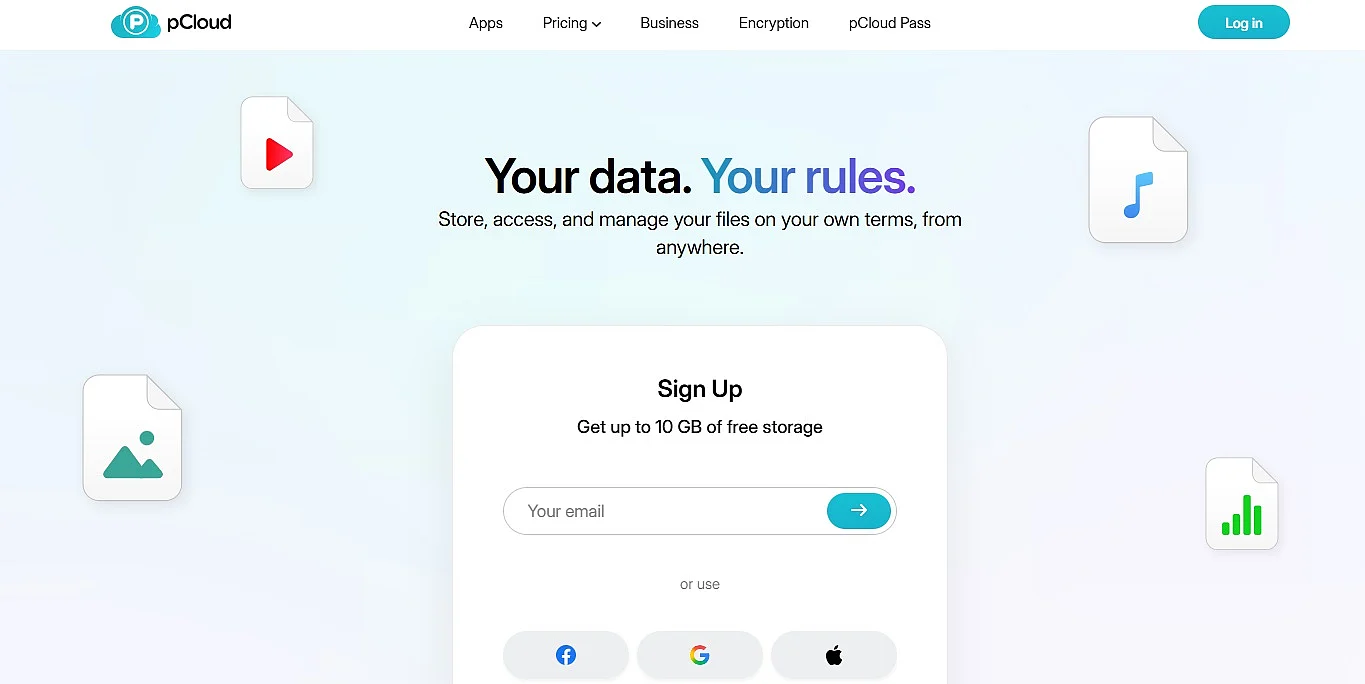
pCloud is a Swiss cloud storage provider that combines user-friendly features with TLS/SSL and AES-256 encryption and the protections offered by Swiss data protection law. Its EU data center is certified to ISO 27001 for information security and ISO 9001 for quality management. pCloud also stands out for its competitive pricing, optional end-to-end encryption and lifetime storage plans, which can provide a cost-effective option for long-term storage.
pCloud is also well suited to storing large media collections or extensive photo libraries, thanks to its fast synchronization and generous storage options.
- Advantages: Fast synchronization, lifetime storage plans and good value for money
- Ideal for: Users with large media collections, long-term storage needs or a limited budget
- Price category: +
IDrive
IDrive is one of the most powerful iCloud backup alternatives, as the service offers not only synchronization but also a true backup solution. Data is transmitted via TLS/SSL and stored at rest with AES‑256‑bit encryption. Unlike classic cloud storage, IDrive enables automatic backups, versioning and the restoration of older file versions. Particularly practical is the support for multiple devices, so data from smartphones, PCs and servers can be centrally backed up. In current comparison tests, IDrive is regularly rated as one of the best backup solutions, as it offers comprehensive backup and recovery functions.
- Advantages: True backup with versioning, automatic backups, multi-device support
- Ideal for: Users with high security and backup requirements
- Price category: +++
Reviewer

Jeanna Raffa
With over 18 years of experience in online marketing, Jeanna Raffa possesses extensive expertise in digital marketing. Since 2020, her focus has been on providing practical information regarding email, office, and cloud storage solutions.