

Everything you need to know about e-books – part 2: e-book templates

The design and structure of your publication is very important as these factors have an influence on how successful your product will be. It doesn’t make a difference whether you’re using classic print medium or creating an e-book - even though the requirements differ. While printed books and newspaper articles tend to have a defined format, the design of an e-book layout is a little bit more varied. Due to the various display sizes of different devices such as smartphones, e-readers, tablets, or desktop PCs, the creator needs to provide flexible e-book templates that deliver appealing results on all devices. The second part of our e-book series provides more in-depth information on building layouts and examining the role of the e-book design.
Flexible and interactive: the perfect e-book layout
At first glance, a static layout seems to be the best solution to implement your own design ideas in terms of implementing text and multimedia content across multiple devices. If a printed version already exists, it’s tempting to try to replicate the existing format with the e-book. However, the danger of this is that only a small amount of readers will be able see your book as intended. This is because a static e-book layout is comparable to a website with precisely defined dimensions. In addition, while the view may be optimal for some screen sizes, problems occur on bigger screens where the page shows up too small, or on mobile devices when it appears too big, making user-friendly navigation impossible.
For an optimal layout on different-sized displays, you should use e-book templates with reflowable layouts as they can adapt to many different screen sizes and you can also see how your book will ultimately look on individual devices.
In order to implement a flexible layout, you need a suitable e-book format and taking a look at these useful design tips will also help.
Single column layout
One of the most important principles of e-book design is that a single column layout is preferable to a multi-column layout. If your publication was designed for multiple columns, you should try to arrange long sections of text in succession when converting to e-book format. For example, unusual paragraphs formats (i.e. articles with additional space for explanatory notes) can be marked with different background colors. You should also put any necessary additional information at the end of each chapter. If the two column text blocks are made up of short paragraphs, you should be able to keep the format without any problems arising.
Page count and footnotes
With reflowable layouts, the page count differs from device to device depending on how many characters can fit on the screen. This is especially worth keeping in mind when working with footnotes. Linking these notes to a certain page (like in a classic book) isn’t possible on e-books with reflowable layouts. Electronic books do, however, allow links to be used instead: link the text passage so that the reader can easily switch between this and the explanatory footnote.
Table of contents and chapters
Even though the lack of page numbers doesn’t allow for a traditional table of contents, you can nevertheless create one for your e-book. Unlike printed media, the table can‘t be at the beginning nor be directly integrated. Instead, it can simply be added in a separate file, which then links to every chapter and subchapter. The reader accesses the table of contents in the menu and can then jump to the desired section. Alternatively, you can integrate the table of contents directly into the e-book although this can sometimes be disadvantageous for standard reading (because it only displays the table of contents).
Hyperlinks and cross-referencing
Besides the links already mentioned, you can also integrate hyperlinks into your e-book which lead to other websites. To make it clear to the reader that the content is interactive, you should mark these links, whether it‘s by using a certain color or by underlining them. Keep in mind that external web content needs a working internet connection. Links like these should never be crucial for understanding the text. Cross-references act like chapters: for, example, they don’t link paragraph three on page 14 (because, as already mentioned, the number of pages varies due to the layout), but rather they link chapter 2.1 to the topic of ‘e-book creation‘.
E-book design: good readability is key
In terms of design, an e-book isn’t that different to a traditional book or a website. The content is the most important thing, in principle, but even with the best quality there’s a high chance that your book won’t be read if the design is amateurish. While the basic e-book design (together with typography) primarily aims to give readers a good reading experience, you also need to make sure you appeal to them on an emotional level with integrated images, tables, and graphics, as well as the cover.
The perfect cover
The cover, as well as the title, is one of the first things that potential readers notice about your e-book. You should therefore invest a good amount of time and effort into the cover design so that your book makes a good first impression. Have a look at your competition’s cover pages to get an idea of what’s typical of the genre. This article provides a good overview of the most important elements of an e-book cover. Due to the importance of the cover page it might be worth hiring a professional to design it if you don‘t feel confident doing so yourself.
Text and font
Choose a suitable font to make sure you stand out from your competition, but always keep in mind that readability comes first. Don’t use more than two or three different fonts, be sure that they fit together well, and use the same font for each element i.e. blocks of text, titles, lists, etc. Make sure you use either open-source fonts or have the license to use commercial fonts. When it comes to text formatting you can be freer and use, for example, bolding, italics, underlining, etc. for highlighting.
Images
Inserting images, photos, or graphics is a good way to enhance an e-book. As with text, a reflowable layout allows images to adapt to the respective display, which is why the size needs to be entered in percentage values rather than absolute values (pixel). For example, if you enter a value of 50 % the respective image will take up half a page. You should always optimize your image data to the maximum limit, as some display devices enable you to see an image in full-screen by double clicking on it. Use high-quality images, photos, and graphics, and don’t forget to get permission if you don’t own the copyright.
Interactive content and fallback
Nowadays when it comes to designing an e-book, there are so many more options than there were a few years ago. Thanks to technological advancements such as color displays and the support of JavaScript, modern devices can show a lot more than just images. If you choose the right format, you can also implement:
- Music files
- Pop-up elements
- Slideshows
- Videos
Not every reading device fully supports extra features so to make sure those with older devices don’t miss out, you should integrate fallbacks. This alternative solution comes into play when the respective interactive element can’t be displayed. This way, you can configure paragraphs so that they are either displayed as a pop-up or as a colored block when the device doesn’t support the technology.
Use a ready-made e-book template
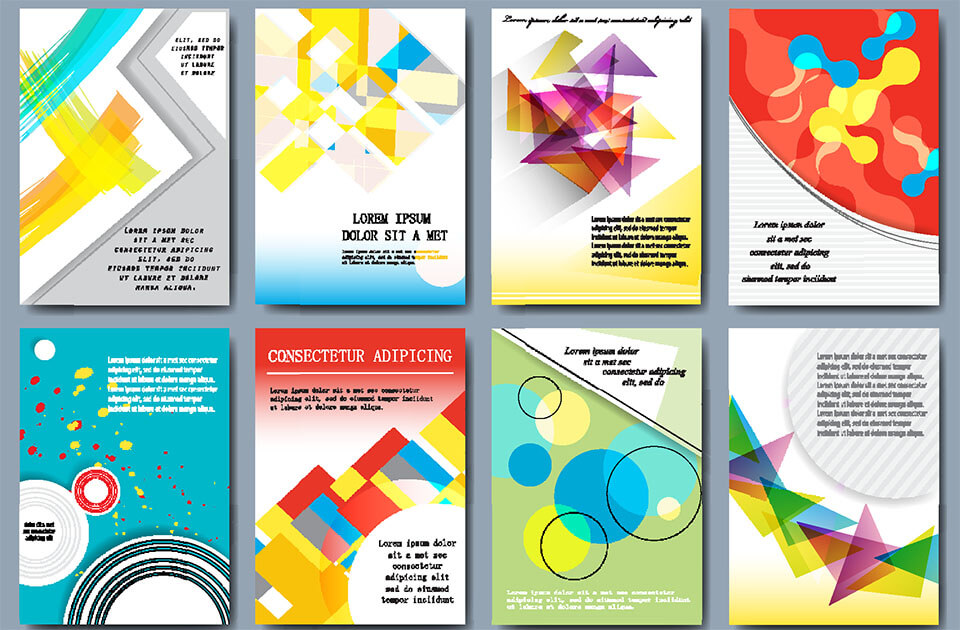
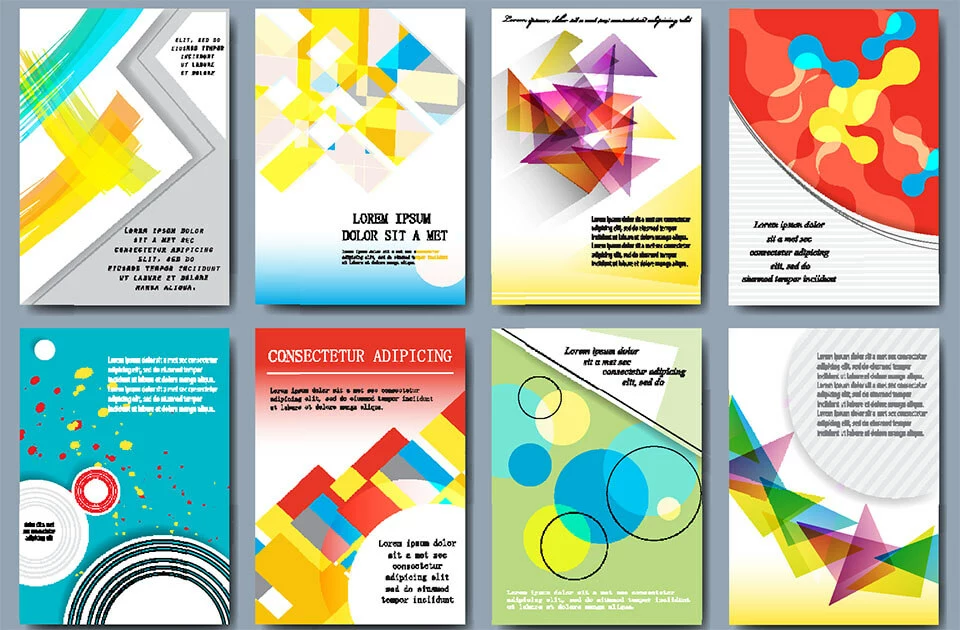
Another option is to hand the responsibility of creating an e-book design and layout on to a third party. Depending on your budget, you could hire a professional designer to create a template according to your wishes, leaving you to just take care of the content. A cheaper solution would be to download ready-made e-book templates. These might not be tailored exactly to your needs, but they provide a good basic structure and make the e-book easier to create. You don’t have to think of any new concepts; just customize the template to fit your needs. When buying a template, you are generally purchasing a license for a single publication, but it’s also possible to buy for multiple publications as well. You can find a diverse selection of e-book design templates on Book Design Templates and graphicriver. For smaller, non-professional e-publications there are many different e-book templates which are free of charge. These design and layout templates are available to download, but in most cases you have to subscribe to the service’s newsletter. Examples include the PowerPoint templates on Hectorpreneur and the e-book templates from HubSpot.