The best WooCommerce dropshipping plugins

If you want to add dropshipping features to your WooCommerce store, you need dropshipping plugins. Below you’ll find some of the best WooCommerce dropshipping plugins currently available, including their pros and cons. We’ll also show you how to add them to your WooCommerce store and import products.
- Great premium TLDs at affordable prices
- Simple registration & transfer
What are WooCommerce dropshipping plugins?
Dropshipping has the advantage that retailers require neither warehouse nor transport logistics, nor do they need to stock products or hire personnel. Online retailers who use dropshipping as a fulfillment model use the services and infrastructure of their supplier(s). They also pay lower wholesale price for goods, while customers pay fixed retail prices.
Merchants who use WooCommerce in WordPress to create an online store, will be quick to discover that WooCommerce doesn’t include dropshipping features straight out of the box. Fortunately, there are numerous dropshipping plugins available that you can add to your store in just a few steps. WooCommerce dropshipping plugins connect your store to marketplaces to reach the best dropshipping products, ease the process of adding them to your store’s inventory, and synchronize ordering and shipping processes. If you’re just starting out in eCommerce, dropshipping plugins are a great way to get started with dropshipping and dive into the world of online commerce.
Explore Hosting for WordPress from IONOS and make the most of highly secure servers for your WordPress platform.
WooCommerce dropshipping plugins: an overview
Numerous dropshipping plugins for WooCommerce are useful to boost your online business. Which you should use depends on the customer groups you wish to reach and the types of products you plan on purchasing from dropshipping providers. We recommend the following 7 dropshipping plugins:
| WooCommerce dropshipping plugin | Function |
|---|---|
| WooDropship | Importation and synchronization of AliExpress products to your store |
| DropshipMe | Importation, synchronization, and optimization of select dropshipping products incl. customer reviews |
| AliDropship | Importation of AliExpress products incl. intelligent cost and order functions and automated fulfillment |
| WP Amazon Shop | Importation of Amazon products incl. automatic adjustment of charges and addition of Amazon product images |
| WooCommerce Dropshipping | Product importation via Chrome extension or via CSV files with product lists from suppliers |
| Spocket | Importation of products exclusively from EU or US dealers with automated order processing and store synchronization |
| Dropified | Convenient importation and order processing from marketplaces like AliExpress, Alibaba, eBay, Costco etc. |
Boost the performance and reach of your online store with WooCommerce Hosting from IONOS. Select one of three plans – Essential, Business, and Unlimited.
WooCommerce dropshipping plugins in detail
WooDropship
The WooDropship plugin helps WooCommerce merchants transfer products from AliExpress Marketplace to their store and update their product inventories automatically. It’s made possible because of the Google Chrome extension. In addition, prices are automatically synchronized and adjusted to set margins that merchants can specify upfront. Product images are easy to import, edit, and display free of AliExpress watermarks.
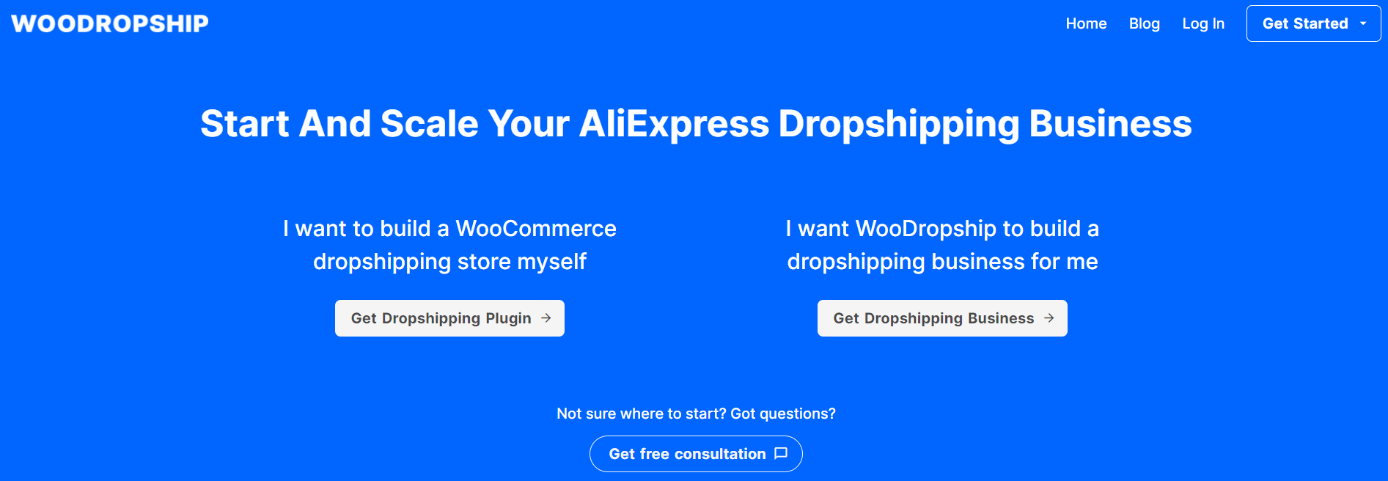
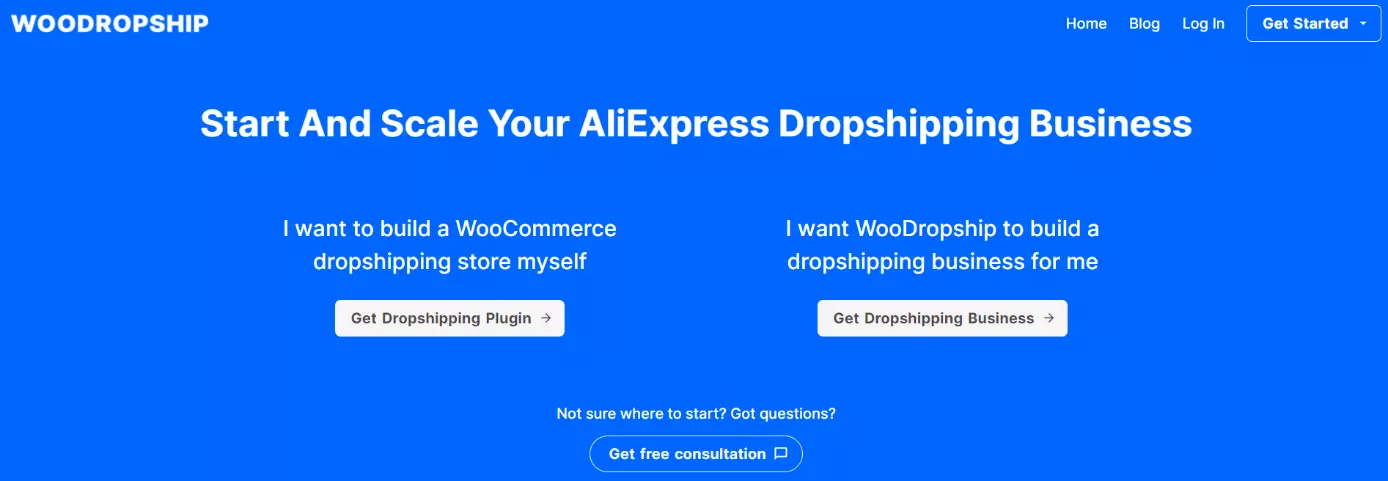
Cost: WooDropship is free for a 7-day free trial. The basic package with limited features starts at $14.99 or $49.99 for unlimited features (per month). You can choose to make a one-off payment instead.
| Pros | Cons |
|---|---|
| ✓ Import AliExpress products via Google Chrome extension | ✗ Access to AliExpress marketplace only |
| ✓ Automatic or set price adjustment | |
| ✓ Editing of product images | |
| ✓ Free for 7-day trial |
DropshipMe
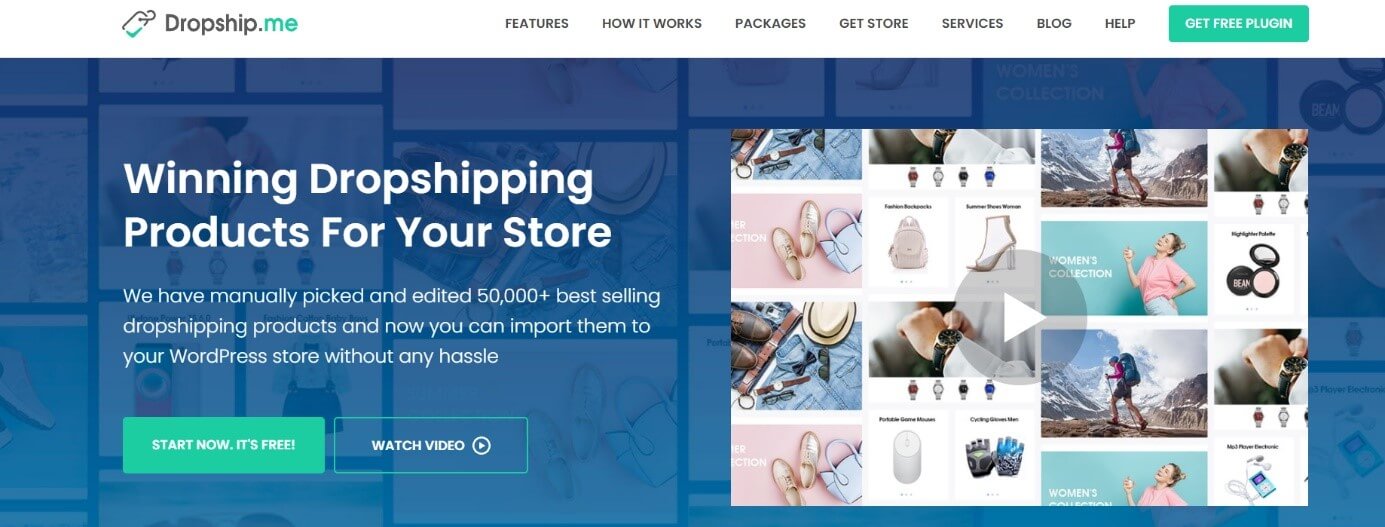
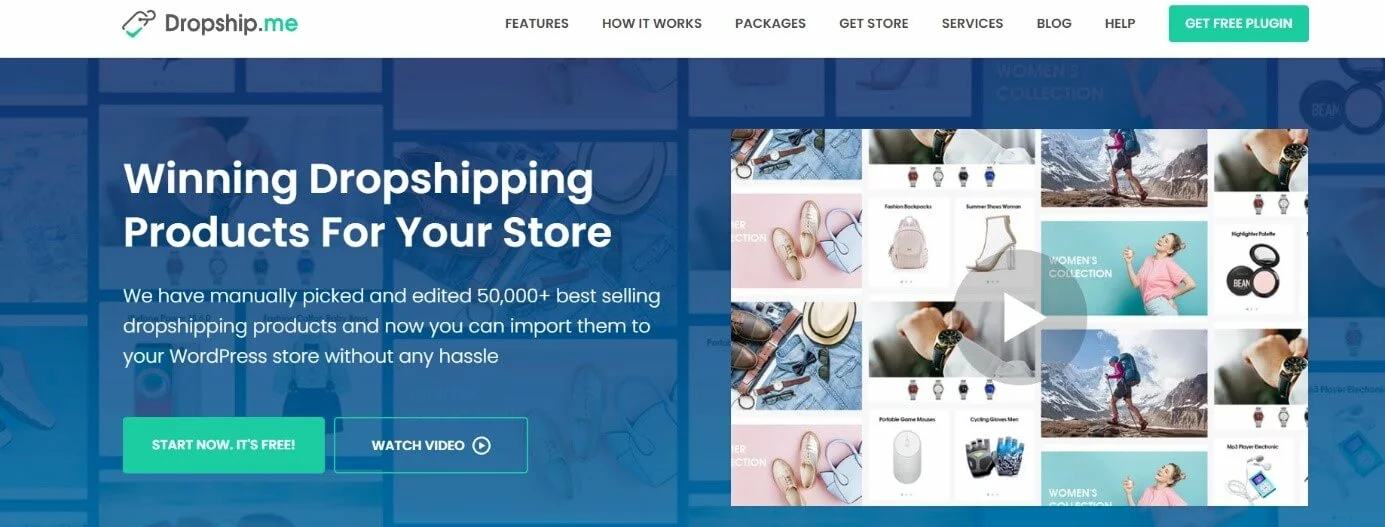
With DropshipMe you can select best-selling products from AliExpress and import them into your online store. Images, descriptions, and labels of products are automatically optimized for your store and supplemented with real customer reviews. Moreover, DropshipMe offers a list of reliable, verified suppliers.
Cost: The cost is calculated based on product imports. You don’t pay anything for up to 50 items or $29 for 100 products. The value then increases to $119 for 500 products and $199 for 1,000.
| Pros | Cons |
|---|---|
| ✓ Automated one-click import and efficient listing and selling of products | ✗ Limited to AliExpress |
| ✓ Reliable, verified supplier list | ✗ Price calculated based on product imports |
| ✓ Automated product updates and information | |
| ✓ Low-cost offer for unlimited functions |
AliDropship
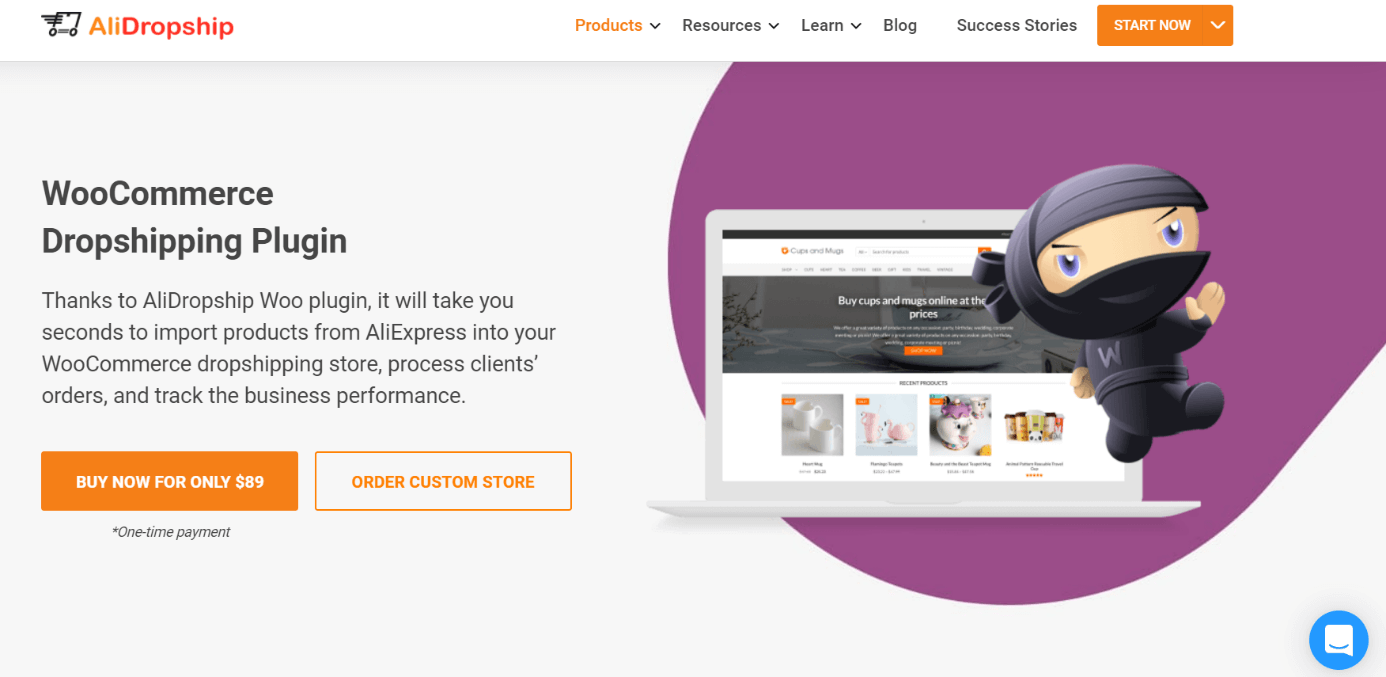
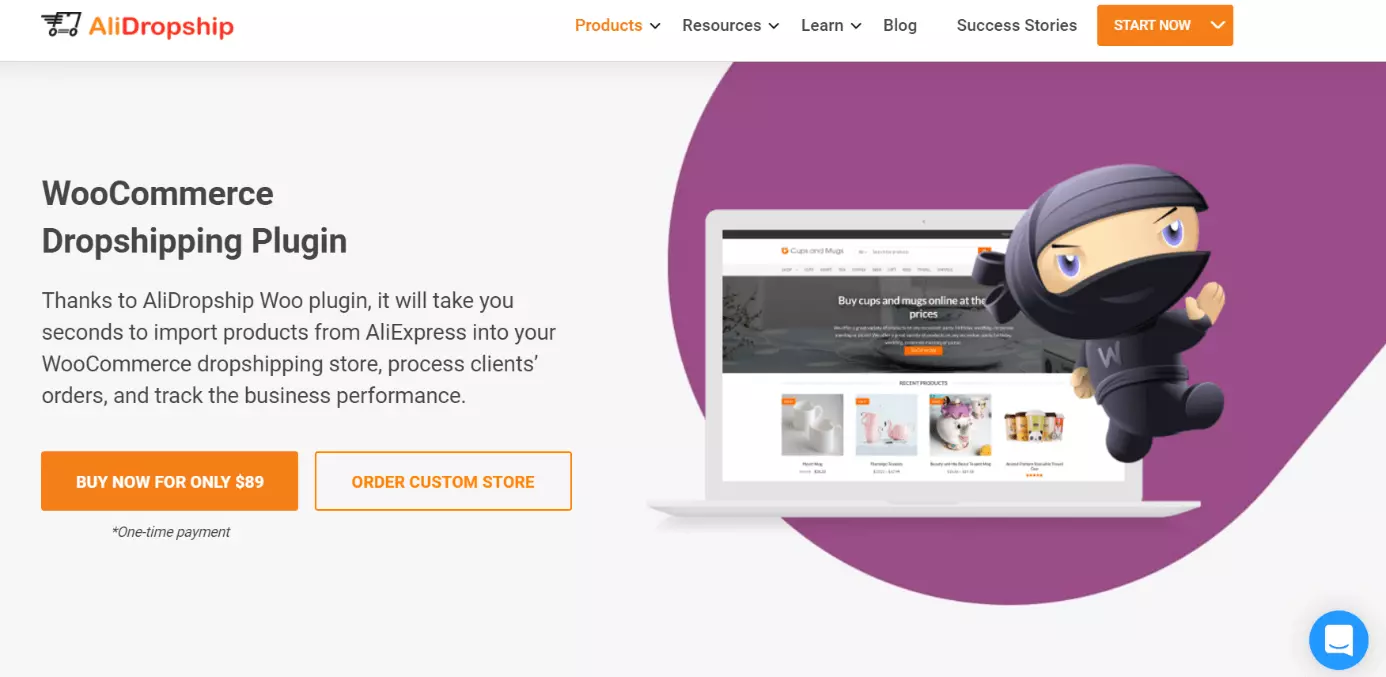
AliDropship is a plugin specially designed for AliExpress suppliers and allows for simple import of AliExpress items. Product lists, stocks, and prices can be adjusted automatically, as well as prices to desired profit margins. Furthermore, AliDropship provides an uncomplicated synchronization of order and shipment and informs customers about the delivery status of their ordered goods.
Cost: You pay a one-off fee of $89 for AliDropship.
| Pros | Cons |
|---|---|
| ✓ Automatic one-click import from AliExpress marketplace | ✗ Limited to AliExpress |
| ✓ Synchronization and updating of product lists | |
| ✓ Free updates and unlimited products/orders | |
| ✓ Practical price configurations |
WP Amazon Shop
The WP Amazon Shop dropshipping plugin uses Amazon marketplaces and provides easy, automated product import from millions of offers. During the import, the plugin adds your affiliate ID to the product URL and enables commissions for each sale. By linking to Amazon, you can rely on its international logistics network, powerful fulfillment, fast and reliable shipping, and high-quality products.
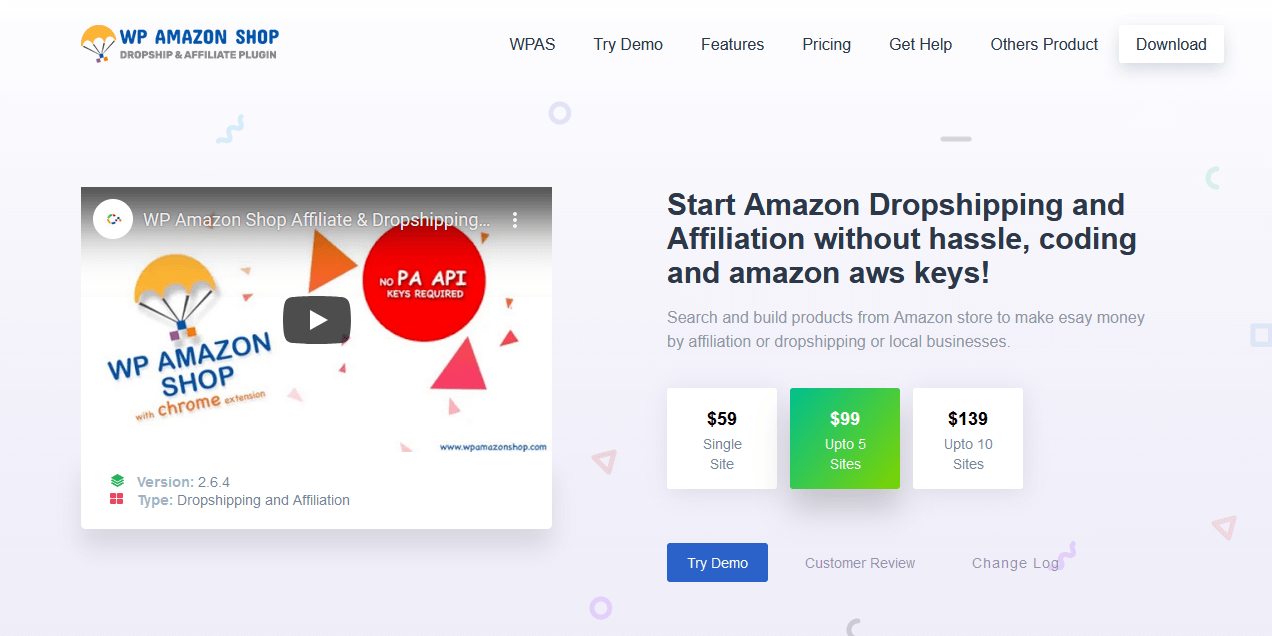
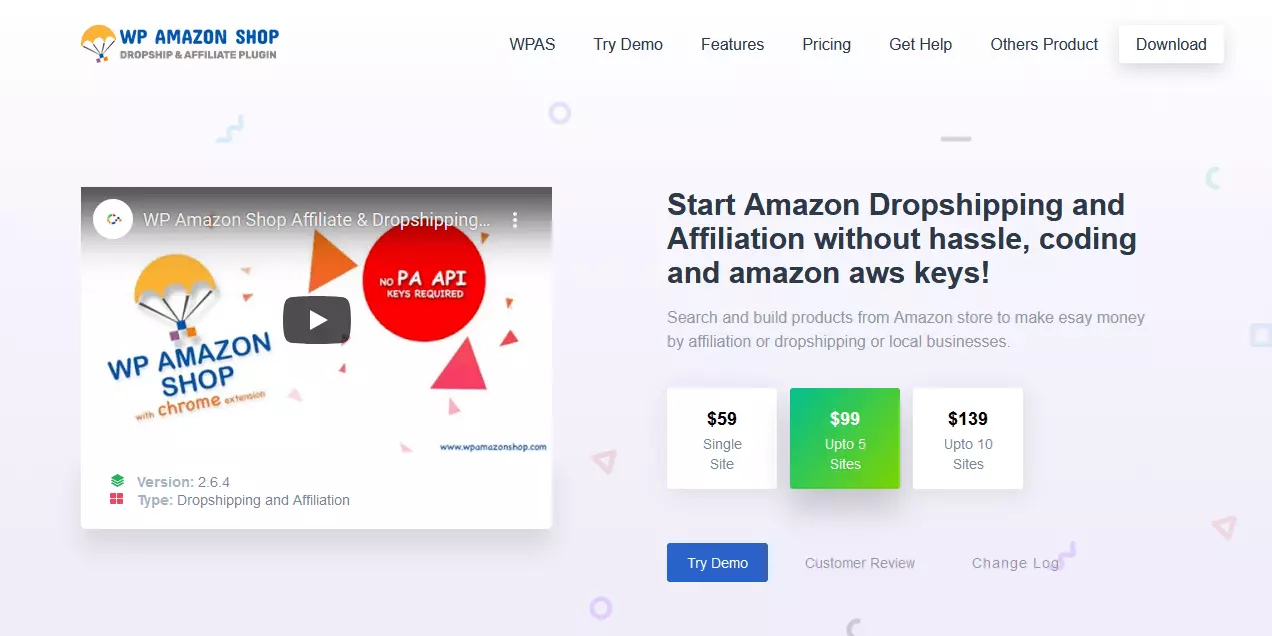
Cost: A single site license of WP Amazon Shop costs $59.
| Pros | Cons |
|---|---|
| ✓ Import from Amazon’s huge range of products | ✗ Single site license is relatively expensive |
| ✓ Shipping with Amazon’s powerful global infrastructure | ✗ Limited to Amazon marketplaces |
| ✓ Reliable, high-quality products and customer-oriented delivery service |
WooCommerce Dropshipping
The WooCommerce Dropshipping plugin lets you add products from AliExpress, Amazon, etc. AliExpress can be added via the Google Chrome extension (much like with WooDropship). With Amazon, on the other hand, the affiliate marketing program Amazon Associates is used. Product lists from other suppliers can be imported and extended via CSV files.
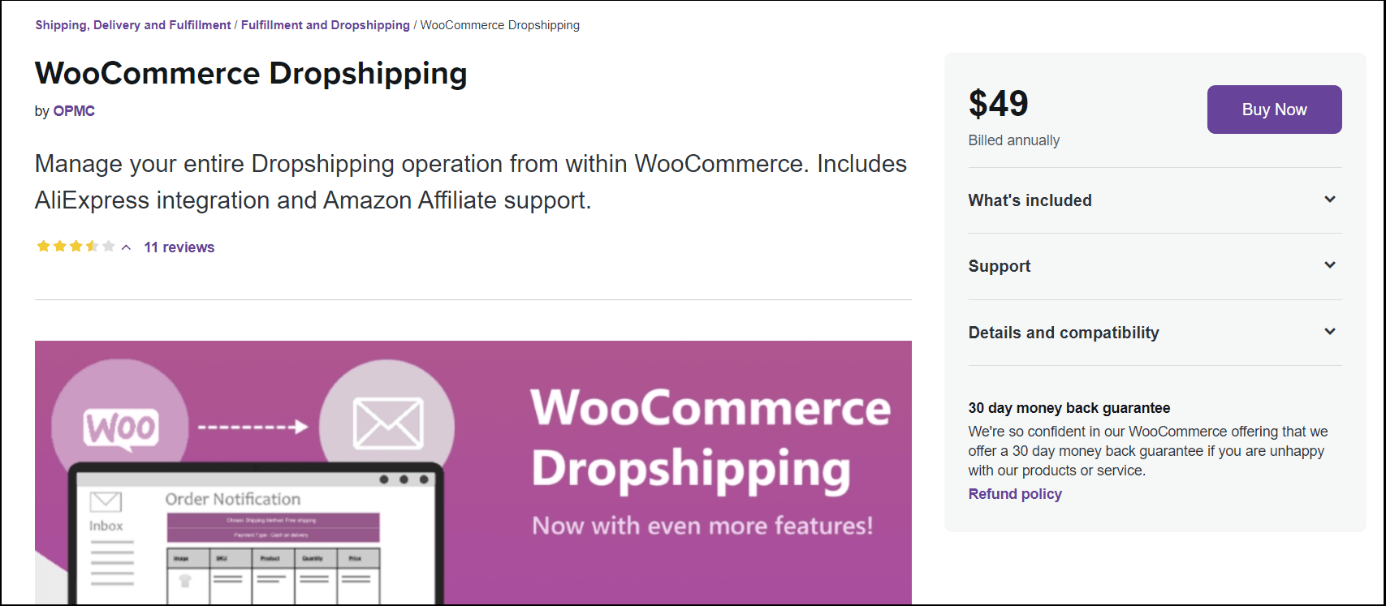
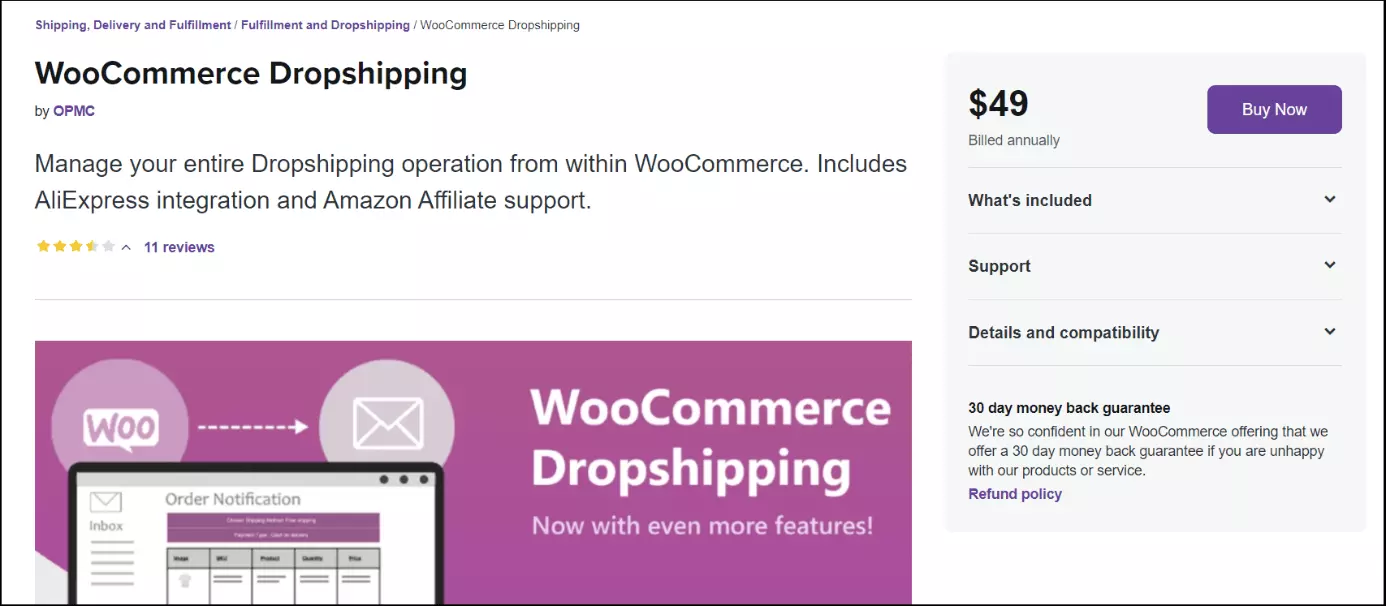
Cost: Purchase the plugin at a one-off fee of $49. The offer includes support for one year and updates for your single-site license.
| Pros | Cons |
|---|---|
| ✓ Import from various online marketplaces as well as local and national retailers | ✗ Single site license is relatively expensive for one year |
| ✓ Automatic forwarding of order data, packing slips and shipping processing |
Spocket
The Spocket plugin primarily offers products from dropshipping providers from the EU and the USA. Importation and integration are based on a one-click principle. As a Spocket user, you also have the option to buy items with special Spocket discounts (up to 75 percent). Another advantage is the ability to customize images and invoices to match the brand to your store.
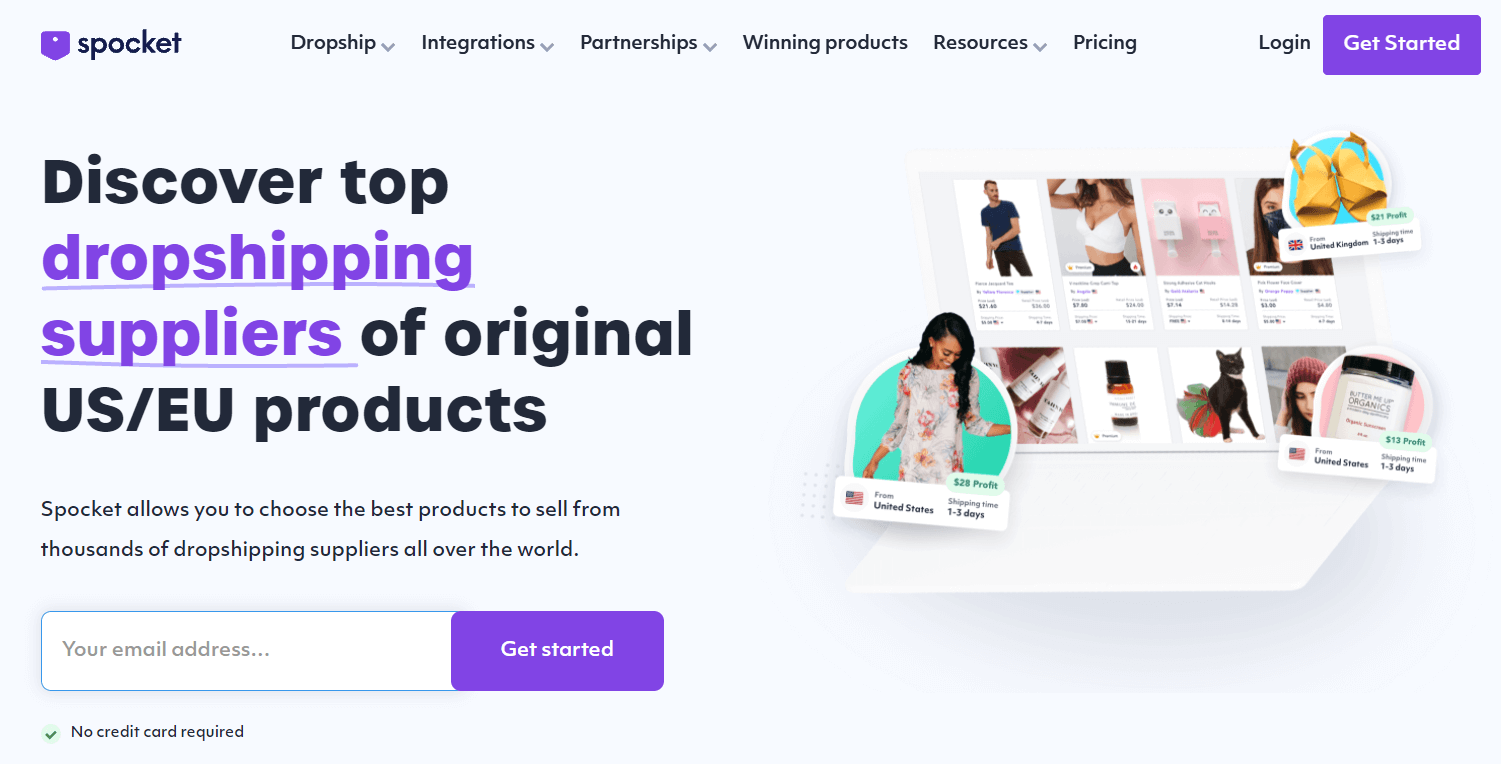
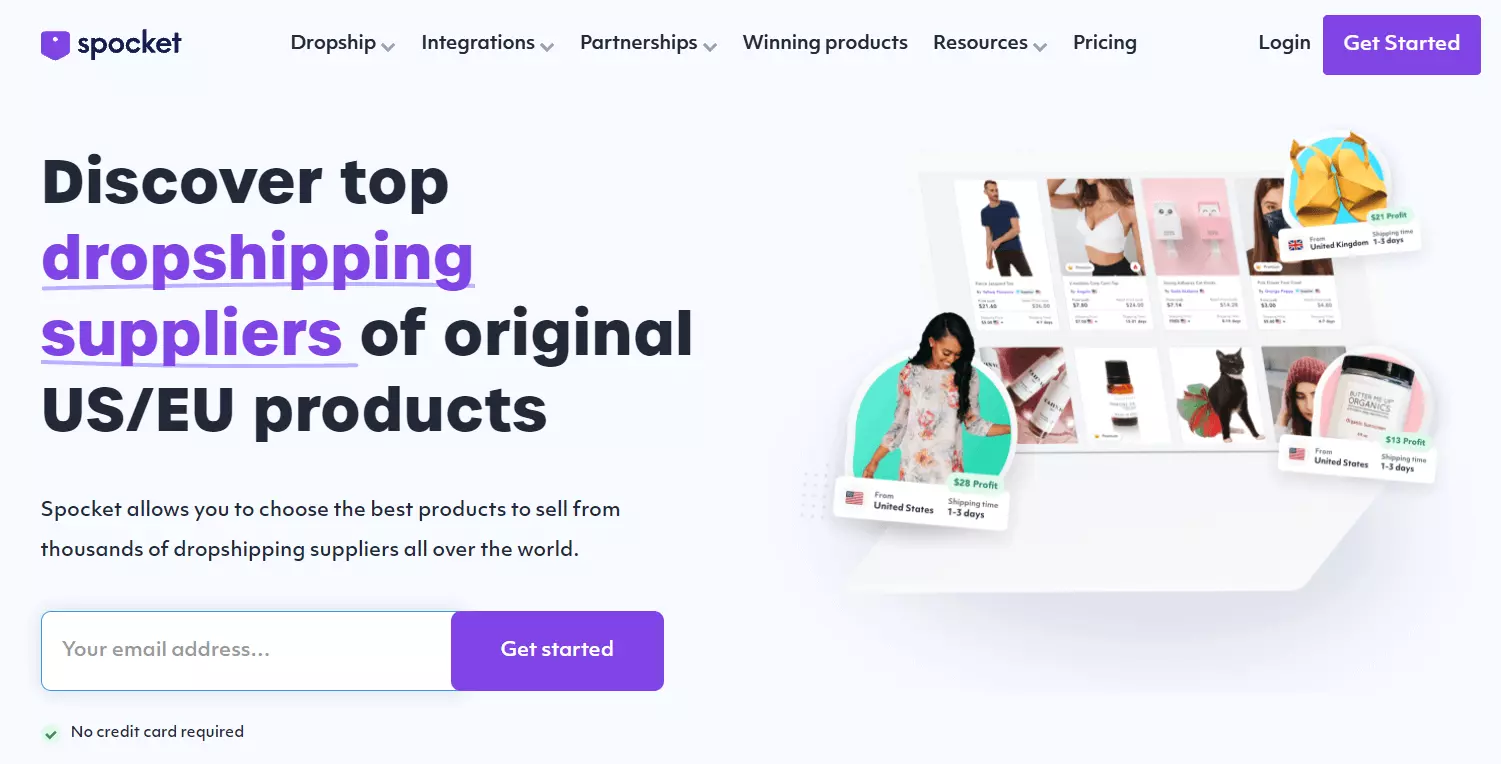
Cost: Spocket offers a free starter version and three paid subscription options. The Starter options is available at $24.99 per month and lets you add 25 products to your online store. With the Pro variant, the monthly fee is $49.99 and includes 250 products plus 25 premium items, and with the Empire variant, it's $99.99 for 10,000 products.
| Pros | Cons |
|---|---|
| ✓ Import of suppliers and vendors from the EU and the USA | ✗ Priority for importing from American and European marketplaces |
| ✓ High discounts for Spocket users | ✗ Packages with large product selection are relatively expensive |
| ✓ Simple import and automated order processing | |
| ✓ Free version available |
Dropified
The Dropified plugin enables convenient importation from many marketplaces such as AliExpress, Alibaba, eBay, Costco, and Walmart. Dropshipping beginners benefit from a free plan for product research and organization. In addition, the plugin is particularly suitable for triggering sales of your WooCommerce store and expanding your product portfolio. It also includes automatic notifications for price and availability changes, two image editors, order IDs and tracking for AliExpress orders.
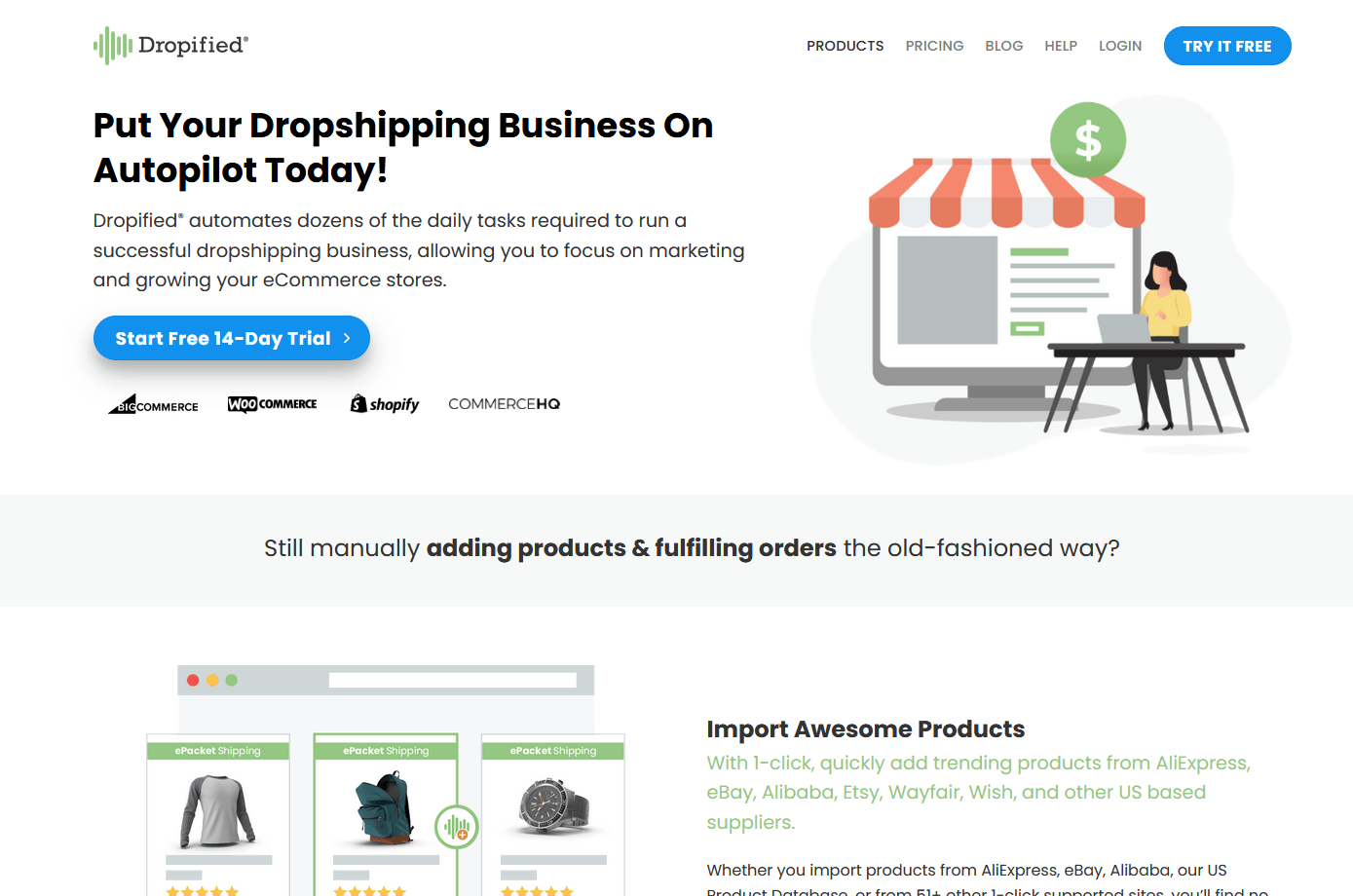
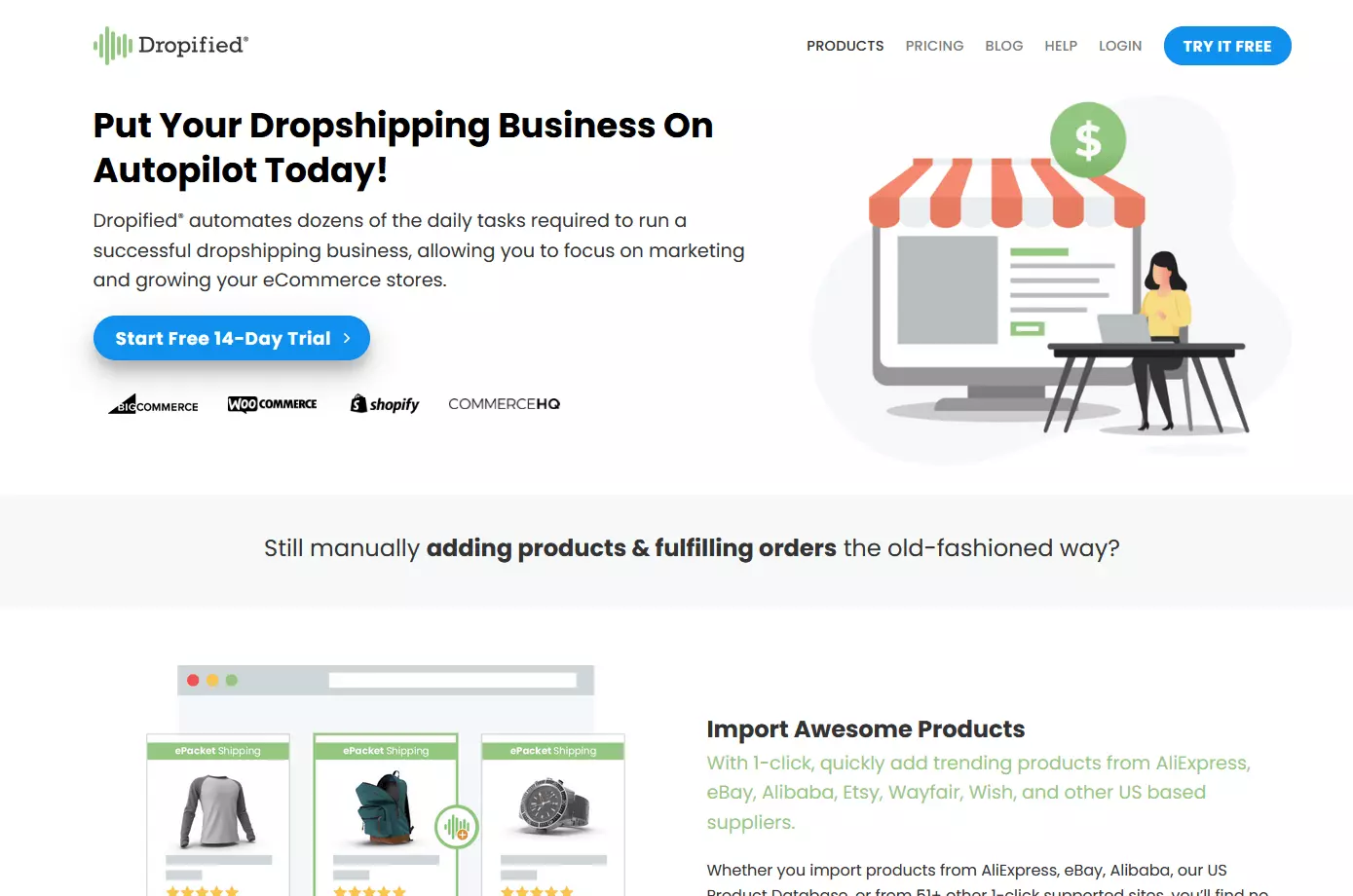
Cost: Dropified has three different plans to choose from. The Research plan is a free starter version for product research. The Build plan for $19 a month guarantees up to 1,000 product imports and up to 500 orders a month, and the Grow plan for $47 boosts the number of products to 10,000 and allows for unlimited orders.
| Pros | Cons |
|---|---|
| ✓ Easy import of products and automated order processing | ✗ Monthly order numbers limited in Build plan |
| ✓ Free research plan for beginners who wish to expand their portfolio |
Register a distinctive domain from IONOS to stand out among the competition– SSL wildcard, 2 GB email, and domain lock are included.
How to add a dropshipping plugin to WooCommerce
Once you have selected a suitable plugin, you just need to add it to your WooCommerce store. To do this, proceed as follows:
Option 1
Step 1: Navigate to the plugin provider’s page or search for the plugin under “Tools” in WordPress. Choose a payment plan and download the plugin.
Step 2: Click “Install now” to initiate the installation of the plugin.
Option 2
Step 1: If the plugin already exists as a ZIP file, select “Tools”, then “Plugins”, and then “Upload plugin”.
Step 2: Go to “Select file”, locate the appropriate ZIP file, and click “Install now”.
Step 3: Last but not least, select “Activate plugin”.
Add your personalized business email with IONOS and benefit from the highest security standards including a free email domain.
Reviewer

Melissa Senn
Melissa Senn has been with IONOS since 2016 and focuses on the areas of websites, e-commerce, social media, and AI in the Digital Guide. As a digital strategist, she draws on her extensive SEO and GEO experience to translate complex technological trends into practical content.