

How to check DMARC compliance

Learn how to check the authenticity and security of your emails with a quick DMARC check. We’ll also provide you with a list of DMARC checkers you can use.
What is a DMARC check and why is it important?
Companies need to be sure that important emails reach their customers and business partners. To check the authenticity and security of emails and email domains, DMARC checkers are useful. These tools validate the authenticity of an email by checking entries for DMARC (Domain-based Message Authentication Reporting and Conformance), SPF (Sender Policy Framework) and DKIM (Domain Keys Identified Mail). DMARC is used to integrate SPF and DKIM in a unified framework and to monitor your email traffic according to fixed policies. DMARC’s three main functions are:
- Reject: The recipient server rejects your email based on a failed DMARC test.
- Quarantine: Emails that fail the DMARC test are moved to the spam folder of the recipient address.
- No Action: No action is taken on the part of the sender even if the DMARC test is not passed.
The rules that are applied in the event of a failed security check are defined in a TXT record in the DMARC entry (DMARC record). The TXT record is published to the Domain Name System for DMARC review. In the DMARC record, you can define whether recipient servers should reject unauthenticated emails from your domain. You can also define if and how you are informed about domain abuse or DMARC errors. With an integrated DMARC check, you receive daily reports on your email traffic, including the following information:
- What percentage of emails pass DMARC checks?
- How many emails are rejected by recipient servers?
- Which servers or applications are used to send rejected emails?
- Which servers or applications are sending all the emails, or more specifically, all the emails assigned to your domain?
What happens if DMARC is set up incorrectly?
Email correspondence with customers and business partners is a primary target for cybercriminals. It’s important for companies to be aware of a common spoofing attack, in which fraudulent emails are made to appear authentic. This often involves the use of phishing emails. In phishing, cybercriminals pretend to send emails from your email domain or business email in order to obtain the personal data of email recipients. Correct DMARC entries ensure that phishing emails or spam campaigns under your domain do not end up in recipients’ inboxes and can be stopped as quickly as possible.
For reliable email security, it is important to configure DMARC records correctly. In addition to using your own domains, you should also use strong passwords and SSL. If you have DMARC failed in a DMARC report, it may be due to several reasons:
- Your email domain has been blocklisted due to abuse such as spam campaigns.
- Your credentials were stolen, and malicious emails were sent through your domain.
- Your DMARC record has been set up incorrectly.
In the latter case, it may be an incorrect DMARC matching mode, missing DKIM signature or missing DNS TXT records. Since there is no acute threat in the case of a DMARC policy that has been incorrectly set up, DMARC error messages can be quickly corrected with the right DMARC checkers.
What DMARC checkers are available?
There are several analysis, monitoring and reporting tools available to check your DMARC configurations. Which DMARC checker is best depends on how detailed and comprehensive you want the analysis to be. There are fully integrated, complex DMARC tools that fully automate testing and analysis and serve multiple domains simultaneously. However, these require knowledge of handling, configuring and analyzing DMARC. In addition, there are simple DMARC checkers that apply best practices and provide a quick overview of the status of one’s own email security.
For example, you can use one of the following three tools:
Dmarcian
Dmarcian was founded in 2012 and is one of the most well-known services that DMARC offers using the SaaS model. One reason that it is widely used and respected is that it was founded by Tim Draegen, a co-developer of the DMARC standard. Depending on your needs, Dmarcian offers comprehensive analysis tools for DMARC, ranging from a quick and easy review of a few emails to comprehensive email datasets and complex analysis specifications. This is complemented by reliable support and a variety of pricing models. However, because Dmarcian is among the more complex tools for DMARC checks, smaller organizations and teams may feel overwhelmed by its complexity.
In addition to the professional DMARC management platform, Dmarcian offers free tools for DMARC checks. Even without a Dmarcian account or subscription, these tools are always available to you. These include:
- Domain Checker: Checks domains (both your own domain as well as others) regarding SPF/DKIM/DMARC parameters
- DMARC Inspector: Checks domains and corresponding DMARC records
- DMARC Record Wizard: Supports you with the configuration of your DMARC record
- SPF Surveyor: Provides a graphical view and diagnosis of SPF records
- DKIM Inspector: A diagnostic tool for DKIM entries
- DKIM Validator: A diagnostic tool used to validate your DKIM entries
- XML-to-Human Converter: Translates DMARC records into an easier-to-read format that facilitates report analysis
DMARC Digests
Founded in 2020, DMARC Digests is one of the youngest DMARC services on the market. What sets DMARC Digests apart from other services is that it is a DMARC tool that is easy and intuitive to use while providing good DMARC functionality. The service is particularly suitable for smaller companies that want to quickly check a manageable number of emails for DMARC integrity and only require more in-depth analysis if it’s needed. However, in favor of usability, features such as forensic DMARC analyses, alerts and APIs are missing.
DMARC Digests offers the following features:
- Monitoring of email activity and delivery history under your mail domain
- Troubleshooting and analysis of DMARC errors as well as analysis of unauthenticated emails and SPF/DKIM issues
- Automated problem resolution and suggested solutions
- 60-day overview of all email senders and servers for your domain
- Weekly and monthly problem reports and advice on optimizing DMARC configurations
- Team functionalities for team-based DMARC analysis
MxToolbox
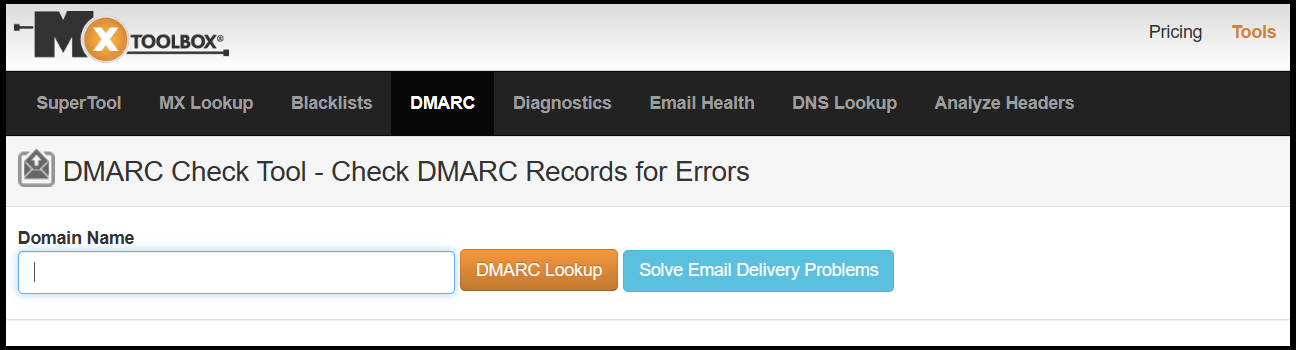
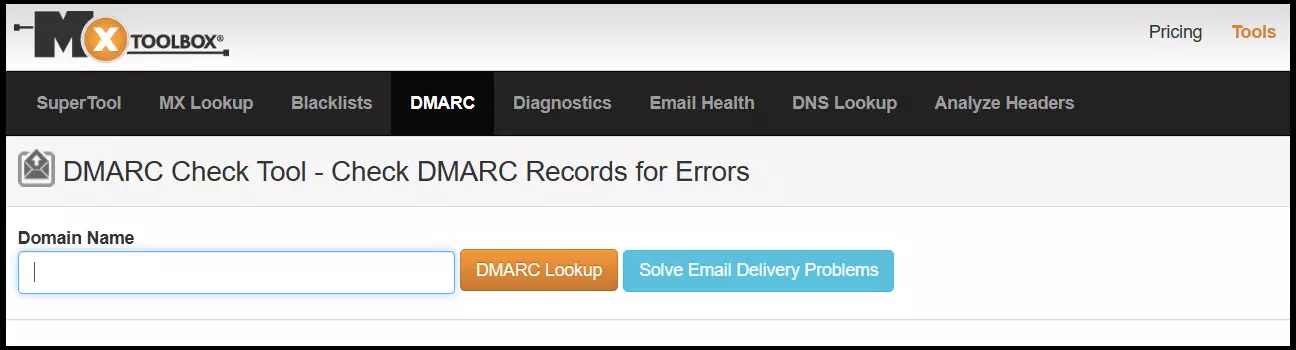
MxToolbox is also a provider of email and DNS authentication, blocklist lookup, and secure emailing tools. This also includes free or paid tools for analyzing DMARC/DKIM/SPF records. For free DMARC checks, MxToolbox offers the following services:
- DMARC Record Test: This diagnostic tool for DMARC record checks displays the DMARC record of domains (both your own domain as well as third-party domains) and lists additional analytical data on the DMARC status.
- DMARC Generator: This tool supports you in creating and configuring DMARC records and offers a beginner-friendly, step-by-step approach for this purpose.
- DMARC Report Analyzer: Converts DMARC XML reports into an easy-to-read format, simplifying the evaluation and correction of TXT records of your DMARC policy.
- SPF Record Check: Displays a domain’s SPF records and lists associated diagnostic data.
- SPF Record Generator: Assists in the creation and editing of SPF records.
- DKIM Test & Validator: Analyzes DKIM records and displays associated analysis data.
What are the benefits of email and DMARC testing tools?
Email traffic between companies and their customers or business partners is one of the preferred attack surfaces for cybercriminals. A transparent analysis and continuous monitoring of email traffic via your own domain therefore increases your security and the security of your partners and target audience. In addition, you ensure that important marketing or business emails do not end up in spam folders but in the inboxes of your recipients.
The advantages of DMARC and email checks are as follows:
- Possible errors with sending emails are quickly detected and corrected.
- Email traffic between companies, partners and customers is protected (as well as protection against spoofing and spam).
- Analysis reports enable fast corrections of DMARC/SPF/DKIM entries.
- Marketing campaigns can be checked in advance for email domain integrity and reliability.
- Important emails don’t end up in recipients’ spam folders without you knowing.
- Reliable, secure and authenticated emails strengthen brand image and the trust of partners and customers.
Make a serious and professional impression by creating your own business email address. In addition to being ad-free, IONOS’ email solution comes with a custom domain and protection against spam and viruses.
How to do a manual DMARC test
Don’t want to use DMARC tools? DMARC can also be tested manually, however, the scope of manual testing is limited. DMARC checks that are performed using a SaaS solution from one of the professional DMARC providers mentioned in the previous section are faster and more secure. They can also be carried out automatically.
For a manual DMARC test, an analysis of the email header is a good idea. We’ll show you how to do this in Gmail, Apple Mail, Outlook, Mozilla and Opera.
Gmail
The following example is a DMARC test for Gmail accounts. With Google, you can use the free Google tool Toolbox Messageheader to check DMARC for authenticity and correctness. In other email services like Apple Mail, Mozilla, Hotmail or Outlook, the procedure may differ.
- Send an email to your Gmail account or access an email that you want to test.
- Open the email and click the three-dot icon in the top right corner.
- Select the View original option.
- In the original view of the email, you can see all the information such as email sender, email servers passed through, and authentication results for SPF and DKIM, as well as DMARC policies. In addition to the Created on entry, you can also check whether there was any noticeable delay in sending the message.
- Copy the text of the original mail with all the information.
- Now open the Google tool Messageheader and paste the copied text under Paste email header here.
- Select Analyze the header above and wait for the manual verification to complete.
Apple Mail
- Open Apple Mail and the email you want to check.
- Go to View and then Message > All Headers.
- You will now see the email header in a separate window with all the information about the email and the sending history.
Outlook
- Open Outlook and the email you want to test.
- Go to File and to Properties. In the Internet headers field, you’ll find detailed information about the email.
Mozilla
- In Mozilla, open the email you want to check.
- Then go to View and Message Source to get a breakdown of the email information.
Reviewer

Jeanna Raffa
With over 18 years of experience in online marketing, Jeanna Raffa possesses extensive expertise in digital marketing. Since 2020, her focus has been on providing practical information regarding email, office, and cloud storage solutions.