

How to create and embed a Twitter widget

Anyone surfing the internet today knows it’s easy to be overwhelmed by the flood of information available. So tying all of the relevant information together and connecting it smoothly is becoming more and more important. In both our working and leisure time, we spend hours each day flitting between news portals and social networks, from Twitter to Facebook or Instagram to Pinterest, all the while still feeling like we’ve probably missed some relevant information. This is why social networks have these so-called news feeds, to feed us all the most relevant information we want to see each day in one handy place; the aim being to keep us on the site for as long as possible. Younger readers in particular value these collections, reducing their need to search and giving them all the top stories they want. And because many have grown up on Facebook or Twitter, they trust these sites more than traditional news outlets. As a result, your social media channels and the posts you make are playing an increasingly important role in how successful you are as a company. Imagine if your website or blog was shown on the 10 o’clock news every evening, on display to a global audience. This is the way you should view social networks – a chance to have your updates displayed on news feeds to your entire target audience every day.
Embedding a Twitter feed – the perfect complement for your website
Whether we’re talking about actors, sports stars, companies, news portals, or political parties: every tweet sent in the past decade has provided fans, teammates, enthusiasts and customers with up-to-the-minute information. Twitter celebrated its 10th launch date anniversary on July 15th 2016, and at the start of the year it had surpassed the 320 million mark for registered active users. So if you want to be a topic of daily conversation, you can’t afford to overlook the tweeting service. And once you’re active on Twitter, you can actually go one step further and embed content from your Twitter account so it can be presented on your website, blog, or online shop. To make it easier for users to integrate a Twitter feed, also known as a timeline, into their own web presences, the social network has created a widget. This can be used to create a specific code snippet that is then simply copied and pasted into the corresponding position within your website’s HTML document - usually as a sidebar. Depending on the aim of your Twitter feed, you can choose one of the following sources for your timeline:
-
Profile: displays all public tweets and retweets from selected Twitter users.
-
Likes: shows all ‘favorited’ tweets from selected users.
-
List: displays all public tweets and retweets from selected public lists on Twitter, either ones you own or ones you subscribe to.
-
Search: shows the results of all user defined searches like hashtags (#IONOS), URLs (ionos.com), retweets to particular Twitter users (to:IONOS) or user mentions (@IONOS)
-
Collection: displays all selected tweets that are first put together to form a collection using an external program like TweetDeck.
Create your own Twitter widget: step by step guide
If you want to embed a Twitter feed into your website in order to display your own tweets or even the tweets of others, it goes without saying that the first step is to create your own personal Twitter account. So if you still haven’t signed up to the message sharing service, you’ll need to do so before moving onto step one of our guide below. You can register for Twitter quickly and easily using their sign-up page. All you’ll need is your name, an email address or telephone number, and a personal password. After this, you’ll be asked to create your unique Twitter name. We recommend you use one that looks professional and represents your company or brand. Upon completion, your new Twitter account will be created automatically and you can set about creating a Twitter widget:
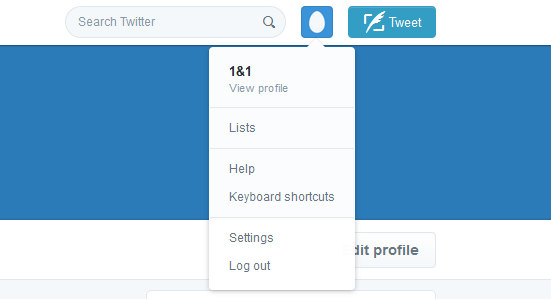
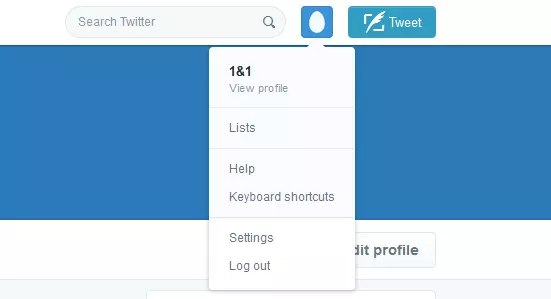
1. Navigate through the menu at the top on the right and select ‘Settings’.
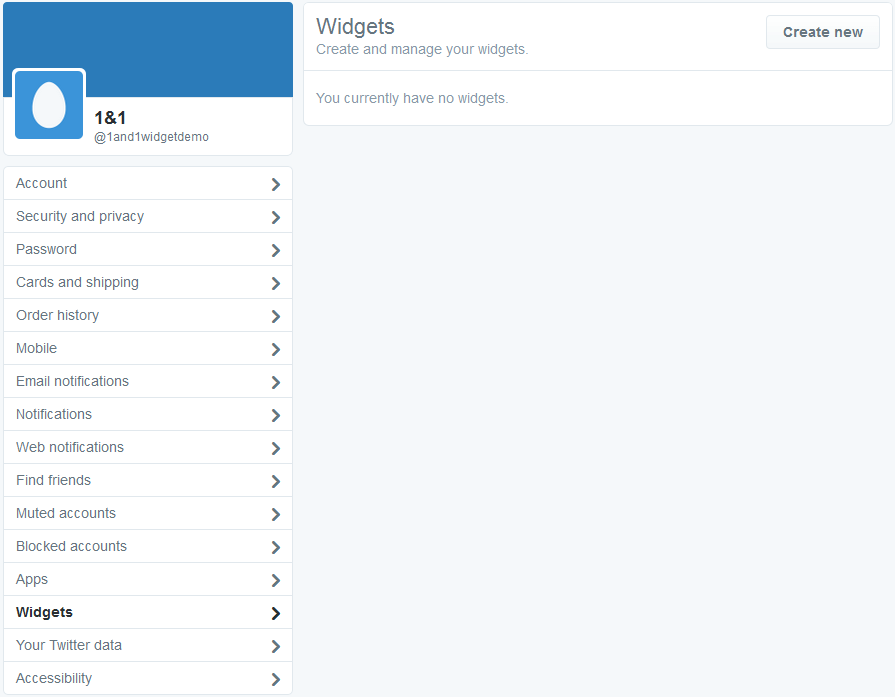
2. Scroll down the sidebar and select ‘Widgets’, and then click ‘Create new’ to create a new one.
 Elena ElisseevaShutterstock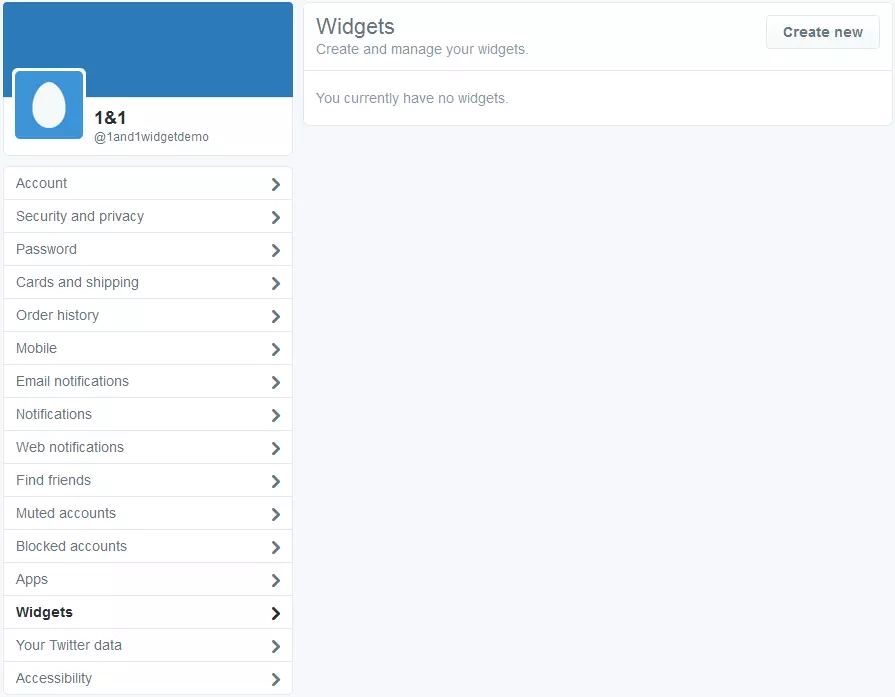
3. A drop-down menu will appear, giving you the option to select the type of widget you’d like to create: ‘Profile’, ‘Likes’, ‘List’, ‘Collection’, or ‘Search’.
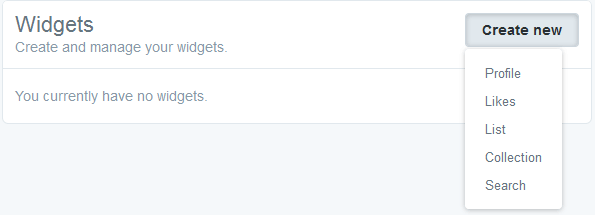
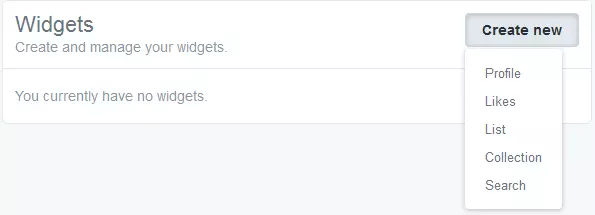
4. You’ll now be taken to a new screen, where you have the option to embed a tweet or feed directly from a URL, or explore the other possible options below. You’ll notice that it’s possible to add Twitter Buttons too, like ‘Tweet’ or ‘Follow’, so your site visitors can find you on social media easily.
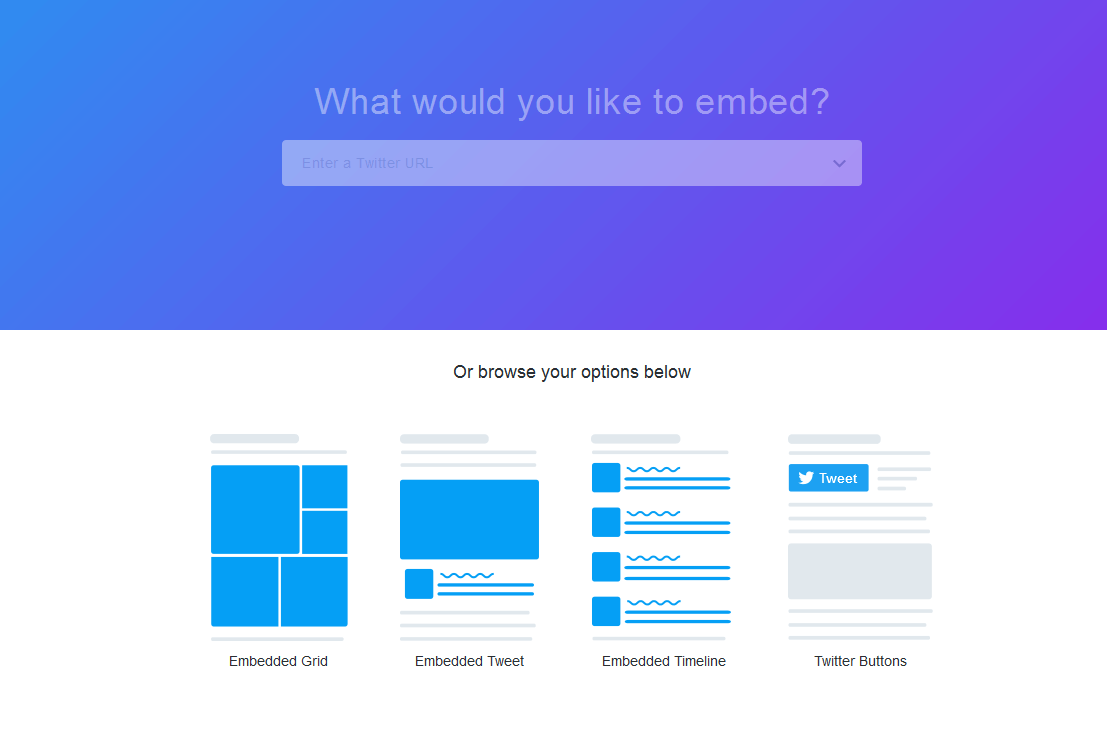
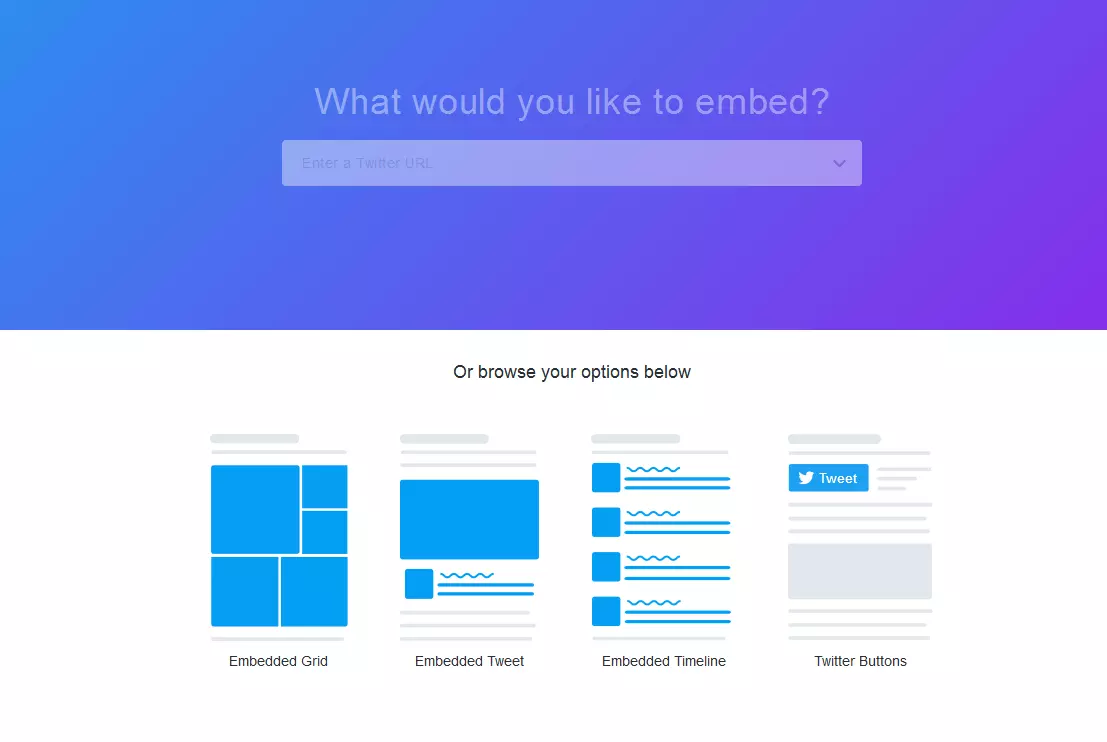
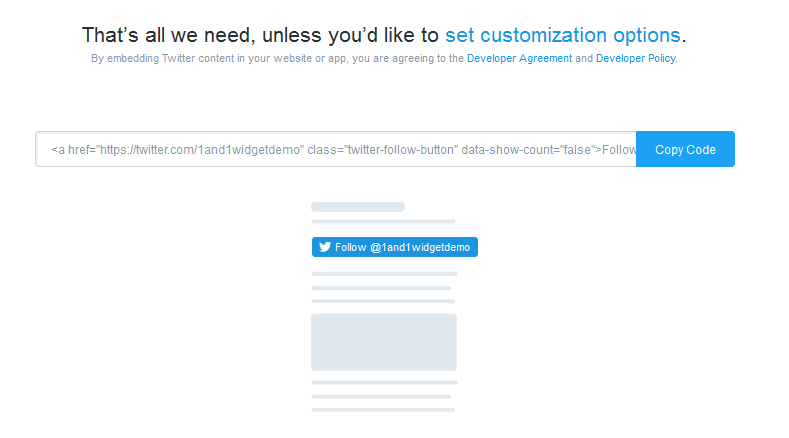
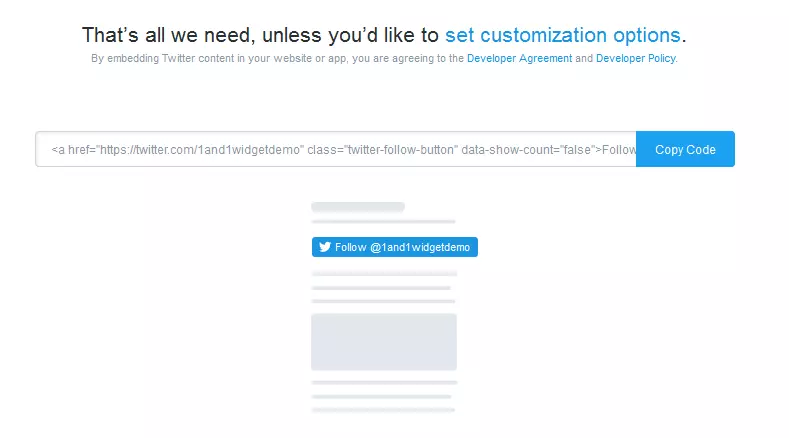
Follow your particular option through and explore the different possibilities for embedding a Twitter feed. Once you’ve selected the one that’s right for you, you’ll receive a code to copy into your HTML and a demonstration of how the function will appear below.
Embed a Twitter feed and reap the benefits
Whether you’re running your own blog, introducing your company online, or presenting news from around the world, it’s likely that you’re already active on social networks. The stronger you link your individual social media channels with your website, the easier it’ll be to lock your audience in and create an online brand identity. Embedding a Twitter feed using a Twitter widget can help you increase the awareness of your blog or website, increase your Twitter followers, and ensure that customers make the connection between what you say on social media and what you offer on your homepage. If you choose to add other people’s entries to your website’s Twitter feed, your project will receive an additional bonus free of charge. Your site visitors have the option not only of reading your individually created feed, but also favoriting, replying, or retweeting your tweets on your homepage: in effect, you will be creating your own, localized twitterverse. Unlike other, less complex social media buttons that just act as a link to your Twitter account, the Twitter widget gives your users the chance to explore your Twitter feed while enjoying your homepage – creating a strong link between the two. All you need to do is create a well-organized Twitter account representing your brand identity, make sure it matches your web project in appearance and style, and then simply embed the feed and reap the benefits.
Reviewers

Melissa Senn
Melissa Senn has been with IONOS since 2016 and focuses on the areas of websites, e-commerce, social media, and AI in the Digital Guide. As a digital strategist, she draws on her extensive SEO and GEO experience to translate complex technological trends into practical content.

Julia Hertler
With over 18 years of experience in content marketing, Julia Hertler has deep expertise in digital communications. For the past 10 years, she has specialized in the areas of domains and hosting at the IONOS Digital Guide, making complex technical topics easy to understand.