

The best Continuous Integration Tools

With continuous integration (CI), software developers avoid having to overcome a time-consuming and troublesome integration phase at the end of a project. Instead of bringing all individual elements together at the end, CI inserts every change directly into the code base. This requires discipline and efficient processes – otherwise CI may do more harm than good. Specially designed software makes the entire process simpler.
If you are not yet sure whether CI is the right solution for you and your team, you can find all the key information and a comparison of the advantages and disadvantages in our detailed article on continuous integration.
Partly completely independent, and partly in combination with other well-known applications, CI tools offer support in building a repository, testing and building, version control, and of course in continuous integration itself.
8 popular CI tools
Many different continuous integration tools are now available on the internet, all of which have different features designed to help developers implement continuous integration in various ways. But it’s not just the functionality of CI tools that differentiate them, they also vary significantly in price and licensing options. While many are open source and free of charge, some providers also offer commercial tools. Here is an overview of some of the most popular and best continuous integration tools and their respective features and functions.
Jenkins
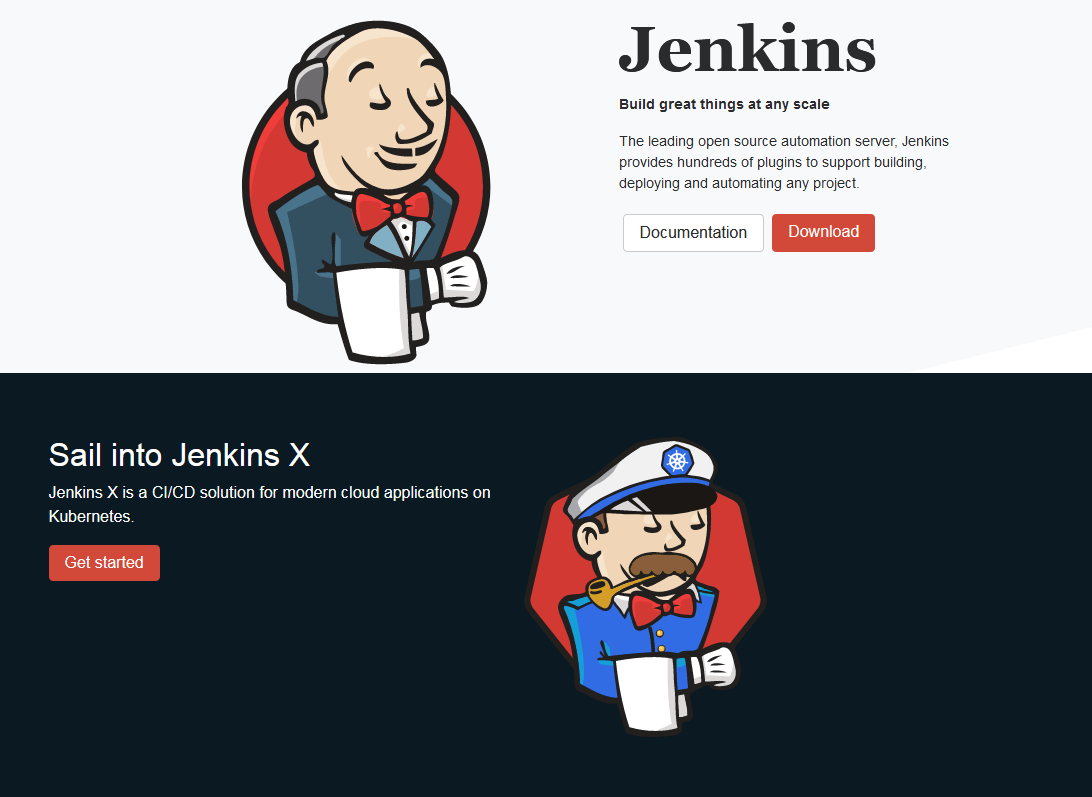
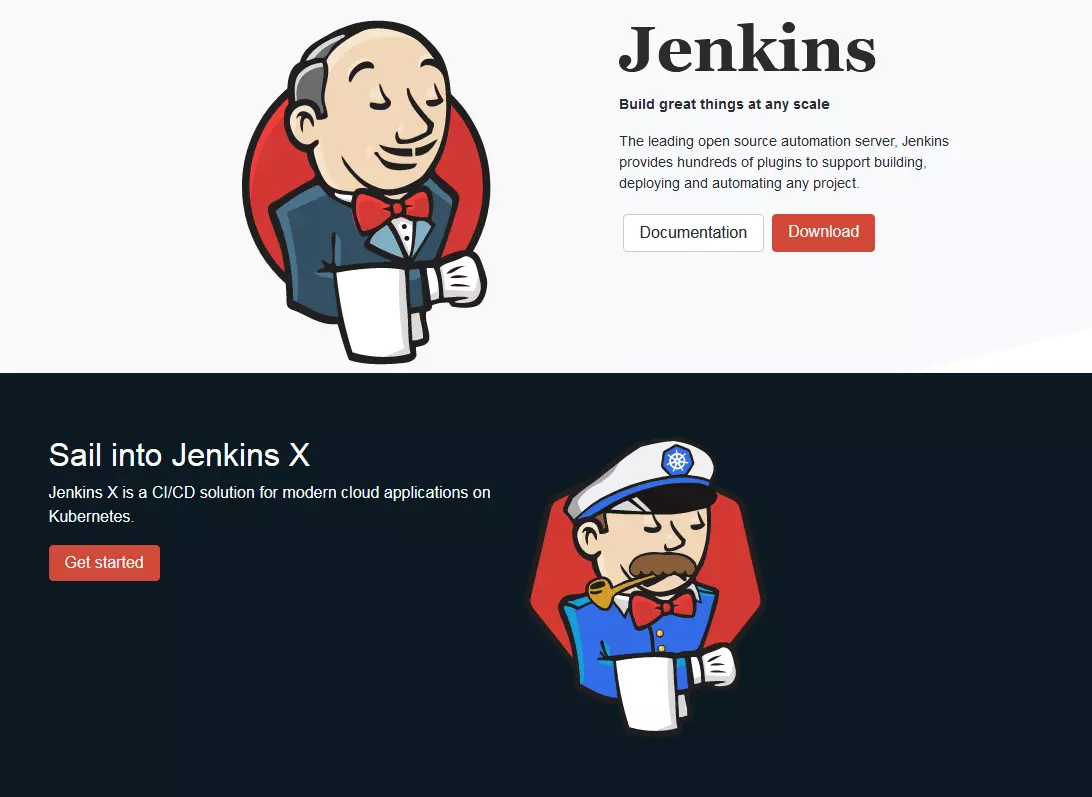
Jenkins is perhaps one of the most well-known continuous integration tools on the market. Since 2005 (still named Hudson at the time), the software has been continuously developed. The Java-based program offers many functions that not only help with CI, but also with continuous delivery and continuous deployment.
- Java based
- Runs in an EJB container
- Over 1000 plugins
- Also supports continuous delivery and continuous deployment
- Can be combined with many different version management systems
- Control over GUI (web based), REST API, or command line commands
- Cloud hosting possible
- Free
- Open source (MIT license)
If you’d like to give Jenkins a try, our easy-to-follow Jenkins tutorial will help you get started.
Travis CI
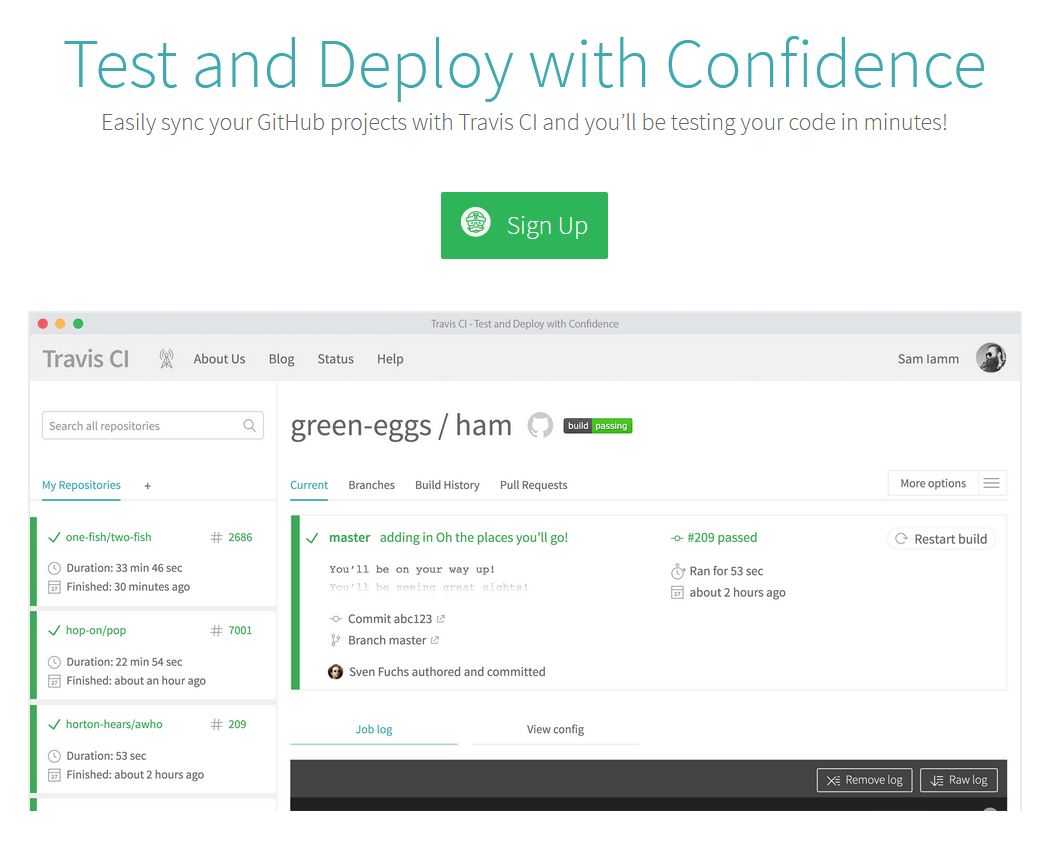
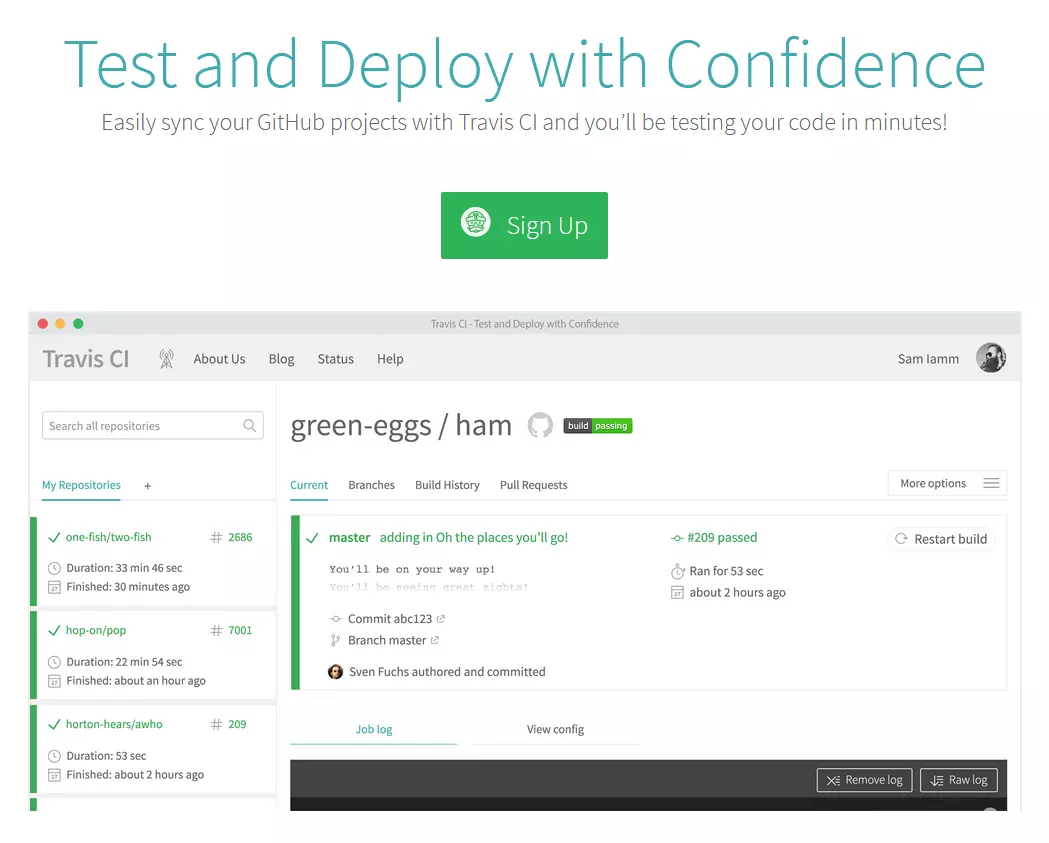
Those who work with GitHub will probably love Travis CI, since this CI tool works seamlessly with the popular version control system. The software can be configured with a simple YAML file, which you place in the root directory of the development project. GitHub alerts Travis CI to any changes made to the repository and keeps the project up to date.
- Ruby based
- Platform independent
- Works with GitHub
- Configuration with YAML files
- Free for open source projects
- Costs $69-489 per month for commercial projects
- Open source (MIT license)
Bamboo
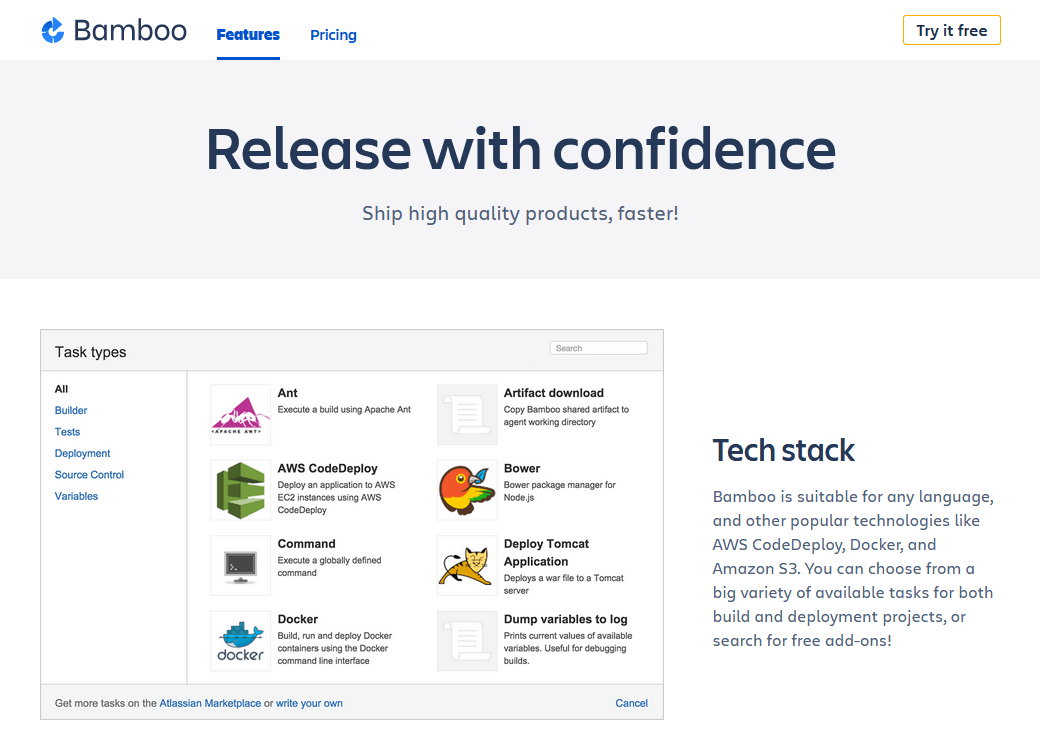
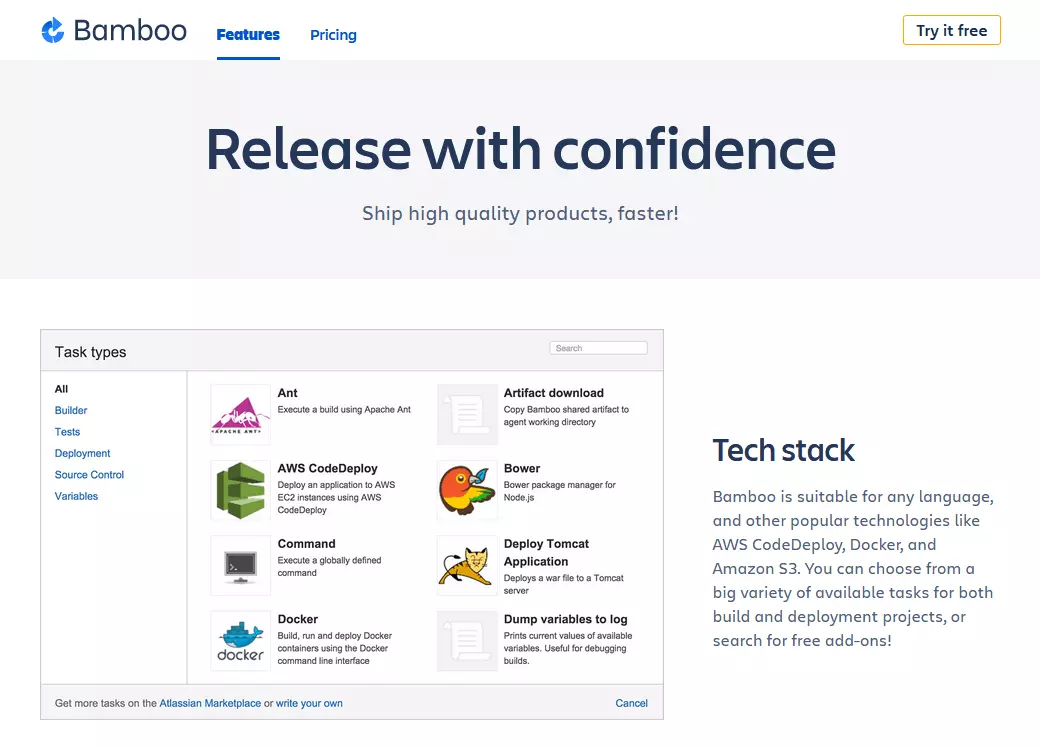
The company Atlassian, which now also offers a file hosting service called Bitbucket, has offered the Bamboo continuous integration tool since 2007. Beyond assisting developers with integration, Bamboo also offers features for deployment and release management. The tool boasts an easy-to-use web interface.
- Java based
- Platform independent
- Easy integration with other Atlassian products
- Plenty of add-ons
- Possible to run several tests simultaneously
- Communication via web interface and REST-API
- Free for open source projects, non-profit organizations, and school classes
- Otherwise costs a one-time fee of $10-110,000, depending on the number of servers required
GitLab
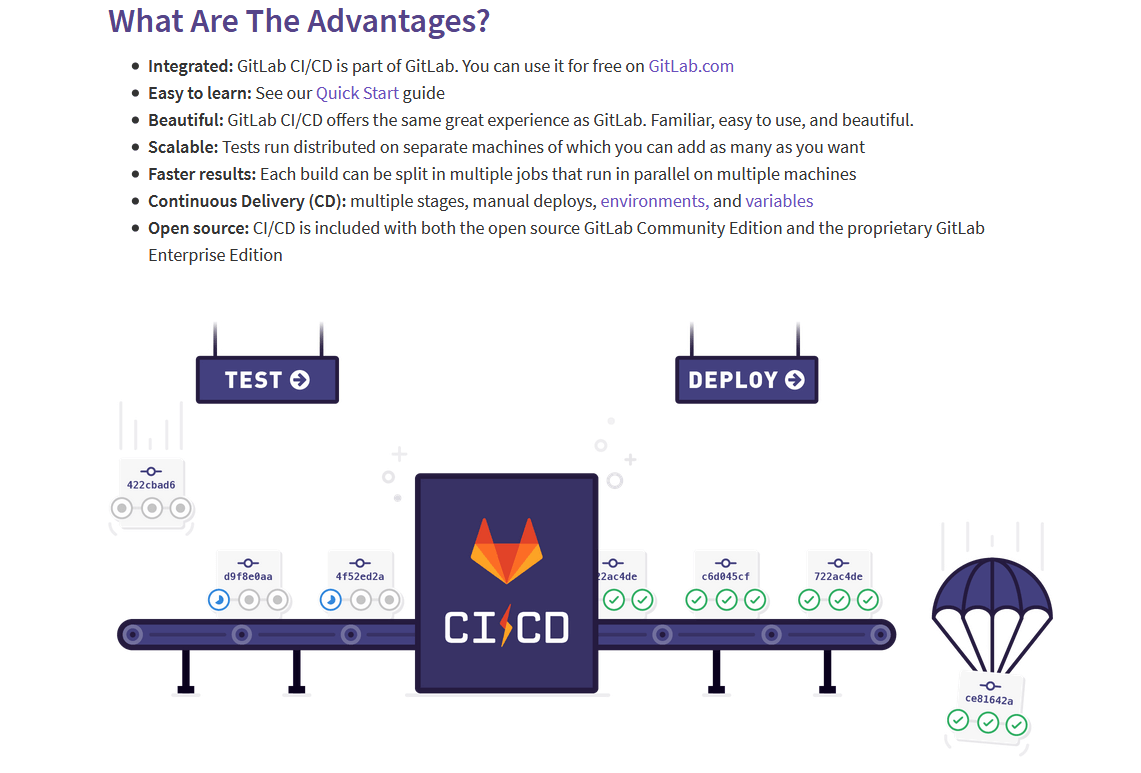
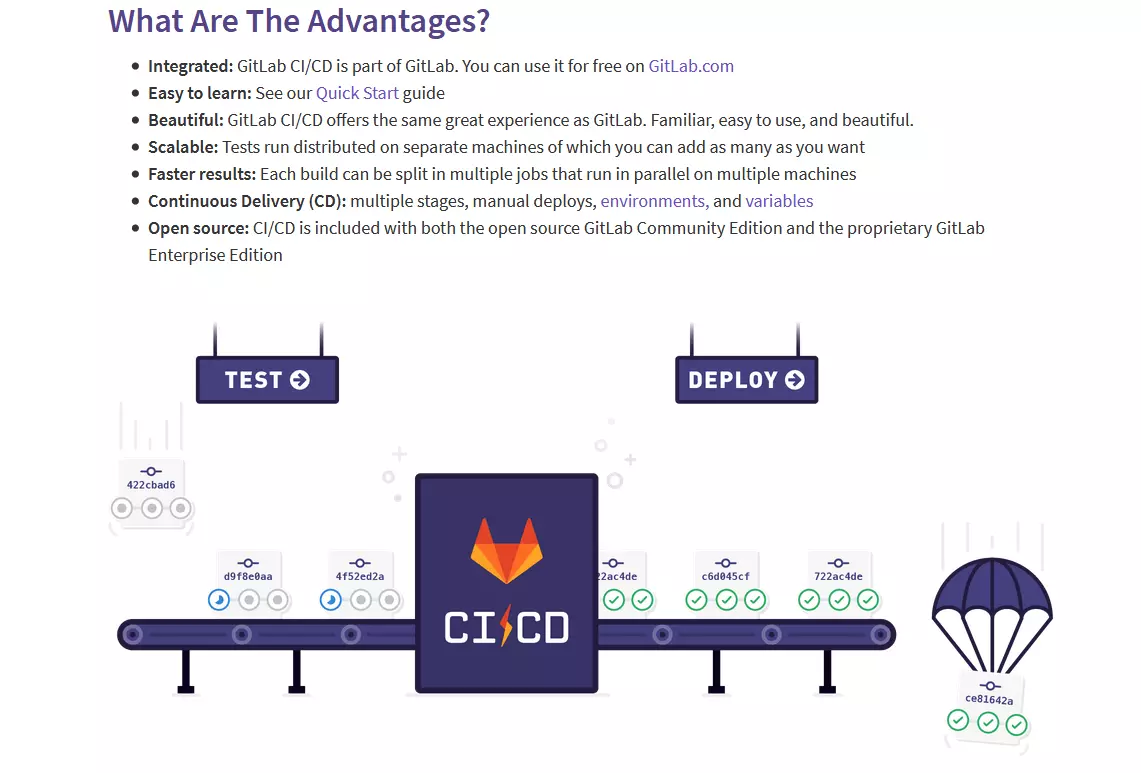
GitLab CI is a component of the well-known version management system GitLab. In addition to continuous integration, GitLab also offers continuous deployment and continuous delivery. Like Travis CI, GitLab CI uses a YAML for configuration. In addition, working with the software is relatively easy.
- Component of GitLab
- Based on Ruby and Go
- Configuration with YAML files
- Also supports continuous delivery and continuous deployment
- Open core
- Self-hosting and cloud hosting available
- Free version has limited features
- Prices for other versions are $3-99 per month and user
CircleCI
 To display this video, third-party cookies are required. You can access and change your cookie settings here.
The CircleCI continuous integration tool works together with both GitHub and Bitbucket. Testing is run via containers or a virtual machine. CircleCI places great emphasis on smooth and seamless development processes, so bug-free builds can be automatically deployed to other environments.
- Configuration with YAML files
- Also supports continuous development
- Self-hosting and cloud hosting available
- Runs in Docker containers, Linux VMs, and macOS VMs
- Free for one container
- Otherwise costs $50-3150 per month
CruiseControl
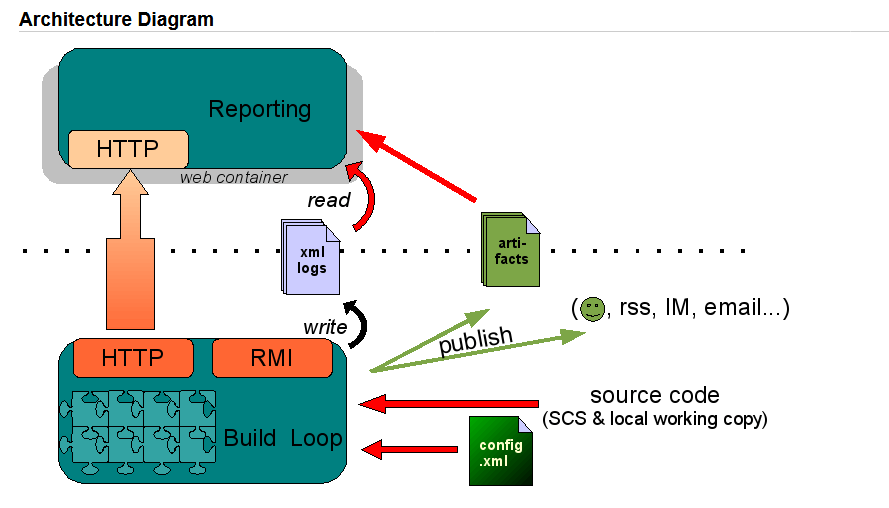
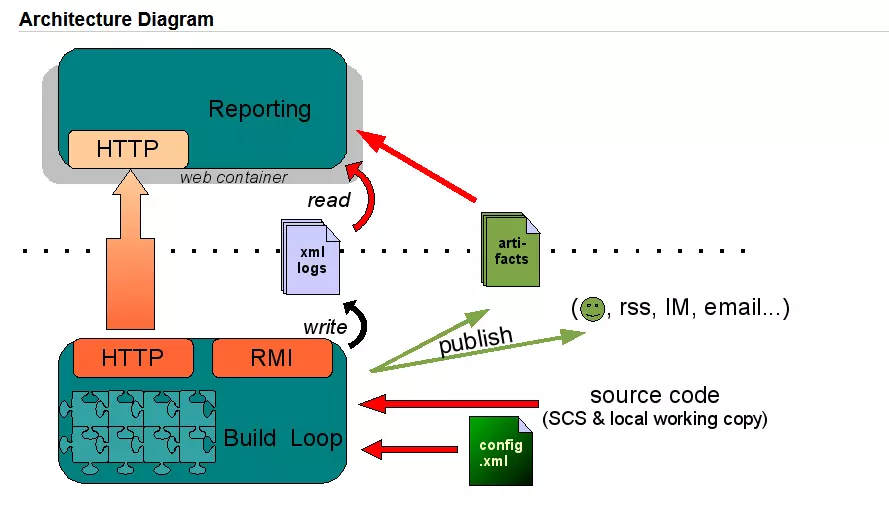
CruiseControl is one of the oldest continuous development tools on the market. It was launched as early as 2001 and has been continuously developed ever since – by the continuous integration pioneer Martin Fowler, among others. In addition to a straightforward dashboard, users also have numerous plugins at their disposal to make their work easier.
- Java based
- Platform independent
- Web-based dashboard
- Ruby (CruiseControl.rb) and .NET (CruiseControl.NET) versions available
- Open source (BSD license)
- Free
Codeship
The Codeship CI tool belongs to CloudBee, which also has Jenkins in its portfolio. The program is available in two different versions: The Basic version offers an easy-to-use web interface, while the Pro version is configured with files in the repository. If you want to work with a Docker container, you require the Pro version.
- Web interface (Pro)
- Configuration files in the repository (Pro)
- Supports Docker (Pro)
- Free for up to 100 builds per month for one test pipeline
- Otherwise costs $75-1,500 per month
TeamCity
The TeamCity software is particularly impressive because of its gated commits, which it uses to test changes to the code before they are implemented into the mainline. Only when the source code is error-free does it become part of the code base for the entire team. TeamCity runs the tests autonomously in the background so the developer can continue working in the meantime.
- Java based
- Platform independent
- Gated commits
- Free 100 builds with three build agents
- Otherwise costs a one-off payment of $299-21,999
- 50% discount for startups and free for open source projects
Overview table: continuous integration tools at a glance
All CI tools have different advantages and disadvantages. With the help of the overview table below, you can see at a glance which programs are most suitable for your needs. For example, you can quickly see whether the service also supports continuous delivery or offers cloud hosting.
| Supports CD | Cloud hosting | License | Paid version price | Free version | Special feature | |
| Jenkins | yes | yes | MIT | - | yes | A lot of plugins |
| Travis CI | no | yes | MIT | $69-489 per month | yes | Direct connectivity with GitHub |
| Bamboo | yes | yes | Proprietary | $10-110,000 one-off payment | yes | |
| GitLab CI | yes | yes | MIT/EE | $4-99 per month | yes | Direct connectivity with other Atlassian products |
| Circle CI | yes | yes | Proprietary | $50-3,150 per month | yes | Easy to use |
| CruiseControl | no | no | BSD | - | yes | Completely free |
| Codeship | yes | yes | Proprietary | $75-1,500 per month | yes | Pro & Basic versions |
| TeamCity | yes | no | Proprietary | $299-21,999 one-off payment | yes | Gated commits |
Reviewer

Julia Hertler
With over 18 years of experience in content marketing, Julia Hertler has deep expertise in digital communications. For the past 10 years, she has specialized in the areas of domains and hosting at the IONOS Digital Guide, making complex technical topics easy to understand.