

What are the top 5 AI code generators? An overview

AI code generators help you create error-free code and detect potential issues. While the best tools deliver impressive results, a human review is always necessary.
What is AI code generation?
AI code generators use artificial intelligence (AI) to autonomously program software or translate existing code. They can also be used for documenting individual programming steps as well as various support tasks, such as searching for previously used code snippets.
Another aspect of AI code generation involves the automated translation of natural language into code. The goal of these tools is to simplify the creation of code and assist programmers in their work. By taking over time-consuming tasks, the effectiveness and, therefore, the security of programming can be enhanced.
Not every tool can be used for every programming language. Which options can be used depends on their structure. For example, there are AI code generators for Python, Java, TypeScript, PHP or a mixture of all these programming languages. Users should primarily view AI code generators as a tool for simple tasks and an exciting glimpse into the future. The programs are not meant to fully take over the work but rather to make it easier.
- One platform for the most powerful AI models
- Fair and transparent token-based pricing
- No vendor lock-in with open source
The best AI code generators on the market
Which AI code generator is best suited for your work largely depends on your requirements and needs. Tools that are particularly effective are those trained carefully with large datasets. The AI code generators presented below are among the best options currently available on the market.
| AI code generator | Price |
|---|---|
| GitHub Copilot | from $10 per month |
| ChatGPT | free / from $20 per month |
| Amazon Q Developer | free of charge / from $20 per month |
| CodePal | free of charge / from $15 per month |
| Tabnine | free of charge / from $12 per month |
GitHub Copilot
The name Copilot reflects GitHub’s AI code generator’s approach to supporting programmers by assisting during the creation of code. The tool primarily suggests lines of code and sometimes entire blocks of code for automatic completion, and can also generate comments and documentation. Trained on billions of lines of code from official GitHub repositories, Copilot excels in finding solutions to complex problems and identifying errors early on. Additionally, it leverages machine learning models to adapt to your code style. The longer you use the tool, the more precise its suggestions become.
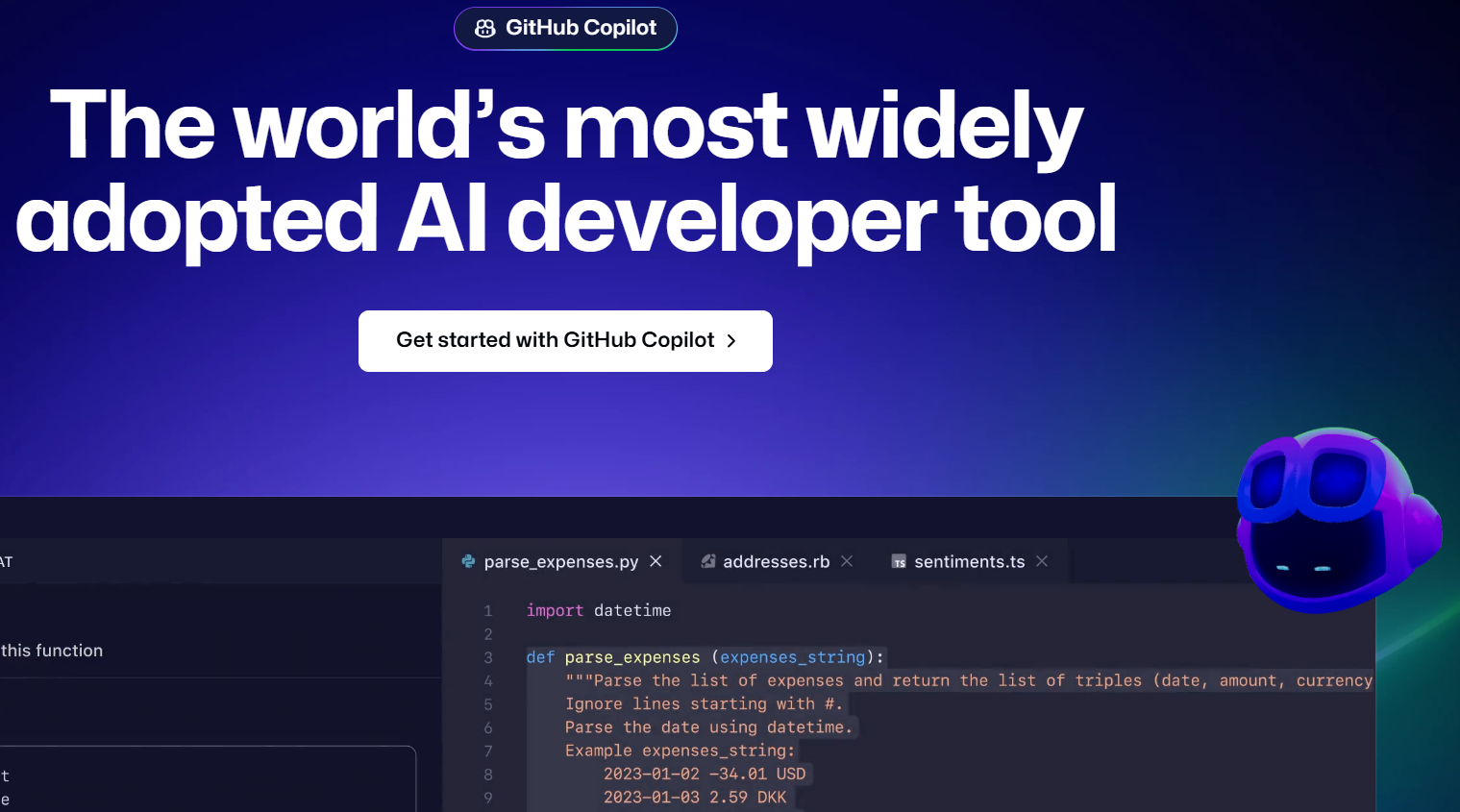
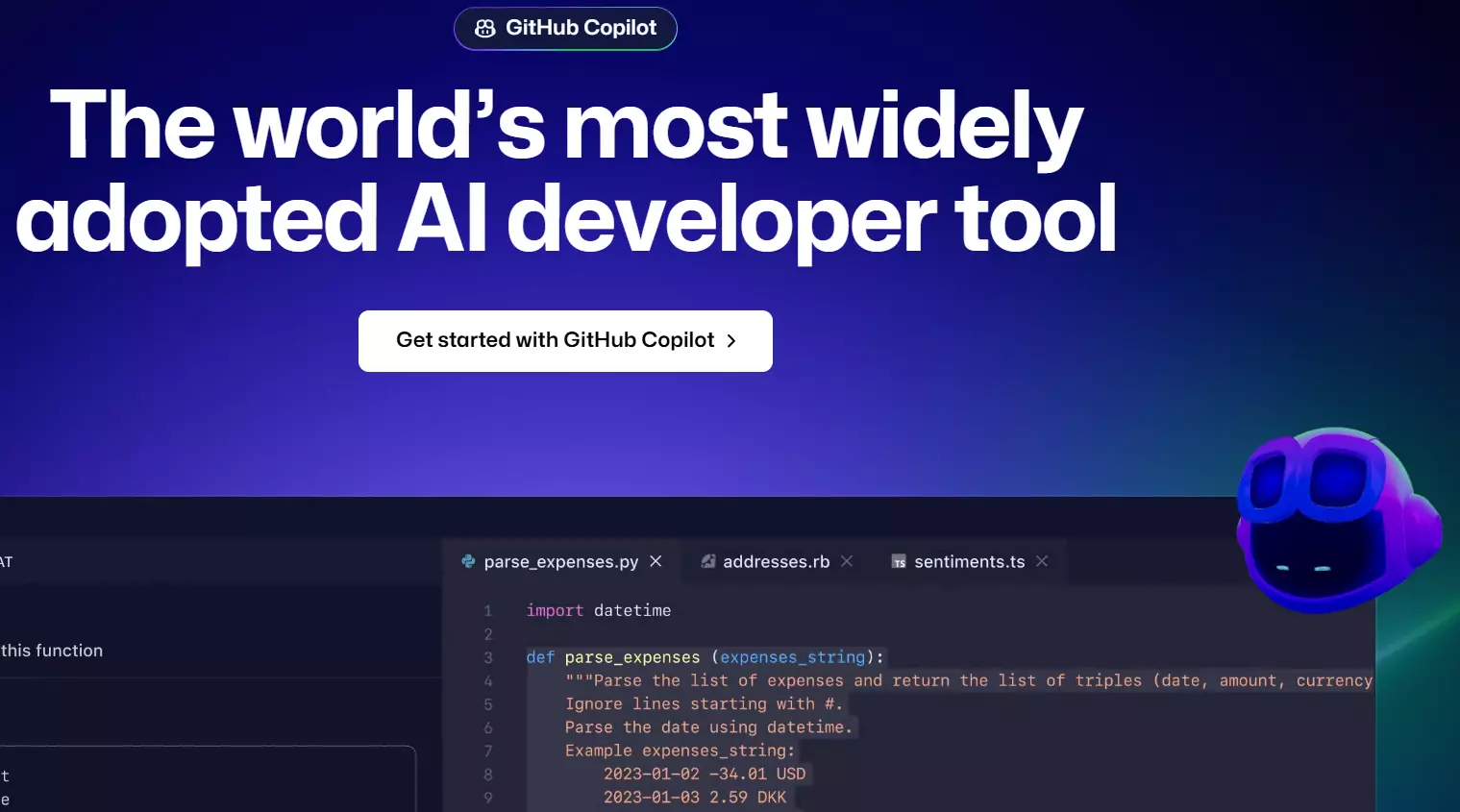
Although the suggestions made by GitHub Copilot are already very promising and quite impressive, there are moments when it becomes clear that the tool is still in its learning phase. Not all suggestions are truly helpful, as some are simply assumptions without solid sources. Additionally, there are concerns about copyright, as the AI code generator learns from public repositories and reuses what it has learned without verification. GitHub Copilot plans start at $10 per month, with a free trial month available.
| Advantages | Disadvantages |
|---|---|
| ✓ Supports many programming languages | ✗ Copyright concerns |
| ✓ Adapts to users | ✗ No free edition |
ChatGPT
ChatGPT from OpenAI is perhaps the best-known AI chatbot in the world. Since version 4, the program also works as a reliable AI code generator for Java, Python and other programming languages. The principle is similar to other tasks performed by the bot. Based on a huge amount of data, it answers questions, makes suggestions, points out errors, completes code and performs other tasks. The AI code generator can even write new code.
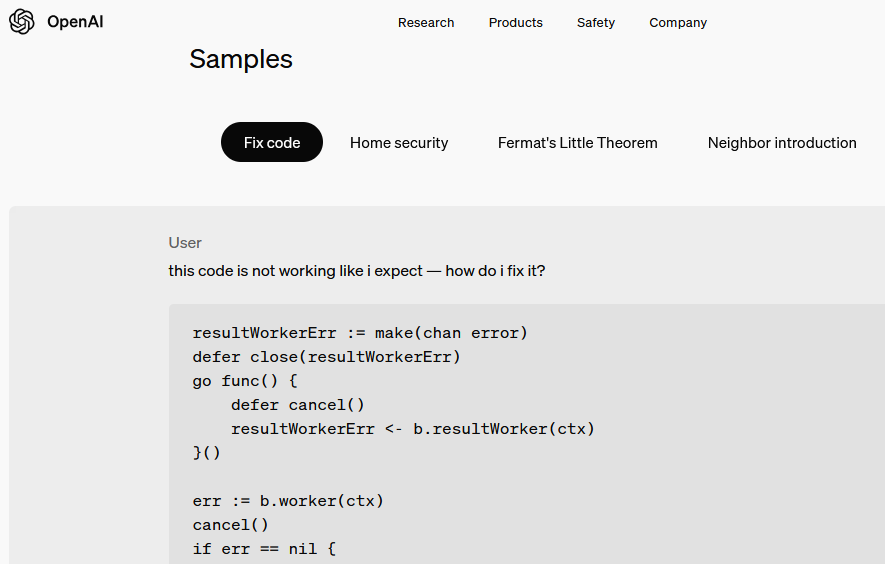
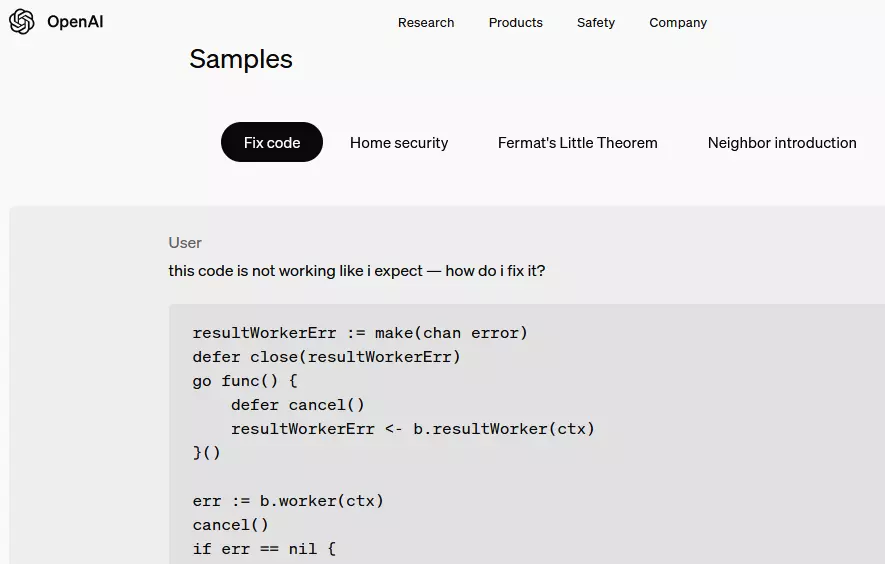
The quality of results varies. For simple tasks and as an AI code generator for Python, the responses are promising. However, when the data set is less extensive, it can lead to incomplete information and logic errors, which may raise security concerns. Therefore, it’s better suited for professionals. There is a free version of ChatGPT with limited features, while paid subscriptions with additional features start at $20 per month.
| Advantages | Disadvantages |
|---|---|
| ✓ Free to use (limited) | ✗ Security and privacy concerns |
| ✓ Very reliable code debugging | ✗ Accuracy decreases with code complexity |
- DNS management
- Easy SSL admin
- API documentation
Amazon Q Developer
Amazon Q Developer from Amazon supports more than 15 programming languages and can detect security vulnerabilities. The tool provides real-time code suggestions. This AI code generator has been trained on billions of lines of code and continues to learn. It handles time-consuming tasks during development and can be trained in specifically chosen best practices, making its suggestions more accurate and relevant.
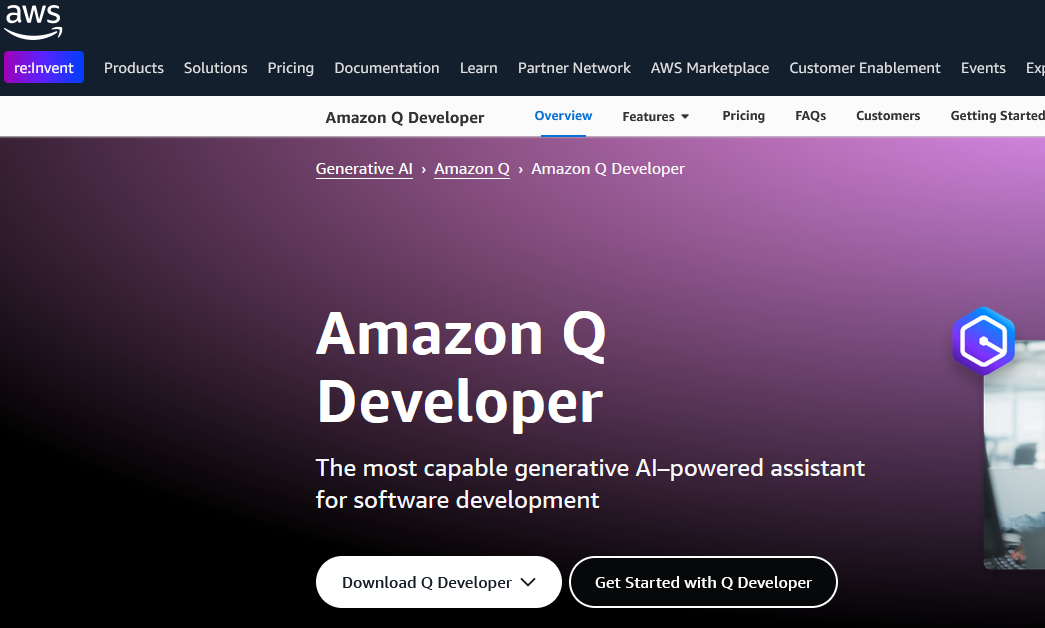
Amazon Q Developer is also in the learning phase and, therefore, does not always provide accurate suggestions. All inputs should be carefully reviewed for functionality and data privacy. The tool sometimes pulls code lines from open sources and stores them on its own platform. Amazon’s AI code generator is free for individuals (with limited functionality), while the Pro plan costs $20 per user per month.
| Advantages | Disadvantages |
|---|---|
| ✓ Versatile programming language support | ✗ Privacy concerns |
| ✓ Uncomplicated connection to all AWS services | ✗ Sometimes uses outdated libraries |
CodePal
CodePal is an AI code generator primarily designed for beginners due to its intuitive interface. It offers around 30 different tools and supports an equal number of programming languages. The program can complete code based on previous input or generate it from scratch using voice commands. It can also create unit tests and analyses to help optimize the code. CodePal has a starter plan that is completely free but offers only limited functionality.
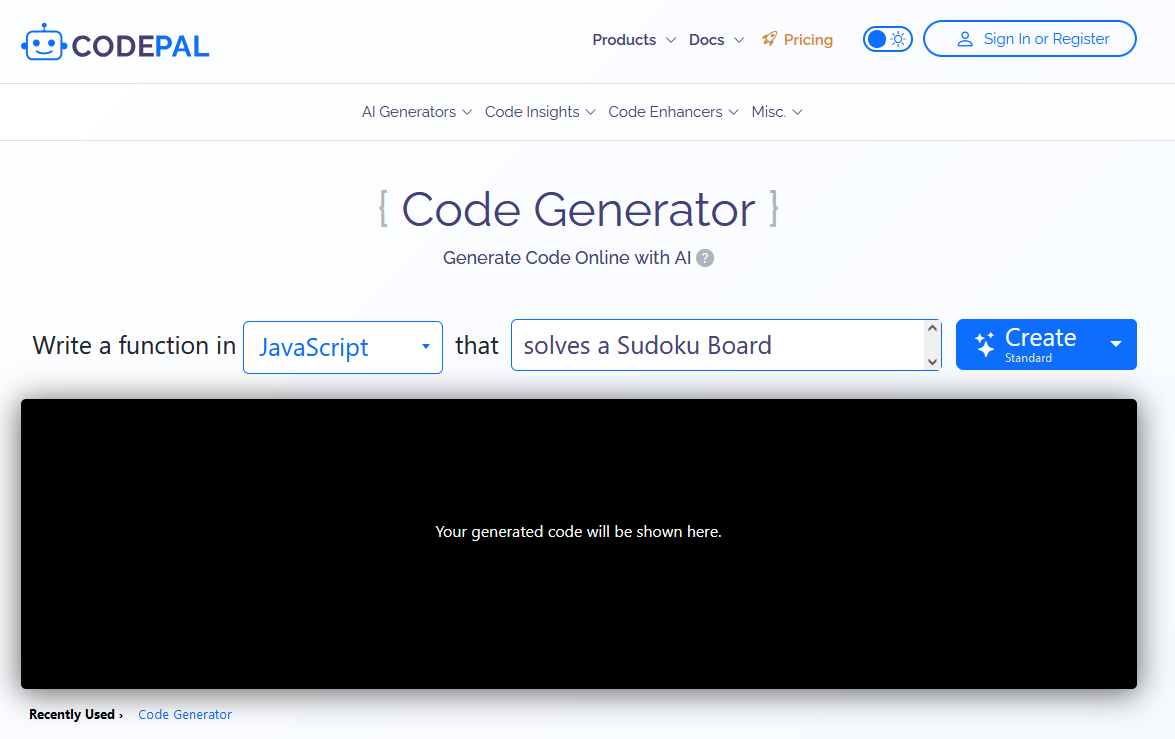
The quality of suggestions from this AI code generator varies depending on the complexity of the task and the prior training. Inaccurate inputs can affect functionality, and the tool does not always select the most logical solution. The data privacy concerns that apply to most AI code generators also affect CodePal. Additionally, some important features, such as API access, are only available with a paid subscription.
| Advantages | Disadvantages |
|---|---|
| ✓ Great language support | ✗ Privacy concerns |
| ✓ Numerous additional code tools available | ✗ Code activities in the free plan are published |
Tabnine
Tabnine takes a slightly different approach from other AI code generators. While it also assists with code completion and improves results through deep learning, it places a strong emphasis on security and data protection. One notable feature is the isolated mode, which allows the tool to be hosted in a private cloud or another secure environment, ensuring that the code remains protected. Tabnine supports more than 20 programming languages and is compatible across platforms.
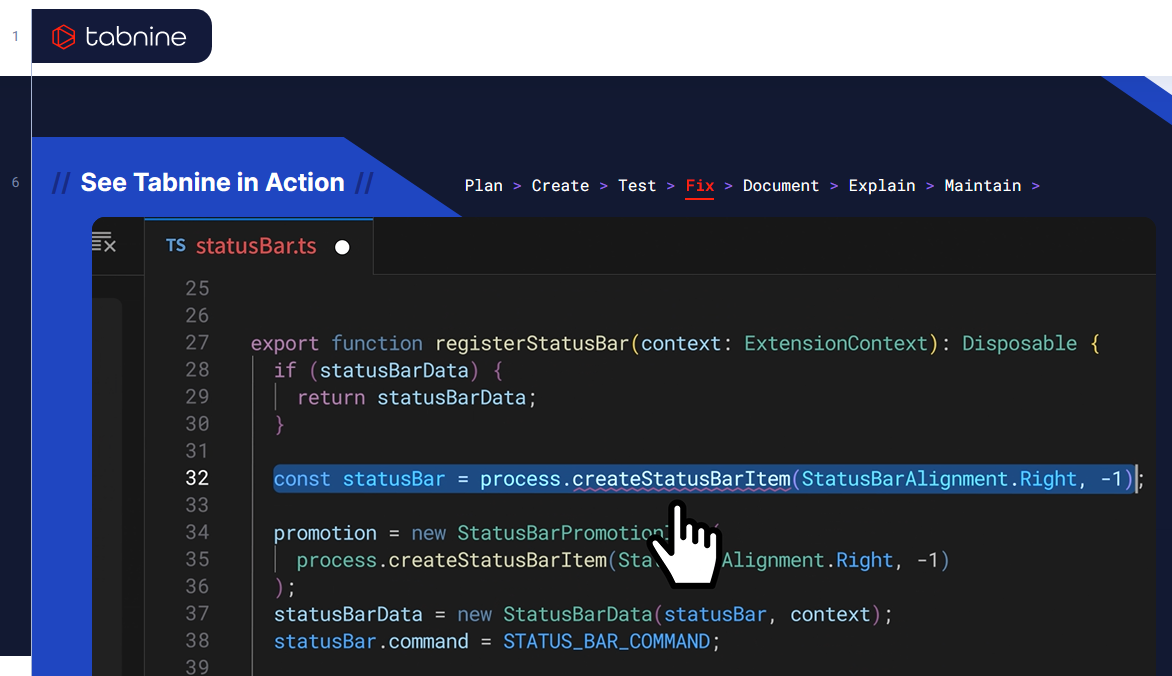
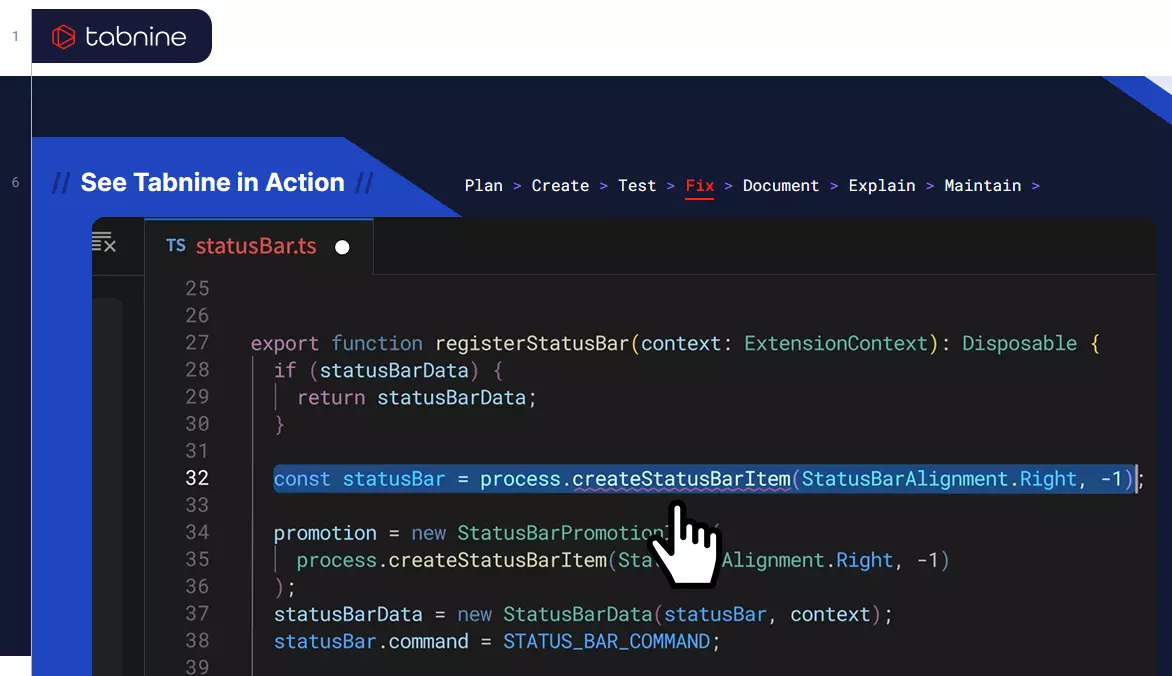
Unfortunately, even this AI code generator does not always provide optimal suggestions. Additionally, the tool requires a lot of computing power. It’s only partially suitable for beginners, as many aspects need to be considered and verified. When dealing with overly complex syntax, Tabnine often reaches its limits. There’s a free basic version, and professional plans with expanded features start at approximately $12 per user.
| Advantages | Disadvantages |
|---|---|
| ✓ Focus on data protection and security | ✗ Can be very resource-intensive |
| ✓ Supports many programming languages |