

How to delete a Discord account

If you no longer want to use the Discord messenger service, you can easily delete your account. We’ll show you how it’s done via the mobile and desktop apps, step by step.
- KVM based dev servers for developers
- Scalable to enterprise cloud level
- Pay-as-you-go, per-minute billing
Quick guide: how to delete a Discord account
- Go to the user settings in the mobile or desktop app.
- In the mobile app, select “My Account”; in the web app, you are already on the correct page.
- Scroll to the bottom of the page and click on “Delete account”.
- Confirm by entering your password.
Delete your Discord account via the mobile app
Step 1: Open the app and click on the user settings. You can find this by clicking on the orange icon at the bottom of your display.


Step 2: Select “My Account” and scroll down to the bottom of the settings.
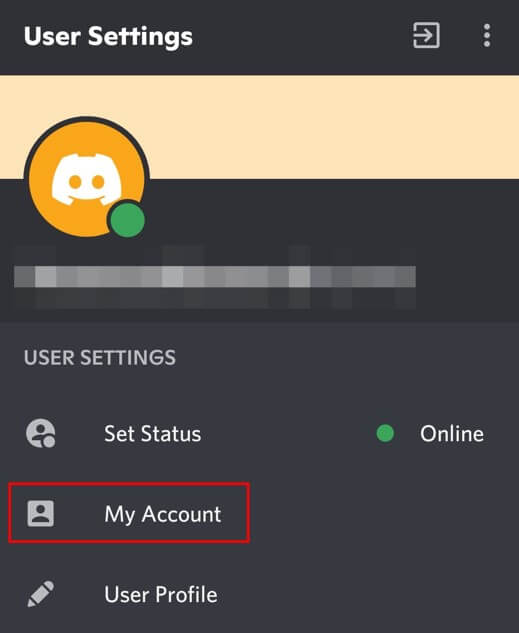
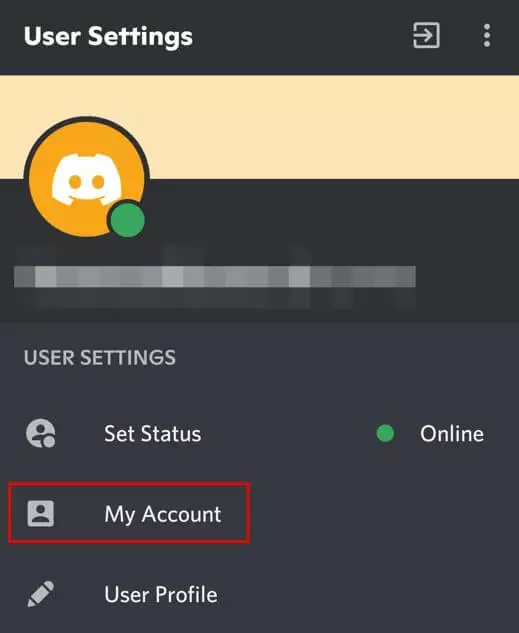
Step 3: Click on “Delete Account”.


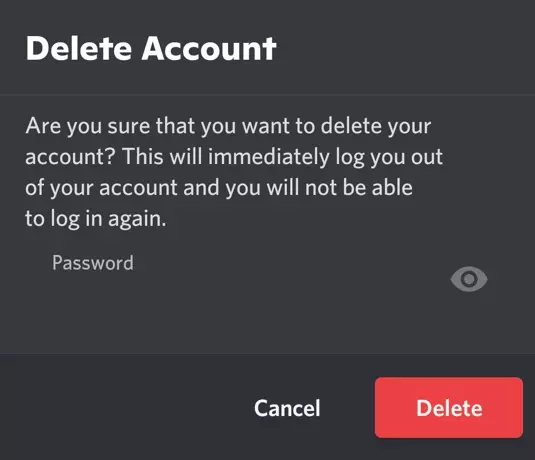
Step 4: In the pop-up that appears, confirm the deletion of your account by entering your password.
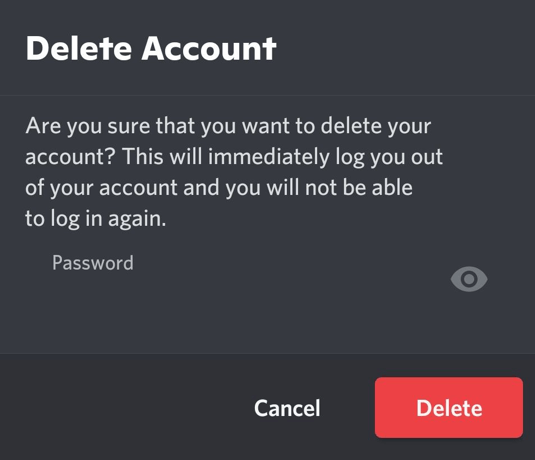
If you want to delete your Discord account, you must first delete your Discord servers or transfer the rights over to another user.
Delete your Discord account via the desktop app
Step 1: Sign in to your Discord account and go to the user settings. These can be found towards the bottom of the page behind the cog icon.


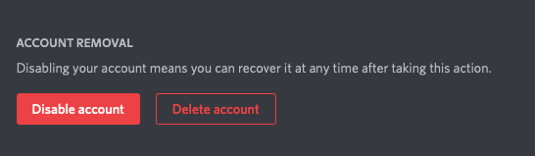
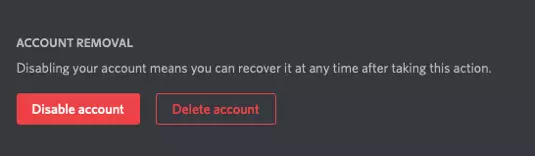
Step 2: Scroll down in the settings to the bottom of the page and click on “Delete account”.
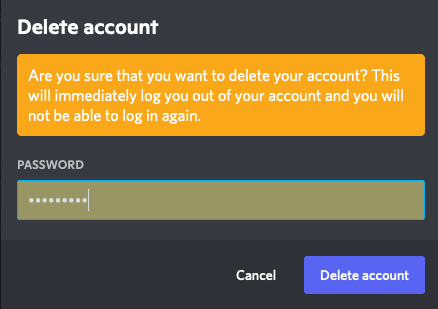
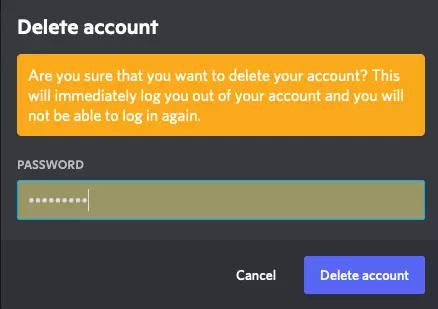
Step 3: In the pop-up, confirm the deletion of your account by entering your password.
After confirming the deletion of your account, you will receive an email that your Discord account is set to be deleted and will be deactivated for the next 14 days. During this time, you can undo the deletion at any time.
Reviewer

Jeanna Raffa
With over 18 years of experience in online marketing, Jeanna Raffa possesses extensive expertise in digital marketing. Since 2020, her focus has been on providing practical information regarding email, office, and cloud storage solutions.