

Which is the best backup software? A comparison

A backup program reliably protects you from data loss, whether it happens due to hardware failure, viruses or hacker attacks. When your data is backed up regularly, lost or damaged data can be easily restored. The various data backup programs differ mainly due to the different features included as well as how much storage space they offer and what they cost.
A comparison of the best backup software
The various data backup programs all come with different advantages and disadvantages. We have summarized the most important information for you so that you have an overview and can make your decision more easily.
| Tool | Storage space | Price | Operating system |
|---|---|---|---|
| IONOS Cloud Backup | 100 GB–2 TB or unlimited | $$ | Windows, macOS, iOS, Android, Linux |
| EaseUS Todo Backup Free | 250 GB | $ | Windows |
| Ashampoo Backup Pro 26 | No cloud integration – storage must be provided by other providers or storage media | $ | Windows |
| Acronis Cyber Protect | 50 GB–5 TB | $$ | Windows, macOS, iOS, Android, Linux |
| Aomei Backupper | No cloud integration – storage must be provided by other providers or storage media | $ | Windows |
| iDrive | 5 GB–100 TB | $$ | Windows, macOS, iOS, Android, Linux |
Information correct as of January 2025
- Automatic backup & easy recovery
- Intuitive scheduling and management
- AI-based threat protection
What are the advantages of a backup program?
Backup programs are indispensable when it comes to backing up your data and restoring it in the event of data loss i.e., caused by malware, a hacking attack or hardware failure. To do this, a backup saves data on a suitable data carrier, e.g. an external hard drive or even in a cloud. This process is always the same, regardless of whether it’s a Mac backup or Ubuntu backup.
In addition to protecting your vacation photos, documents and other important files, backup software also offers other benefits:
- Fast data recovery: In case data loss occurs, it can be quickly recovered from a backup.
- Saves costs: A data backup program is significantly cheaper than professional data recovery offered by a service provider. Depending on which features are required or how high the security level should be, you can also find suitable backup software free of charge on the internet.
- Data versioning: Some backup programs give you the option to save different versions of files. This allows older versions to be restored when needed, which is especially useful if you want access to them.
- Restore flexibility: Data backup programs allow selective restoration. This means that you can select which files, folders or system elements to restore instead of restoring the entire backup.
- Data archiving: Backup programs can also be used for long-term data archiving. This allows important data to be stored for a longer period of time without leaving it on the primary storage medium where it could be lost.
- Unrestricted access: Online backup providers offer the additional advantage that your data can be accessed from anywhere. In addition, your files are in a safe place in the cloud and are therefore protected from theft, fire or ransomware, for example.
IONOS Cloud Backup
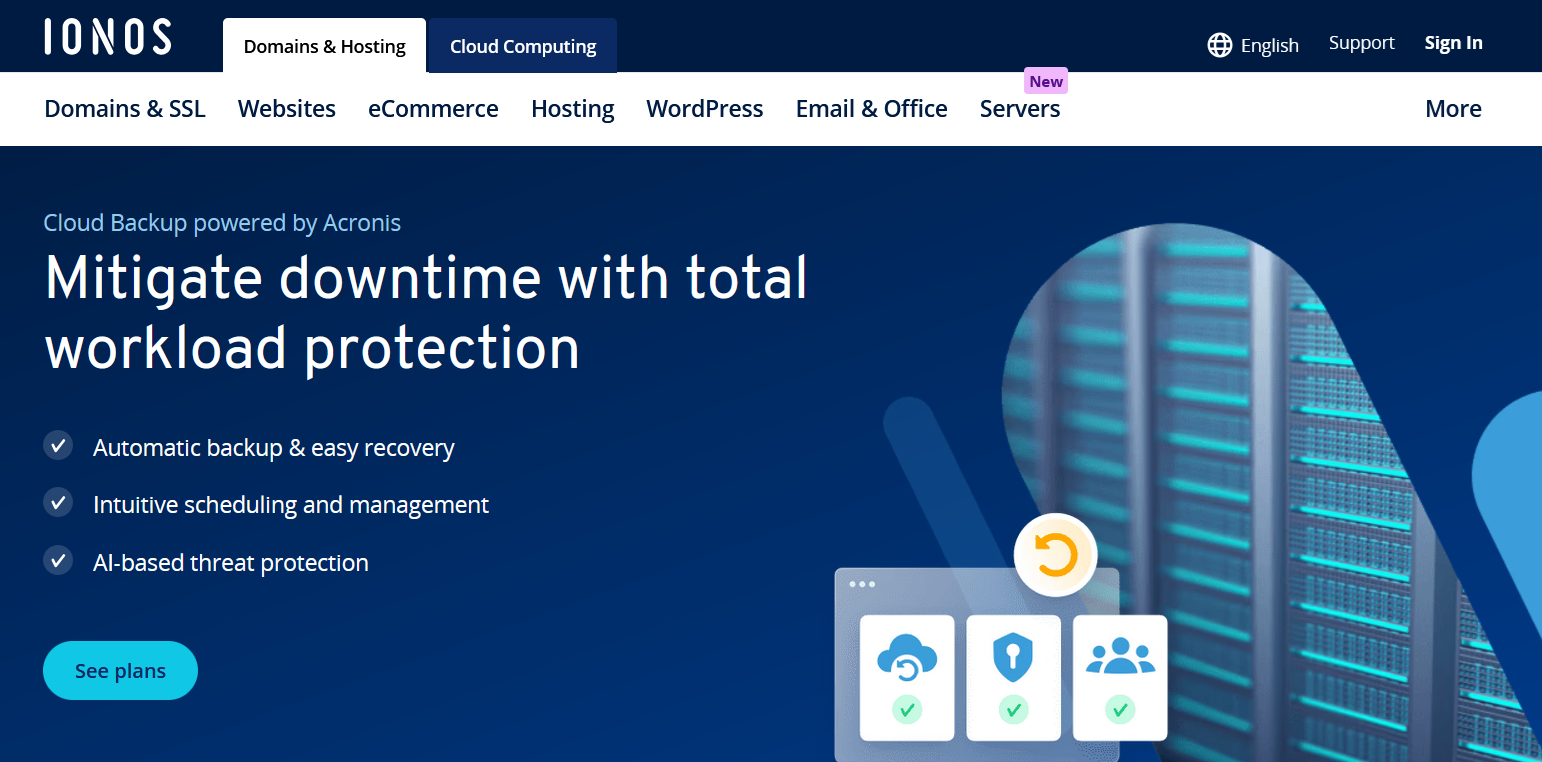
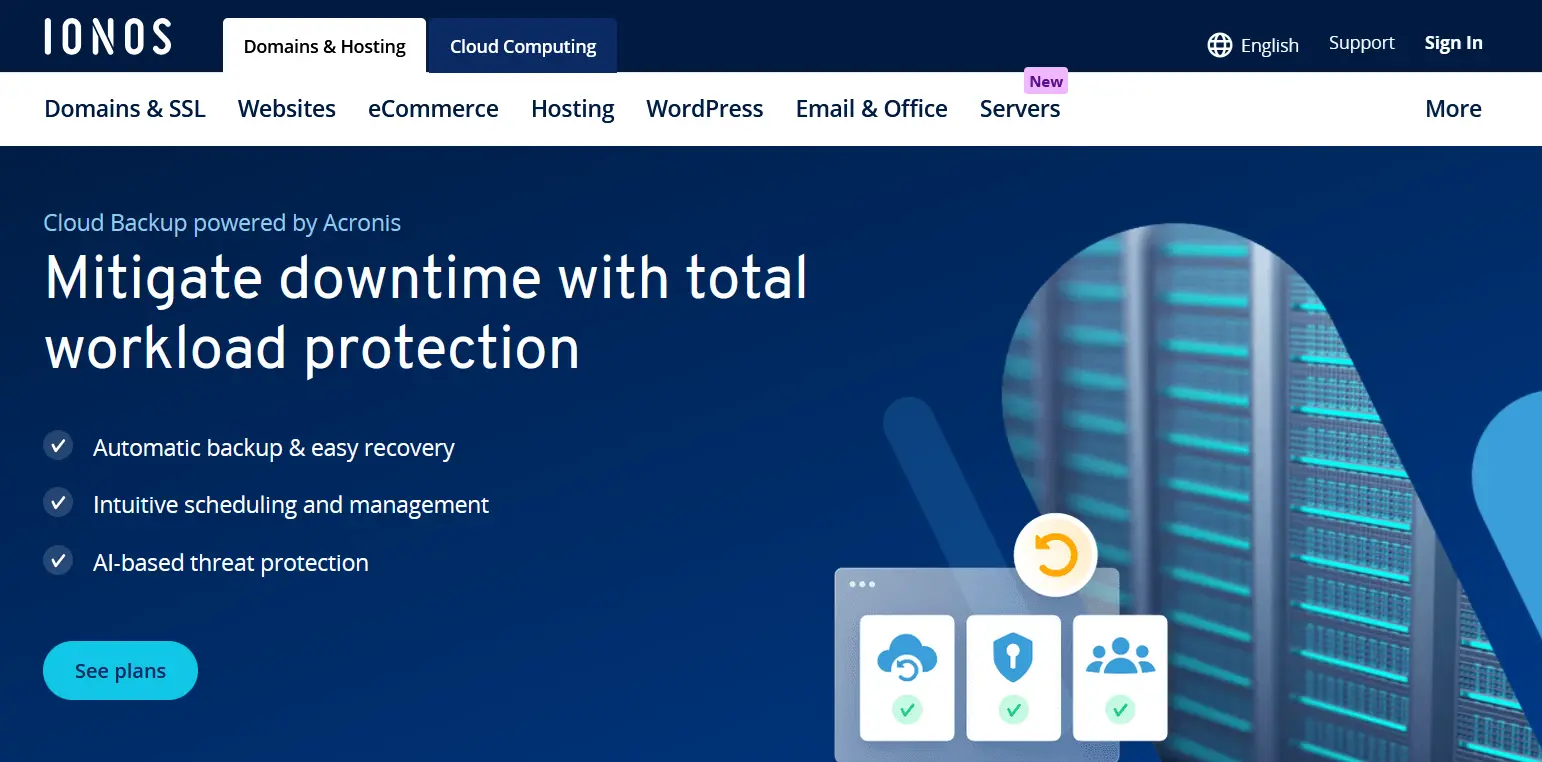
IONOS Cloud Backup offers a variety of features that allow you to back up your data to all your devices and restore it quickly and easily when needed. For this purpose, individual backup plans can be created with the help of the backup agent. You can decide when an automatic backup should be performed, how often and how long your data should be kept on the IONOS servers.
Other options include full image backup, versioning, antivirus and anti-malware scanning, and reliable protection against ransomware and cryptojacking. For maximum security, data transfers to ISO-certified IONOS data centers are SSL-encrypted. This protects the data from unauthorized access during transfer and when it’s in the cloud.
For fast data recovery, IONOS Cloud Backup offers several options, including selective recovery of individual files or folders and full system recovery. This allows you to recover the exact data you need without wasting time on unnecessary and lengthy recovery processes.
Another advantage is that the cloud backup’s storage capacity can be adjusted as needed, so you can simply add additional storage space as your data volume grows. In addition to plans with fixed amounts of storage space such as 50, 100 or 250 GB, you can choose the Flex plan, where you only pay for the storage space you actually need (per gigabyte) each month.
| Advantages | Disadvantages |
|---|---|
| ✓ Software for various computers and mobile devices | ✗ Storage space is limited in the standard plan |
| ✓ Customizable or preconfigured backup plans | - |
| ✓ AES-256-bit encryption | - |
EaseUS Todo Backup Free
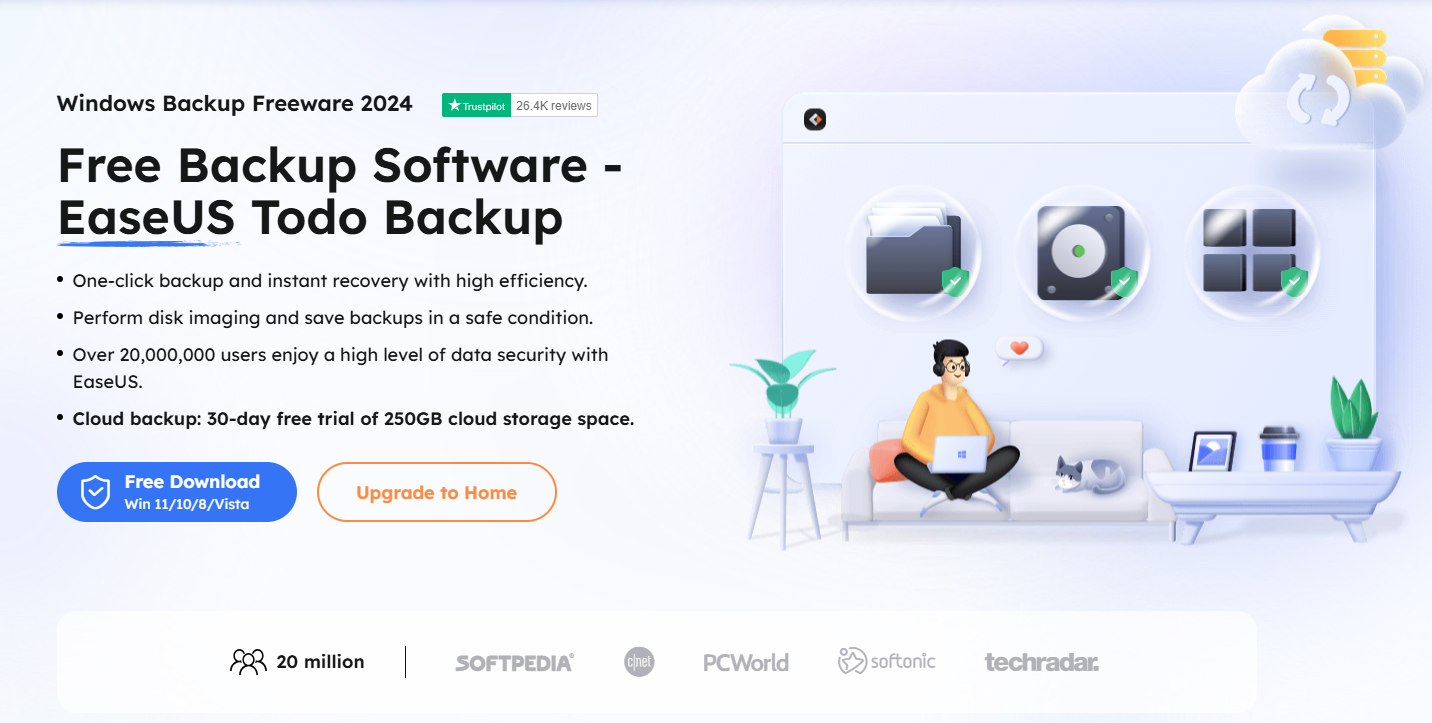
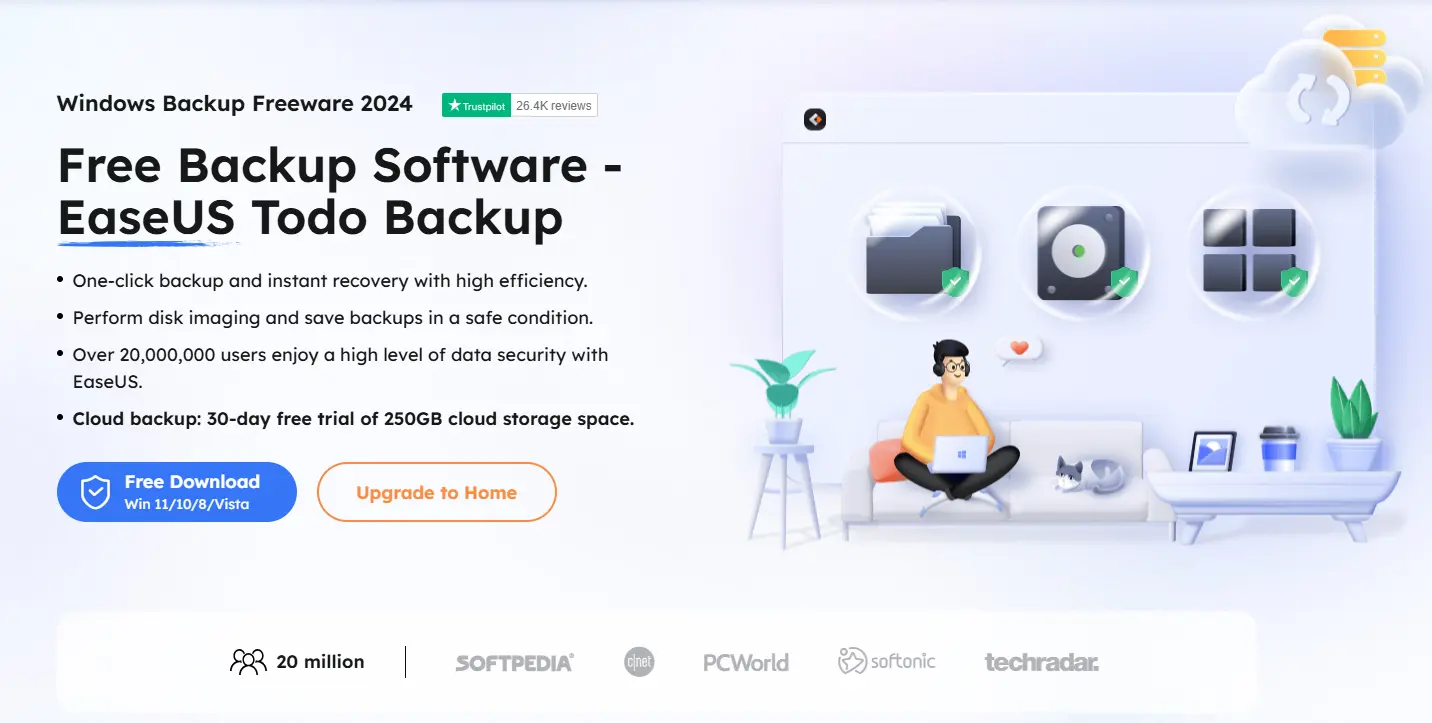
The backup software can be downloaded for free from the EaseUS manufacturer website. The various functions of the free version are perfectly adequate if you only want to create simple backups in Windows. These can be stored on external drives, in Network Attached Storage (NAS), in your Dropbox, in OneDrive or in Google Drive.
Step-by-step instructions for setting up backup jobs can be used to reliably back up individual partitions or individual files and folders. In addition, you can save time and storage space by backing up only the changes that have been made since the last backup. With the paid version of the backup software, which already includes 1 TB of cloud storage, you can additionally transfer a system to another PC hardware. For a small extra charge, EaseUS Todo Backup Home can be purchased, which includes free upgrades.
| Advantages | Disadvantages |
|---|---|
| ✓ Free | ✗ Some features have to be paid for |
| ✓ Backup entire partitions | ✗ Limited technical support |
| ✓ Simple user interface | - |
| ✓ Scheduling and automatic execution | - |
Ashampoo Backup Pro 26
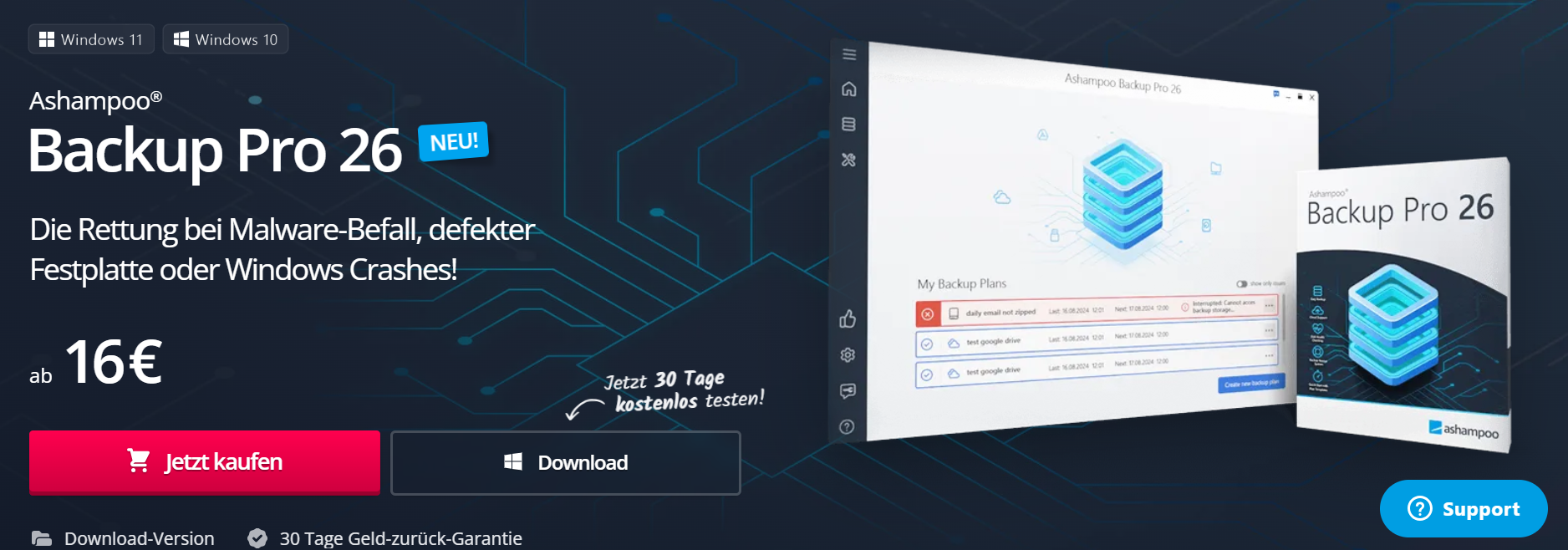
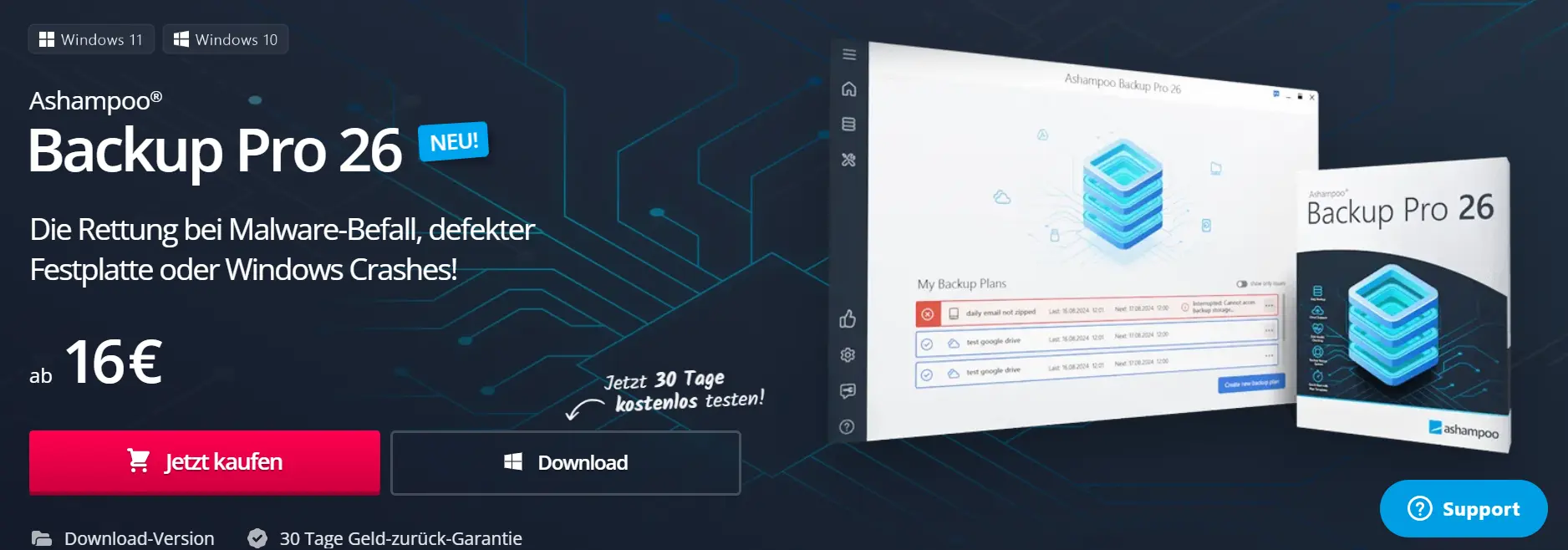
With Ashampoo Backup Pro 26 you can easily create real-time backups of individual files, folders or entire drives as a Windows user. The backup program works in a resource-conserving way and does its job unnoticed in the background.
In addition, you have the option of creating a backup plan, e.g. using the 3-2-1 backup rule, where you can specify which files should be backed up to which storage location. Choices include local or external drives as well as cloud storage such as Dropbox, Google Drive, OneDrive or Strato HiDrive. You can even set your own ownCloud, Nextcloud or WebDAV server as the location. This means that your backed-up data is always available. For added security, you can version, compress, encrypt or password protect your data.
To save time and disk space, the backup software only creates copies of new or changed files after a full backup. If there’s a complete system crash, a previously created emergency USB stick can be used to restore your backup. Even carrying out a Windows 11 backup as a result of a system update is no problem for the program. Another advantage is that the backup software, which is fee-based, is regularly available at reduced promotional prices.
| Advantages | Disadvantages |
|---|---|
| ✓ Software for various computers and mobile devices | ✗ Often a bit slow |
| ✓ Image and file-based backups | ✗ Complexity for advanced functions |
| ✓ Versatile backup options | - |
| ✓ Versioning | - |
Acronis Cyber Protect
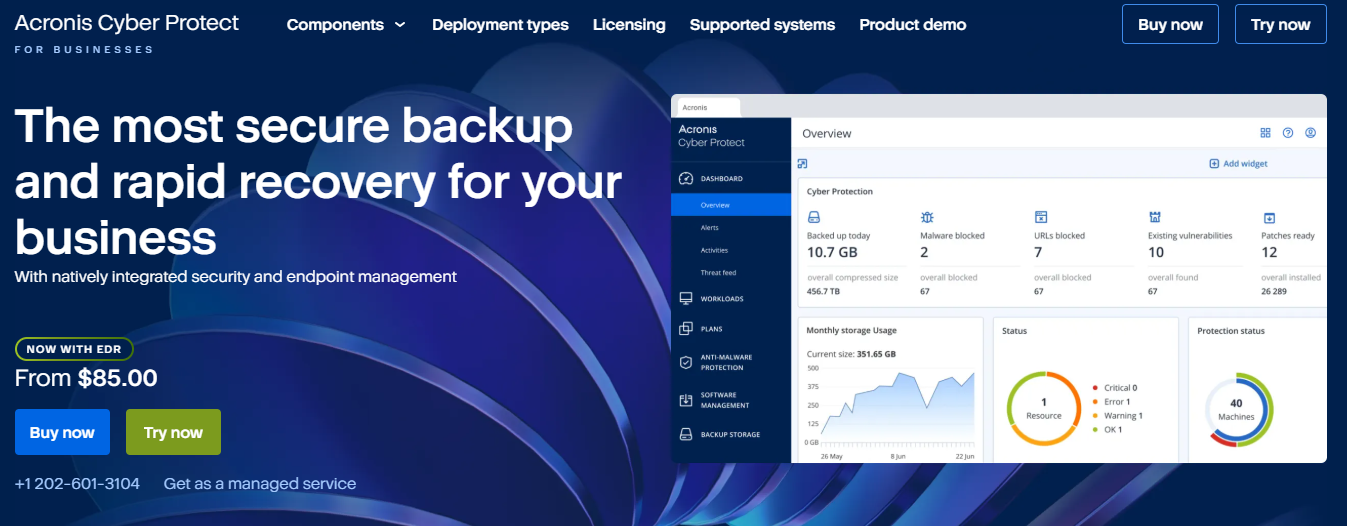
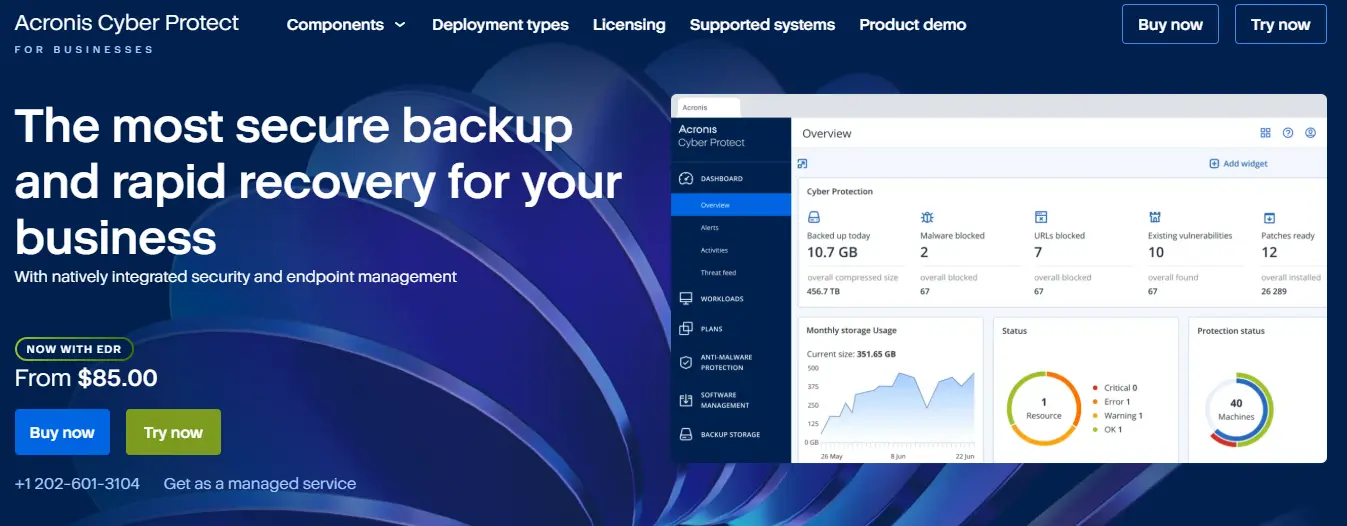
Acronis is another online backup provider that offers versatile backup options as well as real-time protection against viruses and other malware and a web filter. The paid backup program formerly known as “TrueImage” is also available for Windows, macOS, iOS and Android and offers numerous data backup functions. You can individually specify whether you only want individual folders or entire drives to be backed up and at what intervals the backups should take place. Older backups can be deleted automatically to free up storage space.
You can back up your image or file-based backups either to local disks, network resources and FTP servers, or to the Acronis Cloud. However, the cloud option is only included with 50 GB. Here, manually started and scheduled backups run as a background service. More cloud storage has to be purchased.
| Advantages | Disadvantages |
|---|---|
| ✓ Software for various operating systems | ✗ Slow cloud backup process |
| ✓ Image and file-based backups | ✗ Many active background services |
| ✓ Versatile backup options | ✗ Expensive additional online storage |
| ✓ Direct cloud integration | - |
Whether PC or server, smartphone, tablet or laptop, with the IONOS Cloud Backup you can secure your data with one of the best online backup providers. You decide when and how often the backups should be created and how long they should be stored on the IONOS servers.
AOMEI Backupper
Aomei Backupper is a comprehensive backup program that is available free of charge in a standard version and a paid Pro version for Windows users. All important functions for data backup are already included in the backup software for free. This means that incremental backups and differential backups can also be created with the help of the easy-to-use user interface. With the help of a complete system backup, all boot-relevant partition or files needed to start Windows are quickly at hand to boot your PC in an emergency and then restore the backup again.
In addition to the actual backup function, the backup software can also be used for file synchronization. This allows files in the source directory to be synchronized with the destination directory, for example. So you automatically get exact copies in real time as soon as you add, change or delete files. This ensures that the files in the source and destination directories are always the same.
| Advantages | Disadvantages |
|---|---|
| ✓ Image and file-based backups | ✗ No direct cloud integration |
| ✓ Versatile backup options | ✗ Encryption only in the Pro edition |
| ✓ File synchronization | - |
| ✓ Free standard version | - |
iDrive
iDrive is a backup program for Windows, macOS, Linux, iOS and Android, which works exclusively in the cloud. The big advantage is that the tool can be used simultaneously on multiple PCs, Macs, iPhones, iPads and Android devices without the need for additional licensing. The license only needs to be paid once for the cloud storage. If you need more than 5 GB of storage, which is already included in the free version of the tool, you can add on between 5 and 100 TB of cloud storage.
The backup software also lets you create backup schedules and versioning. This allows you to restore files to any point in their version history. This is especially useful if a file has been corrupted or encrypted by malware. It also lets you restore files that have been deleted within the last 30 days. Another useful feature is that a synchronization folder can be created. Files you collect in it are automatically backed up and shared with all your devices.
| Advantages | Disadvantages |
|---|---|
| ✓ Software for various operating systems and mobile devices | ✗ Slow cloud backup process |
| ✓ 5 GB free cloud storage | ✗ Limited storage |
| ✓ Unlimited device backups | - |
| ✓ Encryption with AES | - |
Are you specifically looking for an online backup provider? In another article we present the best online backup providers in comparison.
Reviewer

Christian Heldmaier
Christian Heldmaier is an experienced online marketing and SEO specialist from Karlsruhe. He has been working as an SEO Manager at IONOS since July 2020.