
WordPress Podcast Plugins: Start a podcast with WordPress

Podcasts are as popular as they’ve ever been. WordPress offers the possibility to integrate a podcast on an existing website. For this purpose, you can use special WordPress podcast plugins. We’ll show you which simple steps are needed to integrate a podcast to your site via WordPress.
- Great premium TLDs at affordable prices
- Simple registration & transfer
The foundation for a podcast is the concept behind and editorial planning of each individual episode. This ensures that topics can still be found months later and makes it easier for listeners to decide whether they will listen to future episodes. Additional equipment such as microphones or recording software is required for the recordings, depending on professional standards.
Taking off with your own website is quite easy, as long as you have the right domain. Register your dream domain quickly and conveniently with IONOS.
Plugins simplify publishing audio files on WordPress. This way, information about the podcast is automatically passed on to external service providers such as hosting providers. In addition, many of the plugins give you additional features, such as custom audio players that you can adapt individually to your WordPress design.
How do you create a podcast with WordPress?
The most important thing to note right from the off is that WordPress itself does not offer a function to create a podcast. The available plugins with podcast function aim to realize the integration and analysis of a podcast easily and comfortably in WordPress, not to cut and edit one. To integrate a podcast with WordPress, you first need a finalized podcast file. For recording and editing, there are a lot of tools and programs that also allow you to record high-quality audio for free.
To put a finished podcast online using WordPress, there are two main methods, both of which are done using WordPress podcast plugins. This is done either by podcast hosting through your own WordPress server, or through a podcast hosting service.
- The podcast is hosted on its own server. This can be either the server through which the already existing pages are published on WordPress, or a separate server through which the podcast is provided. With this method, you have to organize and update the distribution of the podcast yourself, for example via a WordPress RSS feed. This works via WordPress podcast plugin like PowerPress.
- A special podcast hosting service is used for the distribution and organization of the podcast. In this method, a finished podcast episode is integrated via a WordPress plugin on the existing WordPress site and synchronized with the hosting service.
Besides special WordPress blog themes for online stores or dedicated blogs, there are also a few WordPress themes that support a podcast feature. These themes are designed to help increase the reach of your podcast. With these themes, audio files can be embedded so that they can also be accessed from mobile devices.
You can easily create and self-host a WordPress website with Hosting for WordPress from IONOS.
Start and integrate a podcast with WordPress
To get started with a podcast, a worthwhile concept is essential to establish before the first recording. A podcast needs to have a recognition value, and additionally regular material for episodes so that listeners always have reason to visit the WordPress site. In addition to a catchy title and a thematic hook for each episode, considerations about the potential “listenership” should also be incorporated into the concept. Who will be listening to the podcast, are there already similar podcasts and how can previous content on the WordPress site be expanded by a podcast?
Podcast theme and content planning
As an orientation for the listeners, it is important to decide on certain topics and the type of moderation. For example, should the podcast interview experts on topics such as technology, will the podcast present the line-ups and results of football or baseball matches, or is it about travel to different countries? Focusing on a topic area helps to plan individual episodes in advance and give potential listeners a preview of what to expect in the podcast.
Equipment and software for recording
A professionally designed podcast requires a good microphone and recording and editing software. This allows longer conversations to be edited into crisp and to-the-point episodes.
For beginners, there is a wide range of good and inexpensive microphones that can simply be connected to a computer via USB cable. For conversations “in the field”, portable recorders that record conversations directly with multiple audio tracks are also a good option. The recorded data can be transferred to the PC via SD card or cable.
Regarding recording software, there is a large selection for creating high-quality recordings and then editing – and all this often for free and without having to have lots of prior skill and tech know-how.
Recording the first episode
For the first episodes, a script helps to keep the overview. The introduction and the end of the podcast can be pre-formulated, the rest of the episode is best laid out in sub-headings and topically relevant keywords. This way, the introduction and conclusion are always guaranteed, and the remaining content lives from spontaneous sentences and thoughts within the episode.
Once the script and the technique are in place, you can record the first episode. Before that, one or two rehearsals won’t hurt to get into the right flow. Not completely pre-formulating the essential content ensures an authentic mood in the podcast. Experience shows that otherwise passages sound memorized and the ease of a normal conversation is missing in the long run.
Cutting and uploading
If the podcast is not intended to be uploaded in a single take, the individual tracks should be edited together afterwards. This is also the stage of production where music or other sound effects are incorporated as part of the podcast. There are numerous providers that offer royalty-free sound files for this purpose — if a podcast is more professionally designed, it is also worth subscribing to one of the premium providers, as they often have more extensive databases with very individual sounds available.
When the first podcast episode is finally edited, nothing stands in the way of distributing the podcast. As described above, WordPress and podcasts use an RSS feed for this purpose. You only need to submit this once to Spotify, Google, Apple, etc. With each update of the feed, the new content is automatically forwarded to the audio platforms. Depending on the chosen method, this is done by registering with the services, or even automatically at the push of a button when using a hosting service.
In addition to uploading the podcast and distributing it via RSS, a professional design also ensures more visibility on the various audio platforms. For this purpose, you can design your own cover with the name of the podcast, a logo, or a photo of you.
With a logo generator you can create and use a high-quality design in just a few steps. A free professional logo might be just the thing your need – and it is accessible to you with IONOS’ logo tool.
How do you publish a WordPress podcast?
Regardless of whether your podcast is on a dedicated server or hosted by a hosting provider, many WordPress podcast plugins work in a similar way.
To enable the integration of a new podcast in WordPress, the WordPress podcast plugin has to be linked either to the feed of the separate server or to the WordPress podcast hosting. How this link is set up is normally documented accordingly with the respective plugins. When using a hosting provider, for example, the API key of WordPress is shared with the hosting, so that the associated RSS feed is automatically linked to the WordPress dashboard.
First, create a separate post for the new podcast episode — just create a WordPress page. The podcast is then uploaded to the WordPress dashboard. Subsequently, the installed WordPress podcast plugin accesses the uploaded episode and thus receives information, which in turn is displayed on the website. Depending on which WordPress podcast plugin you use, you can make specific specifications in the settings as to which information should be displayed in which places.
In the variant with hosting service, the plugin transmits the information that you have previously entered for the podcast episode. As a rule, the plugin provides all the necessary details — the hosting service, on the other hand, cannot change any information within the plugin.
This guarantees in the long run that all information is stored correctly with the service provider. So that the information is synchronized accordingly, the interface between WordPress podcast plugin and hosting service is updated with every upload.
After the upload, the episodes are directly available on the website and can be played there. At the same time, most plugins allow a separate and detailed analysis within the WordPress dashboard. This means that all information on accesses, runtimes, etc. can be accessed in one central place without you having to integrate further analysis tools.
You can subsequently manage all produced content via the dashboard in WordPress. In this way, you can conveniently control all inputs relating to the podcast and website from a central location.
Podcasts and other audio files can also be embedded via iFrame into a WordPress site if you don’t want to use a plugin to integrate the podcast.
Introducing the best podcast plugin for WordPress
To make the integration of new podcast content as easy as possible and to give potential listeners direct access to the latest episodes on the WordPress site, it is a good idea to use a WordPress podcast plugin. When choosing one, make sure that the selected plugin is optimized for both desktop and mobile devices. Here are the most popular plugins for WordPress podcasts at a glance:
PowerPress
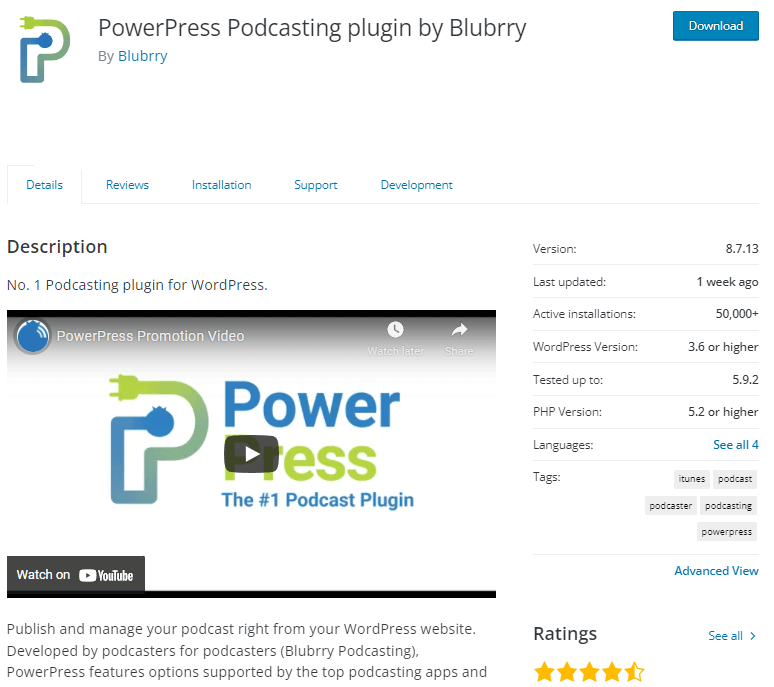
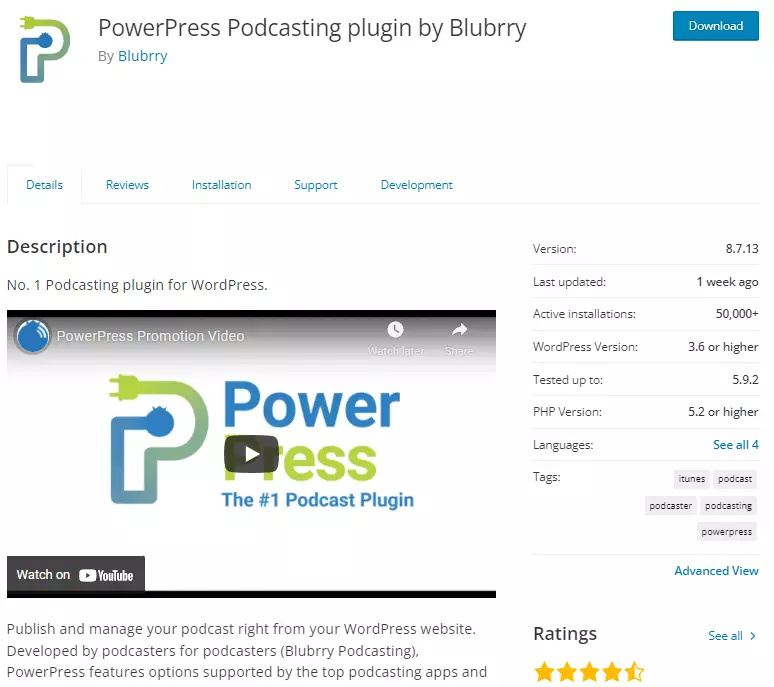
PowerPress has been installed more than 50,000 times so far, making it the top WordPress podcast plugin. The extension offers different settings to customize podcasts to individual requirements.
Features include easy syncing capabilities with most hosting services, so you can quickly distribute your content or ensure compatibility with the most popular audio formats, such as MP3 or OGA. Additionally, PowerPress offers different subscription options to increase listener retention as well as make SEO-relevant adjustments to the podcast content for a wider reach.
Since the plugin is provided by Blubrry, this means that a well-known podcast hosting provider can optionally be added to the plugin. The plugin itself is free to use, but some of the features are only available in conjunction with hosting through Blubrry.
| Pros | Cons |
| Compatible with all popular audio formats | Some functions only usable with hosting |
| Easy synchronization via RSS feed | Very many functions for beginners |
| SEO functions |
Seriously Simple Podcasting
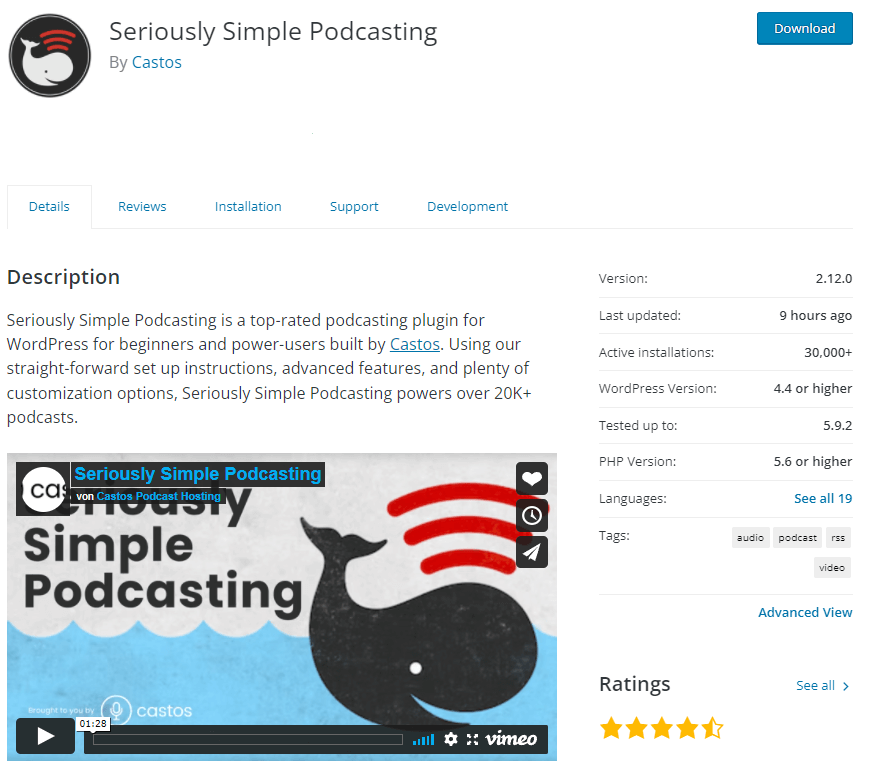
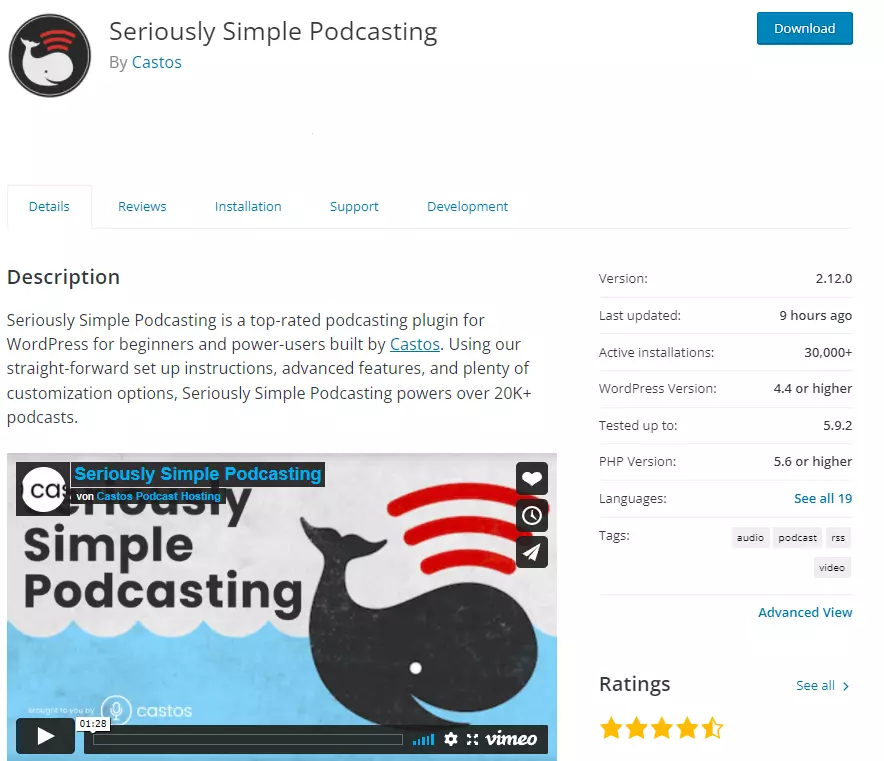
Seriously Simple Podcasting is described by the provider Castos as a plugin that is suitable for both podcast novices and professionals and has been installed more than 30,000 times so far. The plugin is free of charge, only when integrating a podcast host will additional costs be incurred.
The WordPress podcast plugin is quick to set up after installation, and the features can be used entirely from the WordPress dashboard from that point on. So you also create podcast posts with the help of a new menu item. This is especially useful if you generally publish a lot of content on the WordPress site.
Since Castos itself offers hosting services, the synchronization with hosting service providers works accordingly well.
| Pros | Cons |
| Runs centrally via WordPress dashboard | Some functions only usable with hosting |
| Very structured organization of the content |
Podlove Podcast Publisher
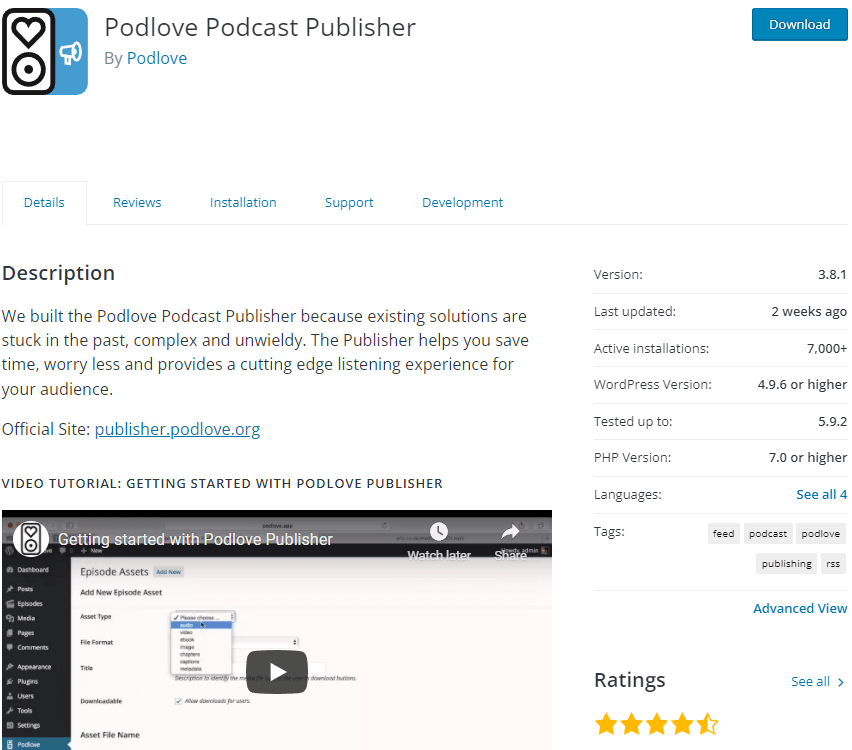
The plugin from the provider Podlove aims to distribute podcast content in a simple and easy-to-learn way. This is intended to appeal to podcast newbies in particular.
The plugin offers extensive analysis functions as well as template structures that allow you to organize podcast content individually. Additionally, the plugin comes with an integrated web player that includes a direct subscription feature.
| Pros | Cons |
| Easy start for beginners | Functionality may be too limited for professionals |
| Extensive analysis functions |
With an individual email address you’ll be sure to give a professional impression. Set up your professional email address with your own domain at IONOS!
Reviewer

Julia Hertler
With over 18 years of experience in content marketing, Julia Hertler has deep expertise in digital communications. For the past 10 years, she has specialized in the areas of domains and hosting at the IONOS Digital Guide, making complex technical topics easy to understand.