

What is WebSocket? Explanation and examples

The WebSocket protocol is a TCP-based network protocol. It defines how data is exchanged between networks. Because it is very reliable and efficient, it is used by almost all clients. TCP establishes communication between two endpoints, which are referred to as sockets. This allows data to be transferred in both directions.
Two-way connections like WebSocket (sometimes written as Web Socket) allow data to be exchanged in both directions simultaneously. The advantage of this is that data can be called up more quickly. WebSocket in particular enables direct communication between a web application and a WebSocket server. In concrete terms, this means you can call up a web page and have it displayed in “real time.”
How does WebSocket work?
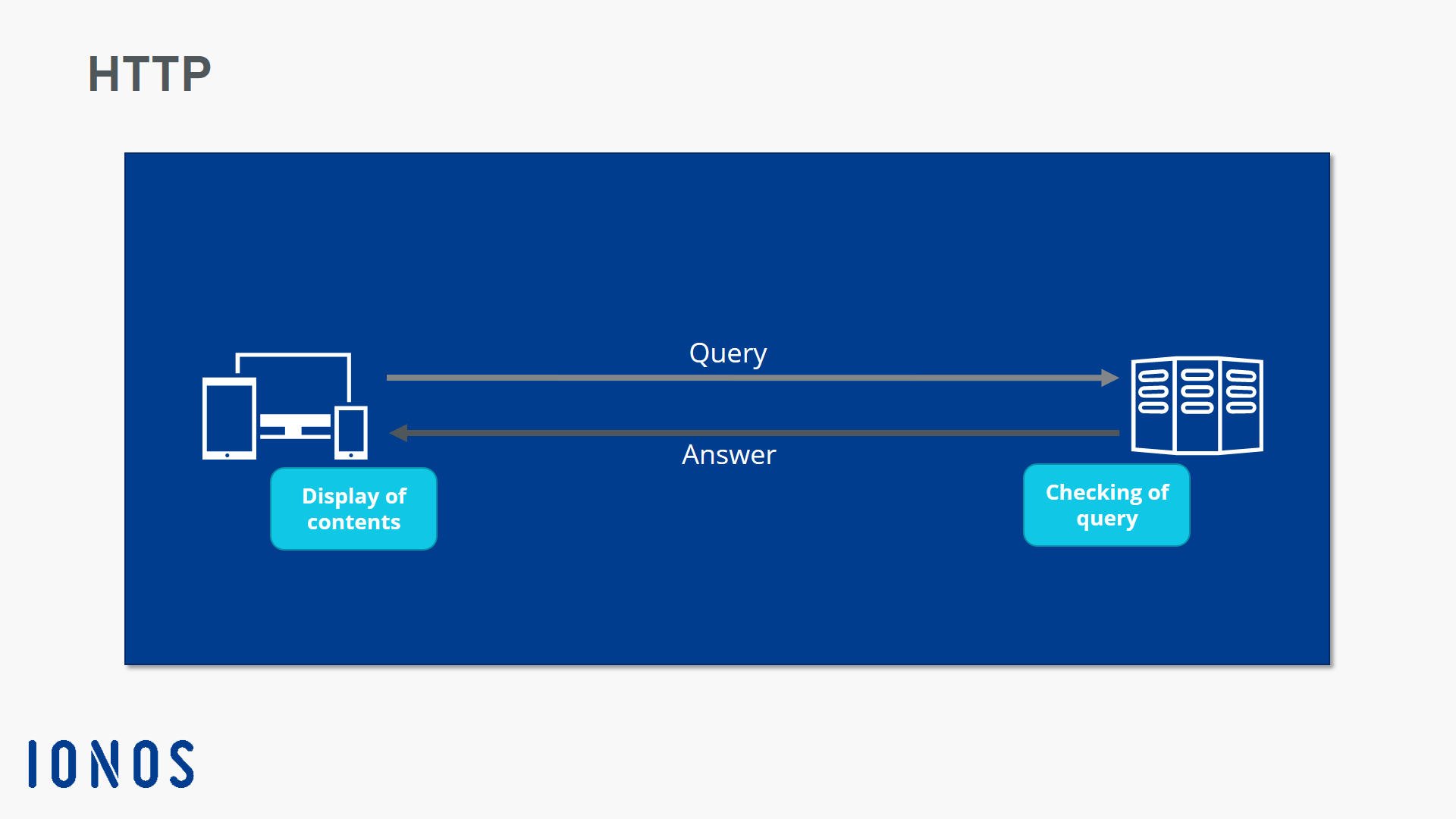
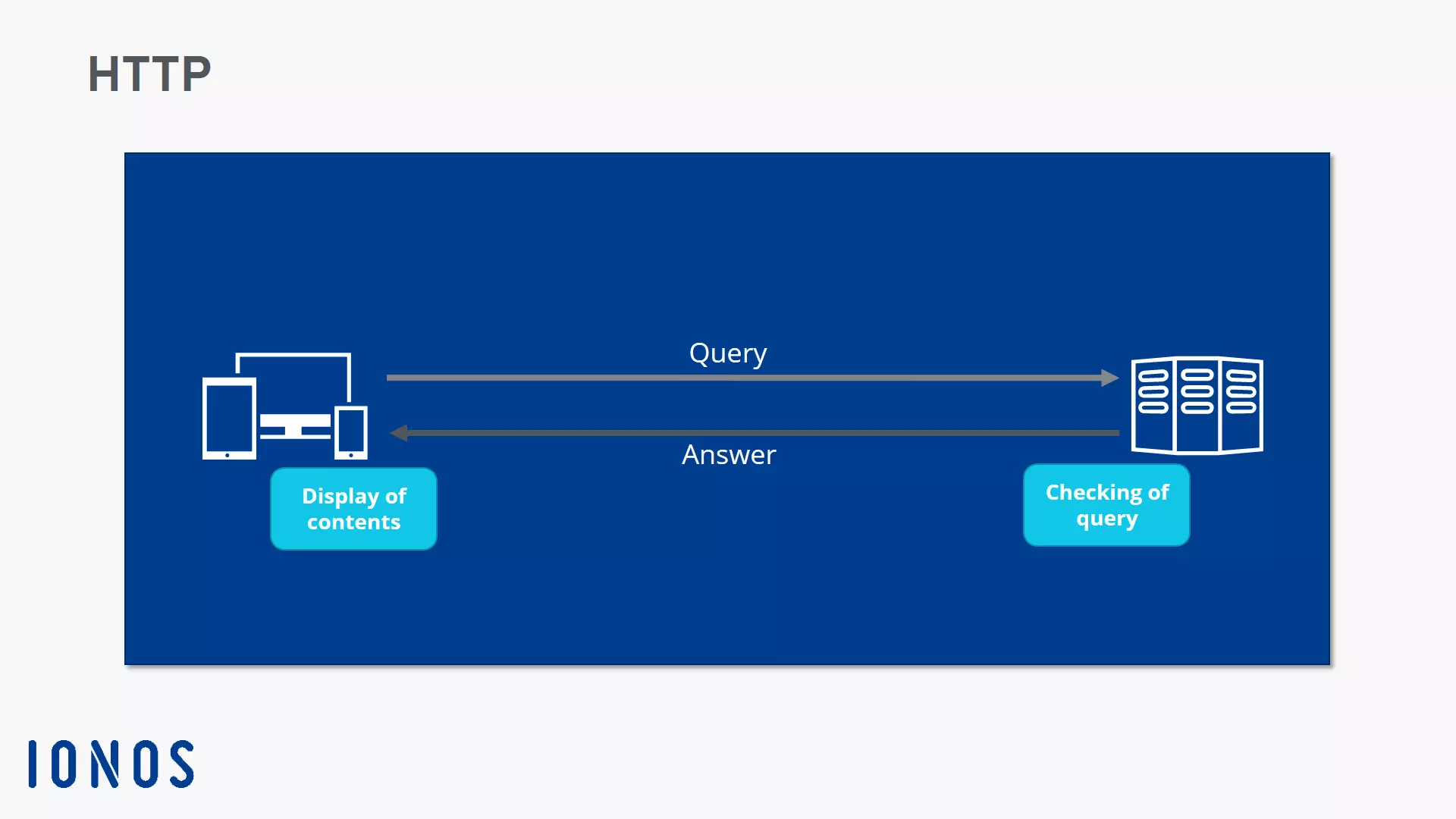
Firstly, let’s look at how websites are called up without WebSocket. On the Internet, web pages are usually transferred via a HTTP connection. Data is communicated via the protocol so that the website can be displayed in your browser. For this to happen, for every action you make (e.g. a click), the client sends a request to the server.
When a website is called up via HTTP, the client first has to send a request to the server. The server then responds by sending the requested content. In other words, HTTP works based on a simple request-and-response model, which generates a significant delay.
With the WebSocket protocol things are different. Thanks to this technology, websites can be called up in real-time using a dynamic call-up procedure. Here, all the client needs to do is open the connection to the server. It does this by sending the WebSocket protocol handshake. The handshake contains all of the identification information required for data exchange.
After the handshake, the channel is kept open, allowing for almost continuous communication. The server can independently send data to the client without the client having to request it. Push notifications on websites use this principle. If the server has new information, it sends this to the client without any need for a specific request from the client side.
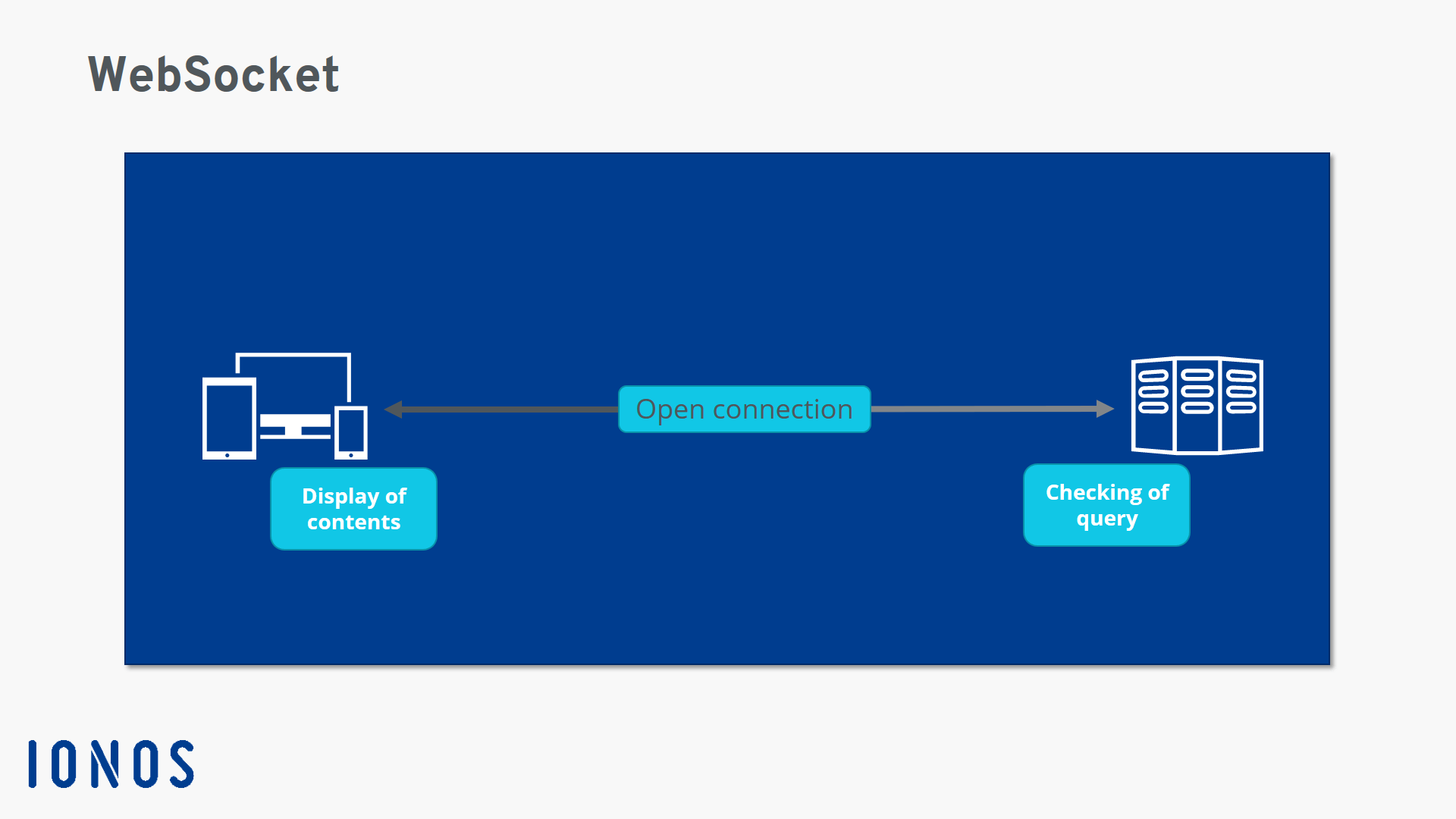
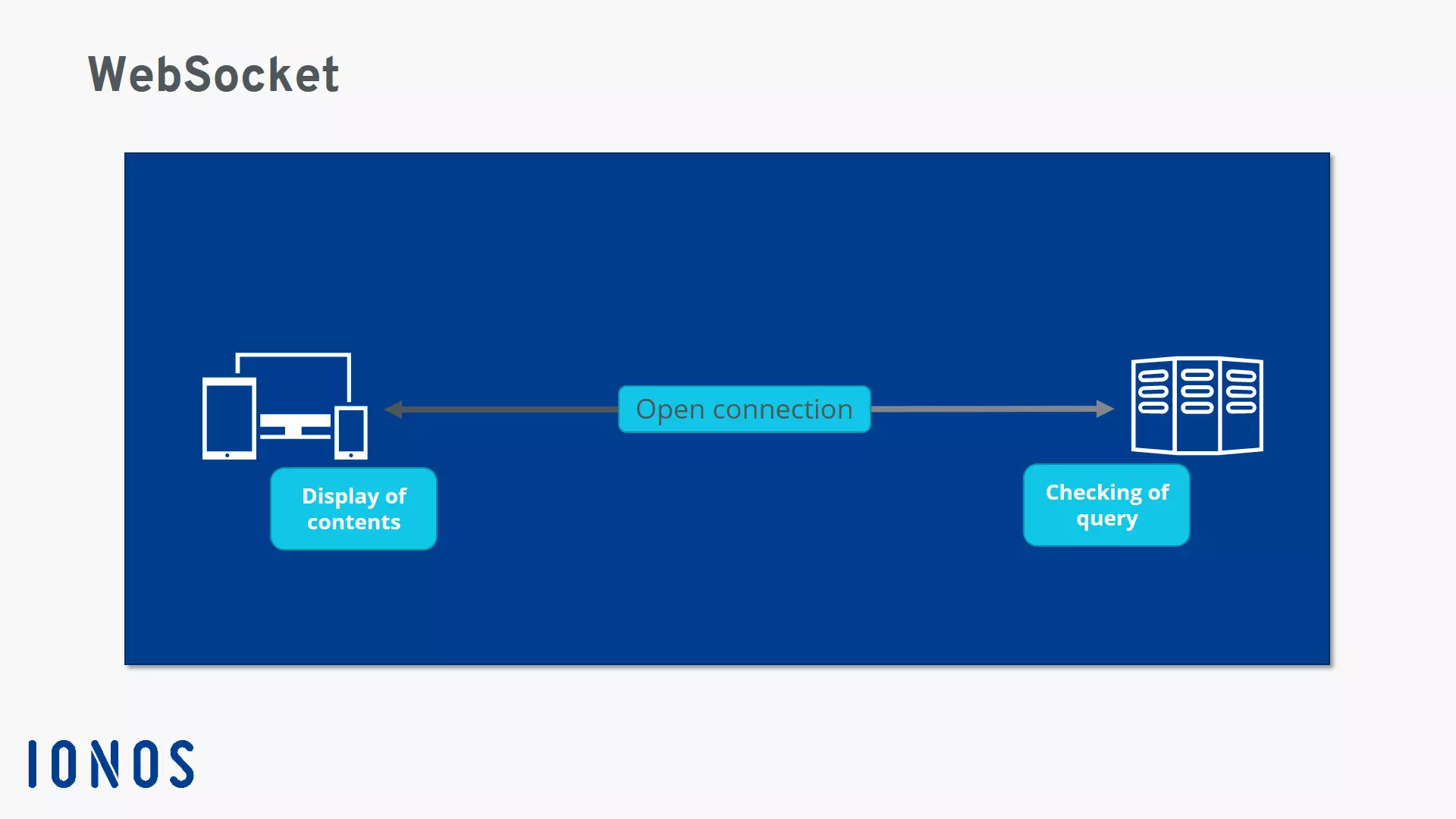
To initiate communication, the client sends a request just like with HTTP, but after this, an open connection is maintained via TCP. The content of the handshake between the client and the server is as follows:
The client sends the request:
GET /chatService HTTP/1.1
Host: server.example.com
Upgrade: websocket
Connection: Upgrade
Sec-WebSocket-Key: dGhlIHNhbXBsZSBub25jZQ==
Sec-WebSocket-Origin: http://example.com
Sec-WebSocket-Protocol: chat, superchat
Sec-WebSocket-Version: 13
The server answers:
HTTP/1.1 101 Switching Protocols
Upgrade: WebSocket
Connection: Upgrade
Sec-WebSocket-Accept: s3pPLMBiTxaQ9kYGzzhZRbK+xOo=
Sec-WebSocket-Protocol: superchat
The new URL scheme for websites that use WebSocket is ws instead of http. There is also an equivalent for secure connections: wss instead of https.
When should you use WebSocket?
WebSocket is useful when fast connections are important. Examples include live chats on support websites, news tickers, stock tickers, messaging apps, and real-time games. For most companies today, standard connection requests are no longer sufficient.
Social media sites can benefit from WebSocket too, because it allows live interaction and instant messaging between users. WebSocket is a logical choice for any application that requires a high-speed, low-latency connection.
What are the advantages of WebSocket?
With conventional HTTP connections, problems may arise because the client always loads the entire HTML page. AJAX technology was developed to address this issue. However, this still wasn’t a perfect solution, because it only allows one-way communication, which leads to considerable delays that are no longer compatible with today’s applications, in particular live chats. By establishing a two-way data connection, WebSocket enables direct contact with the browser, which reduces loading times. In a live support chat, this means messages are displayed instantly.
Good examples of WebSocket in practice
WebSocket is suitable whenever fast online connections are required. Nowadays, many sites rely on real-time connections to offer certain services. These include:
- Online games
- Sales platforms like eBay
- Support chats
- Live sport tickers
- Real-time updates on social media
WebSocket is not a direct substitute for HTTP, but it allows efficient two-way communication and is therefore very useful when real-time display is required.
What support currently exists for WebSocket?
WebSocket is currently supported by the following browsers:
- Internet Explorer: version 10 or later
- Firefox: version 6 or later
- Chrome: version 14 or later
- Opera: version 12.10 or later
- Safari: version 6 or later
On the server side, WebSocket can be used with the following programming languages and frameworks:
- Node.js
- Socket.IO
- WebSocket-Node
- ws
- Java
- Jetty
- Ruby
- EventMachine
- Python
- pyWebSocket
- Tornado
- Erlang
- Shirasu
- C++
- Libwebsockets
- .NET
- SuperWebSocket
The WebSocket technology is aligned with the development of HTML5 in that it aims to make the web faster, safer, and more dynamic. It is an efficient protocol that is invaluable for modern web applications, which require much faster interactions than can be achieved with a conventional HTTP connection. However, the older protocol should by no means be abolished. Despite the existence of WebSocket, HTTP remains an important internet standard.
Reviewer

Julia Hertler
With over 18 years of experience in content marketing, Julia Hertler has deep expertise in digital communications. For the past 10 years, she has specialized in the areas of domains and hosting at the IONOS Digital Guide, making complex technical topics easy to understand.