

What is SMB (Server Message Block)? Definitions, tasks, and applications

SMB (Server Message Block) is a network protocol that allows access to files, printers, and other resources within a local network. It is primarily used in Windows environments to enable file and service sharing between computers.
What is SMB (Server Message Block)?
SMB (Server Message Block) is a client-server protocol that manages access to files and entire directories as well as other network resources like printers, routers, or interfaces shared within the network. The exchange of information between different processes of a system (also known as inter-process communication) can also be handled based on the SMB protocol.
Cost-effective, scalable storage that integrates into your application scenarios. Protect your data with highly secure servers and individual access control.
Developed by the IT corporation IBM in 1983, various versions and implementations of the protocol have been released over the past decades. SMB was first made available to a wider audience with the OS/2 network operating system LAN Manager and its successor LAN Server. Since then, its main area of application has been the Windows operating system series, whose network services support SMB with backward compatibility—allowing devices with newer editions to communicate seamlessly with devices running an older Microsoft operating system.
With the open-source software project Samba, there is also a solution that enables the use of Server Message Block in Linux and Unix distributions, allowing for cross-platform communication via SMB.
In Windows NT 4.0, Microsoft introduced its implementation of the SMB protocol under the name Common Internet File System (CIFS). Initially, the term was often used interchangeably with the broader SMB protocol family. Today, however, CIFS is primarily recognized as the label for the original SMB version 1.0.
How does SMB work?
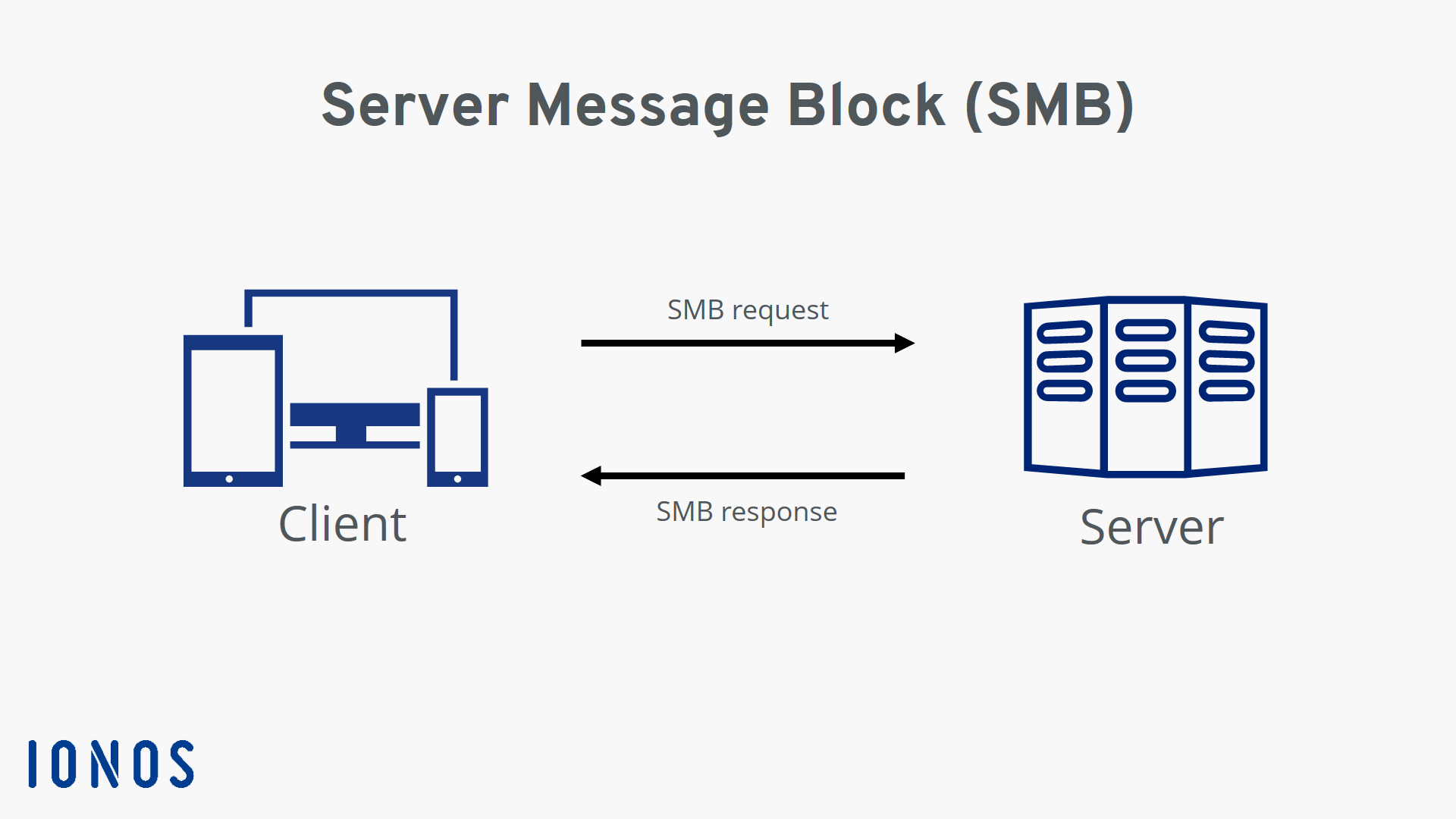
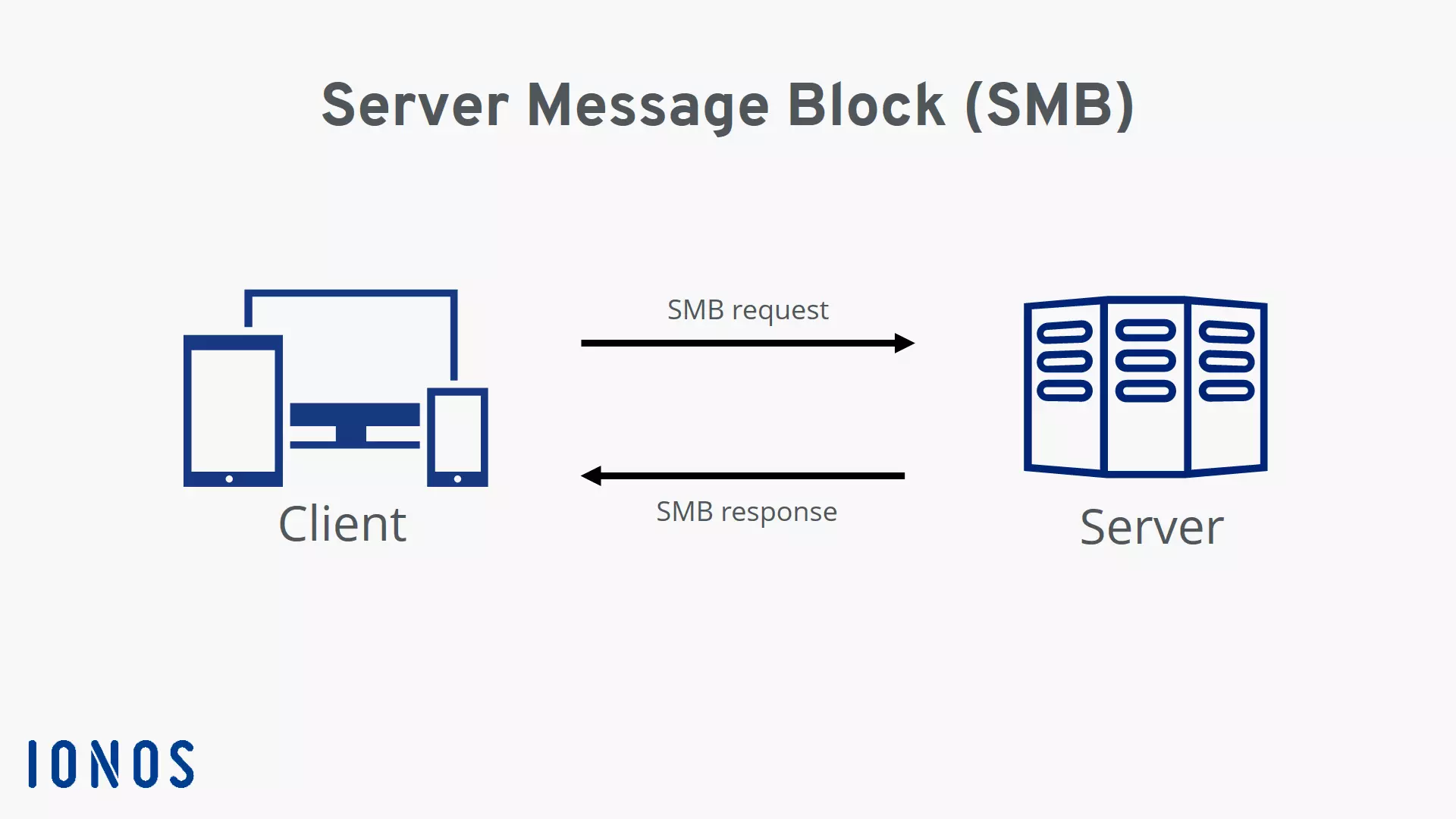
The Server Message Block protocol enables the client to communicate with other participants in the same network, thereby accessing files or services shared with it in the network. The other system must also implement the network protocol to receive and process the respective client request using an SMB server application. Prior to this, both parties must establish a connection, which requires them to exchange corresponding messages.
In IP networks, SMB uses the Transmission Control Protocol (TCP), which provides for a three-way handshake between the client and server before a connection is finally established. The subsequent transport of data is also governed by the specifications of the TCP protocol.
For establishing connections and transmission via TCP/SMB, TCP port 445 is currently reserved. Address resolution typically works through the Domain Name System (DNS) or in smaller networks via Link-Local Multicast Name Resolution (LLMNR).
Evolution of the SMB Protocol and the different versions
As mentioned earlier, since SMB was first released in 1983, there have been several adjustments to the network standard, which have been recorded in different protocol versions—starting with SMB 1.0 and up to the current version SMB 3.1.1, introduced by Microsoft alongside Windows 10. The following sections summarize the key steps in the development of the Server Message Block protocol.
SMB 1.0 (CIFS)
The first version of the network communication protocol is often equated with the previously mentioned variant Common Internet File System (CIFS). However, the latter actually refers to just an aspect of the first protocol edition—specifically the implementation of the protocol in devices with Windows NT 4.0. In this initial version, communication over the NetBIOS interface as well as UDP-ports 137 (name resolution) and 138 (packet delivery) and TCP-port 139 (connection setup and transport) were intended. With Windows 2000, the dependency on NetBIOS was eliminated, allowing the protocol now officially referred to as SMB 1.0 to enable the direct connection over TCP (port 445) that is still used today.
SMB 2.0
Microsoft delivered the first major revision of Server Message Block in November 2006, along with the operating system Windows Vista. Although the protocol—now known as SMB 2.0 or 2—remained proprietary, the software company also published the specification for the first time to enable other systems to communicate with Windows operating systems. The most important innovations of the second protocol version were as follows:
- Reduction of commands and subcommands from over 100 to 19
- Optimized performance thanks to the new queue function for SMB requests
- Support for symbolic links (links to files or directories)
- Caching of file attributes
- Enhanced message signing (HMAC-SHA-256 algorithm)
- Improved scalability due to a higher maximum number of clients, shares, and simultaneously open files
For compatibility reasons, the first protocol version was retained—a measure Microsoft also continued in subsequent versions.
SMB 2.1
Version 2.1 of the SMB protocol is closely associated with Windows 7. The revised edition of the second protocol version was released alongside the operating system in 2007, introducing mainly new locking mechanisms for better regulation of file access (reading, writing, deleting, etc.), alongside some minor performance optimizations.
SMB 3.0
In 2012, Windows 8 was released, along with a new version of Server Message Block, initially listed as SMB 2.2, but later received the designation SMB 3.0, which is still valid today. This protocol revision also aims to improve the performance and security of SMB connections—particularly in virtualized data centers. The boost is primarily due to the following new features:
- Possibility of remote storage access thanks to SMB over RDMA (Remote Direct Memory Access)
- Multichannel function allows the establishment of multiple connections per SMB session
- Transparent failover
- End-to-end encryption
With SMB 3.0.2, the third protocol version was implemented in Windows 8.1 without any major innovations.
SMB 3.1.1
SMB 3.1.1 (released in 2015 with Windows 10) extends the protocol series with an integrity check before authentication based on SHA-512 hashes. Additionally, the version relies on AES-128 encryption with Galois/Counter Mode (GCM). For all communicating devices with SMB 2.0 or higher, SMB 3.1.1 makes a secure connection mandatory.
Overview of SMB versions in table form
| SMB version | Supported since | New features |
|---|---|---|
| CIFS | Windows NT 4.0 | Communication via NetBIOS interface |
| SMB 1.0 | Windows 2000 | Direct connection via TCP |
| SMB 2.0 | Windows Vista, Windows Server 2008, Samba 3.5 | Various performance upgrades, improved message signing, caching function for file properties |
| SMB 2.1 | Windows 7, Windows Server 2008 R2 | Locking mechanisms |
| SMB 3.0 | Windows 8, Windows Server 2012, Samba 4.0 | Multichannel connections, end-to-end encryption, remote storage access |
| SMB 3.0.2 | Windows 8.1, Windows Server 2012 R2 | No major innovations |
| SMB 3.1.1 | Windows 10, Windows Server 2016, Samba 4.3 | Integrity check, AES-128 encryption with Galois/Counter Mode (GCM) |

What security aspects should be considered when using SMB?
For years, Microsoft has emphasized ensuring that older versions of Server Message Block are supported by newer system editions to ensure communication between older and newer devices. However, guaranteeing compatibility has always carried increased security risks, because SMB 1.0 has numerous vulnerabilities compared to its successor protocols, which can make your computer susceptible to DoS attacks.
Especially in networks, the risk of an attack based on the SMB protocol is significant: For compatibility reasons, all SMB versions are often enabled there—perhaps because connected printers or other network devices require it. Even if the old protocol version isn’t actually used, attackers can easily downgrade communication to SMB 1.0 and attack the target system without much hindrance. Since Windows 10, Microsoft has decided not to actively support the first version anymore or to automatically uninstall it if not used. Similarly, under macOS, SMB version 1.0 has been disabled since macOS Catalina (2019).
Where is Server Message Block used or implemented?
The key scenarios for using SMB have already been discussed in this article: The central point of the protocol is access to file systems, so the primary benefit lies in client-server connections between computers and file servers. However, since other sections of the protocol clearly aim at interprocess communication, the simple data exchange between two devices or two processes is also part of the application profile.
Apart from the implementations of Server Message Block in the various Windows editions, the protocol has also been integrated into numerous other software projects over the years to make the communication features available outside the Microsoft family. Some of the most well-known SMB implementations include the following:
- Samba: The software project Samba is probably the most well-known example of an SMB implementation far from Windows. As early as 1991, the programmer Andrew Tridgell began developing the free software, which enables communication via Server Message Block on Unix/Linux systems.
- Netsmb: Netsmb refers to implementations of an SMB client and server directly in the kernel of BSD operating systems. First released for the OS FreeBSD 4.4, these are now available for a variety of BSD systems, including NetBSD and macOS.
- YNQ: YNQ (formerly NQ) is an SMB library that implements the Server Message Block technology in embedded systems without Windows, enabling interoperability with Windows devices. YNQ has been developed by the Israeli software company Visuality Systems Ltd. since 1998.
- TrueNAS: If you want to run your own NAS server that supports the SMB protocol among other things, the open-source solution TrueNAS is the right fit. The NAS software is based on FreeBSD and the OpenZFS file system.
- ConnectedNAS: SMB server and client for Android devices alike is the software ConnectedNAS developed by Connected Way. Users of the paid app can easily exchange data between the mobile device and other SMB devices, whether personal or business-related. For security reasons, ConnectedNAS supports SMB starting from version 2.