

Arduino projects: the best microcontroller ideas

The Arduino microcontroller can be programmed for almost anything – from electronic dice to drawing robots, from sound sensitive fairy lights to an interactive LED dome, and from light trackers to weather stations. The range is creative, and the best projects promise a whole lot of fun. This article will look at a range of the best Arduino projects, which you can either try to create yourself, or simply admire – perhaps you’ll get some inspiration for an original project of your own.
What is Arduino?
The first Arduino board was produced in Italy in 2005 in small quantities to introduce design students to the use and possibilities of microcontroller programming. The emerging maker movement, a movement which united DIY tech enthusiasts, welcomed the project with keen interest, being inexpensive, easy to use, and yet extremely versatile. More than ten years later, the circuit boards are available in a wide variety of designs.
Today, the boards are available in a wide variety of designs. The classic, Arduino Uno, is comparable in size to a cigarette pack, while the Arduino Nano is around the same size as a quarter. Further versions which are significantly smaller or larger are also available, and offer the right hardware for almost every kind of design.
What they all have in common is that they have a microcontroller and several analog and digital inputs and outputs. The board can be connected to the computer via a USB port, and program code can be loaded onto it. This code is written with the open source development Arduino IDE and is essentially a simplified variant of the C or C++ code languages. Several pin strips mounted on the board allow the connection of LEDs, monitors, measuring instruments, motors, and countless other devices, which can then be managed by the controller.
Arduino is often compared to the Raspberry Pi because both devices are compact circuit boards, which can be used in countless electronic projects. While Arduino is a microcontroller, the Raspberry Pi is a single board computer. You can learn more about the differences between Arduino and Raspberry Pi here.
Eight Arduino Uno projects for all levels
The first version of the Arduino was Uno. This microcontroller inspired countless projects, probably because it offers an ideal balance between compact size and a wide range of functions. Here are eight examples of Arduino project ideas, ranging from beginner level to professional programming.
Electronic dice (beginner)
A simple idea, but one which is ideal to get you started in the world of Arduino microcontrollers: an electronic dice. At the push of a button, you’ll activate a random generator that uses the lights to give you a number between 1 and 6. The tutorial for the electronic cube explains all steps well, and only a few parts are needed for its construction.
Social distancing sensor (beginner)
An Arduino project idea inspired by the Corona pandemic is the social distancing sensor, suitable for Arduino novices. An ultrasonic sensor connected to the microcontroller ensures that the LED lights up whenever a person approaches within 50cm. If the distance increases further, the LED turns off. To program the Arduino Uno project you only need a few lines of code. For programming beginners, the code is also available online, making this Arduino project perfectly suitable for reproduction at home.
Light tracker (beginner)
An Arduino project that can be created in a short amount of time, and using only a handful of parts is the fully automatic light tracker. Two light dependent resistors (LDRs) are mounted on a servo motor so that a plate running vertically between the sensors provides separate fields of vision. Both resistors measure light at regular intervals. A code on the Arduino board causes the rotation of the servo whenever one resistor receives more light, causing the rotator to move, until the same amount of light is measured again by both resistors, when the rotator returns to its original position. As a result, the construction follows the beam of a flashlight, for example, constantly and smoothly.
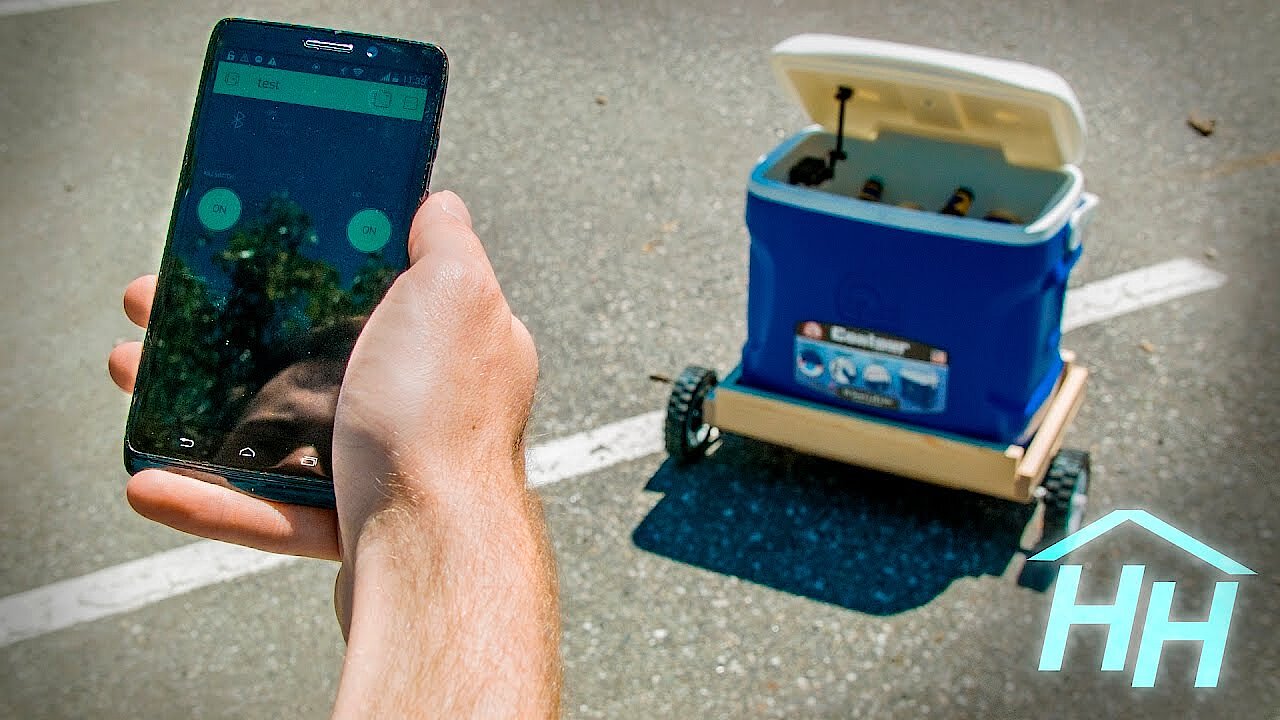
Autonomous “follow me” cool box (advanced)
Ideal for the summer, this cool box connects to your smartphone via Bluetooth, and follows you around. The construction of this cooler is more time consuming than the first two projects, and requires more materials. You’ll need some experience before attempting this – but it’s a great project to check out all the same to see where Arduino projects can go.
 To display this video, third-party cookies are required. You can access and change your cookie settings here.
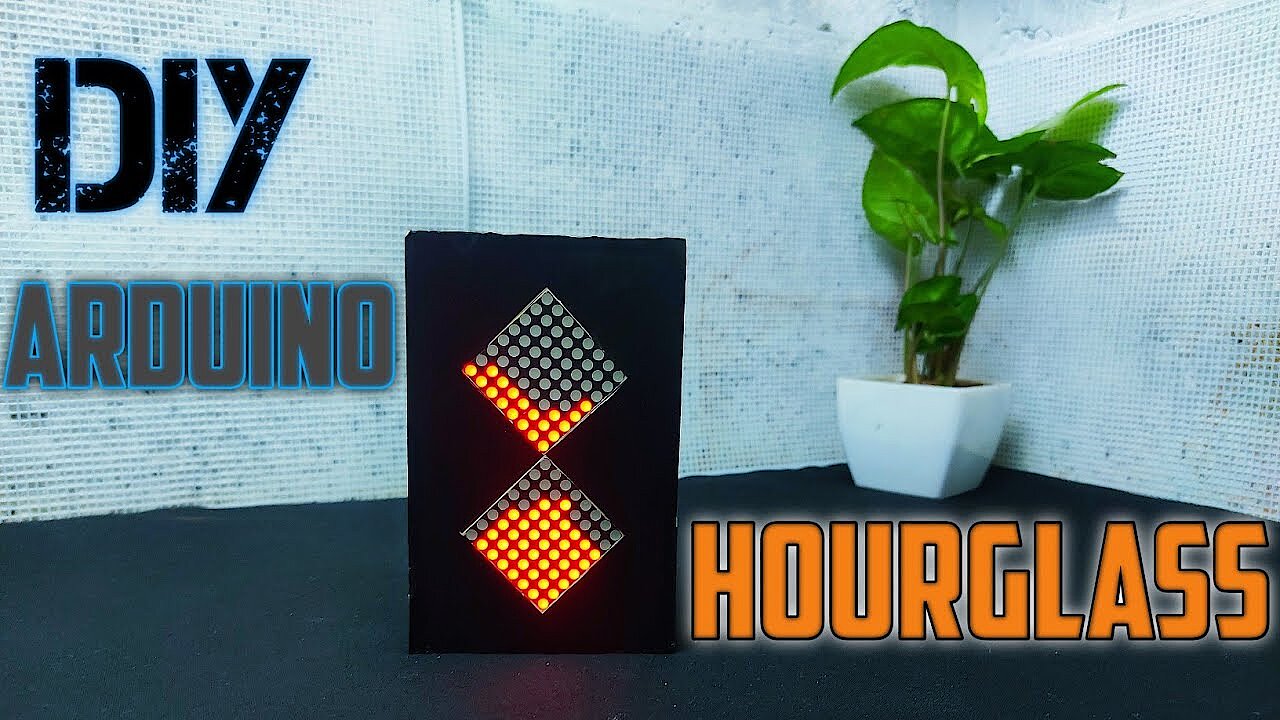
Digital hourglass (advanced)
A stylish Arduino project idea for home is to create a digital LED hourglass. A built-in LED matrix is used to simulate falling sand grains. The code needed to make the LED hourglass work is a bit more complicated, but can be easily understood and downloaded if needed. A simple cardboard case hides the Arduino circuitry and ensures this LED clock is an eye-catcher.
 To display this video, third-party cookies are required. You can access and change your cookie settings here.
Bluetooth-controlled car (advanced)
Another Arduino idea aimed at advanced hobbyists is the remote controlled car. To operate the gadget a smartphone app is required. This has been published by the developer of the Bluetooth car in the Google PlayStore. Apple smartphone users need to enable extended user access on their iPhone using a jailbreak for the app. This Arduino Uno project will keep you entertained while building and guarantees fun times when racing your Arduino car.
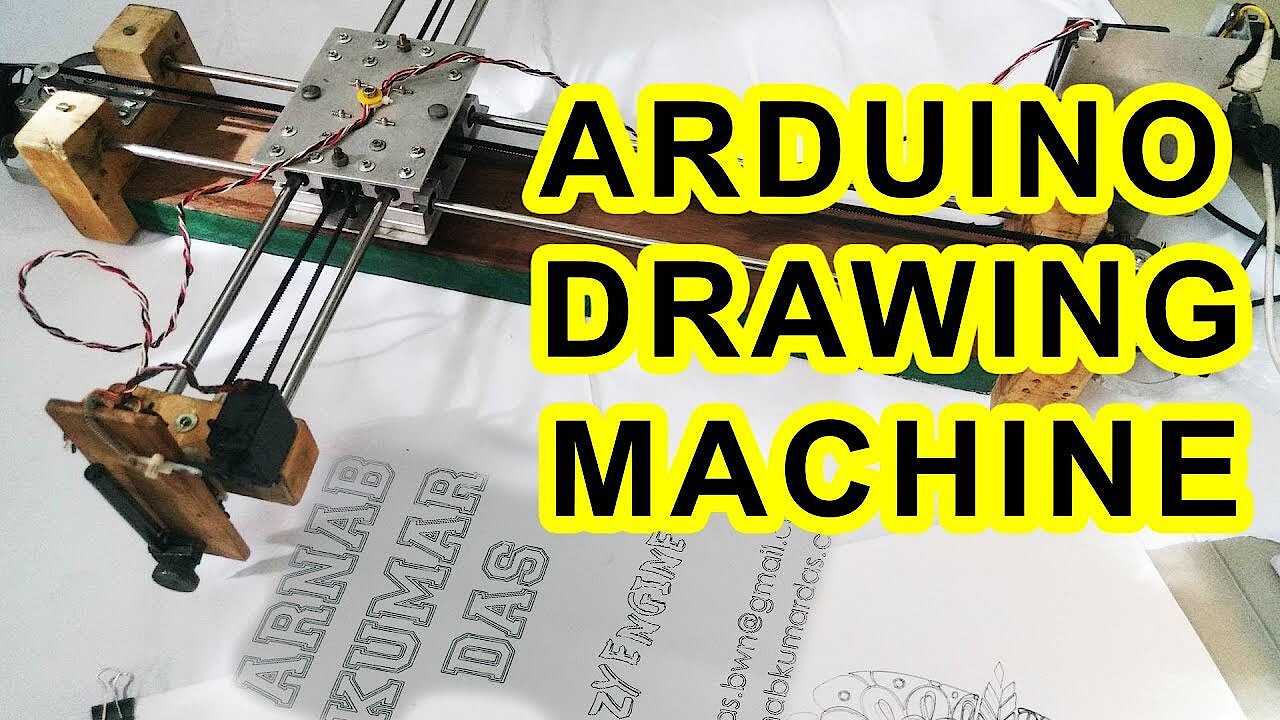
Drawing Robot (pro)
A drawing robot shows off the impressive Arduino project ideas that experienced technology enthusiasts come up with. The robot produces vector graphics and raster drawings stored on the computer. Creating this robot requires not only professional knowledge of Arduino, but also numerous components and a great deal of time – with impressive results:
 To display this video, third-party cookies are required. You can access and change your cookie settings here.
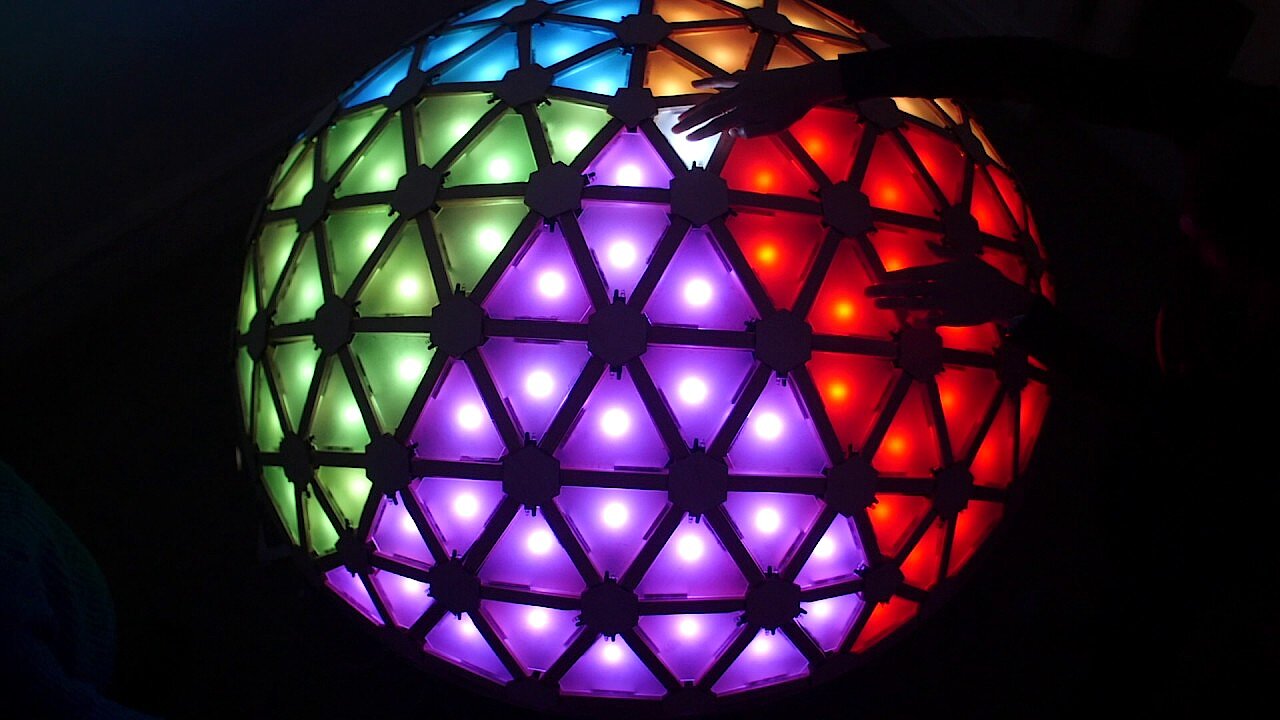
Interactive LED dome (pro)
This award-winning Arduino Uno project is a triangular wooden dome with a total of 120 interactive light surfaces. When they sense your hand, they change color and play sounds. How much planning and work went into this Arduino project is explained in the tutorial for the LED dome. This video shows the beautiful dome, and demonstrates its light and sound features:
 To display this video, third-party cookies are required. You can access and change your cookie settings here.
Seven Arduino Nano projects for all levels
The smaller version of the Arduino Uno, the Arduino Nano, is often used for projects where space for the board itself is very limited. Like its larger counterpart, it is based on the powerful ATmega328 microcontroller from the US company Atmel, and it can be used for simple and complex projects alike.
Music reactive LED Strip (beginner)
A simple, beginner-friendly project which is a bit of a crowd pleaser. A built-in microphone measures the intensity of music being played, and transmits this information to the Arduino Nano. The Nano stimulates a luminous LED strip, so that it flashes in colors to match the music.
Lie detector (beginner)
Another ingenious little creation you can build quickly and using few materials is the lie detector. Of course, this Arduino project cannot guarantee whether someone is lying or not, it just measures the electrical conductivity of their skin – this is how lie detectors worked in the past, and although they are not 100% reliable, it is still a fun project to try out.
Fingerprint sensor (beginner)
It’s difficult to imagine smartphones without fingerprint sensors. But you can use an Arduino Nano to control a fingerprint sensor. For this purpose, a suitable sensor is connected with the microcontroller. An integrated display tells you whether a fingerprint is registered in the system. If it is, the system launches with a greeting. If not, the screen is not released. The Arduino Nano project is easy to implement using only a few components and is suitable for beginners.
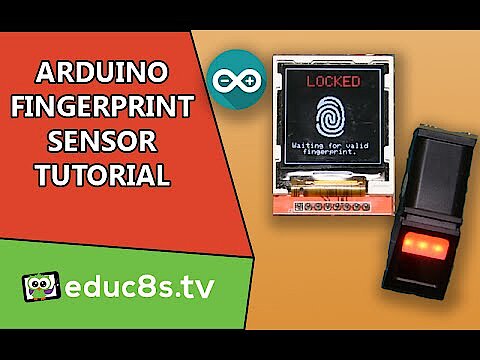 To display this video, third-party cookies are required. You can access and change your cookie settings here.
Microbot (beginner)
This Arduino project is a good introduction to robotics. The mini robot follows a pre-defined and pre-programmed route, but can also be extended, for example, by a radio remote control or a gripper, or even GPS.
Robotic spider (advanced)
The next project is another robot, but with building materials which many will recognize from their childhood: Lego blocks. The controls for the robotic spider run through your smartphone – a nice step up from beginner projects, without getting too advanced.
Plant Watering System for Houseplants (advanced)
Arduino projects for home improvement can simplify our lives. Wouldn’t it be convenient to no longer worry about watering your plants? This Arduino Nano project uses a temperature sensor to determine how much water your plants require. A connected water pump provides sufficient watering when needed. The automated plant watering system is suitable for more advanced Arduino hobbyists, but does not require too much effort.
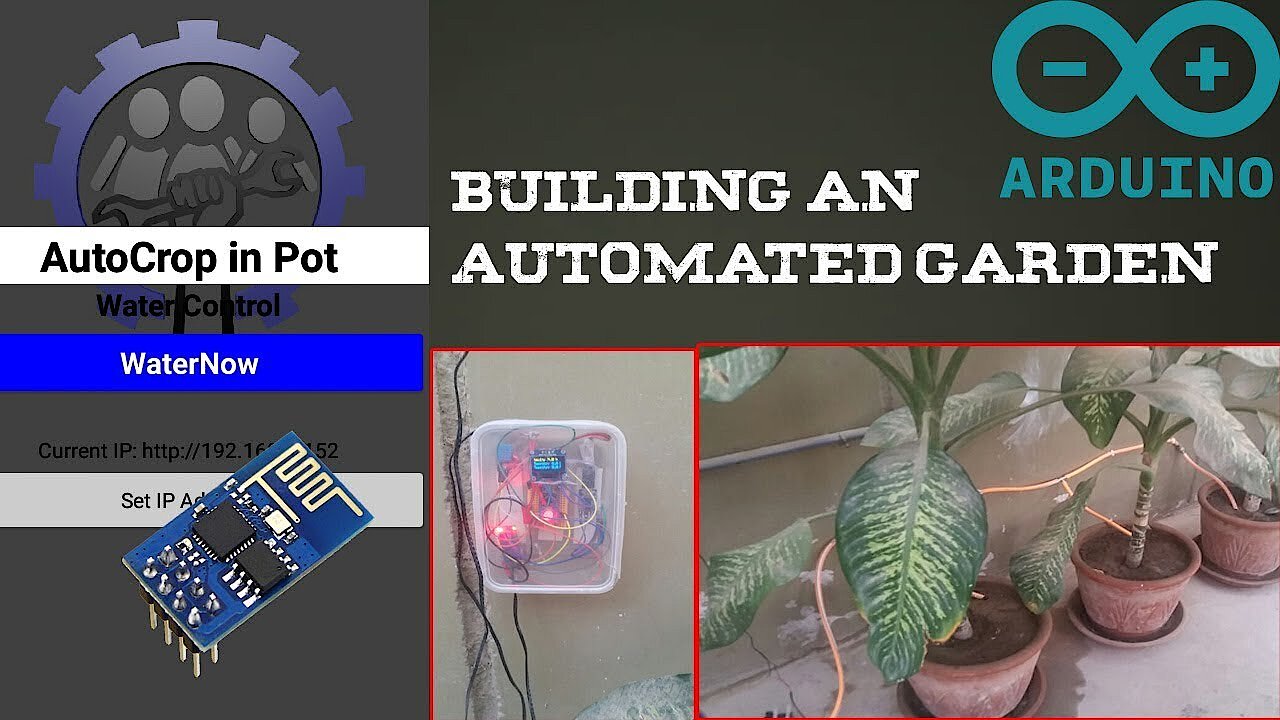 To display this video, third-party cookies are required. You can access and change your cookie settings here.
Weather station (advanced)
This project is a great example of the many possible applications of the Arduino Nano for your home: turn your microcontroller into a weather station with just a few connectors and a screen, which can measure temperature and humidity, and displays the time. This Arduino project can also be expanded to collect additional data on air pressure, wind conditions, UV index, and rain. The project requires several Arduino and some other electronic components – but careful preparation and investment into the parts is worth it, given the results of this project!
Reviewer

Christian Heldmaier
Christian Heldmaier is an experienced online marketing and SEO specialist from Karlsruhe. He has been working as an SEO Manager at IONOS since July 2020.