

What are some useful cheats and console commands for Project Zomboid?

Project Zomboid is an exciting survival game set in a post-apocalyptic world. It offers numerous ways to modify the world and personalize the gameplay experience — particularly through the use of cheats and console commands.
How do I enter cheats in Project Zomboid?
In Project Zomboid, cheats and console commands are entered via the developer console. This console is especially useful for players who want to quickly customize their game world or conduct special tests. To access the console, you must start the game in admin mode and activate the developer console.
Cheats in multiplayer mode
In Project Zomboid’s multiplayer mode, not all players have access to cheats. To use cheats in multiplayer mode, you need admin rights on the server you’re playing on. If you’re the server admin, or the administrator has granted you special permissions, you can enter console commands and cheats directly in the game. Without admin rights, these commands are unavailable.
Console commands and cheats in admin mode in Project Zomboid
To enter cheats and console commands in Project Zomboid, you must start the game in admin mode. This is necessary to access the developer console, which allows you to enter commands. Open the mode via the Explorer as follows:
- Right-click on the game shortcut: Right-click on the Project Zomboid shortcut.
- Run as admin: Select the “Run as administrator” option in the context menu. This ensures that the game is started with the required authorizations.
Alternatively, you can also open the admin mode directly via Steam. To do this, right-click on the game and click on “Properties”:
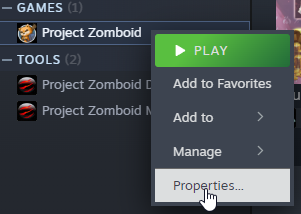
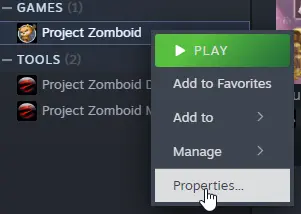
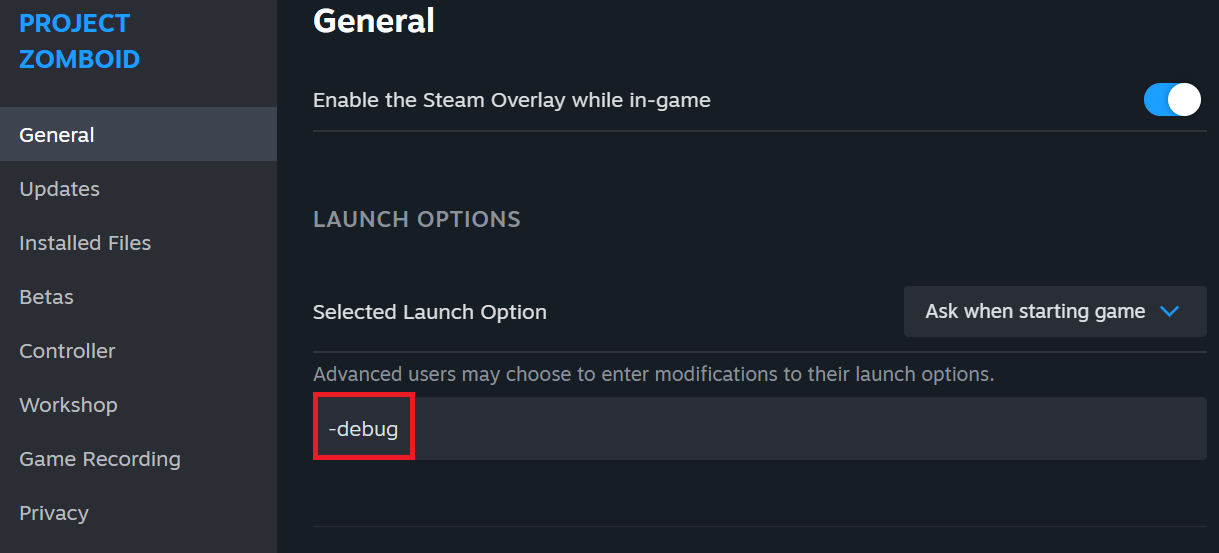
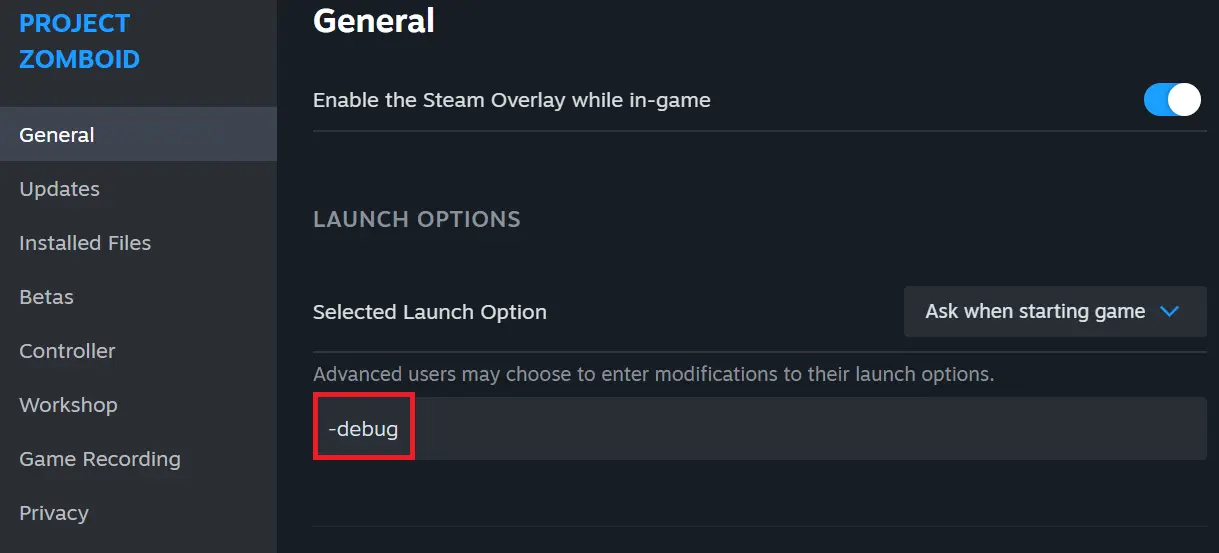
Then enter -debug in the input field and start the game in the usual way.
Cheats for Project Zomboid on different servers
- Public server: You need admin rights to execute cheats. Many servers restrict these to ensure fairness.
- Modded server: Cheats can be activated or blocked on modified servers, depending on the mods installed.
- Private server: If you are the host or admin, you can use cheats without restrictions.
- NEW: VM cloning, load balancing, block storage, and more
- Ideal for agentic AI, LLMs, and automation at scale
- Free 24/7 expert support and 99.99%+ uptime
- Unlimited traffic and no setup fees
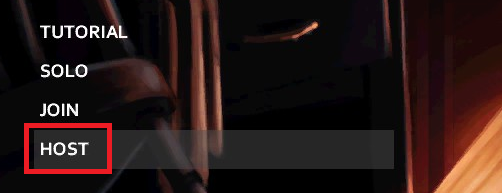
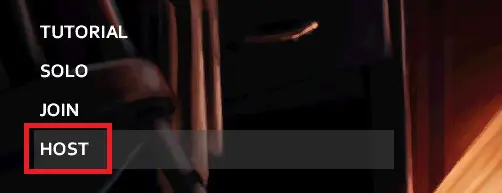
For example, you can easily create a private server via the main menu.
How to enter cheats in Project Zomboid
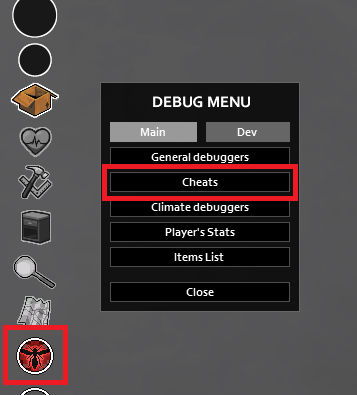
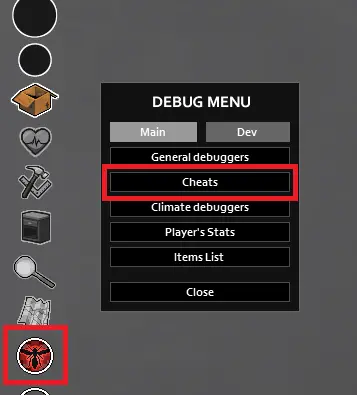
You can enter cheats in Project Zomboid in two different ways. Firstly via the chat window and secondly via the debug menu.
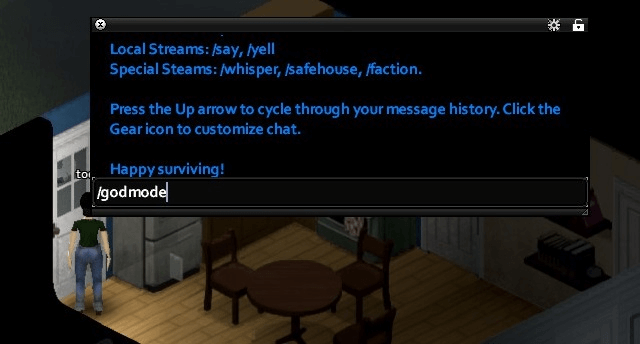
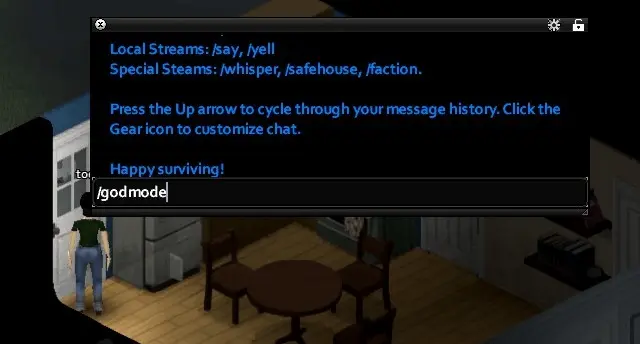
To enter cheats via the chat window, proceed as follows:
Step 1: Press “Enter” in the game to open the chat window. Step 2: Enter the desired command and press Enter again to execute it.
There are additional commands for server admins that can be accessed via the admin menu. There are also special admin commands for players who play on a self-hosted Project Zomboid server to customize the gaming experience.
To do this, open the debug menu via the insect icon in the main window.
Project Zomboid cheats at a glance
Below you will find a detailed overview of the most important cheat codes and Project Zomboid console commands (divided into categories).
General cheats
| Command | Description |
|---|---|
| /godmod | Activates God mode (invulnerability). |
| /additem [ItemName] [Amount] | Adds the specified item to you (e.g., /additem Base.Axe 1). |
| /god [PlayerName] | Activates God mode for the specified player only. |
| /time [Day/Time] | Sets the in-game time or day (e.g., /time 12:00). |
| /farming [level] | Sets the farming skill level to the specified value (e.g., /farming 10). |
| /spawn [ItemName] | Spawns an item at your location (e.g., /spawn Base.CannedSoup). |
| /removezombies | Kills all zombies in the loaded area (no /killallzombies command exists). |
| /givexp [PlayerName] Skill=XP | Adds experience points for a specific skill (e.g., /givexp admin Farming=500). |
| /invisible | Makes the player invisible to others. |
Weather and fun cheats
| Command | Description |
|---|---|
| /weather [Type of weather] | Sets the weather in a certain way, e.g., /weather Rain, /weather Fog, /weather Sunny |
| /addzombies [Number] | Spawns a certain number of zombies at your location (e.g., /addzombies 50) |
| /noises | Creates random sounds in the game, resulting in an eerie atmosphere |
| /explosion | Triggers an explosion that causes damage to items and characters |
| /rain | Creates a rain shower in the game (lasts for a while) |
| /snow | Activates snow in the game |
Weapon cheat codes
| Command | Description |
|---|---|
| /addweapon [WeaponName] [Number] | Adds a specific weapon (e.g., /addweapon Base.Axe 1 for an axe) |
| /addammo [AmmoType] [Number] | Adds ammunition for a weapon (e.g., /addammo Base.Bullet9mm 100 for 100 9mm bullets) |
| /equip [ItemName] | Equips the specified item as a weapon (e.g., /equip Base.MeleeWeapon for a melee weapon) |
Player abilities and skills
| Command | Description |
|---|---|
| /addxp [Skill] [Number] | Adds experience points for a specific skill (e.g., /addxp Fitness 1000) |
| /levelup [Skill] | Increases a specific skill to the next level (e.g., /levelup Cooking) |
| /setlevel [Skill] [Level] | Sets a specific skill to the specified level (e.g., /setlevel Carpentry 10) |
| /unlockrecipes | Unlocks all recipes in the game |
Item cheat codes
| Command | Description |
|---|---|
| /additem [ItemName] [Number] | Adds the specified item to you (e.g., /additem Base.Axe 1) |
| /removeitem [ItemName] [Number] | Removes the specified item from your inventory (e.g., /removeitem Base.CannedSoup 1) |
| /giveallitems | Gives you all available items in the game |
Creatures and NPCs
| Command | Description |
|---|---|
| /spawnzombie [Number] | Spawns a certain number of zombies (e.g., /spawnzombie 10) |
| /spawnnpc [NpcName] | Spawns an NPC of the specified type (e.g., /spawnnpc Base.WalkerZombie) |
| /addzombie | Adds a random zombie |
| /adddog | Adds a dog (useful in mods or with an animal companion) |
Other useful cheats
| Command | Description |
|---|---|
| /weather [Type of weather] | Sets the weather in a certain way, e.g., /weather Rain, /weather Fog, /weather Sunny |
| /infinitestamina | Gives you infinite stamina (handy for long fights and sprints) |
Admin commands for the server
| Command | Description |
|---|---|
| /adduser [Name] | Adds a player to the server |
| /removeuser [Name] | Removes a player from the server |
| /kick [Name] | Kicks a player off the server |
| /ban [Name] | Permanently bans a player from the server |
| /setaccesslevel [Name] [Level] | Sets a player’s access to a specific level (admin, moderator, etc.) |
| /settime [Day/Time] | Sets the time on the server (e.g., /settime 14:00) |
Author

Christian Heldmaier
Christian Heldmaier is an experienced online marketing and SEO specialist from Karlsruhe. He has been working as an SEO Manager at IONOS since July 2020.