

The best cookie consent plugins for WordPress

In Europe and certain US states, website operators using cookies for analytical, market research, or advertising purposes, are now required to provide a cookie policy that includes a statement warning users that their data is being collected. The General Data Protection Regulation (GDPR), for example, requires an active opt-in or at the very least implied consent. The California Consumer Privacy Act passed in 2018 requires website users to opt-out rather than opt-in to the use of cookies. Compared to the GDPR, however, websites operating solely in the US do not require explicit cookie consent from their users.
However, unless you are certain that only US users will access your website, it can be a good idea to provide cookie notices that require an active opt-in. Some website owners operate multiple sites across different countries. In that case, different cookie policies could apply. For example, an international fashion retailer will need to ask for active consent to its cookie policy on its German website, but only be required to include a note saying that the website collects cookies on its US counterpart.
In this article, we’ll show you the best WordPress cookie plugins to ensure cookie compliance across the popular web hosting platform.
- Great premium TLDs at affordable prices
- Simple registration & transfer
Using WordPress cookie plugins to seek active user consent
WordPress websites generally use plugins to issue cookie notices. Because seeking cookie consent on WordPress and consent for other storage of user data have become legal requirements in many countries, some excellent plugins are now available to make the process even easier.
Many of these plugins can be used to ask a website visitor to actively consent to the use of cookies and other data processing methods via an opt-in action such as clicking on an “Accept all cookies” button. Beware that in certain territories prefilled options for cookie consent are not considered “active consent”. In addition, it’s important that visitors have an opportunity to gain clarification on the use of their collected data.
There are many different types of cookies. Find out more about cookies in general in our dedicated article “What are cookies?” or delve deeper into session cookies and first-party cookies.
How can I check if my website uses cookies?
Operators of WordPress sites should take a closer look at cookies – especially if they’ve operated their website for quite some time. Some WordPress themes and many plugins do use cookies, often without a website operator being aware of them. If you’re using Google Analytics or have connected your WordPress website to Facebook, YouTube, or Twitter, you’ll likely be using additional cookies by these providers, and sharing information about your site visitors with other companies.
WordPress itself uses cookies. These are generally technical cookies which are not affected by cookie notice requirements. However, the comment function on WordPress, for example, stores the name and email address of a user and the website the comment was left on. WordPress provides an option for developers to install their own checkbox, which users leaving a comment can click on to consent to their data being stored.
Are you looking for powerful Hosting for WordPress? IONOS provides a convenient and fully managed solution featuring excellent security standards.
To find out whether a website uses cookies or which types of cookies are being used, different types of cookie scanners are available online, such as Cookieserve or CookieMetrix. Simply enter the website address and view the list of used cookies.
What features should a WordPress plugin for cookie opt-in include?
Using a plugin, it’s simple to create a fully compliant cookie opt-in notice on WordPress. Various manufacturers have developed plugins that cover the necessary features that a good WordPress cookie consent must include:
- Activation of cookies after active opt-in by website visitors
- Appealing user interface with the option to actively consent to use of cookies
- Possibility to separate consent into different categories, for example “technical,” “data analysis”, or “marketing”
- Simple handling alongside increased flexibility for special additions
- The option to block external content until a user consents to view the content
Importantly, a WordPress cookie plugin should include all the prerequisites to implement a legally compliant cookie notice. That’s because it’s the website owner’s sole responsibility to ensure that legal requirements are met by the selected WordPress cookie plugin.
A good cookie plugin should include two features: it should be designed to meet legal requirements and motivate a large number of website visitors to consent to the use of cookies.
What WordPress plugins are recommended for active opt-in notices?
The WordPress cookie plugins presented below regularly achieve top ratings. All of them allow users to add an opt-in feature. Whether an opt-in notice is compliant depends on the changes website owners make to them. The WordPress cookie plugin you ultimately select should factor in the following:
- Size and scope of website
- Type of tracking method used
- Significance of cookies for own advertising and marketing purposes
- Technical know-how of web owner in using cookies
- Costs of plugin
Borlabs Cookie
Borlabs is a German provider of a premium cookie plugin that doesn’t leave much to be desired and regularly features in bestseller lists. Borlabs Cookie is now available as version 2.2, which is suitable for the creation of compliant cookie consent on WordPress. According to company information, the plugin is compatible with all WordPress themes and caching plugins. Cookie codes of popular applications such as Google Analytics, AdSense, or Facebook come pre-installed and can be activated via Tracking ID.
Borlabs is suitable for professional use because it supports website operators to create opt-in banners that motivate a large number of visitors to actively agree to tracking cookies.


The Borlabs user interface provides extensive opportunities to modify settings. But it remains the website operator’s responsibility to adjust a cookie box to match current legal requirements.
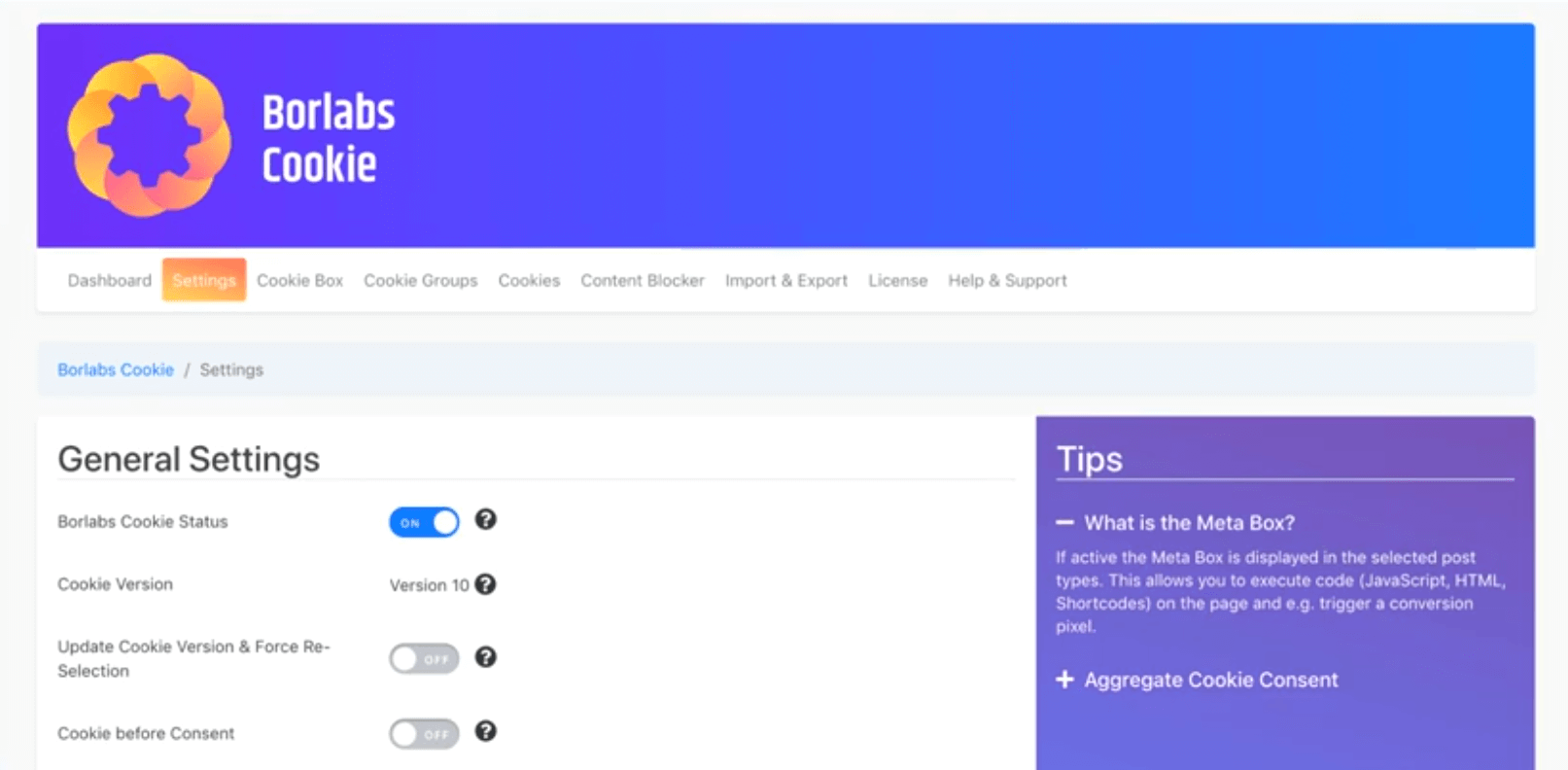
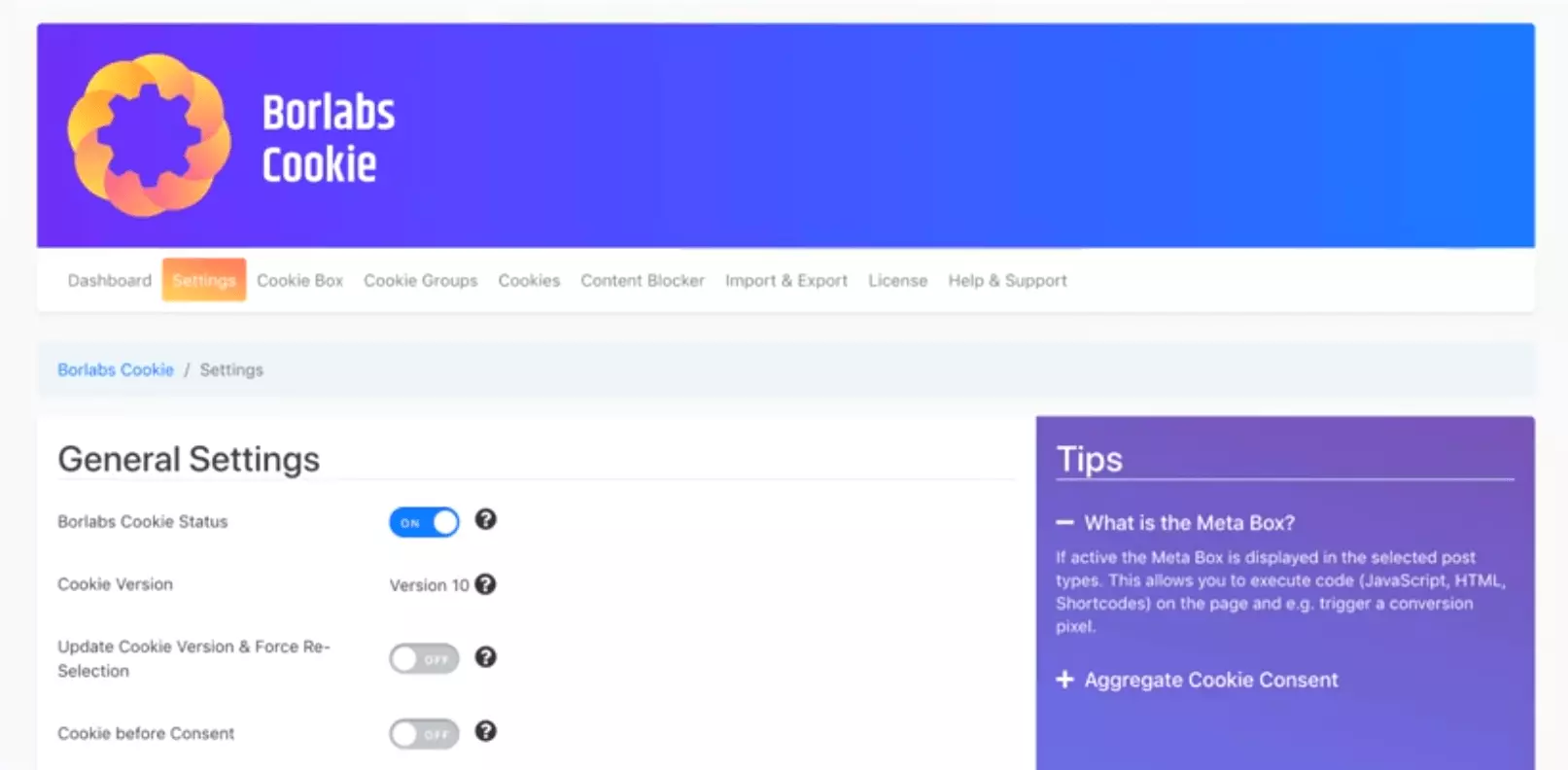
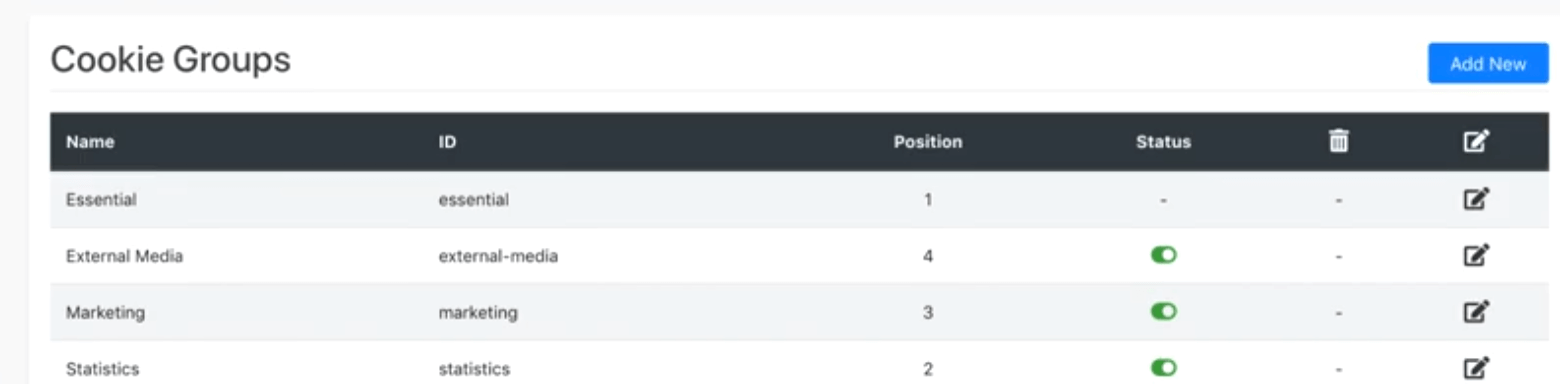
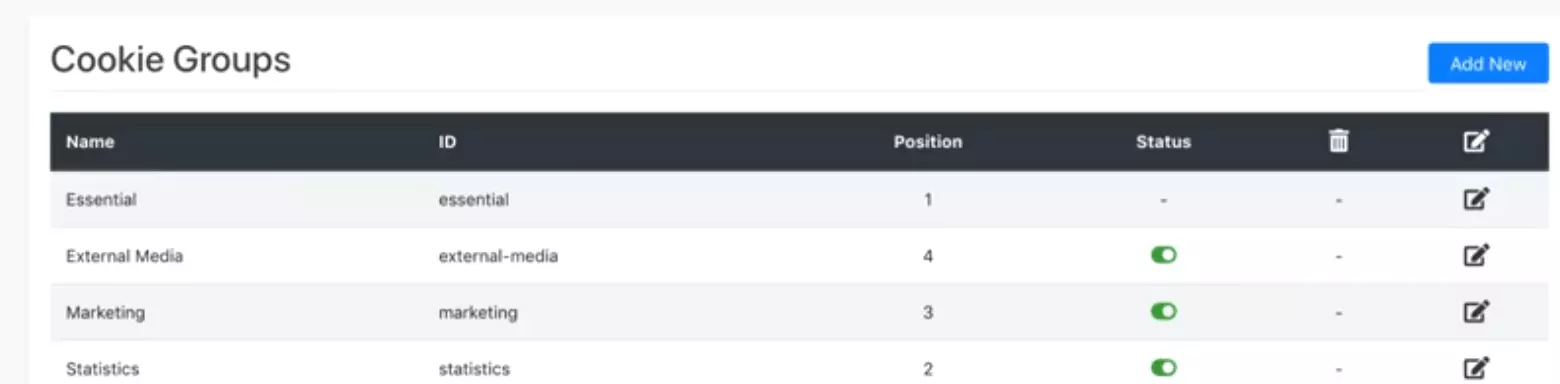
To administer different types of cookies, they can be grouped into different categories. An arbitrary number of cookie categories can be created. Website visitors can then select the cookie categories they’d like to consent to or reject.
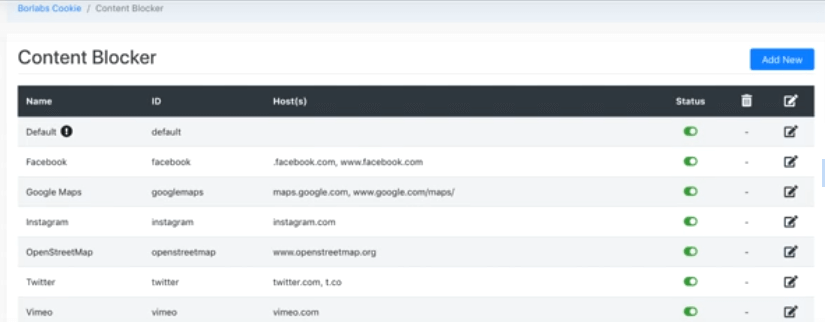
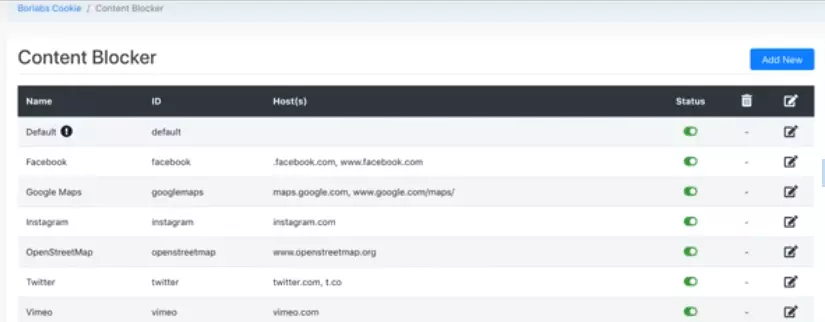
Aside from managing “classic cookies”, Borlabs also provides a content blocker for social media channels such as Facebook, Twitter, or YouTube. When social platforms are embedded on a website (e.g. a YouTube video), IP addresses of users are only shared with the relevant social network once a user agrees.
| Advantages | Disadvantages |
|---|---|
| Numerous options to adapt to individual demands | Not free of charge, annual subscription model |
| Extensive functions that go beyond pure cookie management | No test version |
| Cookie opt-in banner in suitable design | Cookies to be blocked have to deposited manually within the settings |
| Good content blocker | Currently no integrated cookie scanner |
| Statistics function to improve number of opt-ins | |
| Adjustable cookie categories | |
| Prevalent cookies are pre-installed – simple integration thanks to tracking ID | |
| Good support |
Complianz
Complianz is a good alternative to Borlabs and has been specifically designed for beginners. The basic version of the plugin is available free of charge. The extension can be easily installed from WordPress’s plugin menu.
Another advantage of Complianz is its settings assistant which greatly simplifies the process. The integrated cookie scanner automatically detects where action should be taken. To be sure, one should always check the availability of cookies using an external scanner.
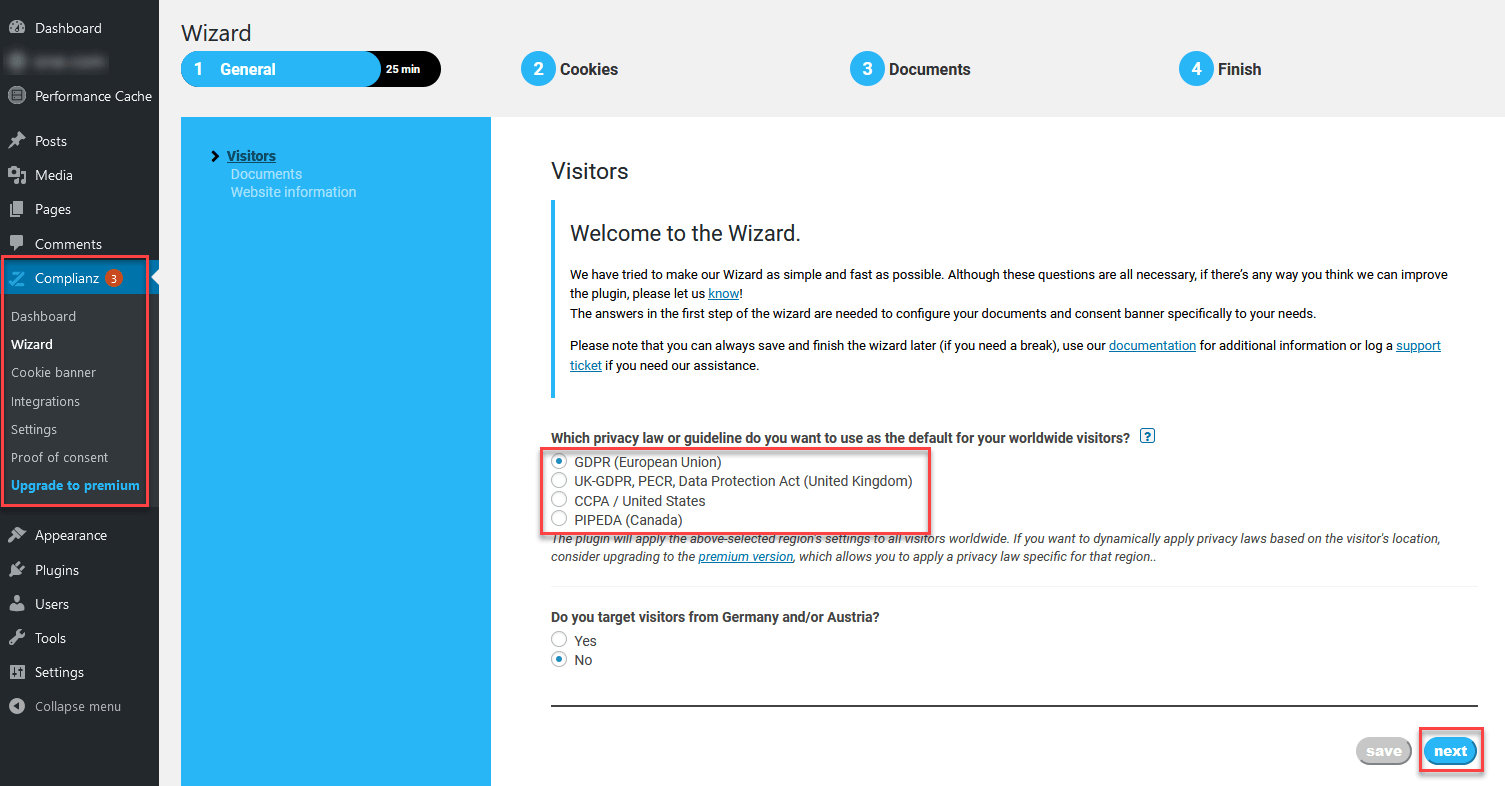
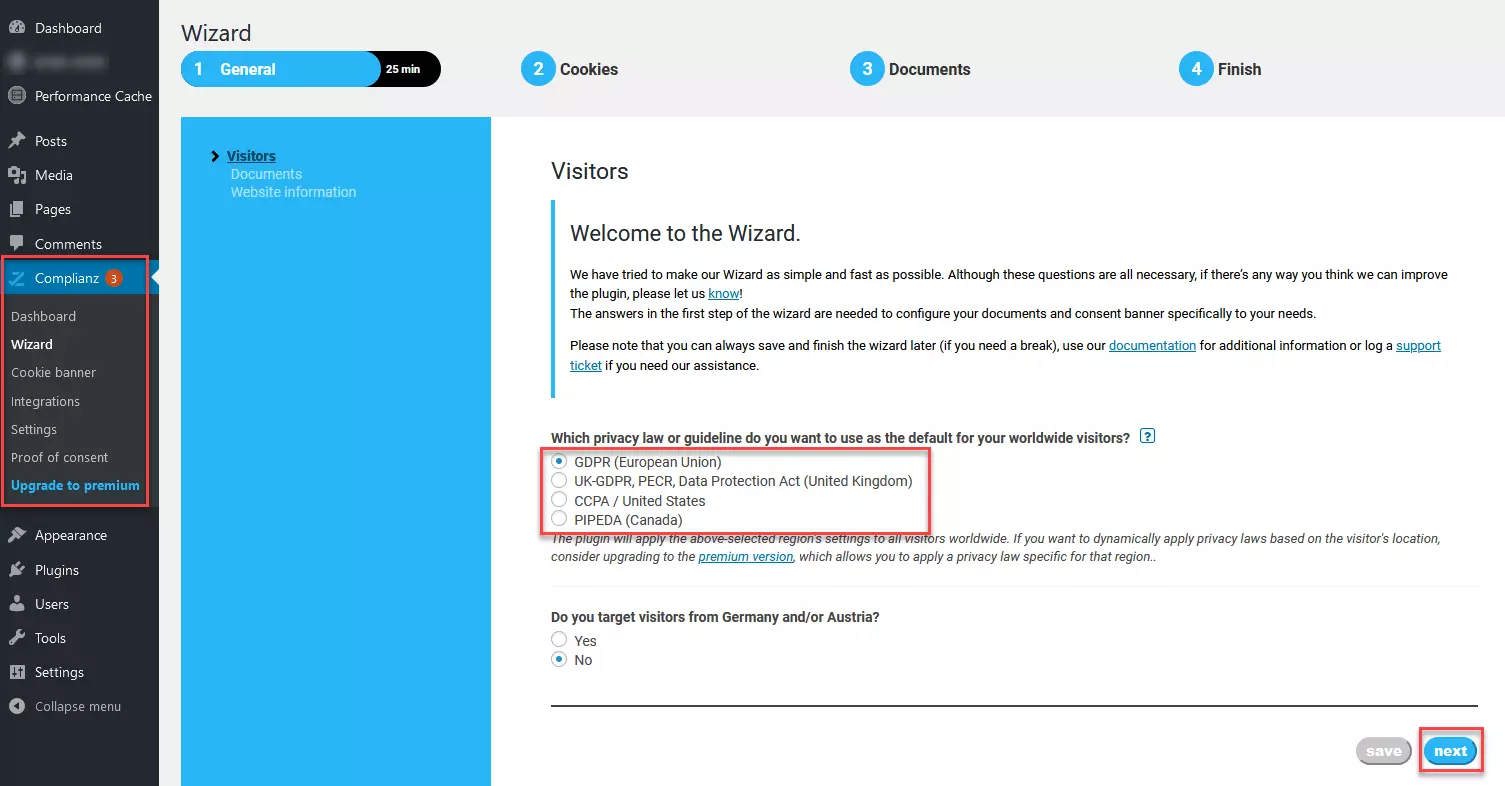
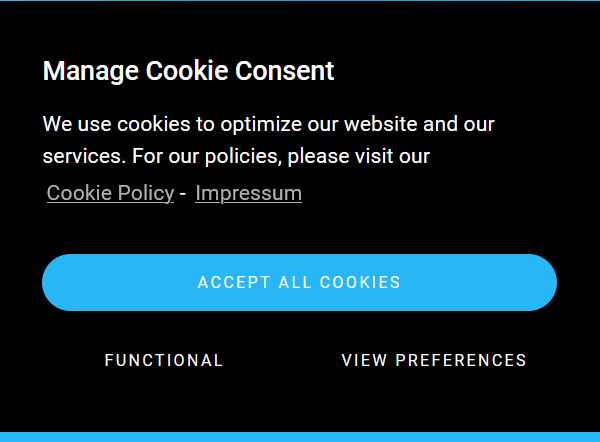
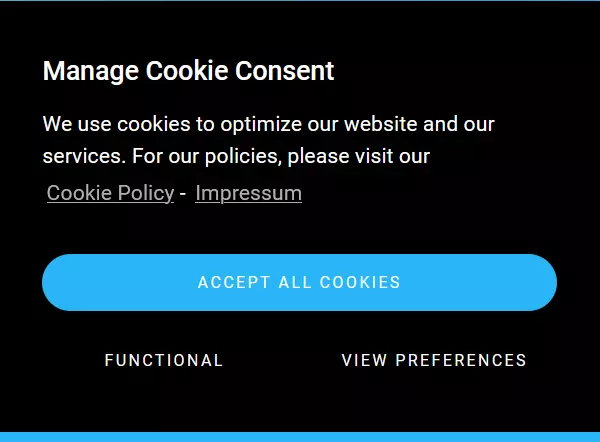
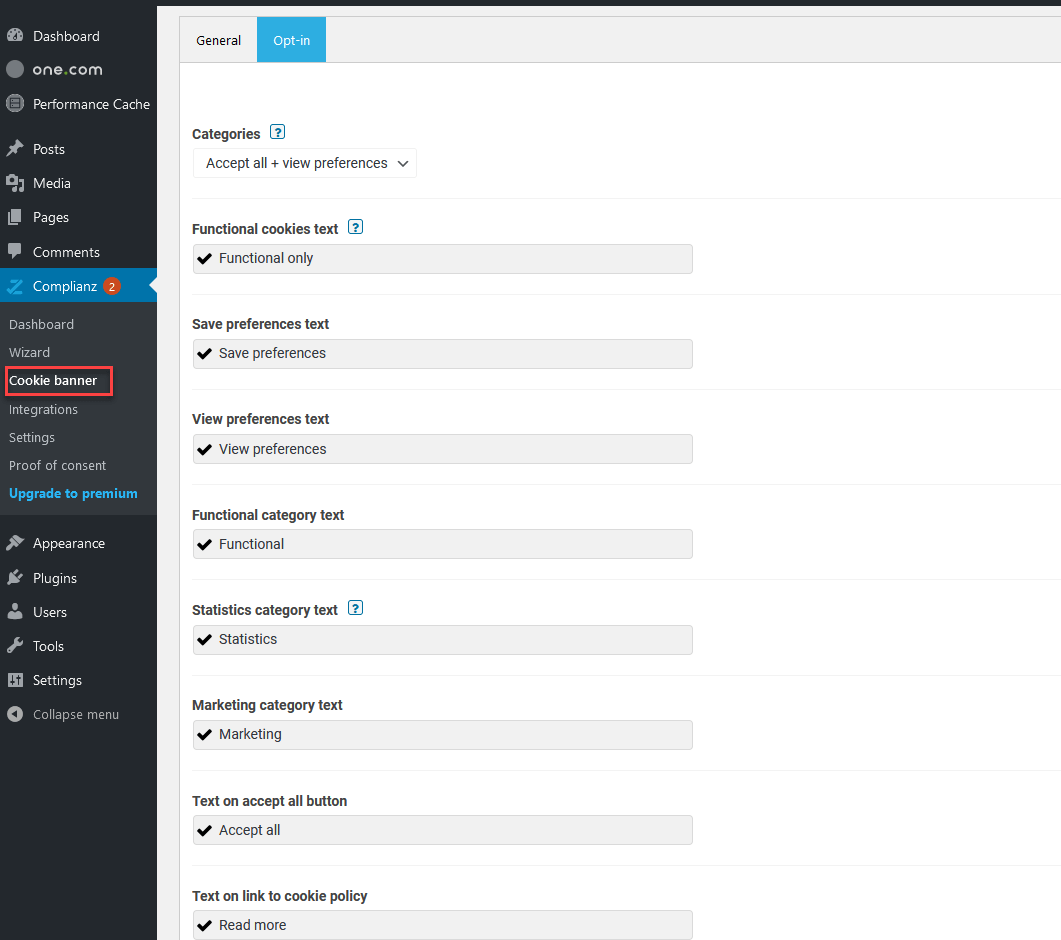
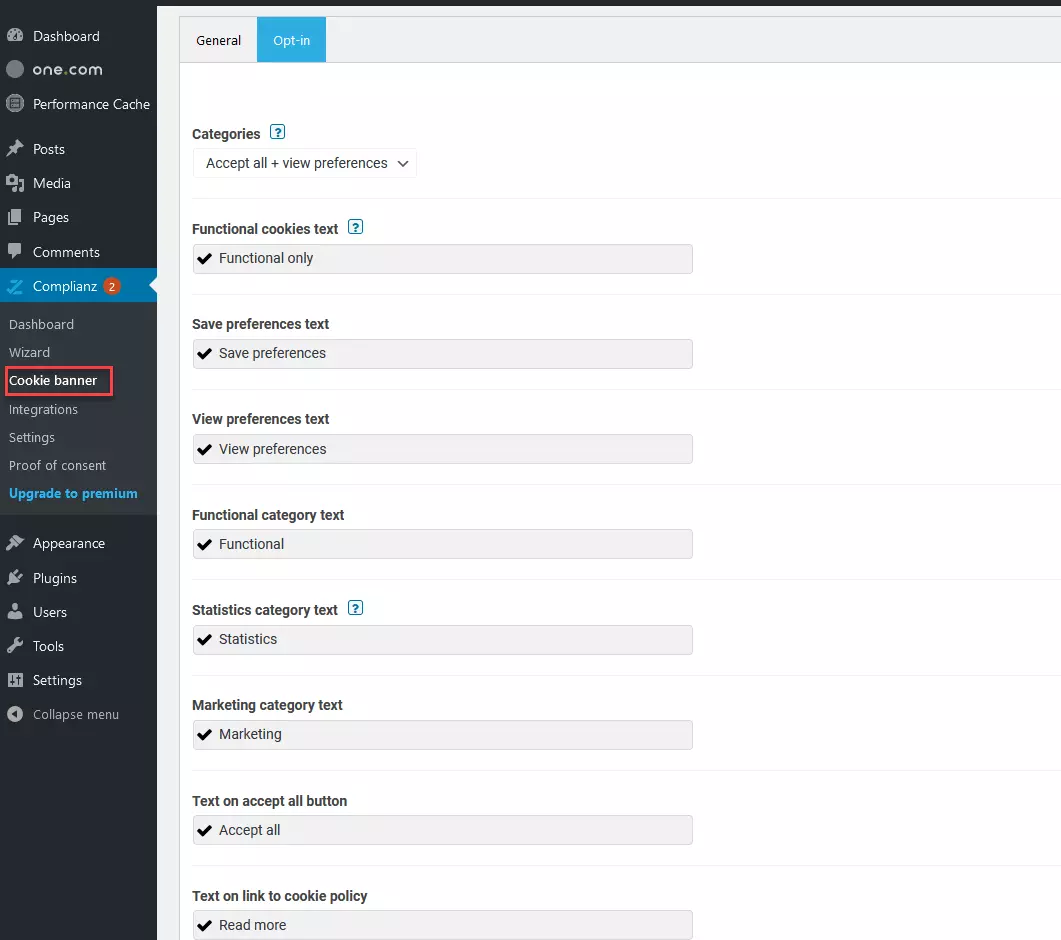
The Cookie Banner by Complianz offers various options for adjustments, enabling users to create compliant WordPress cookie notices.
| Advantages | Disadvantages |
|---|---|
| Beginner-friendly | Only predefined cookie groups, individual cookie groups can’t be defined |
| Easy-to-use set-up assistant | Premium version a little more expensive than comparable plugins |
| Automatic detection of cookies – integrated cookie scanner with weekly scans | |
| Content blocker | |
| Free version with useful basic functions | |
| Option to adjust settings of cookie banner | |
| Very good support |
Cookiebot
Cookiebot is a cloud-based solution searching for cookies on websites regularly. Cookiebot provides the prerequisites to create compatible opt-in cookie banners. Like most quality cookie plugins, it promises to block all cookies until a website visitor explicitly agrees to their use.
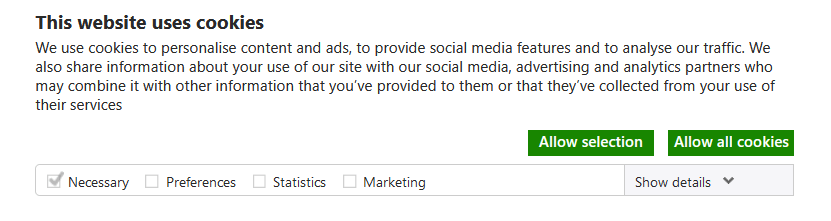
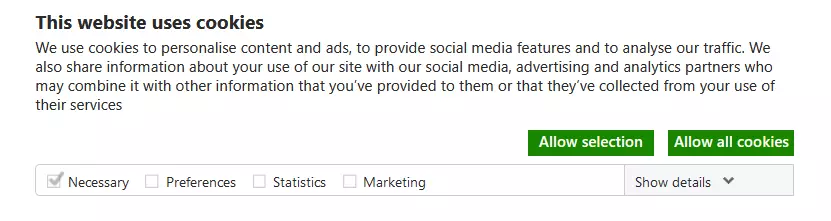
Being a cloud solution means that Cookiebot works across almost any type of website. To use Cookiebot, the plugin is installed via the WordPress backend. Additionally, users will need to register their WordPress site on Cookiebot. The user account dashboard provides the main settings.
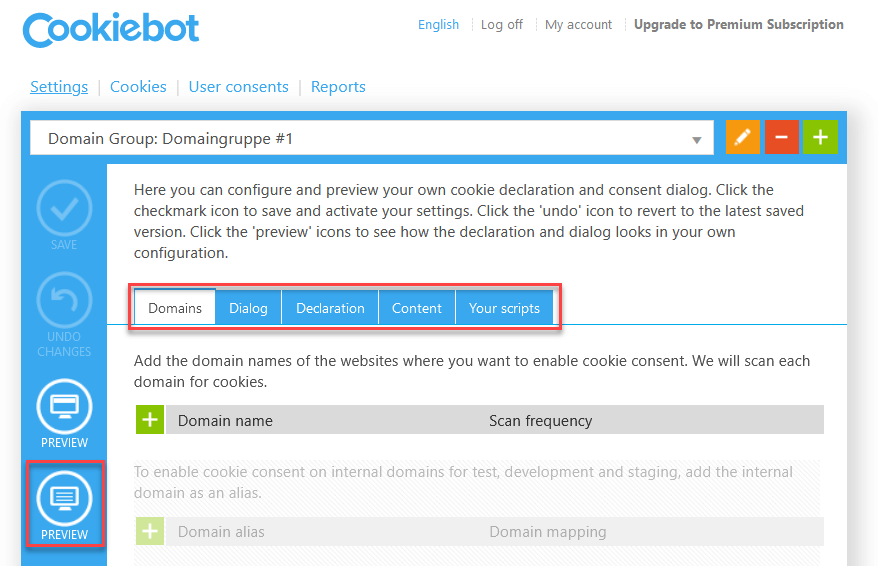
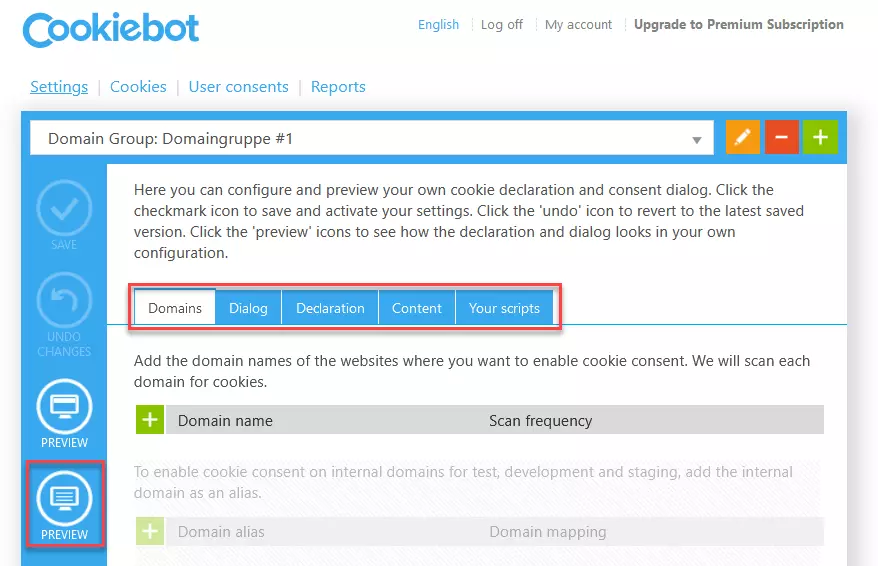
In line with monthly scanning, Cookiebot separates used cookies automatically into various categories – unknown cookies can be manually allocated. Importantly, cookies are auto-blocked until a user actively consents to their use.
| Advantages | Disadvantages |
|---|---|
| Automatic detection of cookies | Integration with external script – cloud-based solution |
| Systematic blocking of cookies until website visitor opts in | Content blocker unable to block all external resources, only blocks cookies without sharing IP address with third-party providers |
| Cloud-based solution – compatible with any website, including any WordPress website | |
| Content blocking option |
Cookie Notice
With over 1 million downloads, Cookie Notice is among the favorite free WordPress cookie plugins. However, it only fulfills the most basic functions of an opt-in cookie plugin and its design can appear outdated. Its advantages include its simplicity of use and its free availability. The plugin is a good solution for private websites.
Free plugins such as Cookie Notice publish updates less regularly. Once installed, it’s important to check whether Cookie Notice can adequately fulfill the functions it was installed for.


Cookie Notice can be installed in a few simple steps:
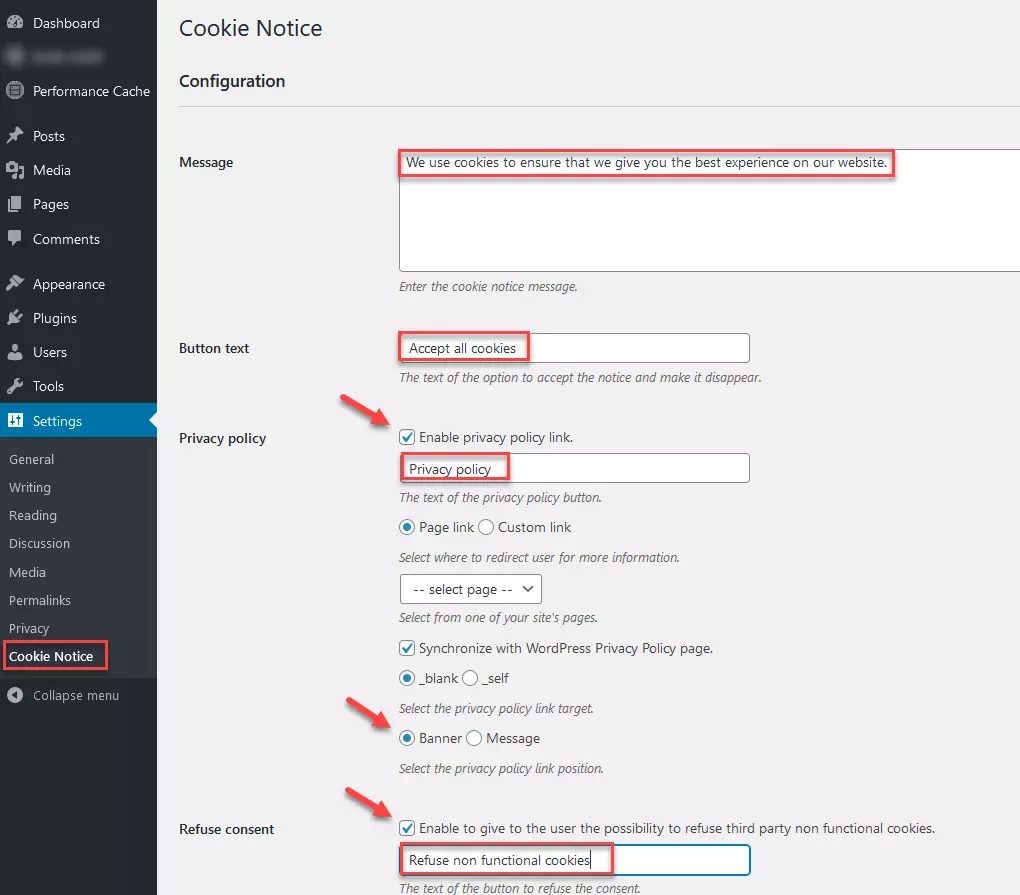
Step 1: Open settings, decide on cookie information and button text, change main settings. Following the installation of the plugin, click on “Cookie Notice” in the “Settings” menu on the left side of the WordPress backend. Now make the desired changes to your main settings. Create an accompanying text for your cookie notice. Decide on the names for the various buttons. When creating an opt-in cookie notice, make sure you activate the relevant opt-out option first.
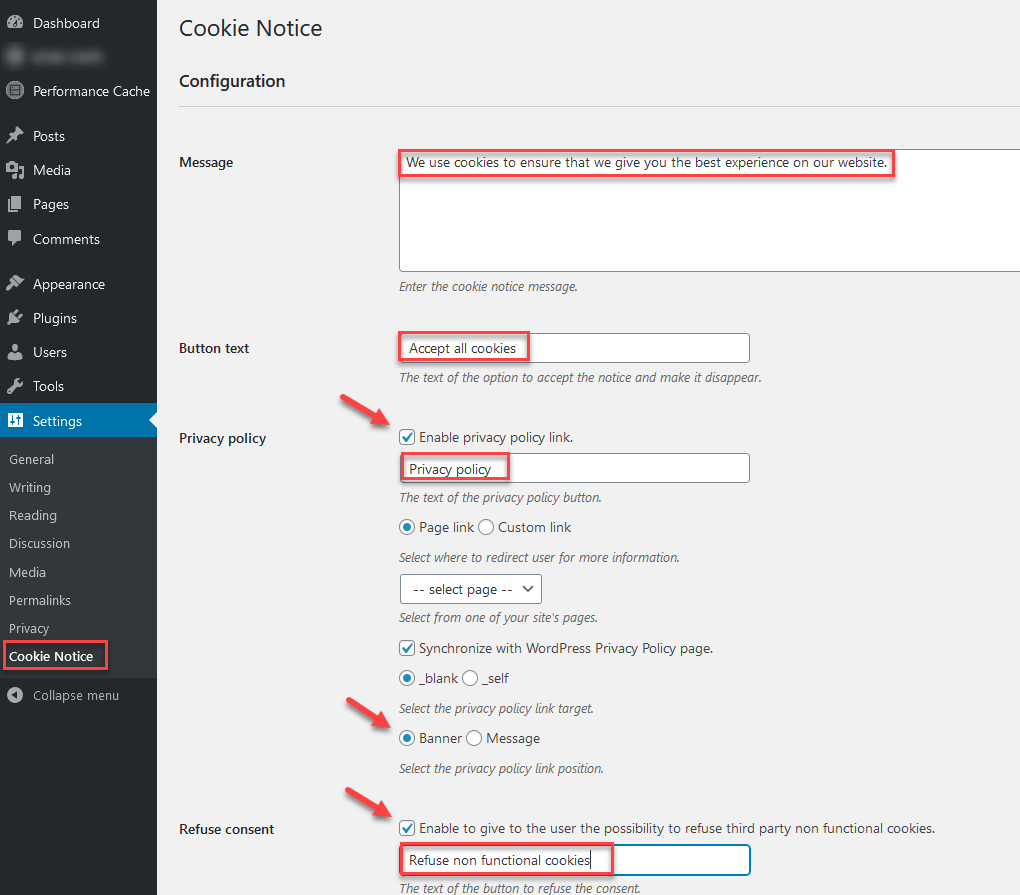
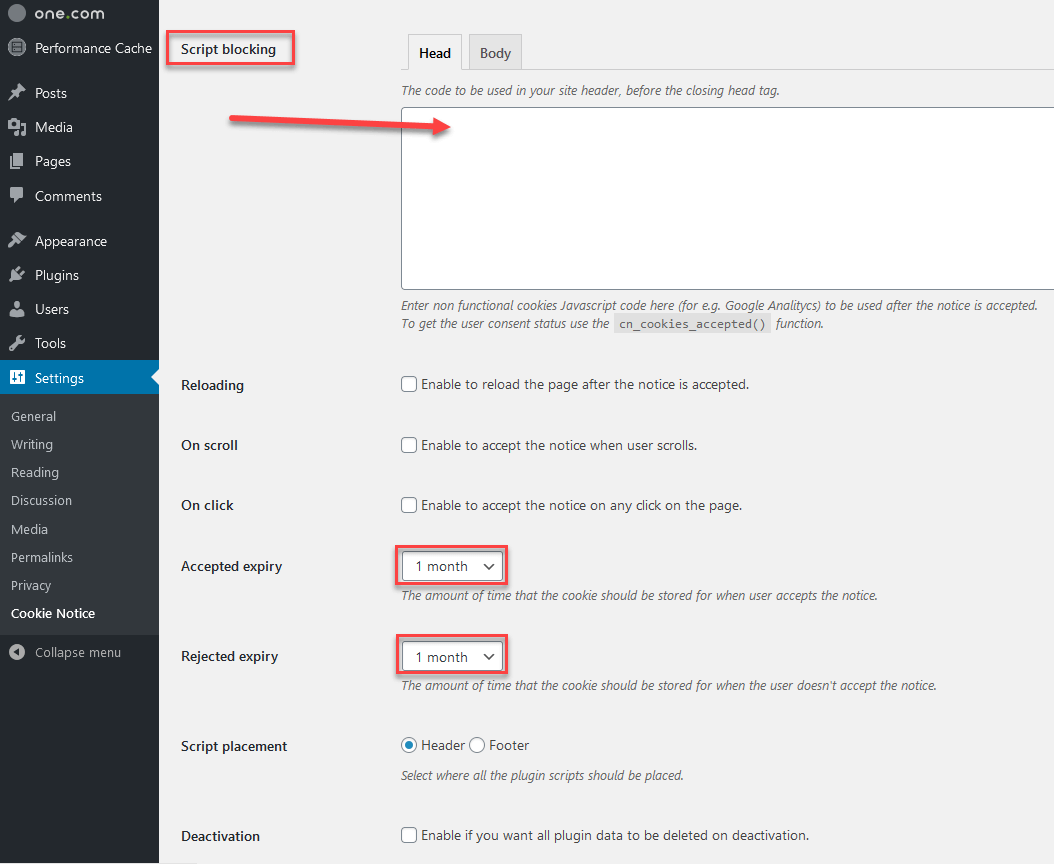
Step 2: Enter cookie codes by third-party providers into the “Block script” field. Then delete all cookie codes on the website. This is an important step. For the opt-in feature to work correctly, all cookie codes should be exclusively assigned to the “Block script” field of the plugin. Simply copy existing cookie codes from the header or body of a website into the relevant field. The cookie codes are then only activated when a user consents to them.
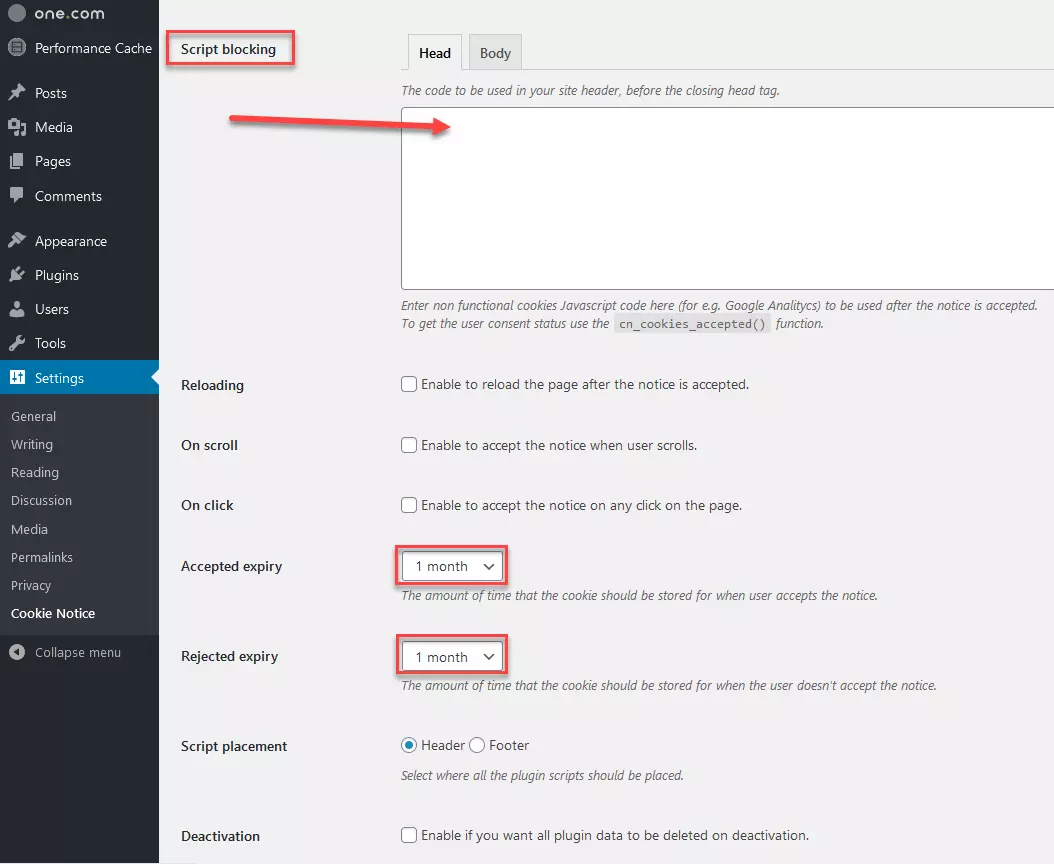
You can then decide how long settings should be stored or when permission for the use of cookies has to be obtained.
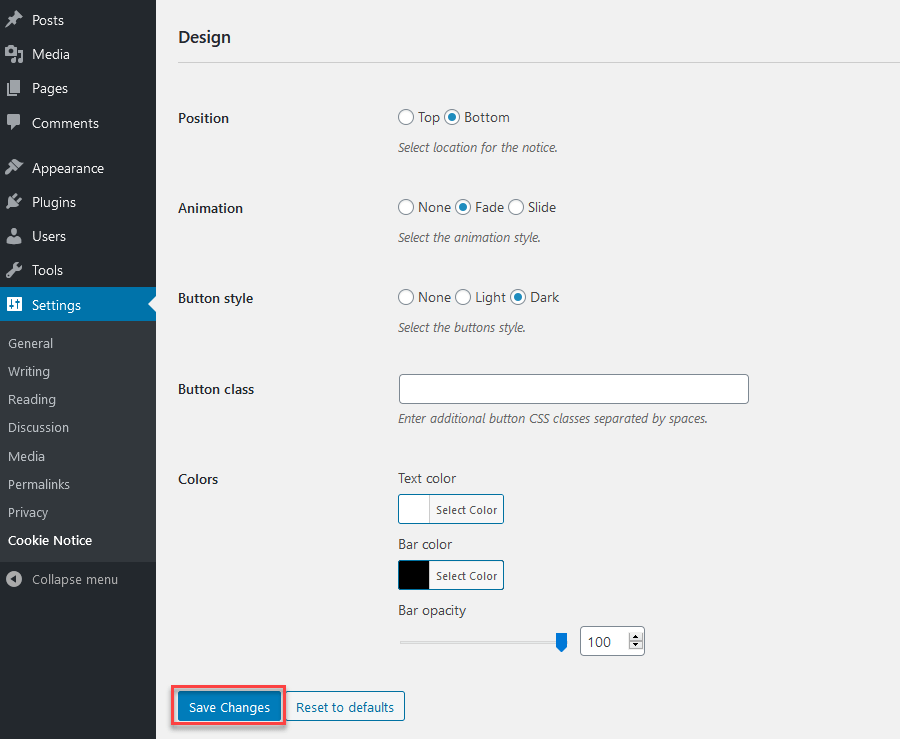
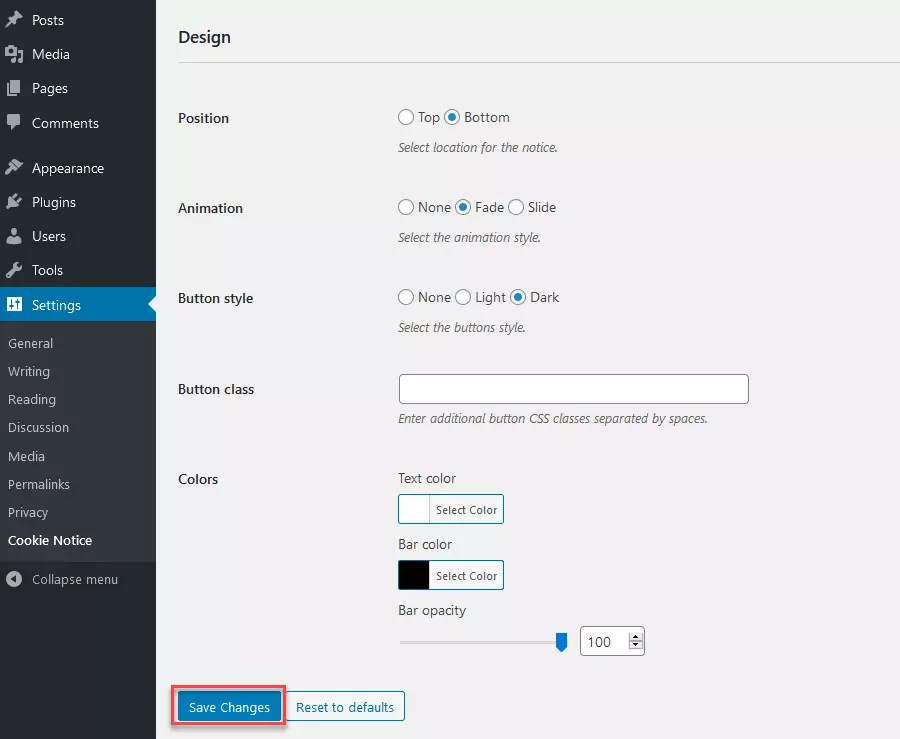
Step 3: Finally, scroll to the bottom of the page and access the design settings. These allow you to decide whether you want to display the cookie notice at the top or bottom of a page and which color the text should have. Confirm your changes by clicking on “Save Changes.”
Step 4: Once everything is set up, you should check the WordPress cookie notice in different browsers to ensure it works correctly.
| Advantages | Disadvantages |
|---|---|
| Simple and clearly laid-out overview of settings | No differentiation between types of cookies possible |
| One of the most frequently used WordPress cookie plugins | Users must deal with chunks of cookie code; presets not available for cookies by common providers such as Google Analytics |
| Available free of charge | Fewer features, minimal possibilities to design cookie banners, outdated design |
Real Cookie Banner
Real Cookie Banner is the cookie banner and consent management solution for WordPress from devowl.io. The plugin provides over 90 customizable cookie notice templates (and customization options to adjust their design) which allow for the quick and easy integration of ePrivacy and legally compliant opt-in notices.
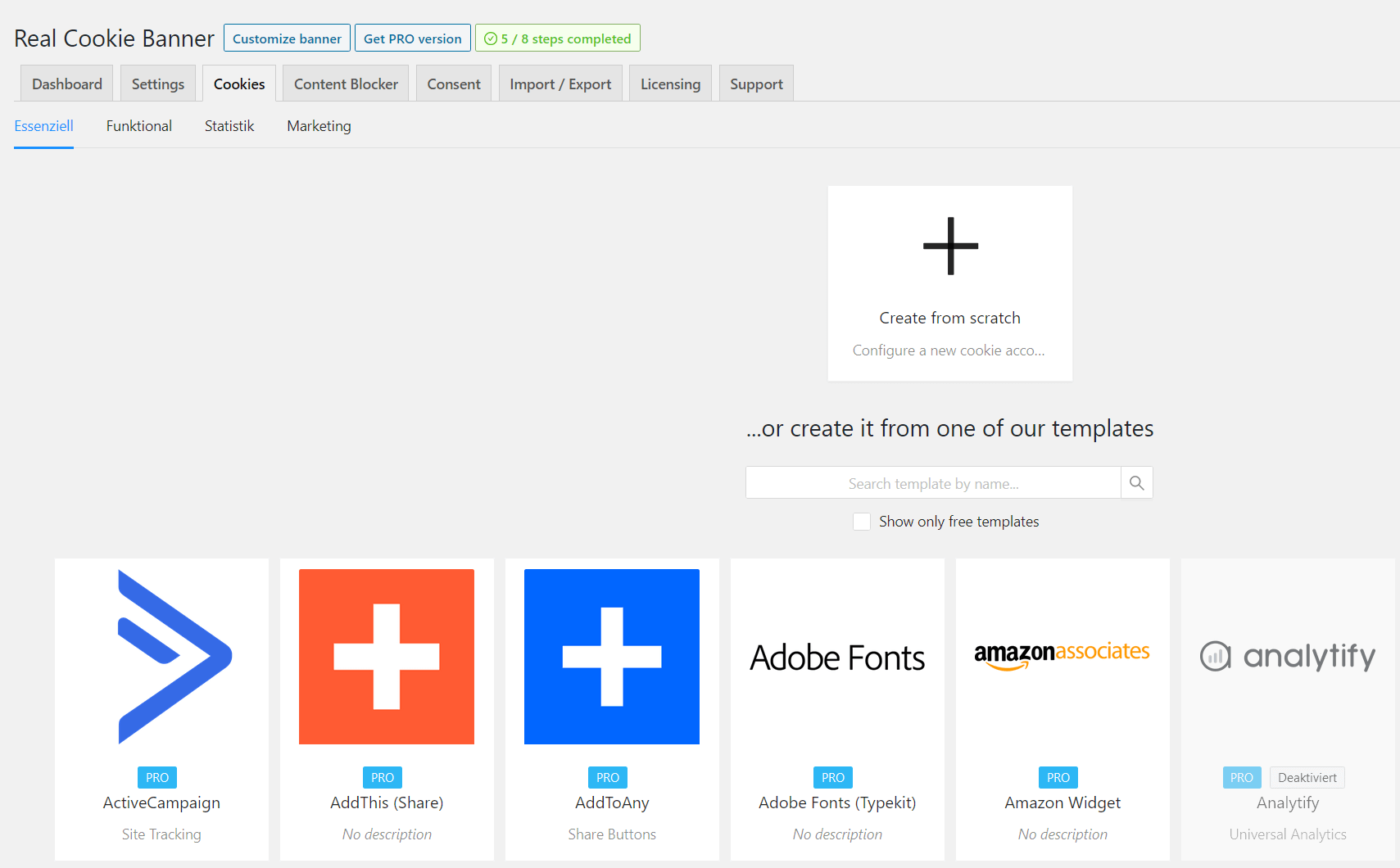
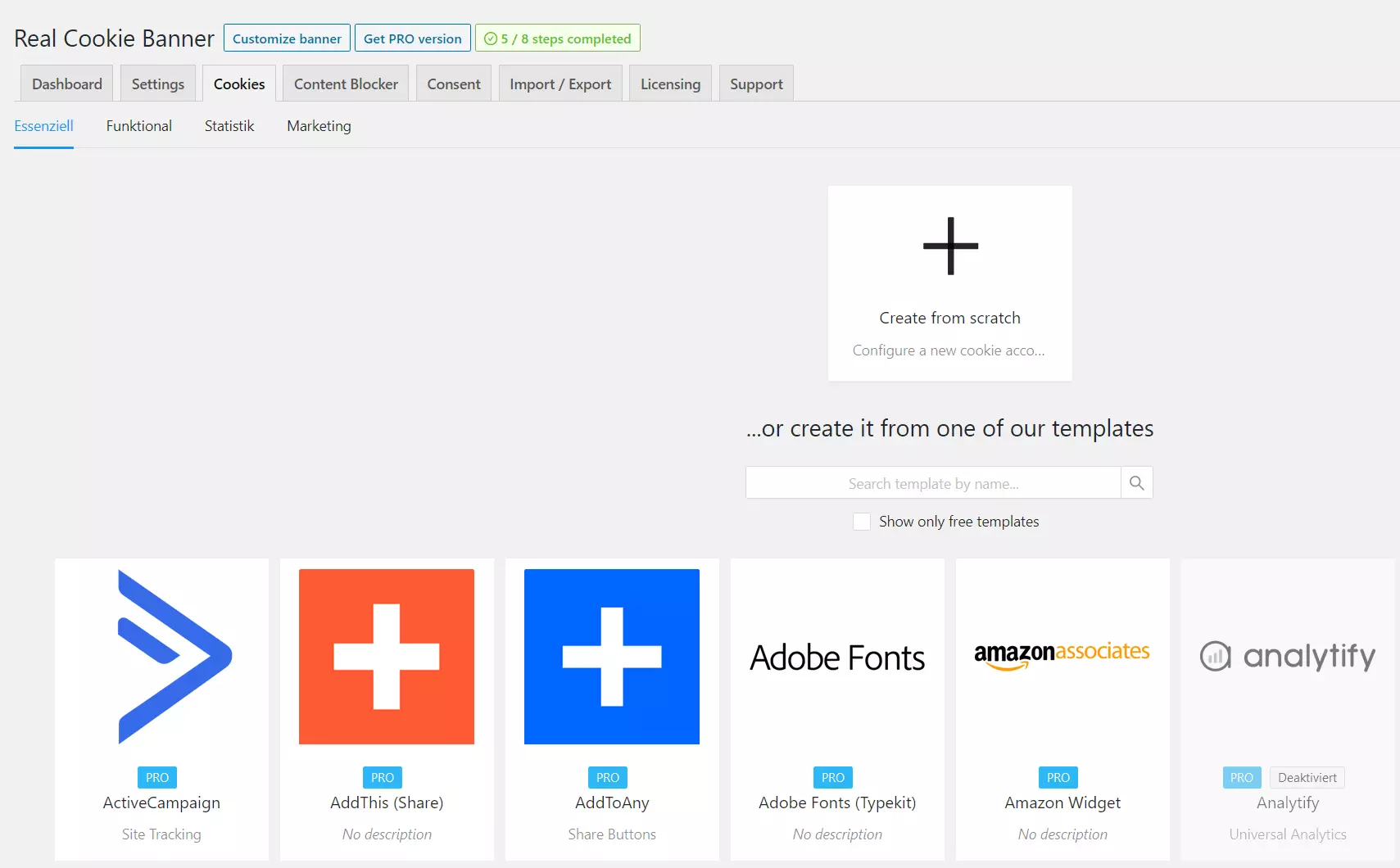
For cookies and other analytics website tools to be actively consented to by a user, Real Cookie Banner provides over 60 content blocking templates for various scripts, styles, services, and content types. Even HTML elements can be blocked until a visitor gives consent thanks to user-defined element blocking. For a better overview, cookies and other analytics elements can be separated into groups. Predesigned groups can be individually adjusted.

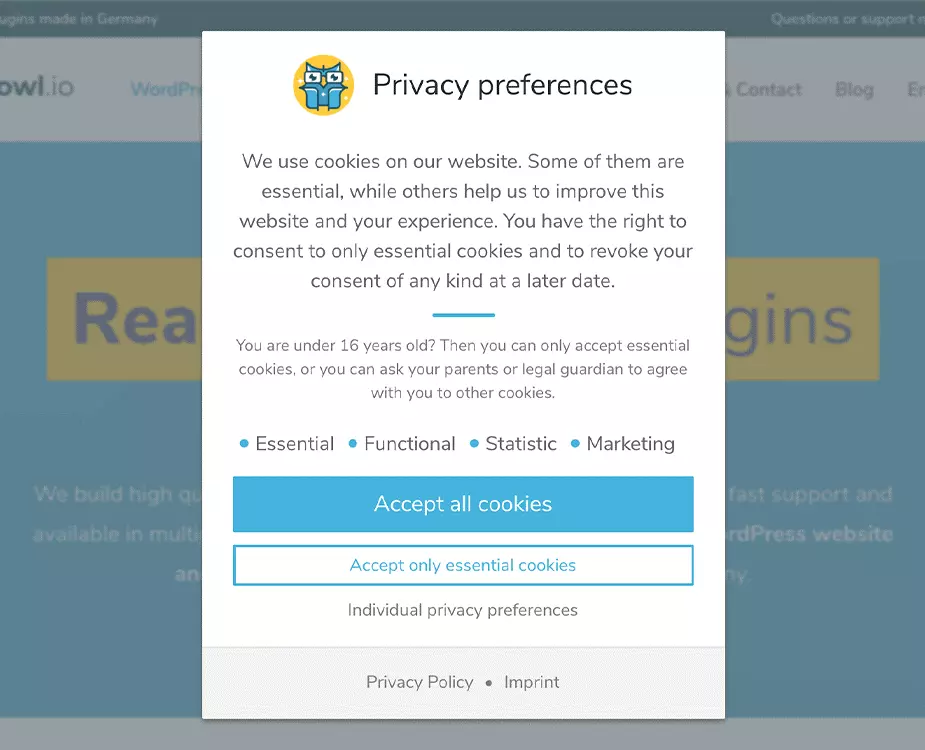
Real Cookie Banner also addresses the issue of adblocking. Thanks to its integrated anti-adblock technology, the WordPress cookie plugin ensures that consent and cookie banners are not detected by ad-block extensions. It’s a feature that many of its competitors do not include.
When it comes to user-friendliness, Real Cookie Banner is a great example of an extension. After installation into the WordPress backend, users can go through a checklist which takes them step-by-step through the process of adding legally compliant notices. The extension even automatically documents the status of consent from visitors, so that website owners have a record of them.
| Advantages | Disadvantages |
|---|---|
| Individually designed groups for cookies and co. | Doesn’t differentiate between EU or international users |
| Integrated anti-adblocker technology | Installation more time-consuming because data security laws are precisely embedded |
| More than 90 instantly usable cookie templates and over 60 content blocker templates | |
| Documents user consent |
Overview of WordPress cookie plugins
Although the WordPress cookie plugins discussed above differ in many aspects, they all share the option to create opt-in cookie banners to meet legal requirements. Which plugin you choose will depend on your individual requirements and whether you accept additional charges.
| WordPress cookie plugin | Advantages | Disadvantages |
|---|---|---|
| Borlabs | + Professional plugin with extensive features+ Common cookies preinstalled+ Good statistics function to optimize cookie opt-in | - Not free, subscription charged annually- Does not include integrated cookie scanner |
| Complianz | + Comfortable set-up assistant+ Automatic cookie detection+ Extensive free version | - No individual cookie categories - Premium version is comparatively expensive |
| Cookiebot | + Comfortable cloud solution+ Automatic cookie detection+ Systematic blocking of cookies if user consent not given | - Integration via external script - Content blocker requires extension |
| Cookie Notice | + Easy to use+ Free of charge+ One of the most used WP cookie plugins | - Outdated design for the cookie banner - Few functions, no cookie categories |
| Real Cookie Banner | + Records user consent + Fair price-performance of pro editions + Integrated anti-adblock technology | - Does not differentiate between EU or international users - Time-consuming installation |
WordPress cookie plugins are only useful if they’ve been set-up to meet existing legal requirements. Because technical and legal demands for compliance continue to be adapted on a regular basis, users should check the function of their WordPress cookie plugins not only after installation but at regular intervals.
Click here for important legal disclaimers.
- Free Wildcard SSL for safer data transfers
- Free Domain Connect for easy DNS setup
Reviewer

Julia Hertler
With over 18 years of experience in content marketing, Julia Hertler has deep expertise in digital communications. For the past 10 years, she has specialized in the areas of domains and hosting at the IONOS Digital Guide, making complex technical topics easy to understand.