

These are the best WordPress SEO plugins

As far as content management systems go, WordPress is among the most SEO-friendly solutions. However, simply using WordPress isn’t enough to ensure your site has a great Google ranking, because the standard version only covers the most basic SEO requirements. If you want more advanced SEO features to help you optimize your website, you’ll need to get a WordPress SEO plug-in (there are both free and paid options).
What functions should a WordPress SEO plug-in offer?
Combined with a caching plug-in (for enhanced performance), the WordPress SEO measures that come as standard are a good basis for any WordPress site. To build on this, you should look for an SEO plug-in that has the following functions:
- Keyword and content analysis: Web pages contain keywords or groups of keywords that boost their Google ranking. A good WordPress SEO plug-in will show you whether you’re using your keywords in the best way and identify elements that require optimization.
- Optimization of meta tags: Another thing Google looks at when ranking sites is meta tags, in particular the meta title and meta description. It’s a good idea to pick a WordPress SEO plug-in that lets you customize the robots meta tags too. This will allow you to tell Google exactly which pages to index, for example.
- Screening of duplicate content: The more pages you add to a website, the harder it becomes to keep track of everything. Duplicate content can creep in very quickly. In the worst case, this can cause your site to drop down the rankings. You should, therefore, look for an SEO plug-in that will warn you about duplicate content.
- Creation of an XML sitemap: The purpose of an XML sitemap is to speed up the indexing process. The sitemap is uploaded to the Google Search Console or Webmaster Tool to tell search engine crawlers which pages are relevant and how to reach them.
If you’re planning to make major changes to your website, it’s best to do a backup first. We’ve put together a list of WordPress backup plug-ins.
The best WordPress SEO plug-ins
The WordPress directory contains lots of different SEO optimization plug-ins. But which ones actually do everything you need? To help you choose, we’ve identified three plug-ins that tick all the right boxes. See below to find out how they can help you optimize your site.
Yoast SEO
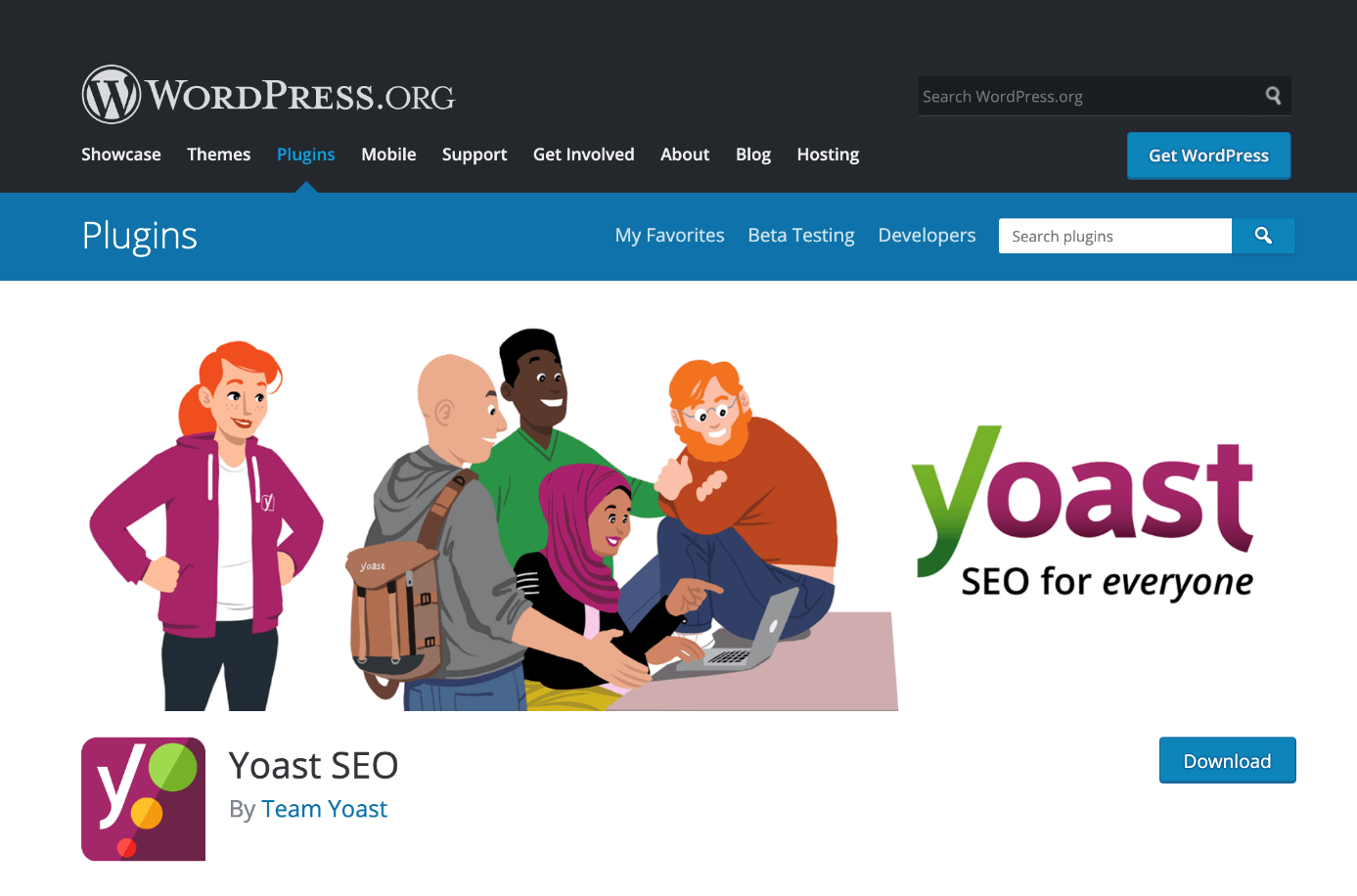
Yoast SEO has over 5 million active installs (correct as of June 2020), making it one of the most popular WordPress SEO plug-ins. This is largely thanks to its user-friendly interface and extensive range of functions. Yoast comes in two versions – free and premium. Both are installed just like any other plug-in. The premium version offers more advanced features and functions, but all of the most important SEO optimization tools are included in the free version. Here’s what you get:
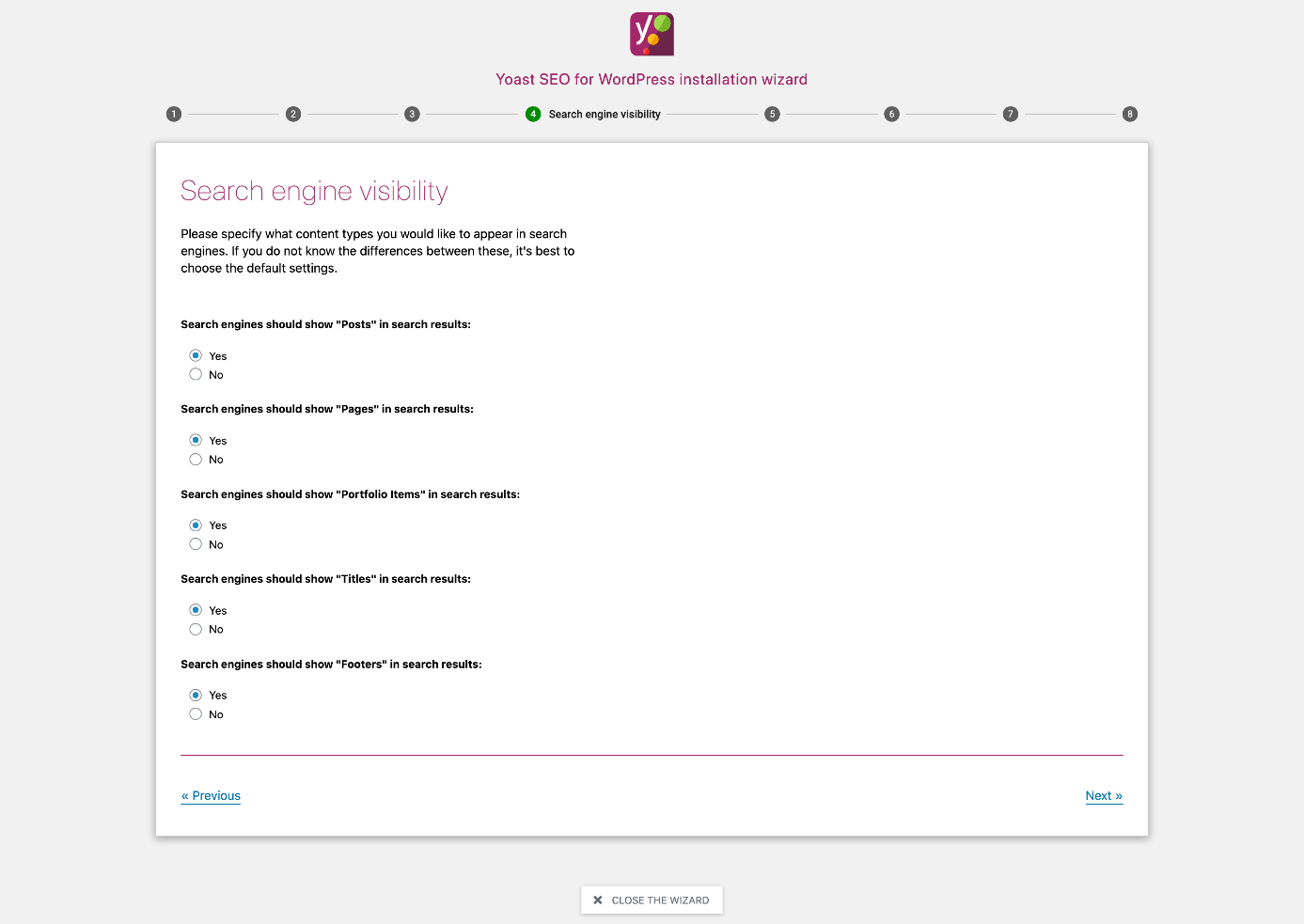
Yoast SEO installation wizard
The Yoast installation wizard helps you configure all of the basic SEO optimization settings. It’s especially helpful for newbies.
Definition of meta data and indexing settings
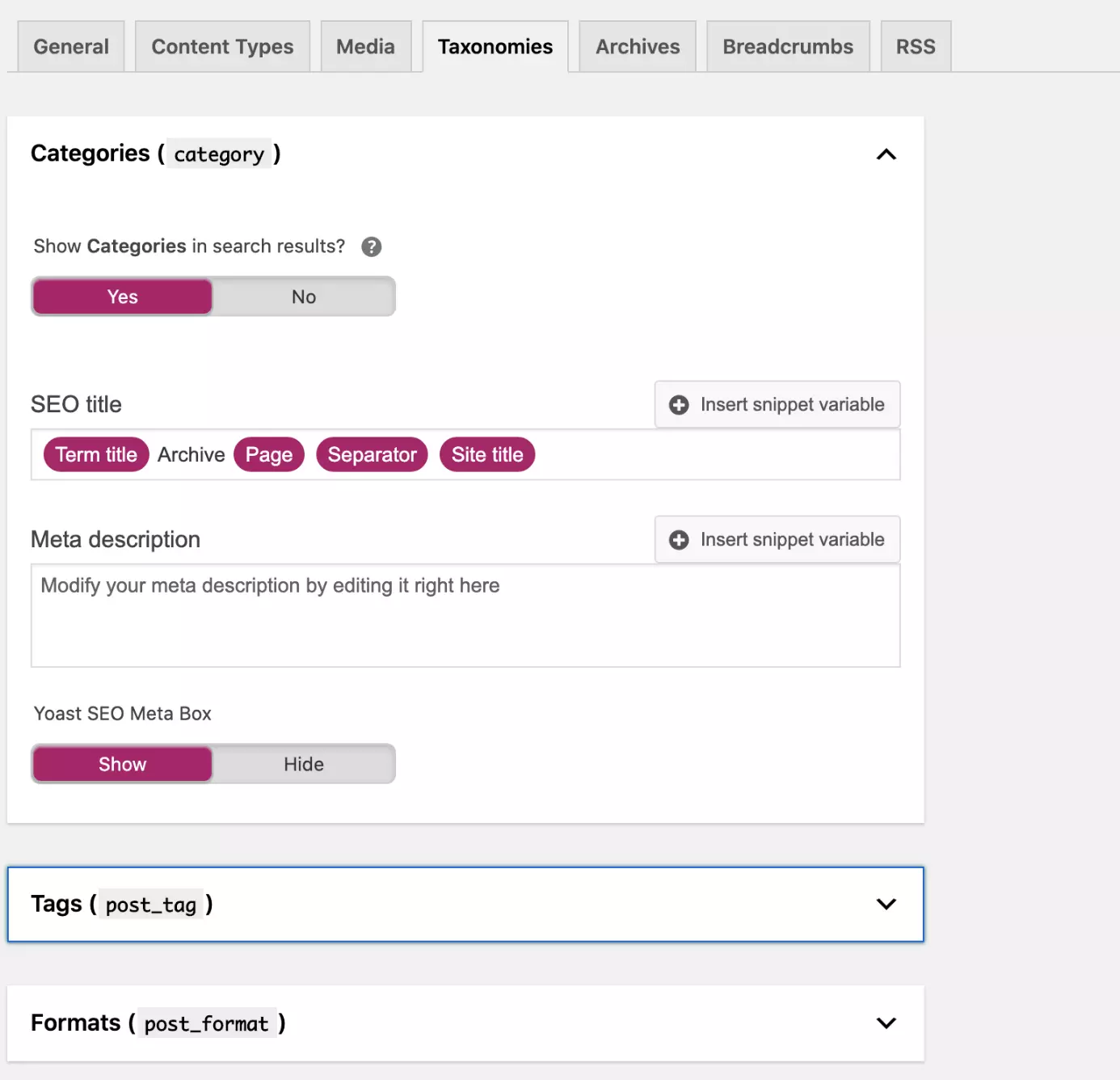
In the “Search appearance” section you can define which pages Google should index and what the corresponding meta titles and descriptions look like. Taxonomies like keywords and categories often contain the same content. By carefully configuring the settings in your WordPress SEO plug-in you can avoid duplicate content – and the resulting slide down the rankings.
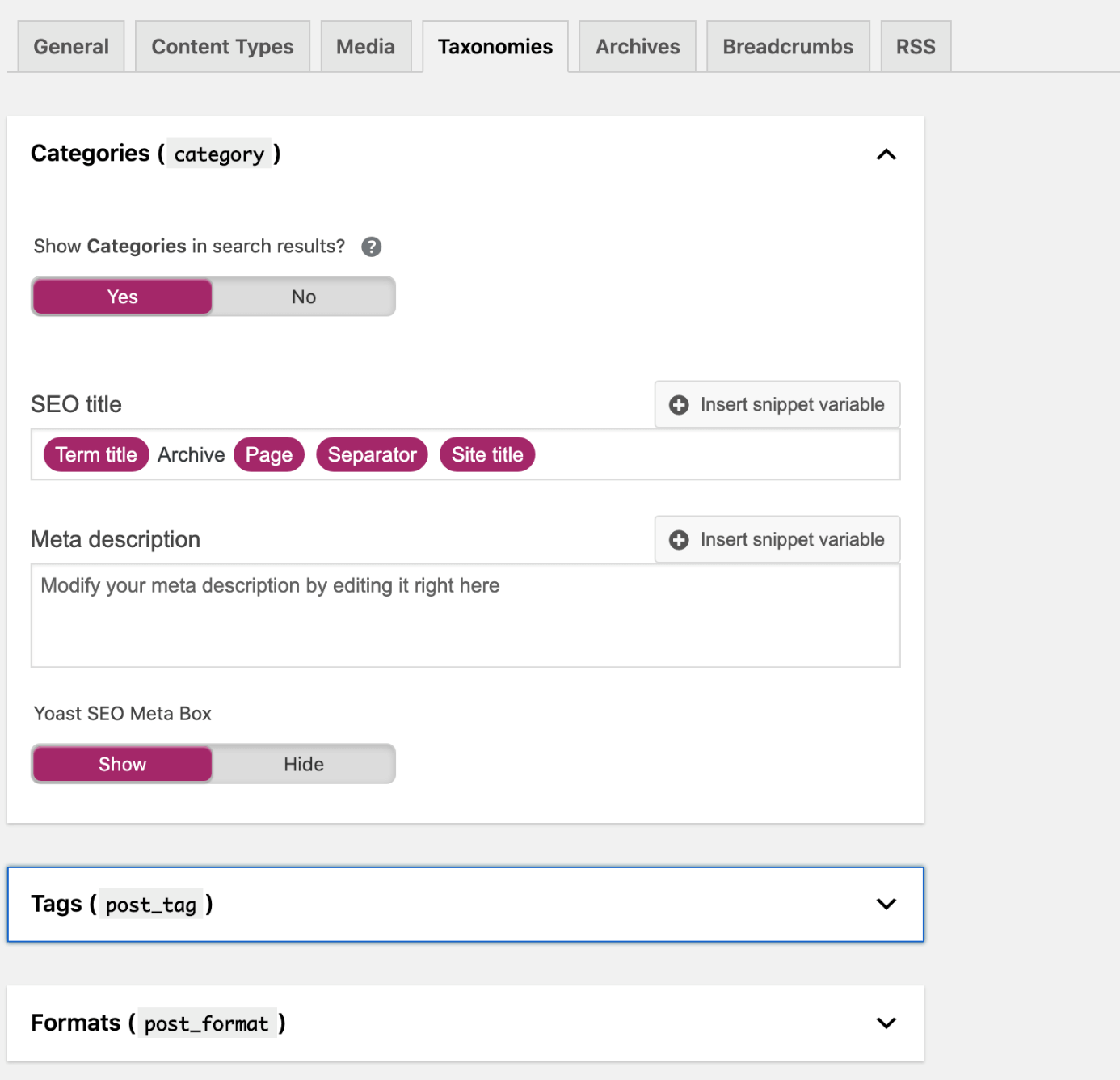
You can change the indexing settings and meta data for specific posts or pages directly on the corresponding page. To do this, simply open the “Google preview” for the page in question.
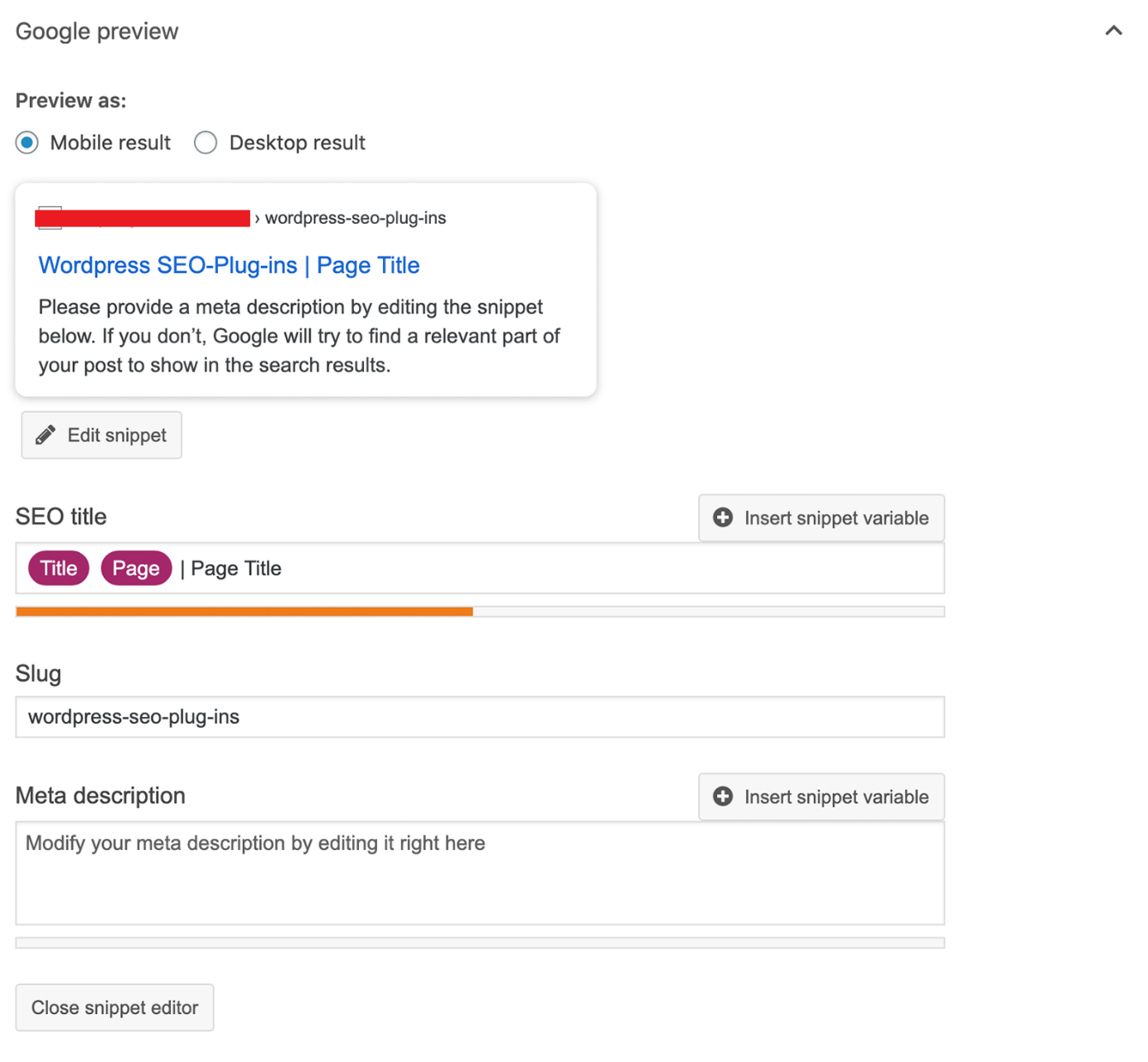
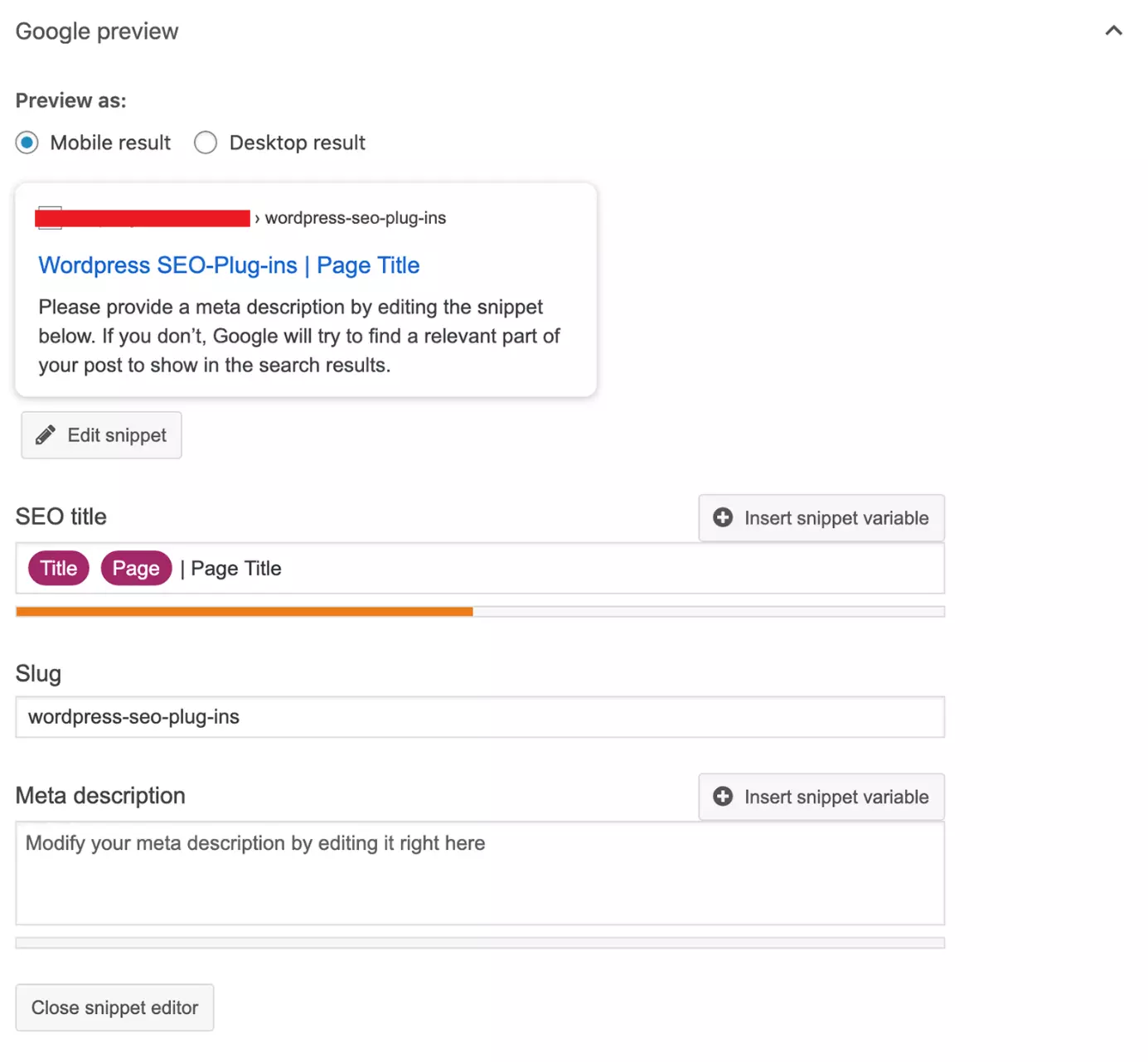
Just below the meta title and meta description you’ll see a colored bar. The bar will be green, orange, or red depending on how well your meta data is optimized. This is Yoast’s way of showing you where you can make improvements. The preview feature is also very helpful because it gives an idea of what your meta data will look like in the Google search results.
To define whether or not Google indexes a particular page or post, you’ll need to go into the “Advanced” tab. In this tab you can also enter a canonical URL and configure the advanced meta robots settings.
SEO analysis of individual pages
The free version of Yoast SEO only lets you define one focus keyword (the keyword you want the page to rank for). In the Premium version you can enter multiple similar keywords or synonyms. Yoast SEO uses the same traffic light system to tell you how well you’ve optimized your page.
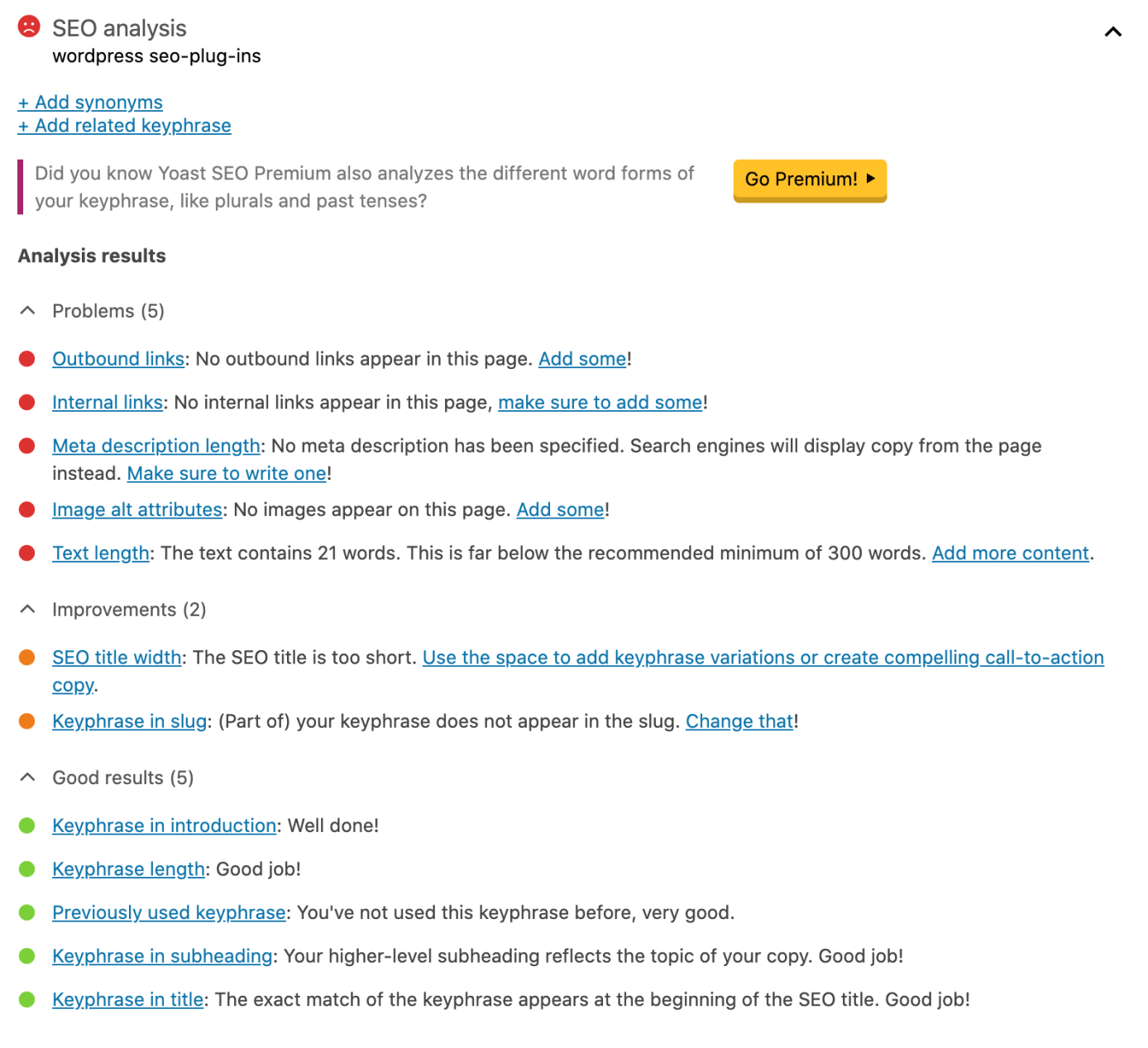
To avoid keyword stuffing, if you’re using the free version of Yoast SEO, you should only use the traffic lights as a rough guide, because Yoast won’t take any synonyms or similar keywords into account.
When it comes to picking the right keywords, keyword tools such as Keyword Planner, Google Suggest, and Google Trends can be very helpful.
Readability analysis
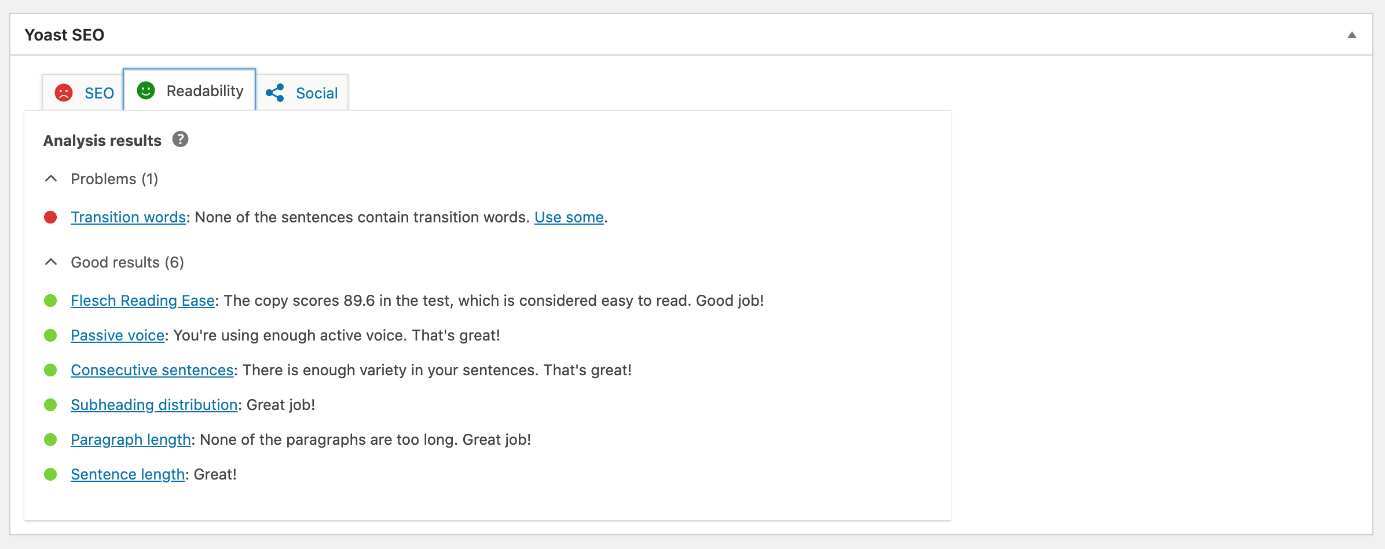
The Yoast SEO plug-in uses the Flesch Reading Ease Score to evaluate how easy content is to read. It also analyses sentence and paragraph length and looks at how subheadings are distributed in your text. The traffic light system is used here too.
Other functions in Yoast SEO
- XML sitemap
- Connects with the Bing and Google Webmaster Tools
- Links to social media channels, including Open Graph meta data and Twitter Cards
- Breadcrumbs with various display options (to use this feature, you need to add the required code first)
- Editable robots.txt and .htaccess files
- Bulk editor for changing the meta titles and descriptions of multiple pages at once
- Redirect Manager (Premium version)
- Support (Premium version)
- Support for internal links, with link suggestions (Premium version)
Yoast SEO: Overview of advantages and disadvantages
| Advantages | Disadvantages |
|---|---|
| User-friendly interface and intuitive feel | Some functions are only available in the Premium version, e.g. multiple keywords/synonyms |
| Regularly updated to reflect changes to the Google algorithm | No 404 monitor |
| Highly compatible with other WordPress themes and plug-ins | Code is slightly overloaded, meaning the plug-in can cause slow load times and security vulnerabilities |
Rank Math
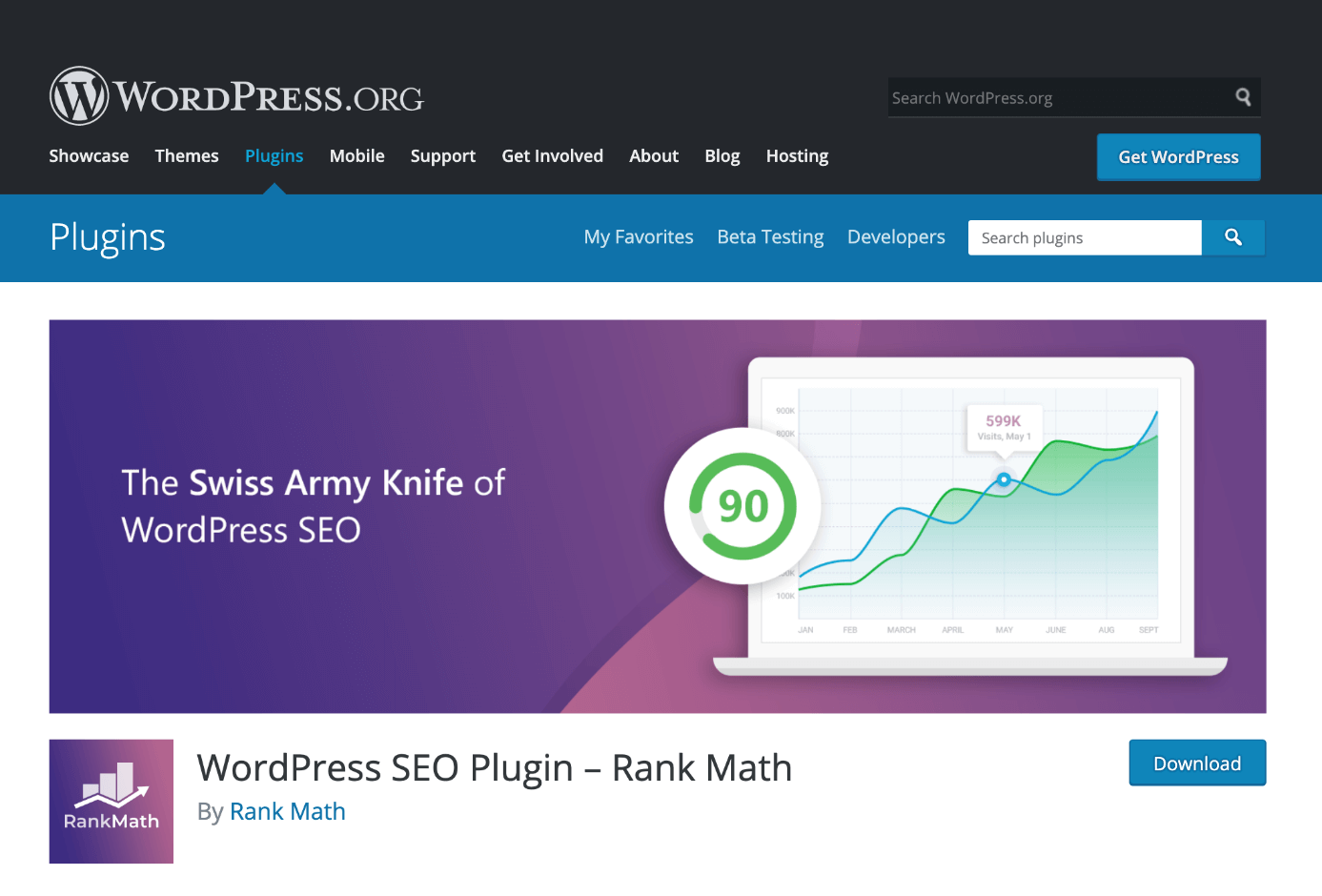
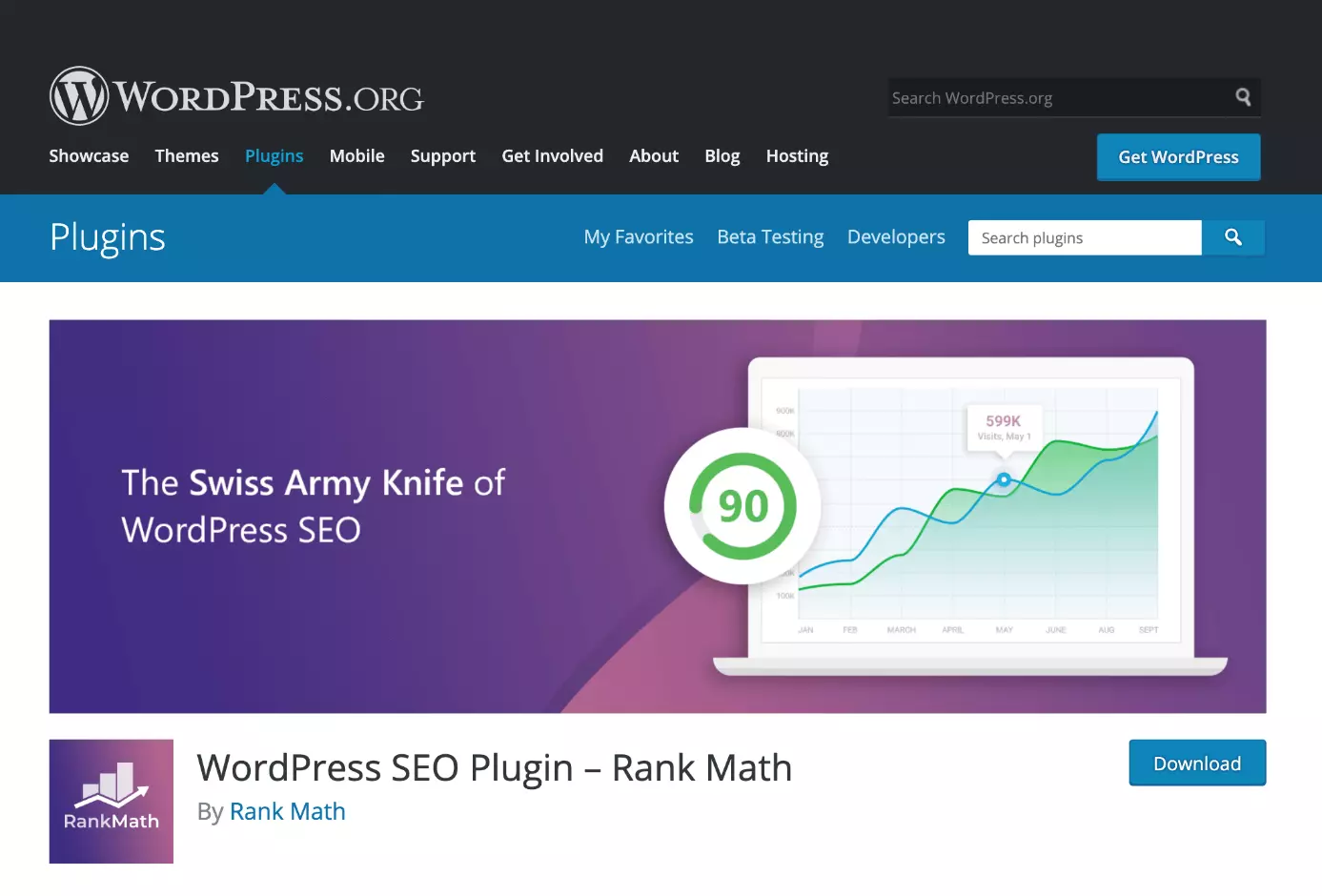
Rank Math was launched in November 2018 and has been steadily gaining in popularity ever since – something which comes as no surprise given its user-friendly interface and the fact that it is arguably the most feature-rich WordPress SEO plug-in available for free.
The Rank Math setup wizard
Like Yoast SEO, Rank Math has a setup wizard that takes you step by step through the basic settings.
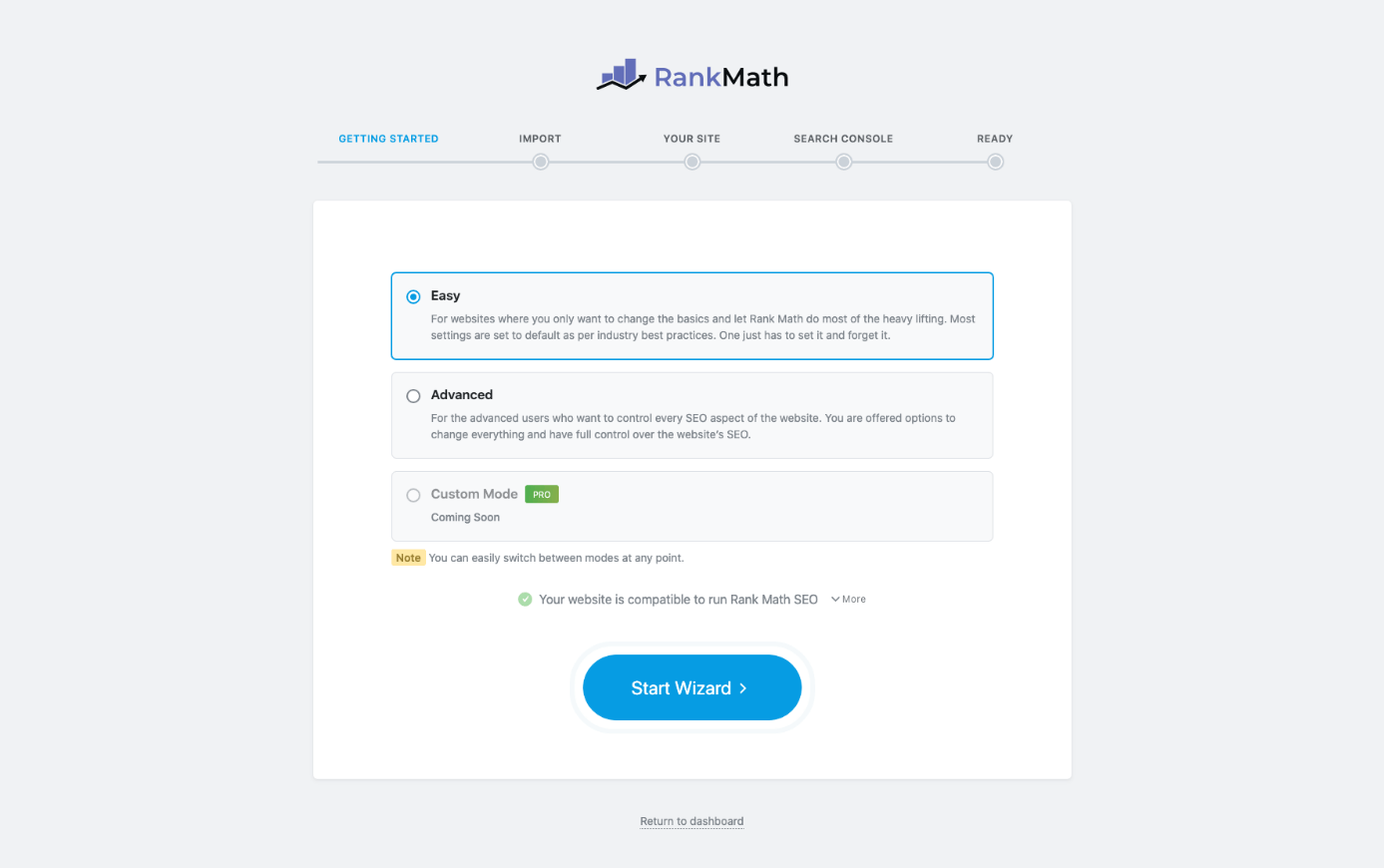
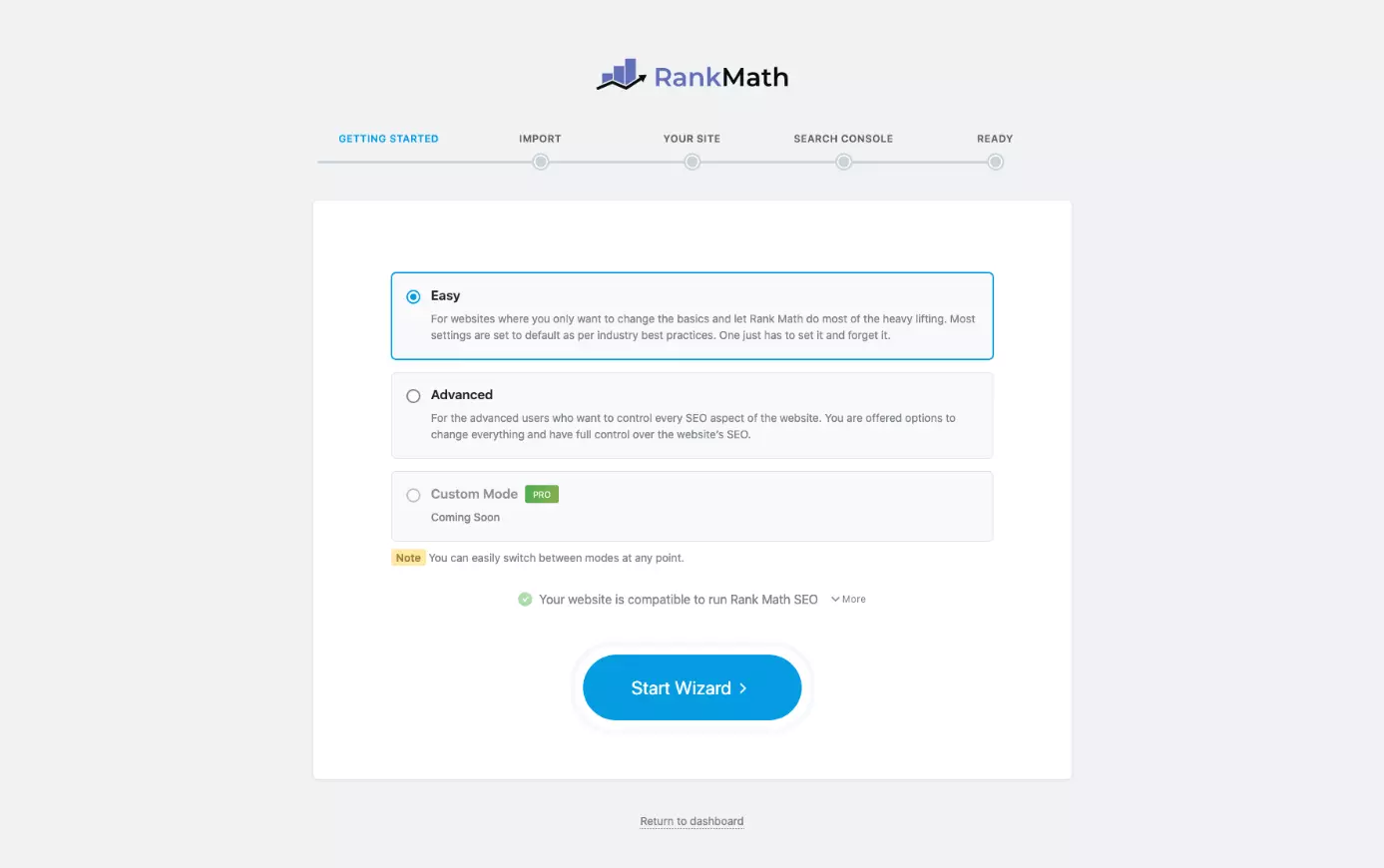
If you’re switching from Yoast SEO to Rank Math, it’s worth noting that Rank Math lets you seamlessly import all of your Yoast settings.
Keyword analysis
In terms of user interface design, the Rank Math keyword analysis is very similar to that of Yoast SEO. However, in Rank Math you can enter several keywords and as many synonyms as you like.
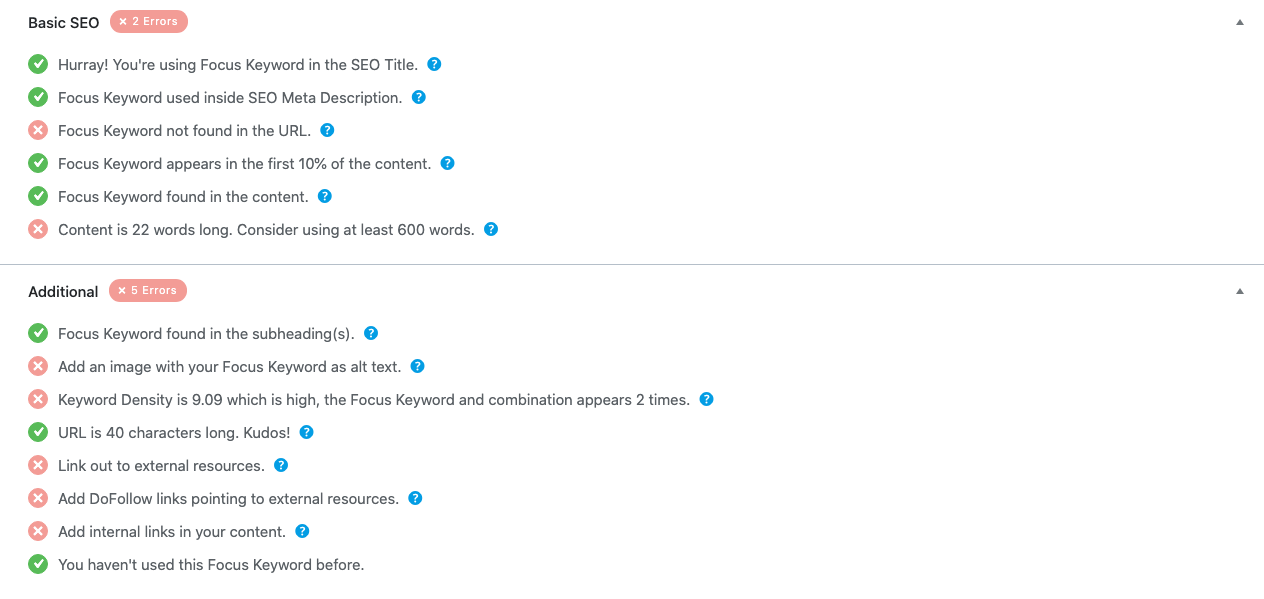
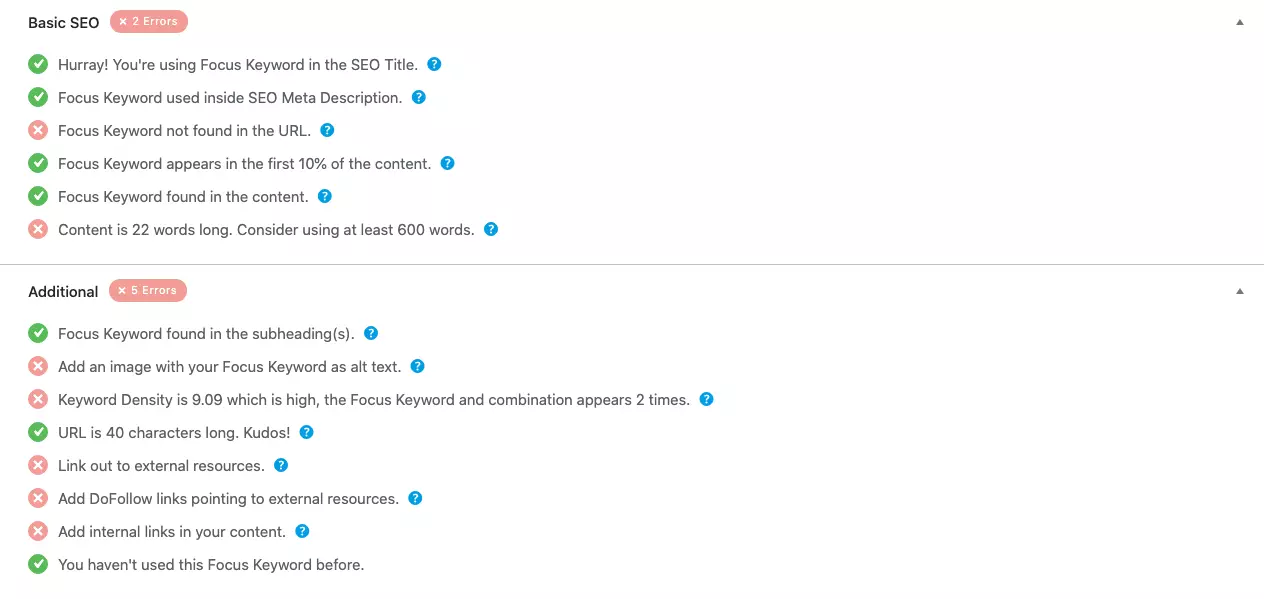
The only fly in the ointment is that the readability analysis feature is not quite as sophisticated as in Yoast SEO. It does still give you guidance on how to optimize each page though, and when you look at the product as a whole, the free version of Rank Math offers more settings than its competitor – even if you pay for the premium version of Yoast SEO.
Other functions in Rank Math
- Bulk editing and page-level editing of meta titles and descriptions
- Index status configuration options
- XML sitemap
- Integration of the Google Search Console
- Editable robots.txt and .htaccess files
- Breadcrumbs
- Canonical URL
- Customizable robots meta tags
- 404 monitor
- Redirect manager
- Previews for Facebook and Twitter
- Linked with various webmaster tools (Google, Bing, Baidu, Alexa, etc.)
Rank Math: Overview of advantages and disadvantages
| Advantages | Disadvantages |
|---|---|
| Lightweight WordPress SEO plug-in | Less sophisticated readability analysis compared to Yoast |
| More functions than any other free WordPress SEO plug-in | |
| User-friendly interface and intuitive feel |
All in One SEO Pack
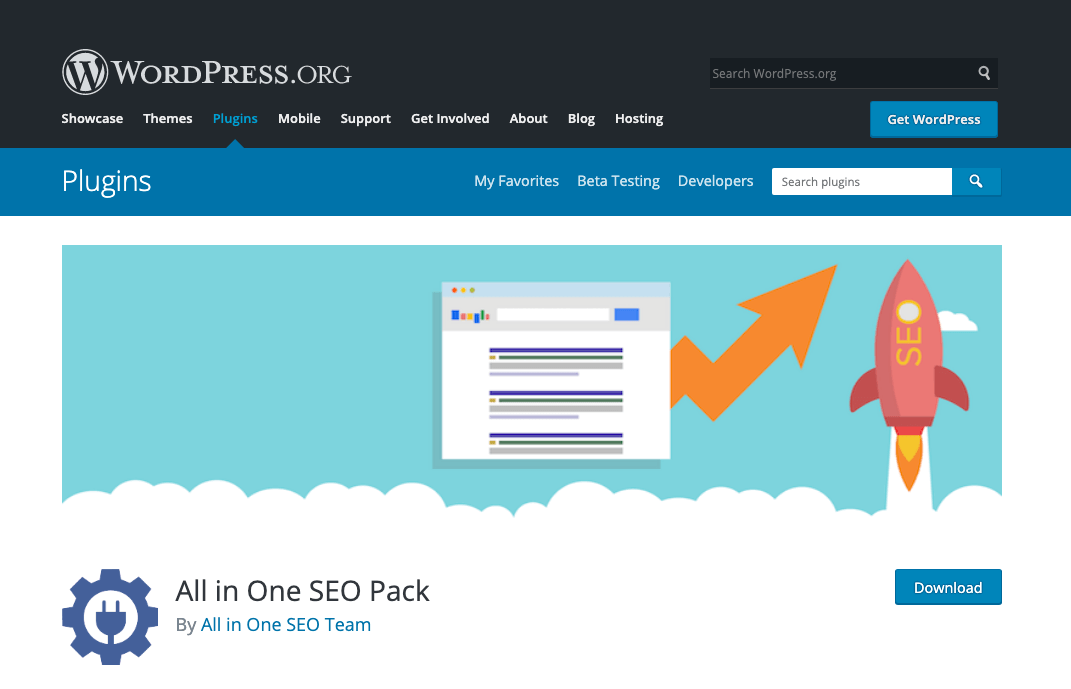
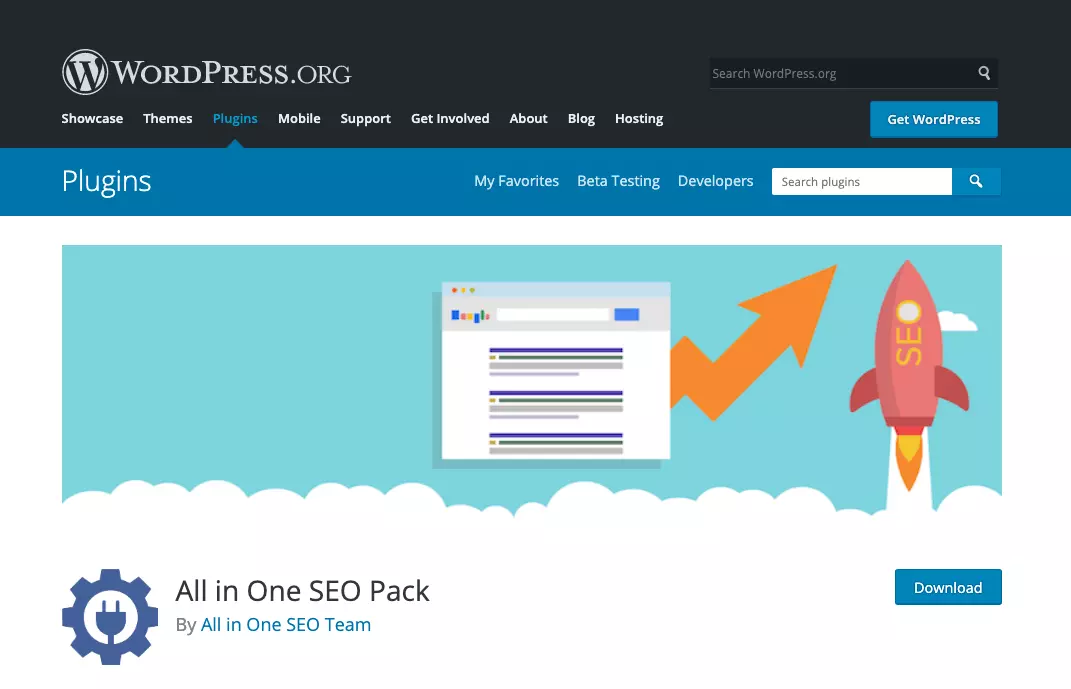
All in One SEO Pack is a lightweight plug-in for WordPress but still offers most of the essential functions. The real strengths of this plug-in lie in its social media functions and the fact that it allows users more flexibility for editing the XML sitemap settings. If you don’t need a keyword or readability analysis, All in One SEO Pack is the right choice for you.
Main features of the All in One SEO Pack
- Bulk editing and page-level editing of meta titles and descriptions
- Option to edit the indexing status in bulk or for specific pages
- Integration with webmaster tools
- Simple connection with Google Analytics
- Canonical URL
- Customizable robots meta tags
- XML sitemap with options to configure priorities and frequencies
- Social media functions
All in One SEO Pack: overview of advantages and disadvantages
| Advantages | Disadvantages |
|---|---|
| Lightweight WordPress SEO plug-in | No readability analysis |
| Ability to configure priorities and frequencies for web pages in the XML sitemap | No keyword analysis |
| Social media functions |
A side-by-side comparison of the key functions of the three WordPress SEO plug-ins
| Function | Yoast SEO | Rank Math | All in One SEO Pack |
|---|---|---|---|
| Customizable meta title and description | Yes | Yes | Yes |
| Global and page-level indexing settings | Yes | Yes | Yes |
| Canonical URL & robots meta tags | Yes | Yes | Yes |
| Keyword analysis | Yes | Yes | No |
| Multiple keywords and synonyms | Premium version only | Yes | – |
| Readability analysis | Yes | Yes, but limited | No |
| XML sitemap | Yes | Yes | Yes |
| Frequency/priority settings for the XML sitemap | No | No | Yes |
| Social media previews | Premium version only | Yes | Yes |
| Integration with webmaster tools | Yes | Yes | Yes |
| 404 monitor | No | Yes | No |
| Redirect manager | Premium version only | Yes | No |
The IONOS Hosting for WordPress solutions offer comprehensive support for creating and maintaining your own WordPress website.
Author

Sebastian Mews
Sebastian Mews is an experienced SEO expert with over 15 years of professional experience. Since March 2022, he has been Head of SEO at IONOS, a leading provider of web hosting and cloud services. In this role, Sebastian is responsible for optimizing the company's search engine performance and increasing its online visibility.
Reviewer

Julia Hertler
With over 18 years of experience in content marketing, Julia Hertler has deep expertise in digital communications. For the past 10 years, she has specialized in the areas of domains and hosting at the IONOS Digital Guide, making complex technical topics easy to understand.