

What is Nextcloud Workspace and how does it work?

Nextcloud Workspace is a comprehensive platform for digital collaboration that lets you bring files, communication, and organization together in one place. It enables companies and teams to work together efficiently and is a data‑protection‑compliant alternative to cloud services like Microsoft 365 or Google Workspace.
What is Nextcloud Workspace?
Nextcloud Workspace is a collaboration tool based on Nextcloud, which combines various modules into a central platform. It allows you to store, edit, and share files, coordinate appointments, manage emails, plan tasks, and communicate in real time. All functions are accessible through a unified user interface, eliminating the need to switch between applications.
In contrast to traditional cloud services, Nextcloud Workspace can be tailored to your needs and hosted by a trusted provider, ensuring that all data remains under your control. It can also be hosted on your own infrastructure.
As an open-source system, it allows companies to activate features as needed, manage user permissions, and integrate their own workflows.
Which modules does Nextcloud Workspace include?
Nextcloud Workspace consists of several functional areas that cover different tasks in everyday work. This creates a flexible working environment that can be adapted to individual needs.
Files module
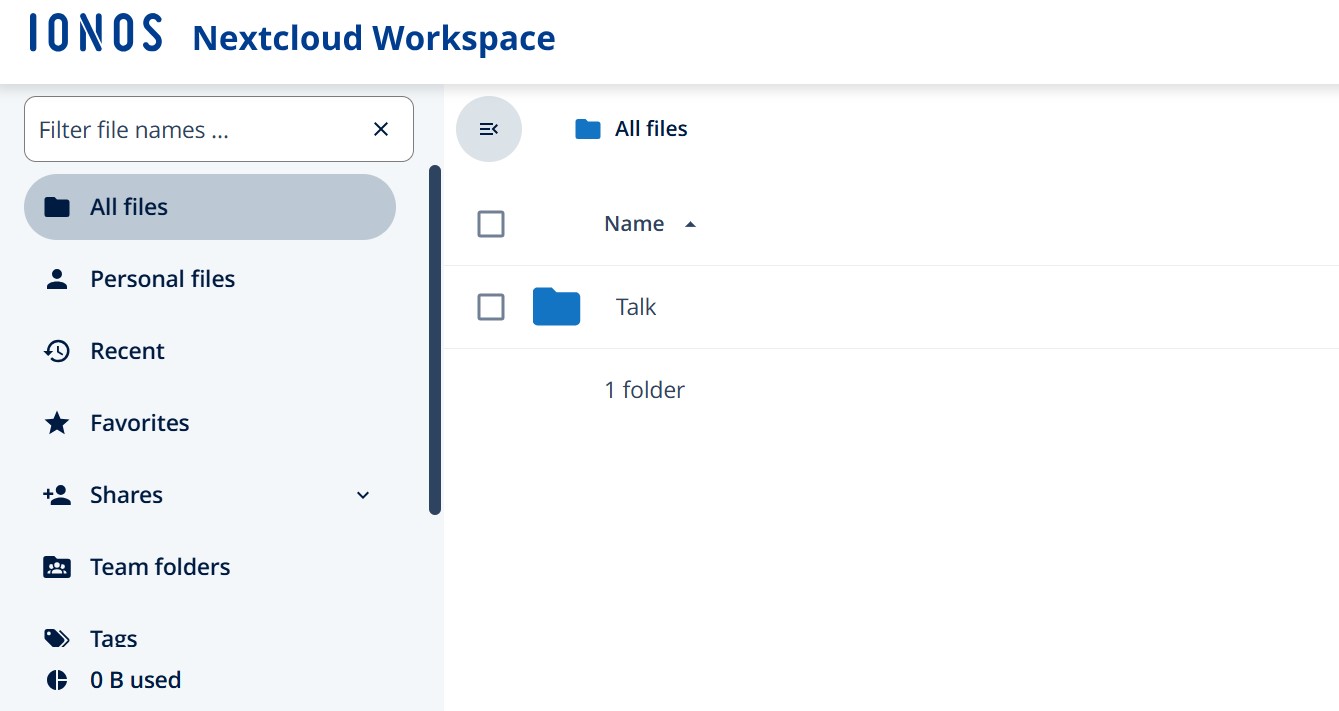
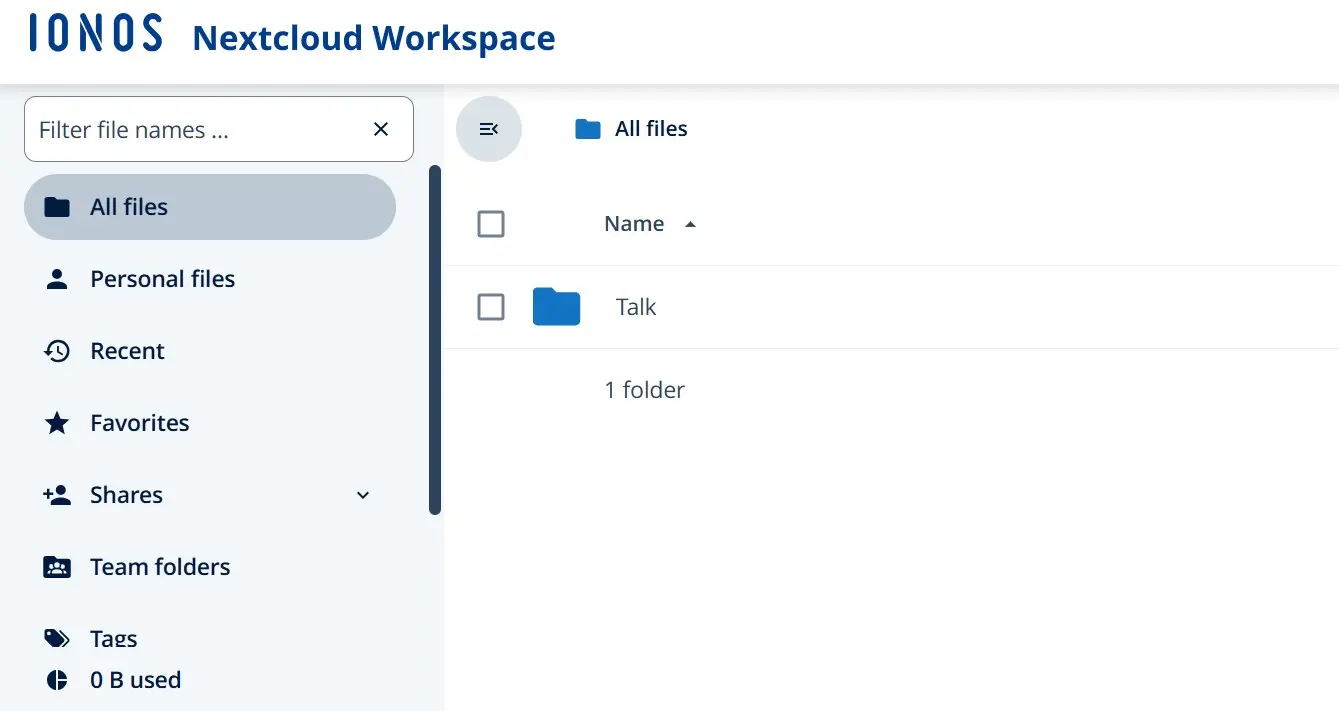
The Files module is the central component of Nextcloud Workspace. It allows users to store, sync, and share files across different devices. Users can organize folder structures, manage sharing settings, and share documents with external partners. Granular permission controls ensure that only authorized users can access the files.
With Nextcloud File Sync, files are automatically synchronized between local devices and the cloud server, allowing users to access the latest version of their data at any time and from any device. Nextcloud Share enables secure file and folder sharing either internally through user accounts or externally via password-protected links.
Nextcloud File Drop, which includes integrated end-to-end encryption, allows sensitive files to be uploaded securely to a folder using a dedicated upload link. Files are encrypted on the client side so that only the sender and recipient can read them, while the server cannot access the contents.
Features such as versioning and comment fields support collaboration. Integration with office tools and groupware also allows documents to be edited directly within Nextcloud Workspace.
Groupware module
The Groupware module brings together several Nextcloud apps that help organize and coordinate workflows:
- Nextcloud Mail lets you manage emails directly within Nextcloud Workspace, including IMAP integration and shared mailboxes.
- Nextcloud Calendar supports team scheduling and shared calendars.
- Nextcloud Contacts provides centralized address book management for teams.
- Nextcloud Deck offers a flexible Kanban board for task planning and agile collaboration.
Because these apps are tightly integrated, they simplify the coordination of projects, meetings, and team tasks.
The module is further extended by Nextcloud Notes, an app for creating and organizing notes. It can be used to capture ideas, meeting summaries, or task lists directly in the browser or through the mobile app. Notes are automatically synchronized and can be structured using tags and search functions.
Another useful addition is Nextcloud Forms, which allows users to create surveys, questionnaires, and forms. This makes it easy to collect feedback from teams, run internal votes, or gather information in a structured format.
Talk module
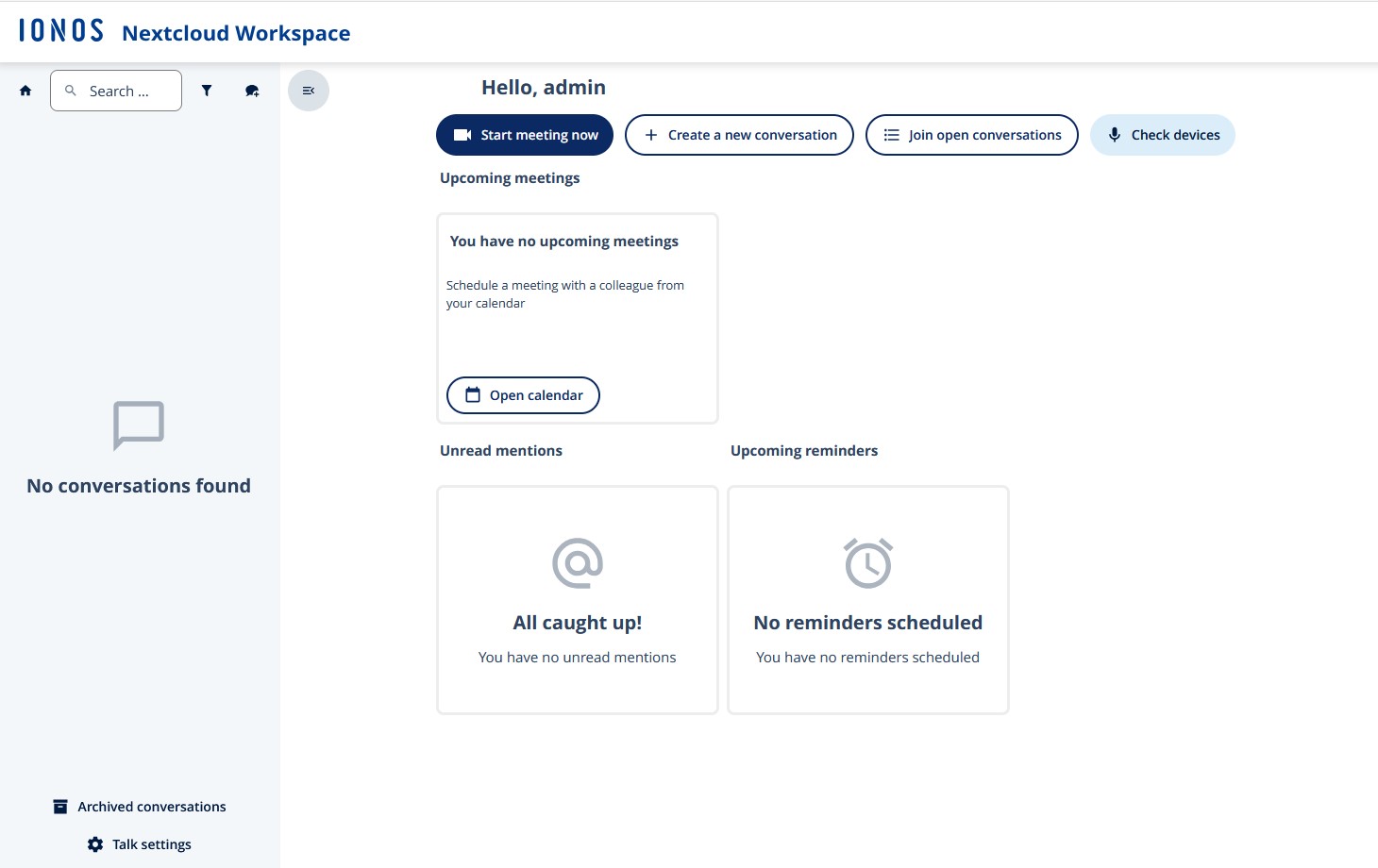
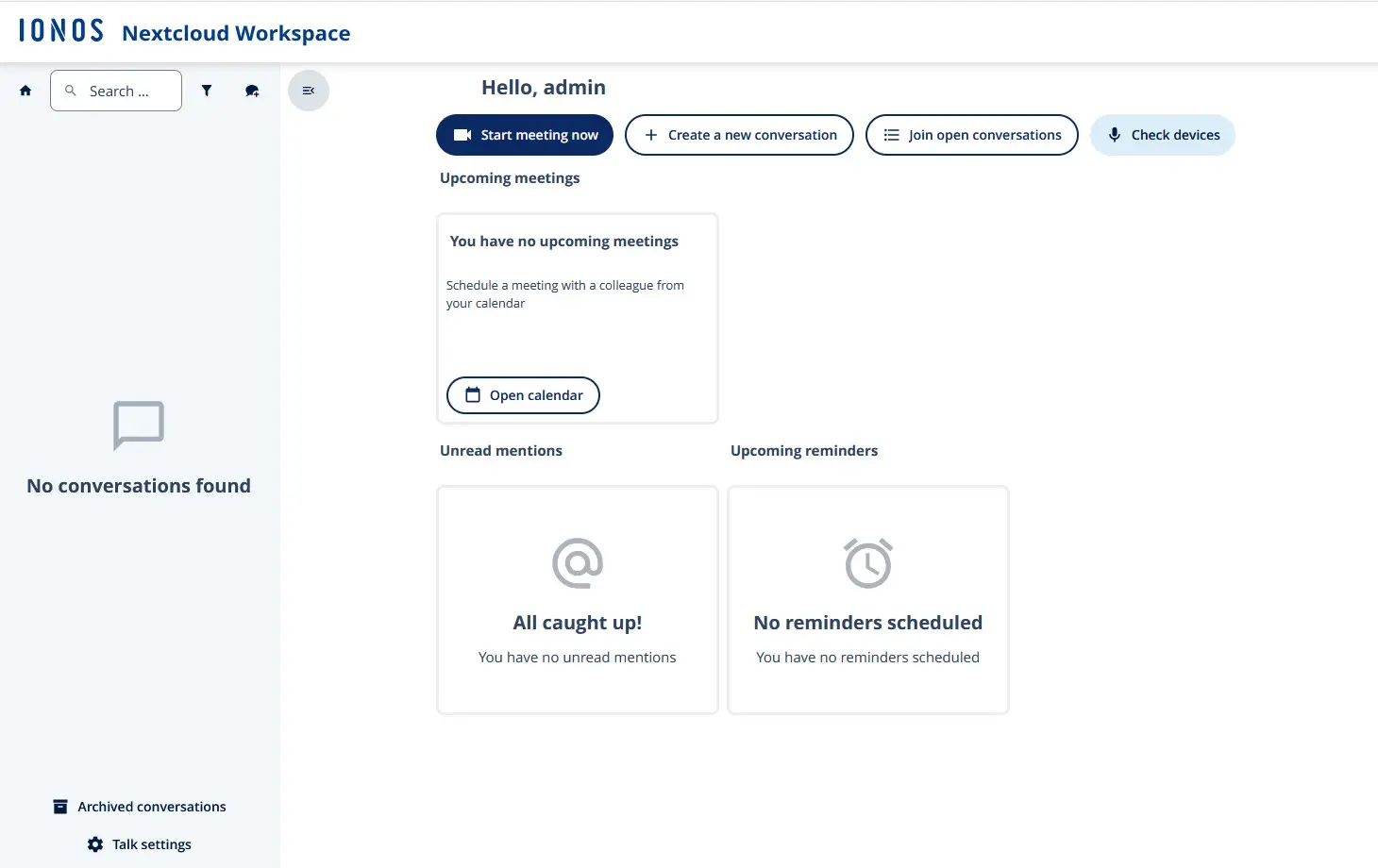
Nextcloud Talk is the built-in communication platform for chat as well as audio and video meetings. It enables secure real-time communication within a company without relying on external services such as Zoom or Teams.
Talk supports group rooms, screen sharing, guest access, and end-to-end encryption for calls, whether used through the client or directly in the browser. Because it integrates with Files and Office, teams can also collaborate on documents in real time during conversations, creating a smooth workflow in Nextcloud Workspace.
Office module
The Nextcloud Office module enables real-time collaborative editing of text documents, spreadsheets, and presentations directly in the browser. Multiple users can work on the same document simultaneously using a WYSIWYG editor, track changes, and add comments. This means documents no longer need to be sent as email attachments.
Nextcloud Office supports transparent and efficient collaboration and includes several apps with features similar to traditional office suites:
- Nextcloud Write: An online text editor that allows teams to create and edit documents together.
- Nextcloud Spreadsheet: A browser-based spreadsheet tool for collaborative work with tables and data.
- Nextcloud Present: A presentation app for creating, editing, and presenting slides collaboratively.
- Nextcloud Draw: A drawing and diagram tool for collaboratively creating sketches, flowcharts, and visual notes.
Assistant module
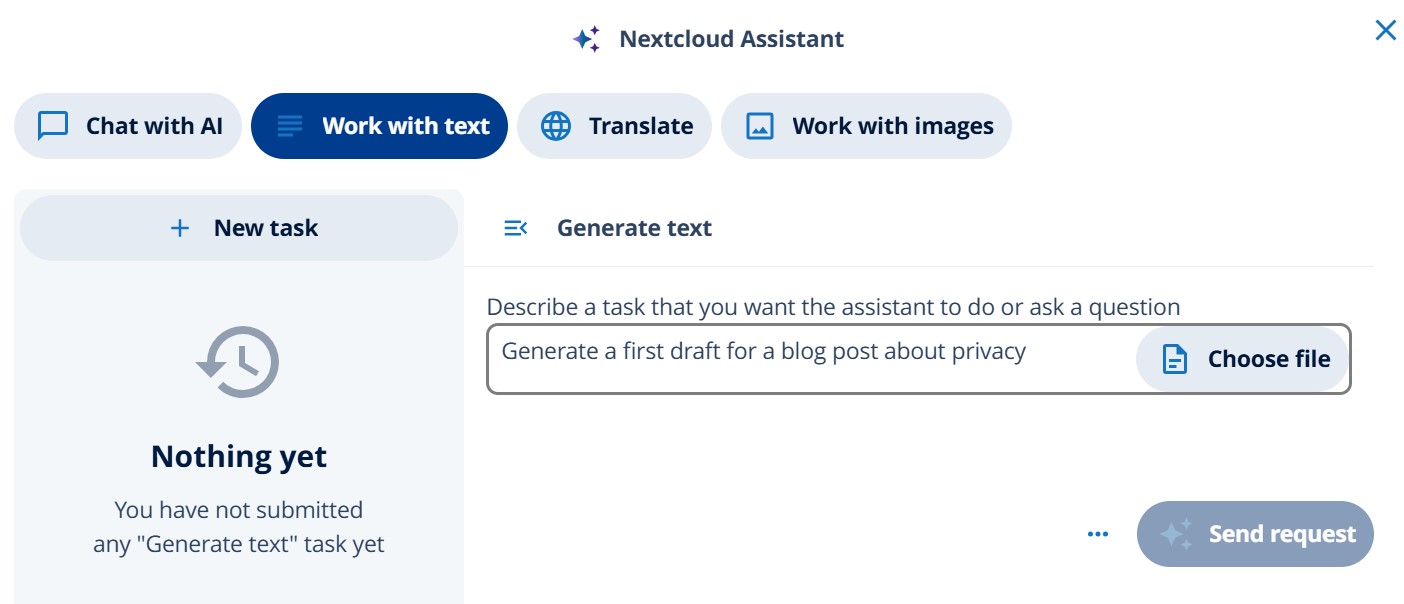
The Assistant module in Nextcloud Workspace uses artificial intelligence to streamline everyday work processes. It can summarize texts, generate content, suggest relevant information through intelligent search, and help organize or analyze information more quickly. The AI assistant is also integrated into various Nextcloud apps such as Chat, Mail, and Files, where it can provide context-based suggestions and responses.
The assistant supports several locally hosted Large Language Models (LLMs). This allows organizations to benefit from modern AI capabilities while maintaining full data protection. All processing takes place within the organization’s own infrastructure, so sensitive information is not shared with third parties.
Flow module
The Nextcloud Flow module expands Nextcloud Workspace with automation capabilities. With Flow, recurring processes can run automatically, such as notifications, file actions, or sharing workflows. It follows an intuitive “if–then” logic, allowing even users without programming knowledge to create automated workflows.
For developers, Nextcloud provides a comprehensive API that makes it possible to integrate external applications and custom scripts. This allows companies to connect Nextcloud with existing systems and implement tailored workflows. With Windmill, there is also a platform for building code-based automations and linking them with Nextcloud.
Another useful tool is Nextcloud Tables, which supports structured data collection and organization. Similar to a lightweight database, Tables makes it possible to capture, filter, and visualize information directly within Nextcloud.
What are the advantages of Nextcloud Workspace?
Nextcloud Workspace offers a wide range of benefits for companies and organizations that prioritize security, flexibility, and independence. One of its main advantages is full control over data, since all information remains on your own servers or with trusted hosting providers that meet strict data privacy and security standards.
Because the platform brings multiple tools together in one environment, there is no need to switch between different applications. Files, emails, calendars, and chats are centrally connected, helping teams save time and streamline workflows. As an open-source solution, Nextcloud is transparent, customizable, and does not require per-user license fees. Companies can add their own branding, automate workflows, and centrally manage security policies.
Additional advantages include a scalable architecture that works for both small teams and large enterprises, as well as an active community that continuously develops new features. Nextcloud Workspace also stands out with a strong security framework, including end-to-end encryption, two-factor authentication, and comprehensive audit logs.
Who is Nextcloud Workspace designed for?
Nextcloud Workspace is highly versatile and is aimed at companies, educational institutions, public authorities, and organizations that want to collaborate efficiently while protecting data privacy. Thanks to its modular structure, the platform can be adapted to a wide range of requirements.
Companies and organizations
For companies, Nextcloud Workspace provides a secure, central platform for internal communication, document management, and project work. Teams can collaborate from any location without relying on external cloud services. Nextcloud is the ideal solution, especially for businesses with strict data protection requirements, thanks to its independence from cloud providers.
Educational institutions
Schools, colleges, and universities use Nextcloud Workspace to share learning materials, organize courses, and support virtual classrooms. Instructors and students benefit from easy-to-use tools and a secure environment for managing educational data.
Public administration
Government agencies and public institutions also use Nextcloud Workspace to securely store confidential data and strengthen digital collaboration across departments. With self-hosting or trusted partner hosting options, organizations retain full control over sensitive information.
IT service providers and agencies
Agencies and IT service providers use Nextcloud Workspace to manage client projects, exchange files, and centralize communication channels. By integrating external users, workflows can be organized efficiently while maintaining strong security.