

What are the benefits of automating customer service?

Automating customer service helps companies reduce costs, improve efficiency, and deliver faster, more consistent support. With the right tools, routine tasks can be handled instantly—freeing up staff and improving the customer experience.
What does automating customer service actually mean?
Customers today expect fast, around-the-clock support. But rising service costs and staff shortages make that hard to deliver. That’s where automation comes in. By using AI tools, companies can handle repetitive inquiries automatically—reducing wait times and freeing up human agents to focus on more complex issues. This, in turn, improves employee satisfaction as well.
AI-based systems can answer common questions, route more complex requests to the right person, and flag urgent concerns. Customers get faster responses. Employees spend less time on repetitive tasks. And service becomes more scalable, consistent, and efficient.
- Live in under 5 minutes
- Works with your existing number
- Sounds natural and professional
Why is automating customer service now essential?
Support teams are stretched thin. Staff shortages, rising service volumes, and long waiting times drive up costs and frustrate customers. Automation and AI offer a way out.
With digital tools, companies can scale support without increasing headcount. AI handles repetitive tasks, cuts wait times and improves the customer experience. It also raises your first-contact resolution (FCR) rate, so more issues get solved on the first try. That means fewer follow-ups, more satisfied customers, and more time for your team to focus on complex cases. You stay flexible, use resources more strategically, and deliver consistent service—even during peak demand.
Where does customer service automation deliver the most value?
Before you start automating, take a close look at your current workflows. Which tasks slow things down? Which ones come up again and again? That’s where automation will have the biggest impact. The four core areas are self-service, text automation, voice automation, and process automation.
Self-service
Smart FAQs and knowledge bases help customers find answers on their own. Simple questions can be answered instantly, reducing both call volume and inbox clutter. Creating an FAQ page is quick and easy. You can also update it over time to improve quality and cover more use cases. Customers get answers immediately, which improves satisfaction levels. And your team receives fewer repetitive requests.
Text automation
Chatbots take care of routine questions on your website, social channels, and messaging apps. Powered by natural language processing, they understand what customers are asking—and deliver fast, context-aware answers. They also use machine learning to keep getting better. Over time, they spot patterns, learn new phrasing, and handle more advanced tasks—like booking appointments, not just checking store hours or a delivery status. In short, text automation cuts response times, improves availability, and scales easily—without adding to your staffing costs.
Voice automation
Voicebots and AI phone assistants handle incoming calls for you. They can answer basic questions, guide callers through menus, or route them to the right person. This lightens the load on call centers, shortens waiting times and improves the caller experience. Voice automation works especially well when call volumes are high or questions are repetitive.
Process automation (RPA)
Robotic process automation (RPA) streamlines internal tasks like ticket routing, assignment, and documentation. Requests are sorted and sent to the right person. This minimizes sources of error, saves time, and ensures they’re handled consistently. RPA combines all your support channels into a single platform, so your team can work quickly and efficiently.
- More efficient email management
- User-friendly interface that conserves time
- Integrated translation options
What are the benefits of automated customer service?
Automating customer service helps reduce costs while also ensuring round-the-clock availability—no matter how busy things get or how many agents are on shift. It handles requests faster and more consistently, which boosts your first-contact resolution (FCR) rate and cuts down on follow-ups.
With repetitive tasks out of the way, your team can focus on more complex issues where human expertise really matters. That improves both efficiency and service quality. Customers get answers right away, without being put on hold. Over time, your company benefits from lower operating costs, more satisfied customers, and a support team that can use its skills where they matter most.
Here is an overview of the key benefits:
✓ Lower customer service costs
✓ 24/7 availability
✓ Faster resolution times
✓ Less pressure on staff
✓ Higher employee satisfaction
How does the automation of customer service work with an AI phone assistant?
Phone support remains one of the toughest areas to manage. High call volumes, long wait times and inefficient routing frustrate customers and overload support teams. An AI phone assistant helps solve that. It answers routine questions, directs complex issues to the right contact, and helps keep call centers running smoothly—without long delays or overwhelmed agents.
Automation also ensures consistent answers, reduces errors and makes it easy to scale service in line with demand. During peak periods or seasonal spikes, AI takes the pressure off right away while also helping to maintain a high level of service. Operations stay lean, and customers still get the service they expect.
A real-world example using the IONOS AI Receptionist
The IONOS AI Receptionist is designed to automate call handling. It’s available 24/7, so it can answer calls even outside of business hours.
The assistant greets callers professionally, handles common questions, and depending on the plan can support appointment scheduling. A major advantage of the assistant is how scalable it is. It’s able to processes multiple calls simultaneously, so customers aren’t stuck waiting. After each call, it also sends a summary email, which helps teams stay on top of follow-ups.
Setup takes just a few minutes and doesn’t require deep technical knowledge:
- Connect the assistant to your website.
- Key information is pulled automatically.
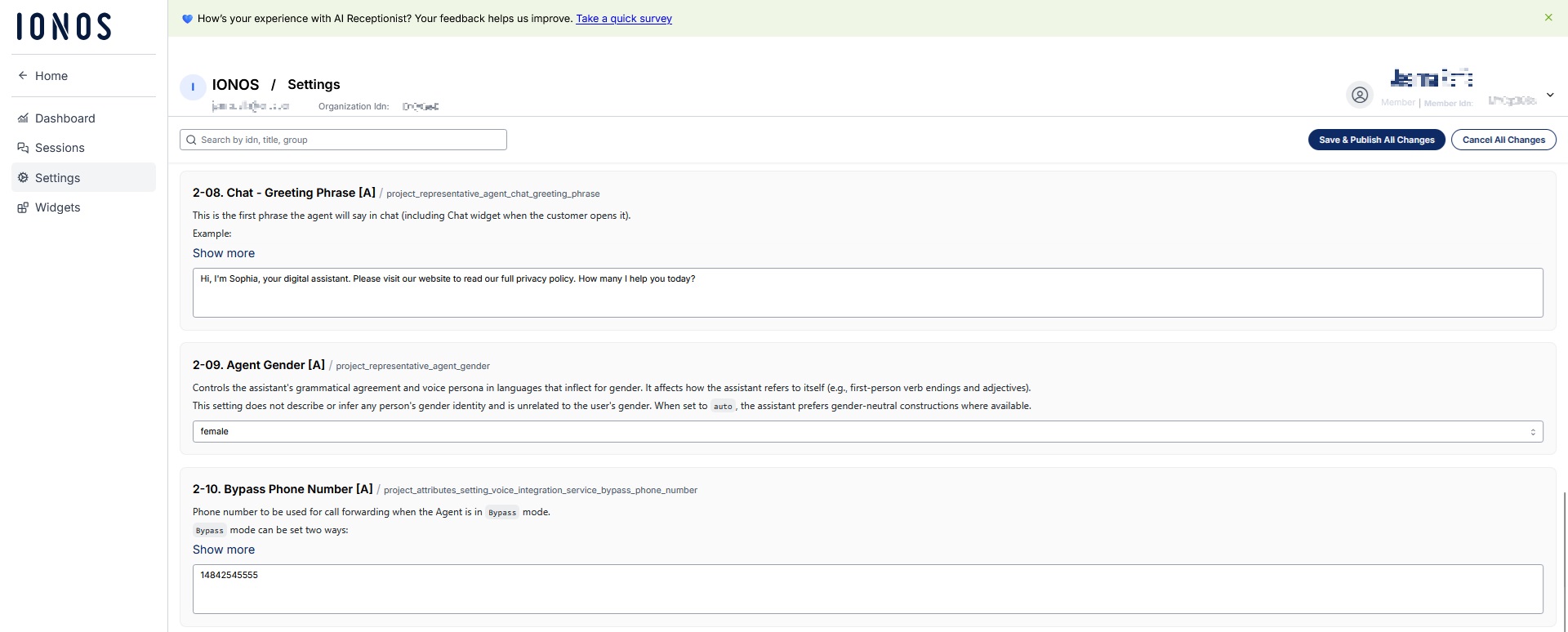
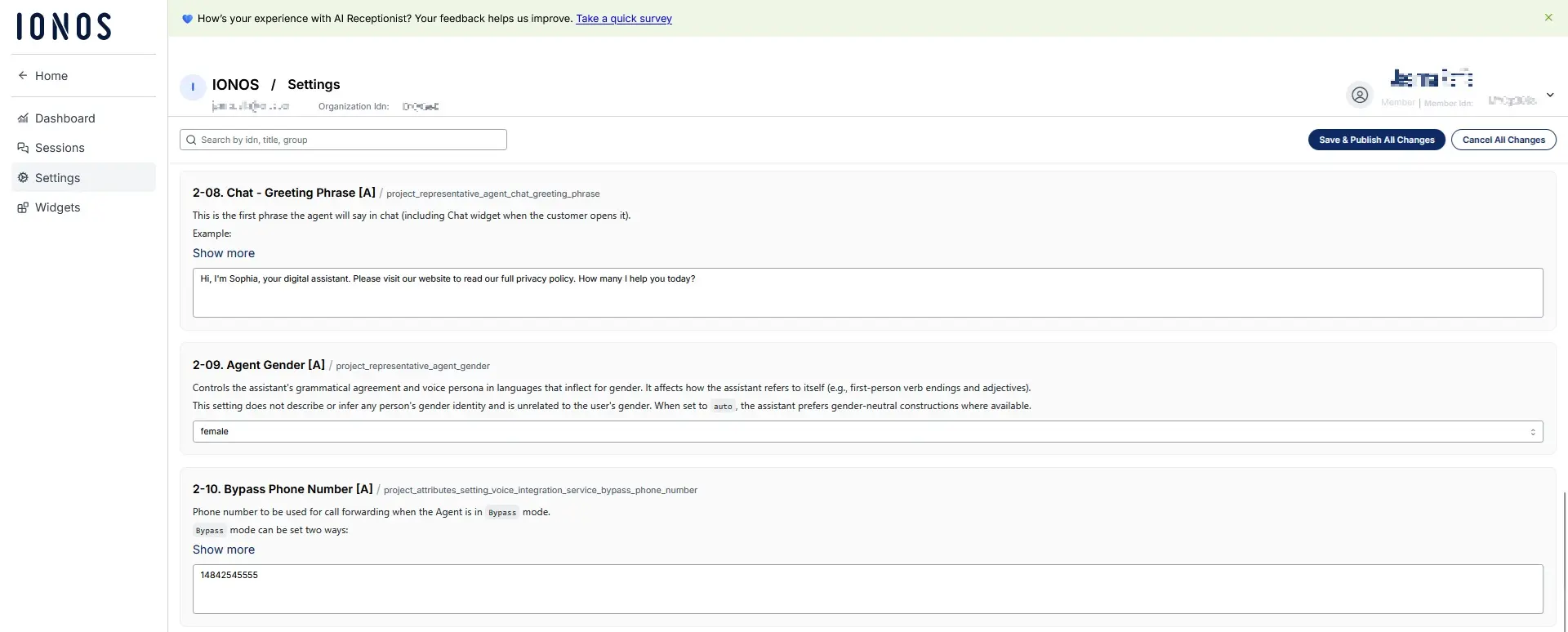
- Configure the assistant’s behavior to suit your needs: choose which questions it should ask, how to route calls to human agents, and what responses it’s allowed to give.
Since the assistant runs without additional infrastructure, the costs are lower than traditional call centers.
- Live in under 5 minutes
- Works with your existing number
- Sounds natural and professional
What are the three biggest mistakes in customer service automation?
Customer service automation only works if it’s done right. If key principles are overlooked, it can easily backfire. The three most common mistakes include a lack of transparency, unrealistic expectations, and no clear handoff to a human agent.
Mistake 1: Hiding that it’s a bot
Customers should always know whether they’re speaking to a bot or a person. If that’s not clear, frustration sets in fast—especially when the system doesn’t deliver the answer they expected. Labeling AI clearly builds trust and helps manage expectations. It also shows you’re being open about how your service works. Companies that are transparent about using AI are often seen as more customer-focused and responsible.
Mistake 2: Trying to automate everything at once
Trying to automate 100% of support right away almost never works. It overwhelms the system and disappoints customers. Start with clearly defined, repetitive requests—things that make up 70–80% of your call volume. Build from there. This gives your AI time to learn, helps avoid technical missteps and makes the rollout easier for your team.
Mistake 3: No smooth handoff to a human
AI can cope with a lot, but it can’t do everything. That’s why a smooth handoff to a live agent is so important for ensuring the customer has a positive experience. If the system can’t escalate properly, customers feel stuck, and that damages trust. A good handoff includes the full context of the conversation, so the customer doesn’t have to start over. That keeps your service fast and frustration-free—even when a human needs to take over.