

How can AI be used in a call center?

Artificial intelligence (AI) is changing how service and support teams handle phone calls. Used intentionally, AI can automate parts of phone support, reduce the burden on employees and improve key service metrics. So how can AI be used in a call center? Which use cases deliver the biggest impact? And which opportunities and risks should you plan for?
Where can AI be used in a call center?
A call center sits within a broader customer experience ecosystem, where companies connect with customers across a range of touchpoints. Within that ecosystem, phone support plays a distinct role, as calls often involve urgent issues, complex explanations or matters of a sensitive or personal nature. For that reason, AI in a call center focuses primarily on phone interactions, including inbound and outbound calls.
AI can be used across several parts of the call center to reduce pressure on phone support and keep call handling running smoothly. AI works particularly well in call centers with high call volumes, recurring requests and time-sensitive inquiries. Common use cases include:
- Automated first contact: AI-powered phone assistants can answer calls, gather key details from callers and handle simple requests right away. This shortens hold times and allows agents to focus on more complex or consultation-heavy cases.
- Intelligent call routing: Based on what the caller says, how urgent the issue is and any available context, the system can determine which team or agent is best suited to handle the case. This helps reduce the number of misrouted calls and increases the chance of resolving the issue on the first contact.
- In-call support: During a live call, call center AI can pull up relevant knowledge base entries, highlight relevant details and make after-call work easier by generating automatic summaries. This frees up agents and helps ensure customers get more consistent answers.
- Analytics and quality assurance: AI can analyze call data to identify recurring issues, common request patterns and quality gaps. Teams can use these insights to improve workflows, refine their training programs and optimize day-to-day processes over time.
- Live in under 5 minutes
- Works with your existing number
- Sounds natural and professional
What benefits do companies gain from using AI in an call center?
When used intentionally, AI in the call center improves multiple performance indicators at once. The biggest gains usually show up in efficiency, service quality and cost structure.
Faster handling of service requests
Automated first contact, pre-qualification and in-call support help reduce handling times. Average handle time (AHT) and first response time (FRT) often drop because callers get help sooner and calls follow a clearer, more predictable flow.
Higher first-contact resolution
Smarter routing and real-time agent support increase the likelihood that issues are resolved during the first conversation. A higher first contact resolution (FCR) rate reduces repeat calls and frees up capacity across the call center.
Improved customer satisfaction
Shorter wait times, easier access to support and more consistent responses improve the experience for callers. These improvements often show up later in metrics like customer satisfaction (CSAT) or Net Promoter Score (NPS).
Lower costs and more efficient processes
Customer service automation reduces manual work and helps teams handle more calls with the same staff. This lowers operating costs and makes it easier to scale as call volume grows.
What challenges and risks should you consider when using AI in a call center?
AI can deliver real benefits in a call center, but it also comes with legal as well as organizational challenges. To use AI successfully, businesses need to consider these risks from the very beginning.
Data privacy and compliance
Call recordings and audio data often contain personal information and are subject to data protection and privacy laws. Businesses must clearly inform callers when AI is used and when calls are recorded or analyzed. Depending on the jurisdiction, this may require explicit consent, especially for call recording or advanced analysis. For example, states such as California have strict privacy and consent rules under laws like the California Consumer Privacy Act (CCPA).
Call data should also be properly secured, used only for defined purposes and retained only as long as necessary. In more advanced cases, such as large-scale speech or sentiment analysis of speech or sentiment data, companies may also need to assess privacy risks and document how they address them.
Risk of errors and the need for human oversight
Outdated or poorly organized data can cause AI tools to give incorrect or incomplete answers. To avoid this, AI use cases need clear limits, content must be kept up to date, and critical decisions should not be automated end to end. In practice, AI works best as a support tool. It can assist agents during calls, but humans should always have the final say.
Employee acceptance
AI is changing how work in a call center is done, and how roles are defined. If teams aren’t involved early on and trained properly, people are more likely to push back or feel unsure about the change. Teams are much more willing to embrace AI when it clearly supports their work. This is especially true when AI takes over routine tasks and makes day-to-day work significantly easier.
Edge cases that require human expertise
Not every request can or should be automated. Emotionally charged conversations, legally sensitive topics and particularly complex issues still require human judgment and empathy. AI systems should be able to recognize these situations and hand the call over to an agent at the right time, ideally with a clear summary of what has already been discussed.
Which AI technologies can you use in a call center?
AI in call centers combines different tools depending on the use case. These tools help call centers understand spoken requests, handle calls more effectively and support agents where it makes sense.
- Natural language processing (NLP) and natural language understanding (NLU): NLP) and NLU allow systems to recognize what callers say, understand their intent and sort requests by topic. That information is then used for automated first contact, intent detection and structured call routing.
- Speech-to-text and text-to-speech: Speech-to-text turns spoken language into text, so it can be analyzed, documented or passed on to other systems. Text-to-speech does the opposite by generating natural-sounding spoken responses. Both are essential for virtual phone assistants and for supporting agents during and after calls.
- Real-time sentiment analysis: Sentiment analysis looks at tone, word choice and how a conversation unfolds to gauge a caller’s mood. This information is used to flag escalation risks early or provide agents with the right kind of support.
- Virtual phone assistants and IVR automation: Virtual phone assistants and voice-based IVR systems can be used to answer calls, collect information and route callers to the right team. Compared to traditional IVR systems, AI-powered solutions let callers speak naturally instead of having to follow scripted prompts.
- Agent assist and knowledge base access: Agent assist tools provide agents with relevant information during a call, for example from knowledge bases or other internal systems. This helps speed up responses, reduce errors and keep answers consistent.
How do you successfully implement AI in a call center?
AI delivers value only when it is rolled out in clear, manageable stages. A phased rollout allows teams to introduce new technology without disrupting daily operations, while giving agents and systems time to adapt. A typical rollout involves the following steps:
1. Start with the right use cases: Focus on high-volume interactions with clear rules and limited risk, such as first-contact handling or initial call screening.
2. Prepare your data and knowledge base: AI relies on accurate, up-to-date information. Assign clear ownership, remove duplicates and structure content so systems always return the same answer.
3. Integrate with existing systems: Connect AI to CRM and ticketing tools so information collected during the call remains available and does not have to be re-entered when the call is transferred.
4. Pilot first and measure results: Start with a small-scale pilot to test assumptions and identify risks early. Define clear metrics upfront and review them regularly.
5. Involve and train employees: Inform agents before rollout and provide training before the system goes live. This helps position AI as a support tool and reduces uncertainty among employees.
6. Scale step by step and refine: After a successful pilot, the rollout can be expanded. Review call flows, rules, and processes regularly and adjust them as needed.
A real-word example: IONOS’s AI phone assistant
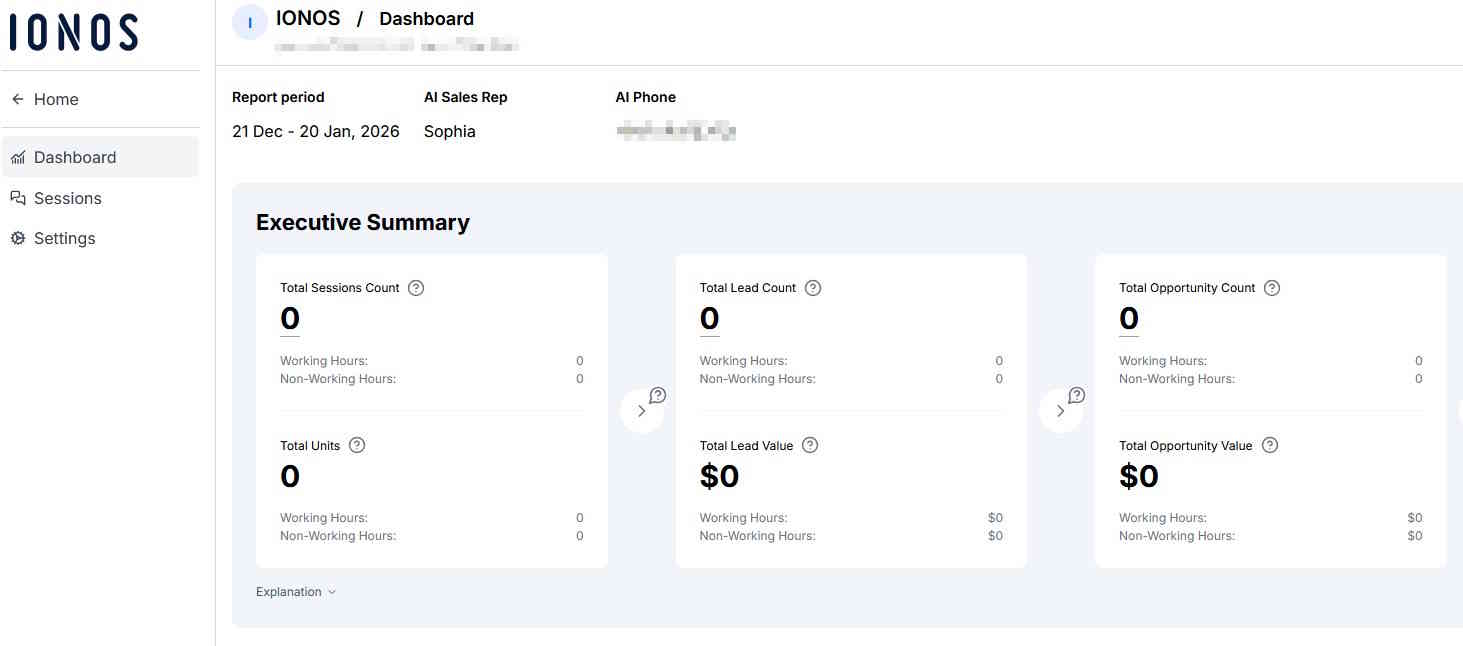
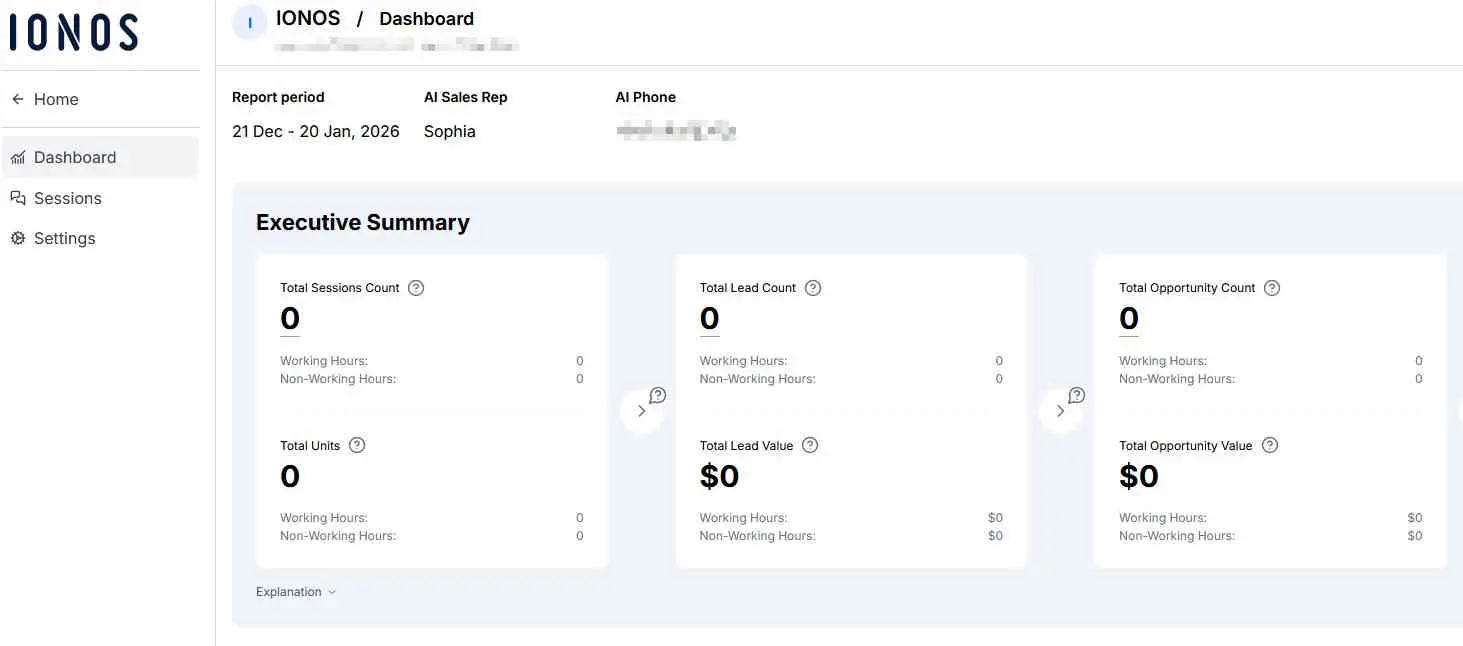
The IONOS AI phone assistant is designed for automated first contact for inbound calls. It helps relieve pressure on service teams and keeps phone lines open, even during busy periods.
It answers calls around the clock, takes down requests and handles simple issues. It can also schedule appointments and direct calls to the right team based on set rules. This helps cut down wait times and keeps services running smoothly, particularly outside business hours or during busy periods.
Setup is kept deliberately simple. Configuration is rule-based and does not require changes to existing systems. After each call, agents receive clear summaries, typically by email, allowing them to continue the conversation with all relevant details.
Data protection and security are also built into the assistant. Call data is handled in line with data protection requirements and clear limits are set for automation. When a request becomes complex, emotional or legally sensitive, the call is handed over to a human agent. As such, the assistant is designed to support agents, not replace them.
- Live in under 5 minutes
- Works with your existing number
- Sounds natural and professional
Which KPIs help you measure an AI call center’s success?
To measure AI success in a call center, it’s important to look at both operational performance and service quality. No single KPI tells the full story. The key is to compare several metrics over time.
Operational service metrics
-
Average handle time (AHT): Measures the average duration of a call. AI can help reduce AHT by screening requests in advance or supporting agents during a conversation.
-
First response time (FRT): Measures how quickly callers receive an initial response. Automated first contact can significantly reduce response times, especially during periods of high call volume.
-
First contact resolution (FCR): Indicates how many issues are resolved in the first interaction. Intelligent routing and agent-assist features typically improve this metric.
-
Service level: Describes the proportion of calls answered within a defined time frame. It represents a key indicator of service availability and is important for capacity planning.
Quality and satisfaction metrics
-
Customer satisfaction (CSAT): Measures satisfaction after an interaction. Improvements are often driven indirectly by shorter waiting times and more consistent answers.
-
Net Promoter Score (NPS): Measures how likely customers are to recommend a business and their overall perception of it over time.
-
Customer lifetime value (CLV): Represents the long-term value of customer relationships and indicates whether improved service processes are strengthening customer retention.
Retention and efficiency indicators
-
Churn rate: Indicates how many customers leave over a given period. A declining churn rate may suggest that service quality and ease of reach have improved over time.
-
Automation and escalation rates: Show how many requests are handled automatically and how often cases are escalated to human agents. The aim is to maintain a balance between the two.