Disabling anti-spam in Webmail
Valid for Mail Basic and Mail Business.
Disabling anti-spam is not recommended. To disable it anyway, complete the following:
Log in to Webmail.
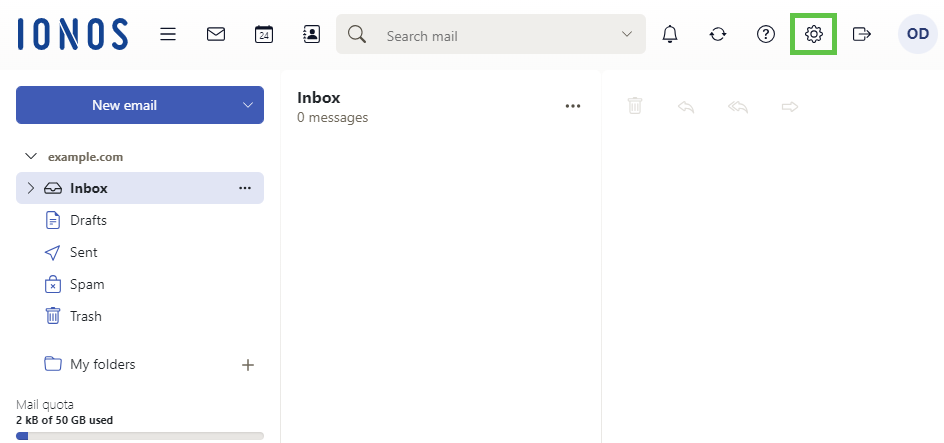
- In the main navigation bar, click on the gear icon in the top-right corner.
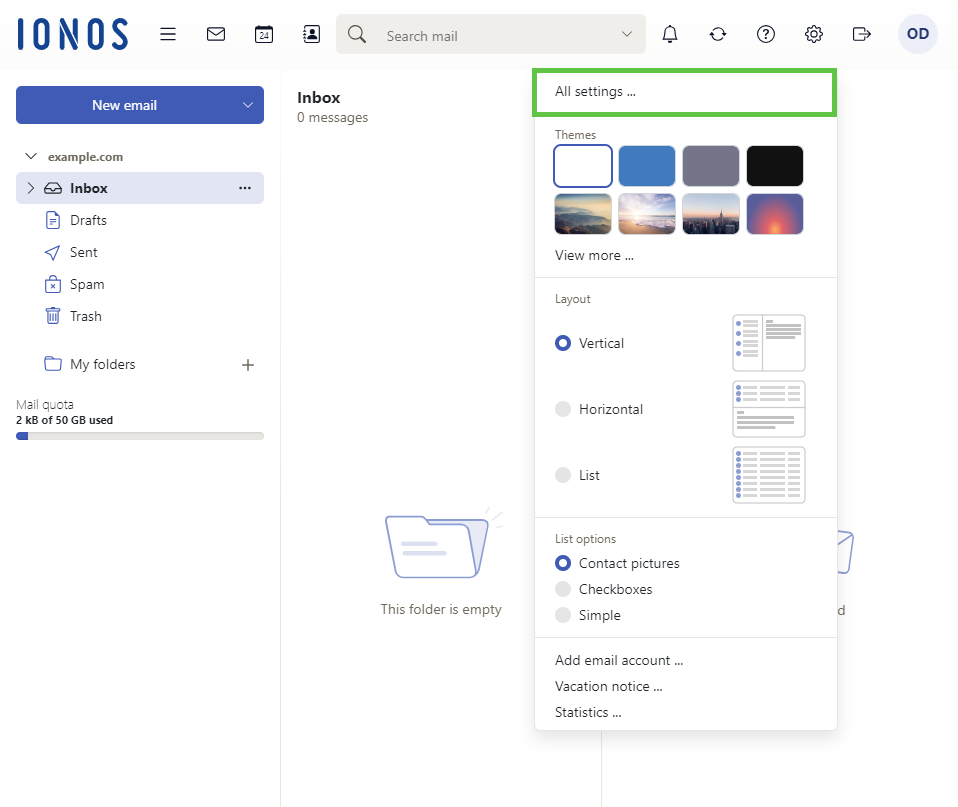
Click on All settings ...
- Click on Anti-SPAM in the navigation bar on the left.
Select the Off option in the Spam Protection section.