Creating a Mailing List
The option to create mailing lists is offered as a feature in some IONOS packages. These allow any member of the list to send a message to all other members without revealing their email address.
Please Note
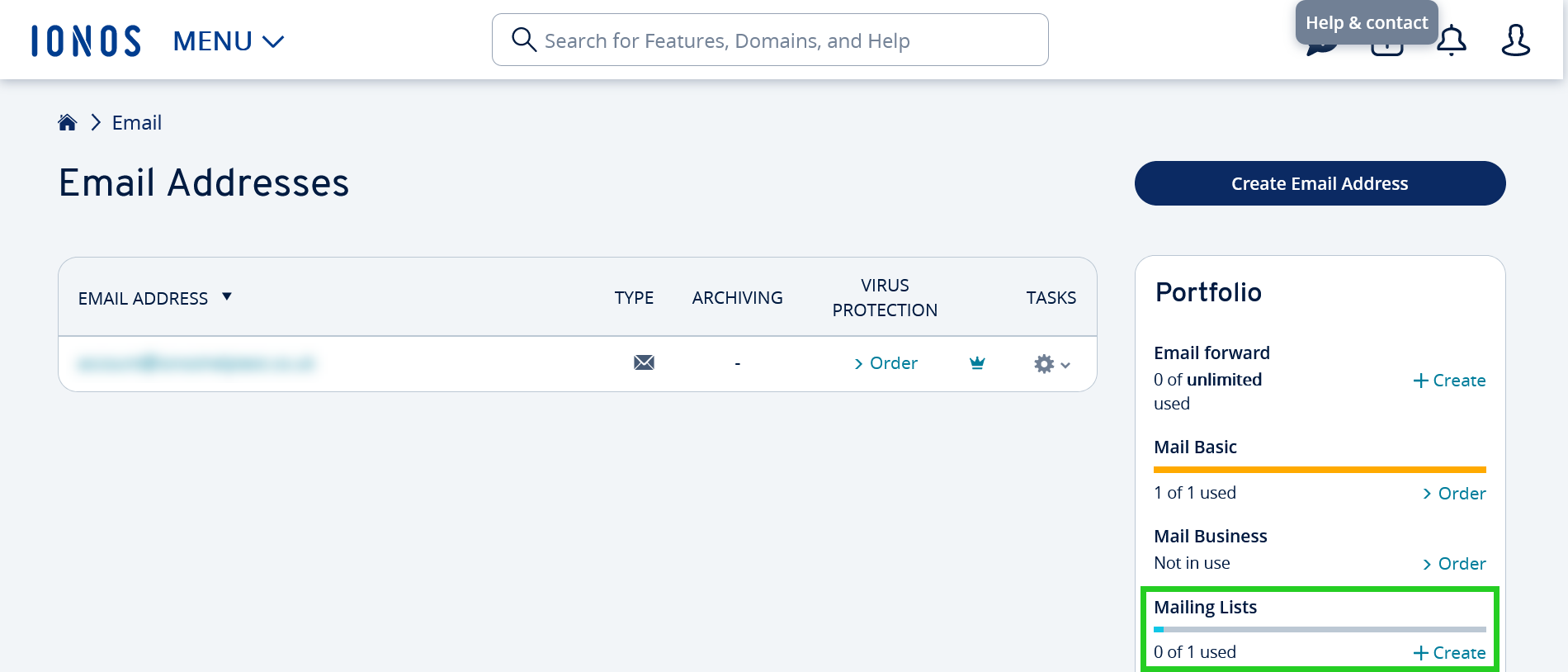
If you do not have a Create link for Mailing Lists as shown in Step 4, this feature is not included in your package.
- Log in to your IONOS account.
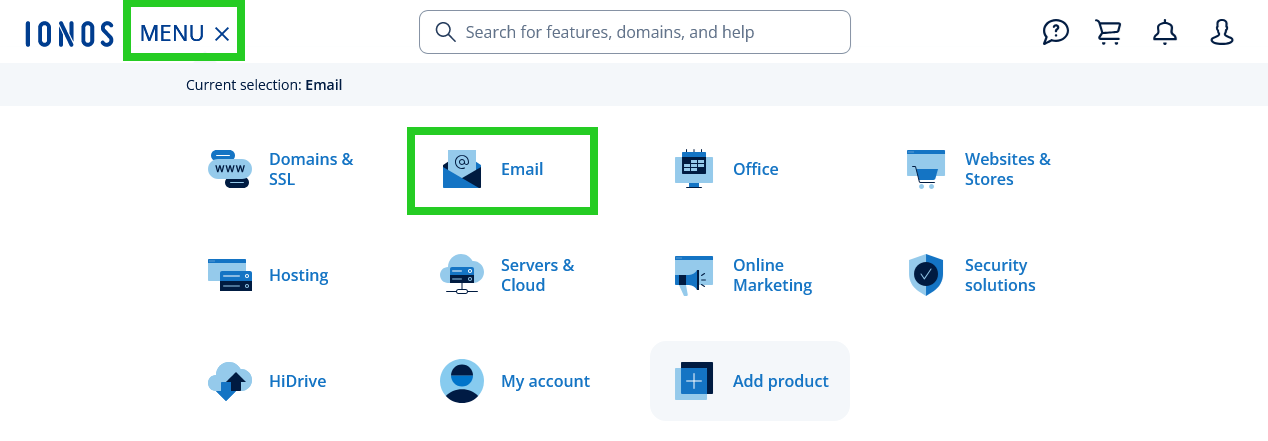
In the main navigation, click Menu in the top left corner and then click Email.
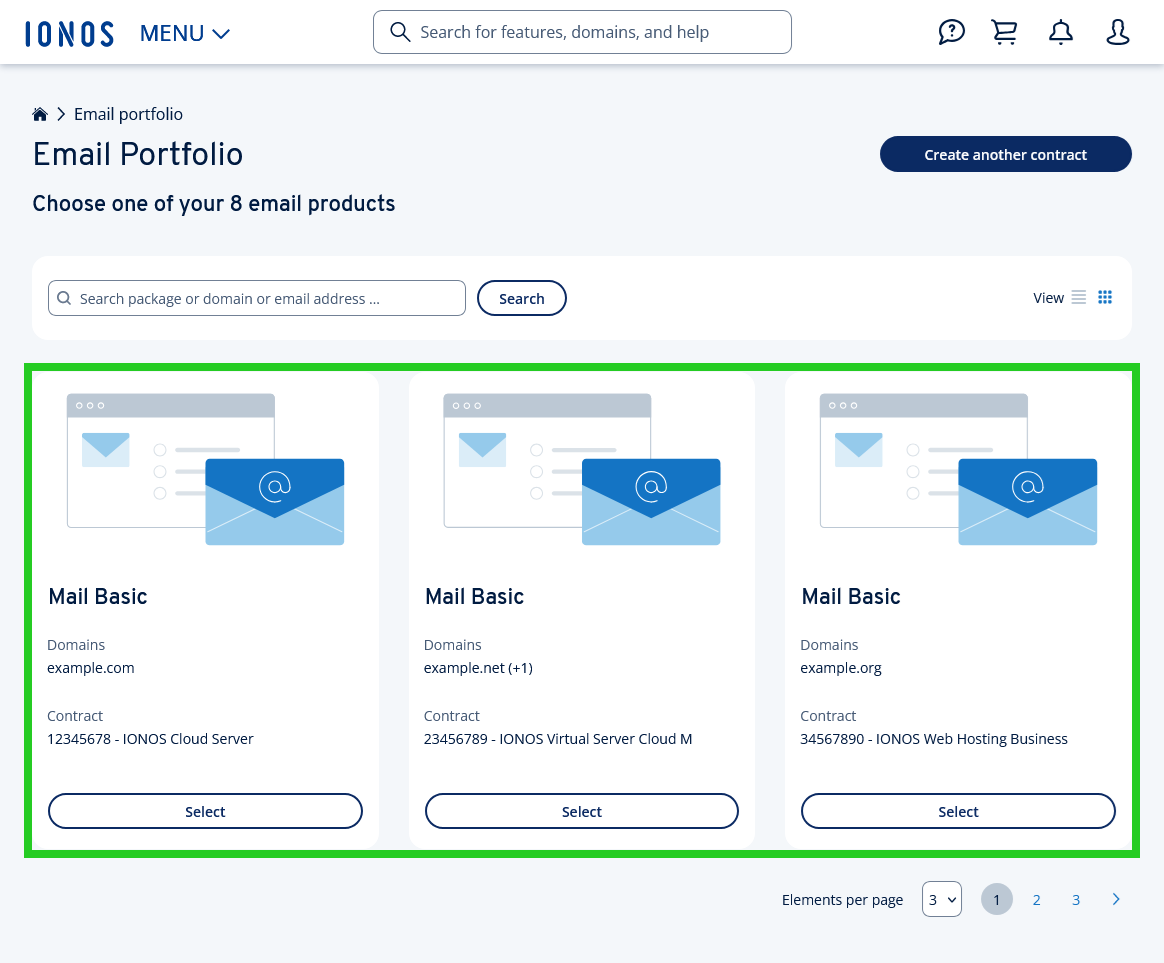
- If you have more than one email contract, select the contract in which you want to perform the desired action.
- Now click Create on the right side of the Portfolio tile under Mailing Lists.
- Here you can now make the settings for your mailing list:
Email address of the mailing list: Enter a new and previously unestablished email address for your new mailing list here.
Email address of the moderator: Enter the corresponding email address of the moderator. The moderator acts as the administrator of the mailing list.
Set the write permissions, approval settings, and language according to your preferences.
Write the welcome and unsubscribe messages.
- Finish the setup by clicking Save.
You have now created the mailing list and can begin using it right away.